
Choosing a mobile app analytics platform is less about flashy charts and more about answering practical questions: Which channels drive installs that retain, which features create stickiness, and where users drop off. The best tools make it easy to connect acquisition, product behavior, and monetization without turning every report into a custom project. This guide explains how the rankings were scored, what to look for before committing, and which options tend to fit common team setups. Use it to narrow the field, then validate data access, event governance, and pricing mechanics against your app’s volume and workflow needs.
Comparison table
| Rank | Tool | Best for | Standout feature | Pricing from | Free option | Rating |
|---|---|---|---|---|---|---|
| 1 | AdBid - Mobile App Analytics [1] | App marketers who need one live dashboard across channels | AdBid live dashboard for spend and revenue | Free access | Start Free | 73/100 |
| 2 | Amplitude | Teams that need event-based product insights and experimentation | Core out-of-the-box product analytics | $22,000 per year (US) | Free plan | 71/100 |
| 3 | Mixpanel | Deep behavioral analytics and user journey mapping | Custom events tracking | $0.28 per month | Free plan | 71/100 |
| 4 | Google [2] | Teams already using Google services that want app usage insights alongside cloud tooling | Firebase integrates with Google Cloud services | $0.0012 per month (US) | Free plan | 70/100 |
| 5 | Uxcam | Product teams that want usage-based pricing tied to recorded sessions and feature needs | Uxcam uses usage-based hybrid subscriptions | $199 per month (US) | Free trial | 70/100 |
| 6 | Countly | Teams that want app analytics plus engagement and strong data-control options | Analytics and reporting for decision-ready insights | $175 per month | Free trial | 70/100 |
| 7 | Revenuecat | Subscription apps that want revenue tracking tied to in-app purchases | Revenuecat tracks Monthly Tracked Revenue (MTR) | $75 (US) | Free plan | 69/100 |
| 8 | Adapty | Subscription apps that want paywall A/B tests plus revenue tracking | Subscription analytics for tracked revenue and cohorts | $5,000 per month (US) | — | 69/100 |
| 9 | Devtodev | App teams that want behavior, retention, and monetization reporting plus A/B testing and remote configs | Devtodev detailed user behavior reports | $33 per month | Free plan | 69/100 |
| 10 | Posthog | Teams that want event tracking and replay with predictable spend limits | Posthog Product Analytics event-based tracking | $0.0000375 | Free trial | 68/100 |
How we evaluated the tools
Each product received an editorial score based on six weighted criteria. Task fit (30%) measured how well the tool supports core app analytics jobs like acquisition, retention, cohorts, and monetization. Features and automation (20%) covered analysis depth, alerts, experimentation, and reporting workflows. Ease of use (15%) assessed setup, UI clarity, and learning curve. Integrations and workflow (15%) evaluated data sources, exports, and team collaboration. Value and pricing transparency (10%) considered clarity of pricing drivers and predictable budgeting. Limits, support, and transparency (10%) reviewed caps, documentation, and vendor clarity.
- Source basis: checks start with adbid.me [1] and continue through every linked official product page.
Scores are editorial assessments on a 100-point scale rather than customer ratings. Product pages supply the feature and access facts, and the same weighted rubric applies to every entry.
The order reflects fit for this comparison, not market share or brand familiarity. Each product links back to an official source so readers can verify current details.
1. AdBid
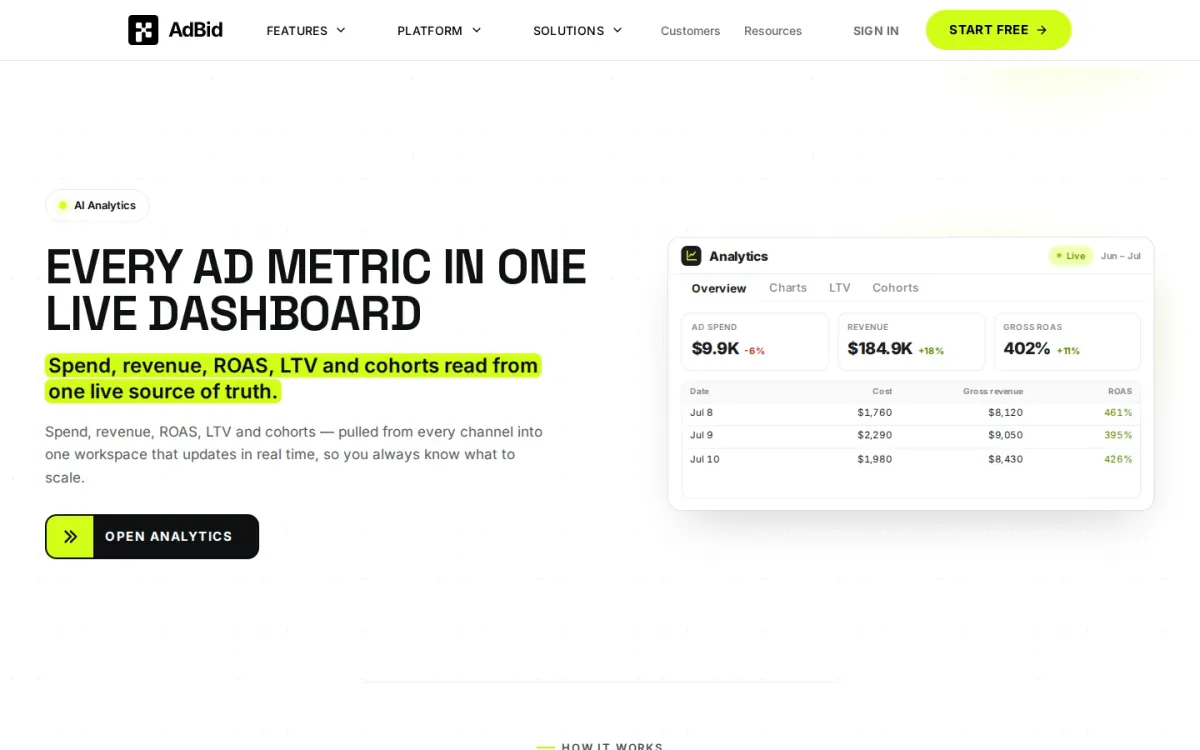
AdBid pulls spend, revenue, ROAS, LTV, and cohort performance into one live workspace that updates in real time. It’s built for teams that want a single view of what to scale, without bouncing between channel dashboards.
Features and trade-offs
Key features
- AdBid live dashboard for spend and revenue.
- Overview tables with totals and regrouping.
- Charts for revenue, ARPU, installs, trials.
- Cohort heatmaps with predicted LTV.
Reporting is organized into four synced views—Overview, Charts, LTV, and Cohorts—so each tab answers a specific question using the same underlying data. You can group by date, campaign, or country, then drill down while totals stay anchored for context.
Why it ranks here
Strong cross-channel metric unification plus synced cohort and LTV views make AdBid a practical mobile app analytics platform for scaling decisions.
Pros
- Real-time updates across one workspace.
- Four views stay synced to one dataset.
- Deep cohort analysis by time buckets.
Limitations
- Pricing details are not published here.
- Limited information on integrations in this excerpt.
Access and verdict
Access: Current access details: adbid.me [1]. Verdict: AdBid suits growth teams who live in ROAS and cohorts, delivering consistent views from a unified source of truth.
2. Amplitude
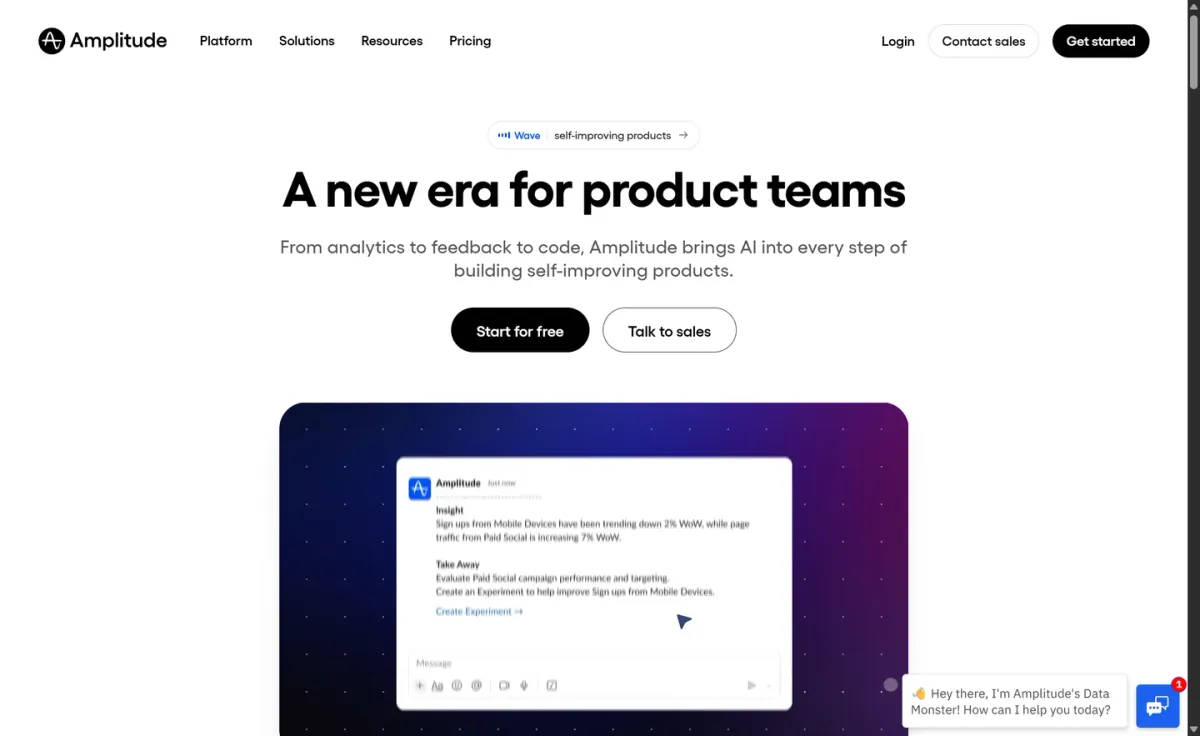
Best for: Teams that need event-based product insights and experimentation.
Amplitude is a mobile app analytics platform built around event volume and Monthly Tracked. Users (MTUs), helping teams understand how people move through key actions. It suits product-led orgs that want consistent reporting across features, releases, and segments.
Key features
- Core out-of-the-box product analytics; Session replay for behavior context.
The Free plan includes up to 2 million events per month, unlimited seats, core product analytics, session replay, and basic experimentation features with no time limit. As usage grows, paid tiers expand caps and add advanced behavioral cohorts, custom events, and audience syncing.
Amplitude — why it ranks here
Strong free tier and clear growth path, but pricing scales quickly with MTUs and event volume, reducing predictability for high-usage apps.
Strengths: Free plan supports unlimited seats; Event-based tracking fits feature adoption analysis; Audience syncing supports targeted activation.
Limitations: Costs can rise sharply as volume increases; Custom pricing adds budgeting friction.
Pricing and verdict
- Starting plan: $22,000 per year — US.
Verdict: It delivers deep behavioral analysis and a generous free plan, but fast-growing apps should plan carefully for volume-based pricing.
3. Mixpanel
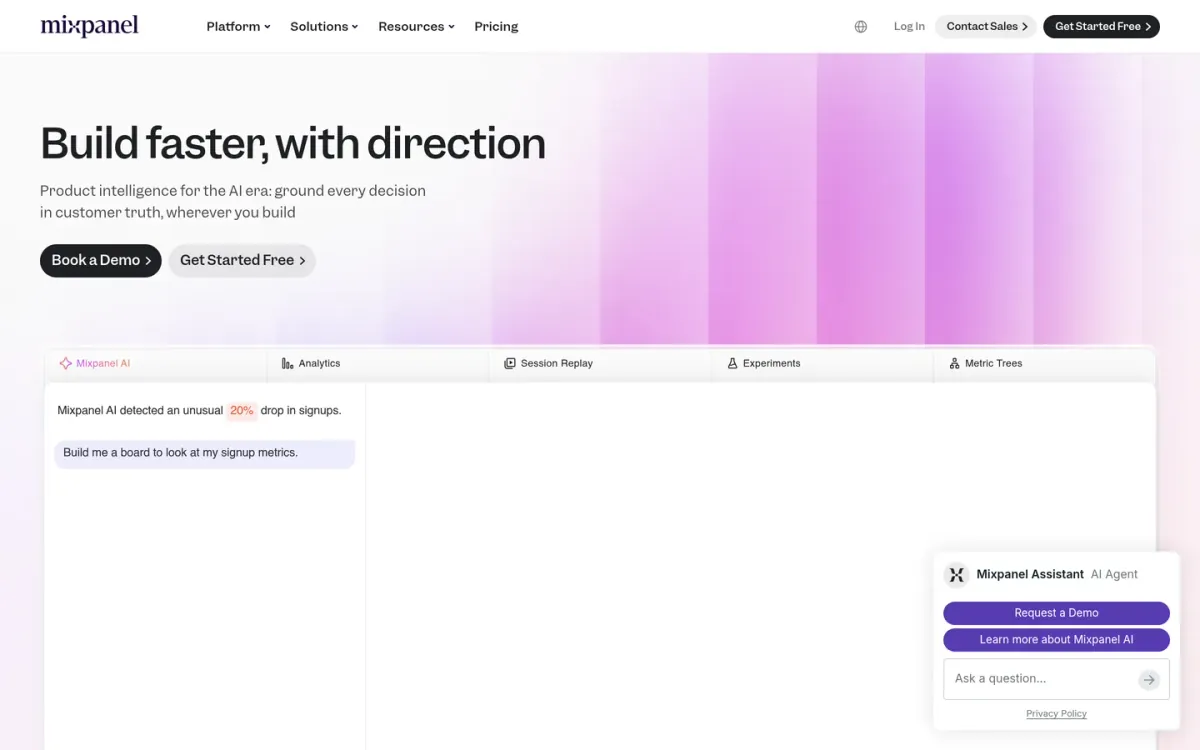
- Best for: Deep behavioral analytics and user journey mapping.
Mixpanel excels in behavioral analytics, offering tools to track custom events, analyze user cohorts, and understand multi-touch attribution. It helps teams gain insights into user journeys and product engagement across mobile applications.
Key features
- Multi-touch attribution for routine mobile app analytics workflow work.
It provides dependable reporting, anomaly detection, and root cause analysis to identify key trends and issues. Its data management features, including API access and data quality monitoring, support broad data analysis.
Quick assessment
Strongest points: dependable behavioral analytics.
Main limitations: Lookup tables are limited.
Monitoring and alerts capped at five per project.
Why it ranks here: It ranks highly for its strong focus on behavioral analytics Offering detailed user insights and event tracking essential for mobile app optimization.
Starting plan: $0.28 per month.
Verdict: A capable choice for in-depth behavioral analysis and understanding user engagement within mobile apps.
4. Google
- Official source: firebase.google.com [2].
Best for: Teams already using Google services that want app usage insights alongside cloud tooling.
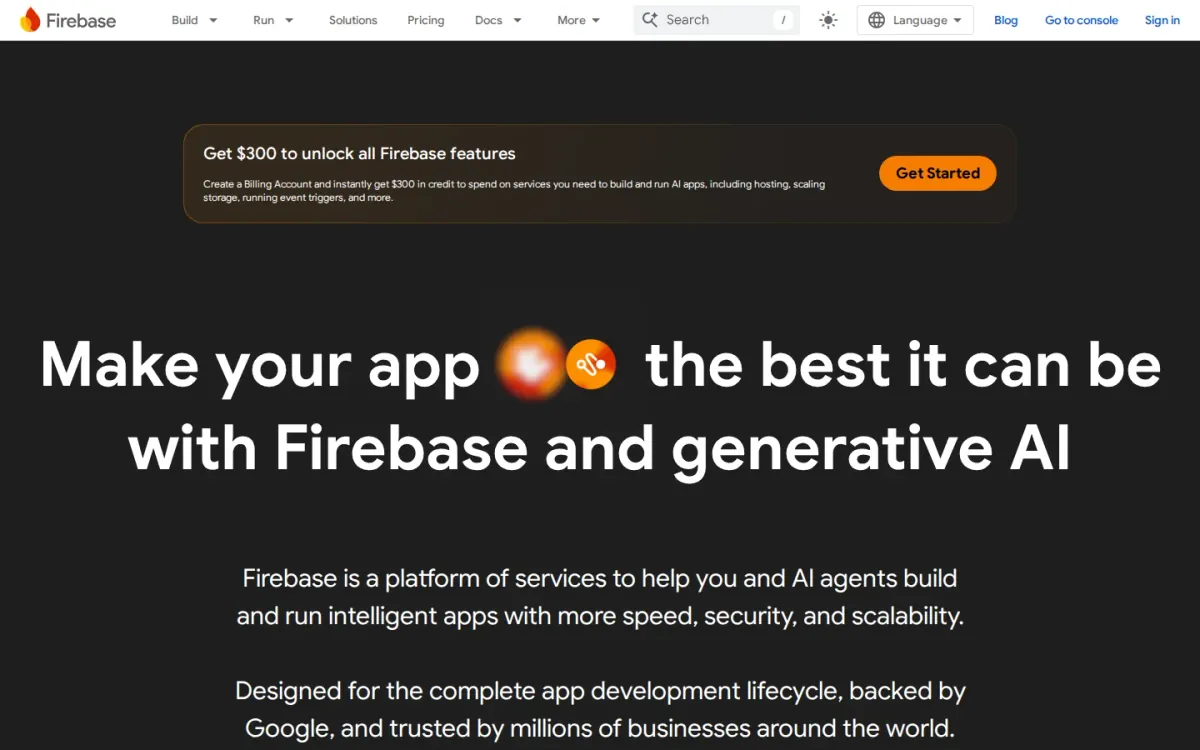
Google’s Firebase suite is often chosen as an app analytics solution when you want usage measurement tied closely to the broader Google ecosystem. It suits product teams tracking engagement patterns and performance signals across iOS and Android apps.
Key features
Firebase integrates with Google Cloud services; Pay-as-you-go consumption model.
Also documented: Free tier and $300 welcome credit; Google Workspace business editions available.
Pricing details in the provided materials focus on Google Workspace and Google Cloud’s pay-as-you-go approach rather than Firebase-specific analytics costs. That makes budgeting less straightforward, but the ecosystem can still appeal for unified identity and cloud-adjacent workflows.
Google — why it ranks here
Ranked #4 for strong ecosystem fit, but unclear analytics-specific pricing and limited documented feature detail in available sources.
Strengths: Broad Google ecosystem alignment; Consumption-based cloud pricing model; Free tier plus $300 welcome credit.
Limitations: Analytics pricing details not specified here; Excerpt focuses on Workspace, not analytics.
- Starting plan: $0.0012 per month — US.
Verdict: A solid choice for Google-centric teams, but expect extra homework to pin down analytics features and costs.
5. Uxcam
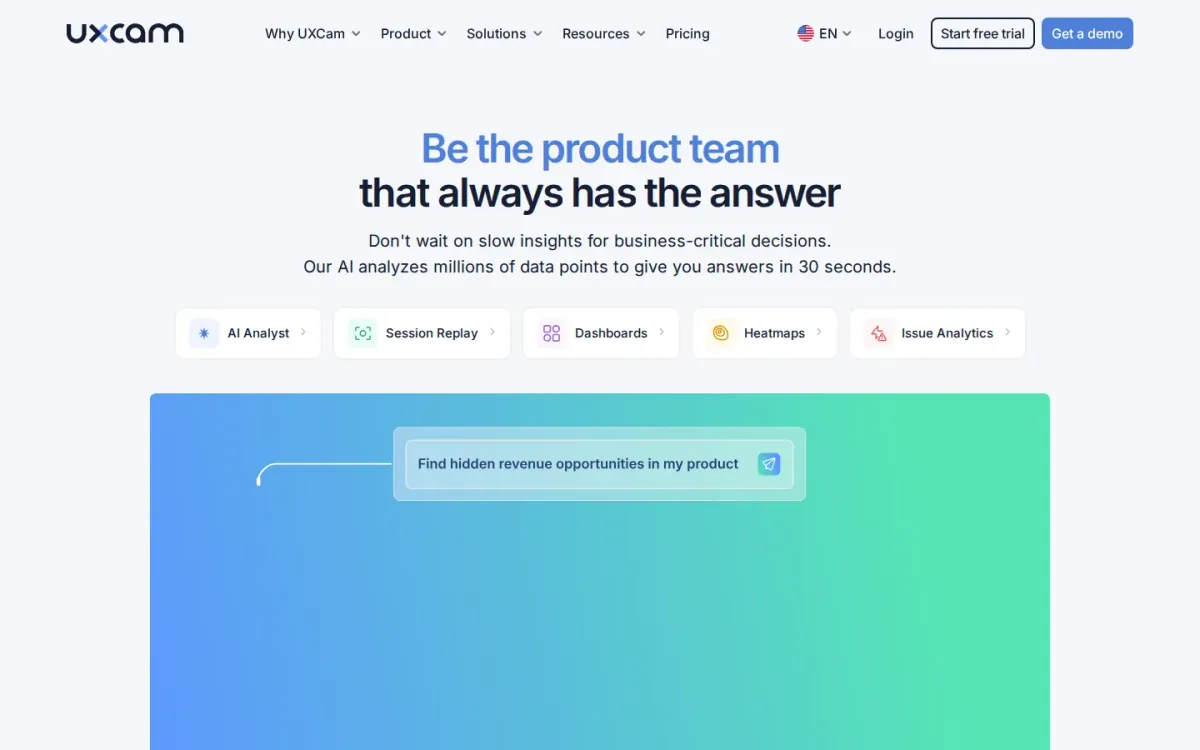
- Best for: Product teams that want usage-based pricing tied to recorded sessions and feature needs.
Uxcam takes a usage-based, hybrid subscription approach for app insights, calculating cost dynamically by monthly session volume and required features. It suits teams that expect traffic swings and want analytics spend to track real usage instead of rigid tiers.
Key features
- Uxcam uses usage-based hybrid subscriptions.
- Uxcam offers a 14-day free trial.
- Overages keep session recording from stopping.
- Paid tiers scale by sessions and retention.
A 14-day free trial provides full feature access and up to 100,000 sessions/videos without a credit card, making evaluation straightforward. Paid options scale by session volume, retention needs, and advanced product analytics, with overages available to avoid recording cutoffs.
Why it ranks here
It earns its spot for scalable, session-driven billing and a generous trial, though pricing transparency is limited without a fixed public tier sheet.
Pros
- Trial includes full access without credit card.
- Pricing scales with monthly session volume.
- Overages option prevents sudden data gaps.
Limitations
No fixed, public monthly tier price sheet.
Costs vary by features and session volume.
Starting plan: $199 per month — US.
Verdict: It is a strong choice for session-focused app measurement when you can tolerate variable pricing and prefer flexible scaling.
6. Countly
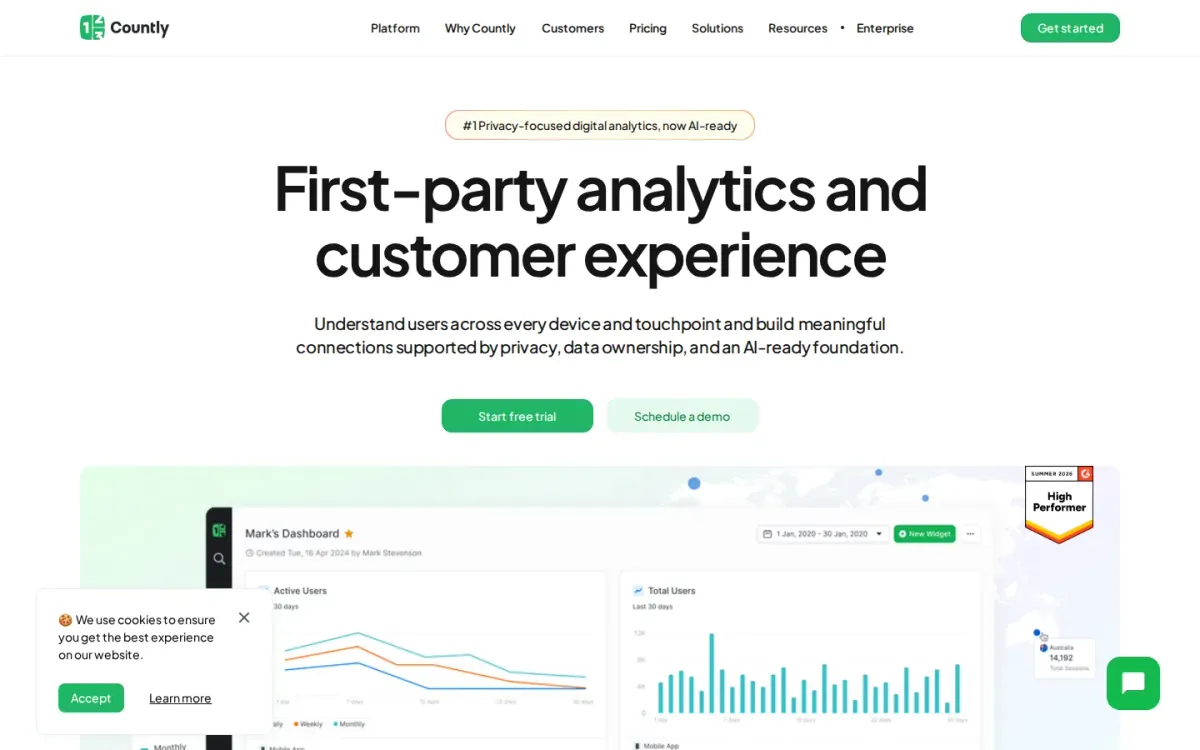
- Best for: Teams that want app analytics plus engagement and strong data-control options.
Countly combines product analytics and engagement in one suite, bringing data management, analytics and reporting, and automation-driven engagement features together. It’s positioned as an all-in-one toolkit with 70+ features for teams tracking app behavior and outcomes.
Key features
- Analytics and reporting for decision-ready insights.
- Engagement features for automation-driven user outreach.
- Data privacy controls to stay compliant.
- Private cloud or on‑premise deployment options.
Countly emphasizes privacy by design and flexible deployment, from secure private cloud hosting to full on‑premise control. A 14‑day trial and a $175/month starting plan help smaller teams begin, while Enterprise options add dedicated onboarding and tighter governance.
Quick assessment
Strongest points: Privacy-by-design posture with compliance support.
All-in-one analytics plus engagement capabilities.
Flexible hosting regions and deployment control.
Main limitations: Enterprise pricing requires custom quotes.
Add-ons can complicate cost forecasting.
Why it ranks here: It earns this spot for blending analytics, reporting, and engagement features with privacy-forward deployment choices.
Though pricing transparency beyond entry tiers is limited.
Starting plan: $175 per month.
Verdict: It suits organizations that value data control and integrated engagement alongside app analytics, provided they’re comfortable navigating add-ons and custom enterprise pricing.
7. Revenuecat
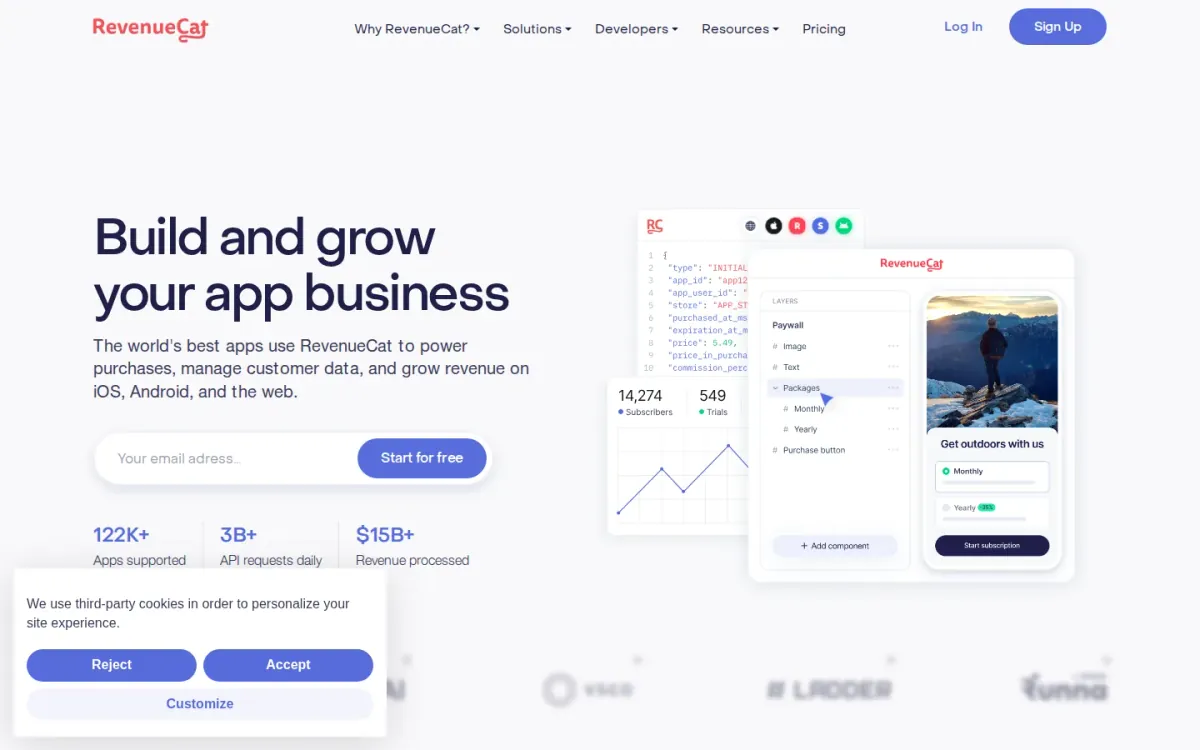
Best for: Subscription apps that want revenue tracking tied to in-app purchases.
Revenuecat is an app analytics and monetization layer focused on tracking subscription revenue through its SDK and reporting Monthly Tracked Revenue (MTR). It suits teams that want a clear link between what the app earns and what gets measured each month.
Key features
Revenuecat tracks Monthly Tracked Revenue (MTR); Free plan up to $2,500 MTR.
Also documented: Pro plan advanced analytics and experiments.
Pricing follows a usage-based model: a Free plan covers up to $2,500 in MTR, while the Pro plan charges 1% of MTR above that threshold (for example, $75 at $10,000 MTR). Enterprise options add dedicated support and advanced security.
Revenuecat — why it ranks here
Ranks well for subscription-focused analytics and experiments, but usage-based costs can rise quickly as tracked revenue scales.
Strengths: Clear MTR-based pricing thresholds; Free tier supports early-stage apps; Pro tier includes targeting tools.
Limitations: Costs increase as MTR grows.
- Starting plan: $75 — US.
Verdict: It fits subscription-driven apps needing revenue-centric analytics, but growing publishers should budget carefully for MTR-based fees.
8. Adapty
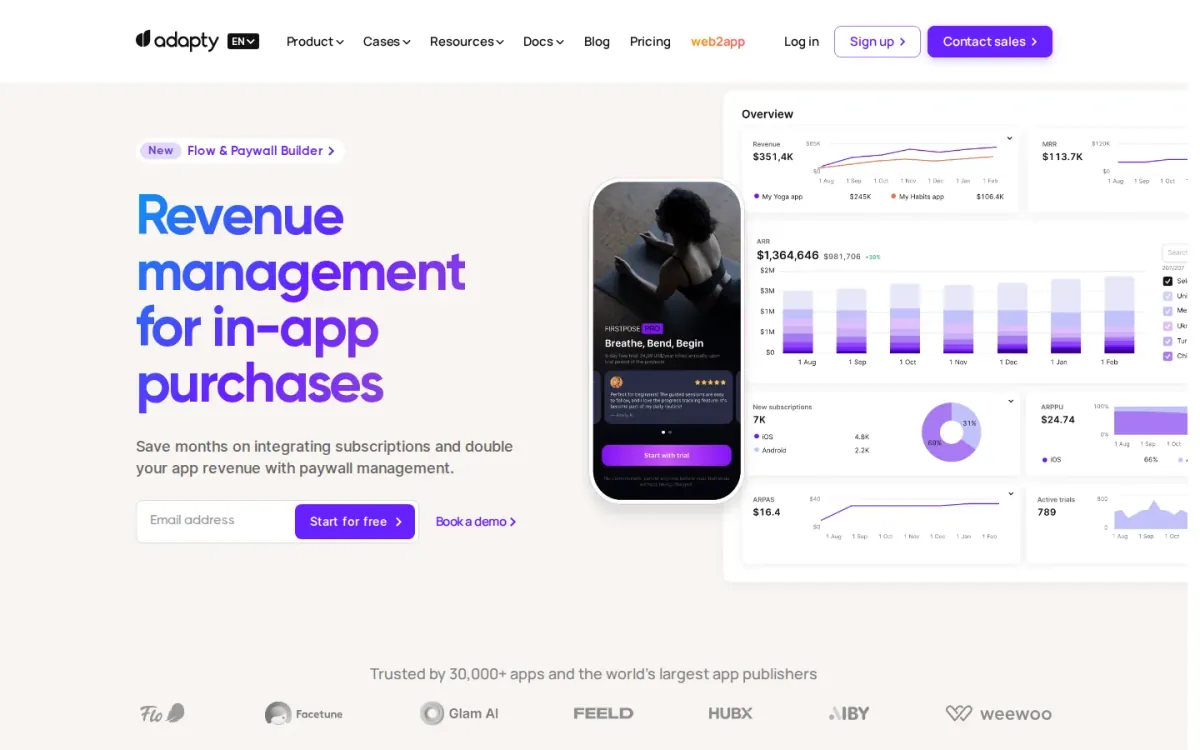
Best for: Subscription apps that want paywall A/B tests plus revenue tracking.
Adapty focuses on subscription performance tracking paired with paywall iteration. It combines subscription analytics, segmentation, and postback integrations so teams can connect purchase behavior to acquisition and lifecycle cohorts, then act on insights through targeted paywall experiences.
Key features
Subscription analytics for tracked revenue and cohorts; Remote paywall editor and no-code builder.
Also documented: A/B testing and audience segmentation; Postback integrations and web payments support.
The Pro Plan is free up to $5,000 in monthly tracked revenue, then priced at 1% of tracked revenue. A remote paywall editor and no-code builder with 50+ templates help ship experiments quickly, supported by open-source SDKs and web payments support.
Adapty — why it ranks here
Strong for subscription-focused measurement and paywall experimentation, but pricing becomes less predictable as tracked revenue grows and add-ons can add complexity.
Strengths: Free tier up to $5,000 MTR; 50+ paywall templates speed iteration; Open-source SDKs for mobile platforms.
Limitations: 1% revenue pricing can scale quickly; Add-ons priced individually past $5,000 MTR.
- Starting plan: $5,000 per month — US.
Verdict: It suits subscription teams that need analytics plus paywall testing, but budget carefully once revenue-based pricing and add-ons kick in.
9. Devtodev
- Best for: App teams that want behavior, retention, and monetization reporting plus A/B testing and remote configs.
Devtodev combines fundamental analytics for tracking user behavior, retention, and monetization with detailed reports that help you spot drop-offs and optimize in-app journeys. Cross-platform analysis brings mobile, web, and multi-device activity into one workspace for clearer product decisions.
Key features
- Devtodev detailed user behavior reports.
- Cross-platform analytics in one workspace.
- A/B tests and remote configs.
- AI-powered anomaly and opportunity detection.
It also supports growth experiments, letting teams run A/B tests and change app settings in real time via remote configs. AI-powered insights flag anomalies and highlight opportunities, while integrations connect attribution and marketing data from partners like AppsFlyer, Adjust, Kochava, and Branch (Tune).
Why it ranks here
Strong experimentation and cross-platform reporting, but plan limits and MAU-based pricing transparency can be harder to gauge at a glance.
Pros
- Clear retention and monetization tracking.
- Marketing integrations unify attribution data.
- Remote configs support rapid experiments.
Limitations
Free plan caps MAU and events.
Basic SQL processing time limited.
Basic: $33 per month.
Verdict: It fits teams balancing analytics and experimentation, especially across devices, but growing apps should watch MAU and feature limits.
10. Posthog
- Best for: Teams that want event tracking and replay with predictable spend limits.
Posthog combines event-based product analytics with session replay and feature flags, giving teams a single place to understand behavior and ship changes. It supports anonymous and identified events, plus person profiles that merge users across sessions and devices.
Key features
- Posthog Product Analytics event-based tracking.
- Session Replay and mobile session replay.
- Feature Flags priced per request.
- Billing limits per product.
Pricing is usage-based with a monthly free tier, and Posthog lets you set a billing limit per product to avoid unexpected charges. Plans scale by events, recordings, and requests, with options like email support and longer data retention on higher tiers.
Quick assessment
Strongest points: Usage-based pricing with monthly free tier.
Billing limits help prevent surprise charges.
Anonymous and identified events support.
Main limitations: Many rate tiers make costs harder to estimate.
Higher retention and support require upgrades.
Why it ranks here: Strong breadth across analytics, replay, and flags.
Pricing complexity and add-on sprawl can slow quick comparisons in a Top 10 list.
Verdict: It suits teams needing broad product analytics plus replay and flags, especially when spend controls matter more than simple flat pricing.
How to choose
Workflow fit
Start by defining the decisions the tool must support: growth attribution, product engagement, subscription revenue, or session-level diagnostics. Next, confirm the event model and data access you need, including exports, warehouses, and governance for naming and identity.
Validation
Check how pricing scales with your reality—events, MAU, sessions, or revenue—and whether limits could force upgrades at peak growth. Prioritize integrations that match your stack, especially ad networks, CDPs, and experimentation tools. Finally, evaluate onboarding effort, documentation quality, and support responsiveness, since analytics only helps when teams trust and use it.
Final recommendations
Shortlist
- Mobile app analytics is a strong starting point for app marketers who want one live dashboard spanning channels, ROAS, and cohort views.
- Amplitude fits teams that need event-based product insights and experimentation, but volume-based pricing requires careful forecasting as usage grows.
- Mixpanel is a solid option for deep behavioral analytics and journey mapping when engagement questions drive most reporting priorities.
Before rollout
- Revenuecat and Adapty make sense for subscription apps, yet revenue-linked pricing and add-ons should be modeled before rollout.
- Posthog can suit teams that want event tracking with replay and spend controls, especially when predictable limits matter for budgeting.