
AI layer for TikTok Ads Manager: build, rotate creatives, and scale with guardrails
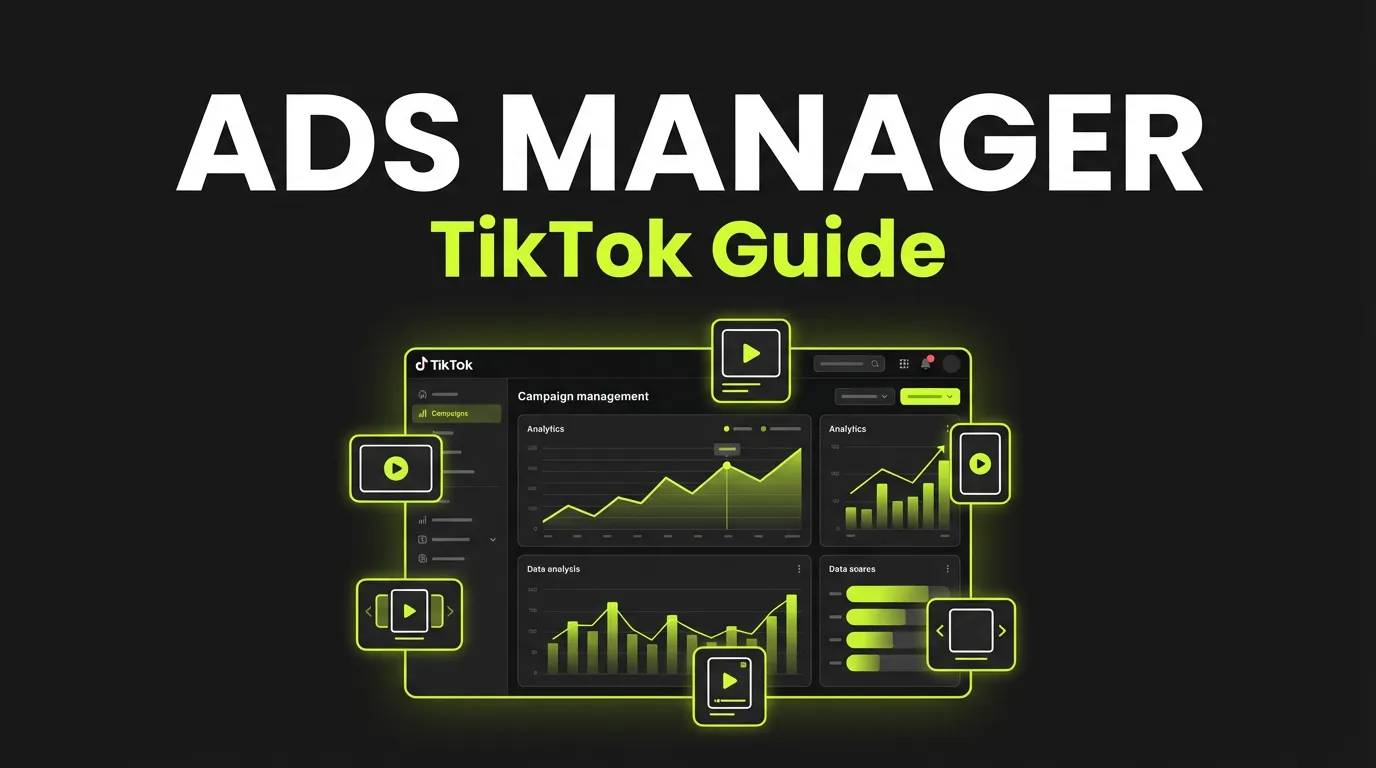
AdBid connects to your existing TikTok Ads Manager through TikTok for Business and adds AI agents that build campaign structures from a brief, generate 9:16 creatives before hooks burn out, and apply stop or scale actions behind approvals. AdBid is not TikTok Ads Manager and does not replace it: your account, billing, Pixel, Smart+ and GMV Max stay native. It also works with Meta, Google, Snapchat and CTV, so one TikTok ads platform layer covers every channel you buy.
Hook rotation before fatigueApprovals · rollbackFree attribution
Runs on Meta Ads
 Google Ads
 TikTok Ads
 Snapchat Ads
 Moloco Ads
Meta AdsGoogle AdsTikTok AdsSnapchat AdsMoloco Ads
OAuth
Connection
One TikTok for Business authorization. No token pasting, no CSV exports.
9:16
Creative cycle
Hook, copy and localized variants queued before fatigue signals hit.
Guarded
Automation
Approval modes, rollback paths, kill switch and an audit log per account.
What is TikTok Ads Manager automation?
TikTok Ads Manager automation is an AI layer that builds campaigns, rotates creative and scales spend behind guardrails.
- Campaigns, ad groups and ads built from one brief
- New variants ready before the fatigue signal fires
- Scale and stop decided on live CPA and revenue
- Every applied action logged with a rollback path
Compare
What AdBid adds to TikTok Ads Manager — and what stays native
An AI layer for TikTok Ads Manager is software that reads and writes to your TikTok for Business account through its API and adds the parts Ads Manager does not do: building structures from a brief, producing creative, connecting spend to revenue and LTV, and applying decisions behind approvals. Here is the split, so a TikTok ads manager tool never surprises you.
Swipe to compare all columns →
| Area | AdBid adds | Stays in TikTok Ads Manager |
|---|---|---|
| Account, billing, policy review | Reads status and spend; explains changes in the audit log | Account setup, invoicing, ad policy approvals |
| Campaign structure | Campaign, ad group and ad built from one brief | Final objects live in Ads Manager and stay editable there |
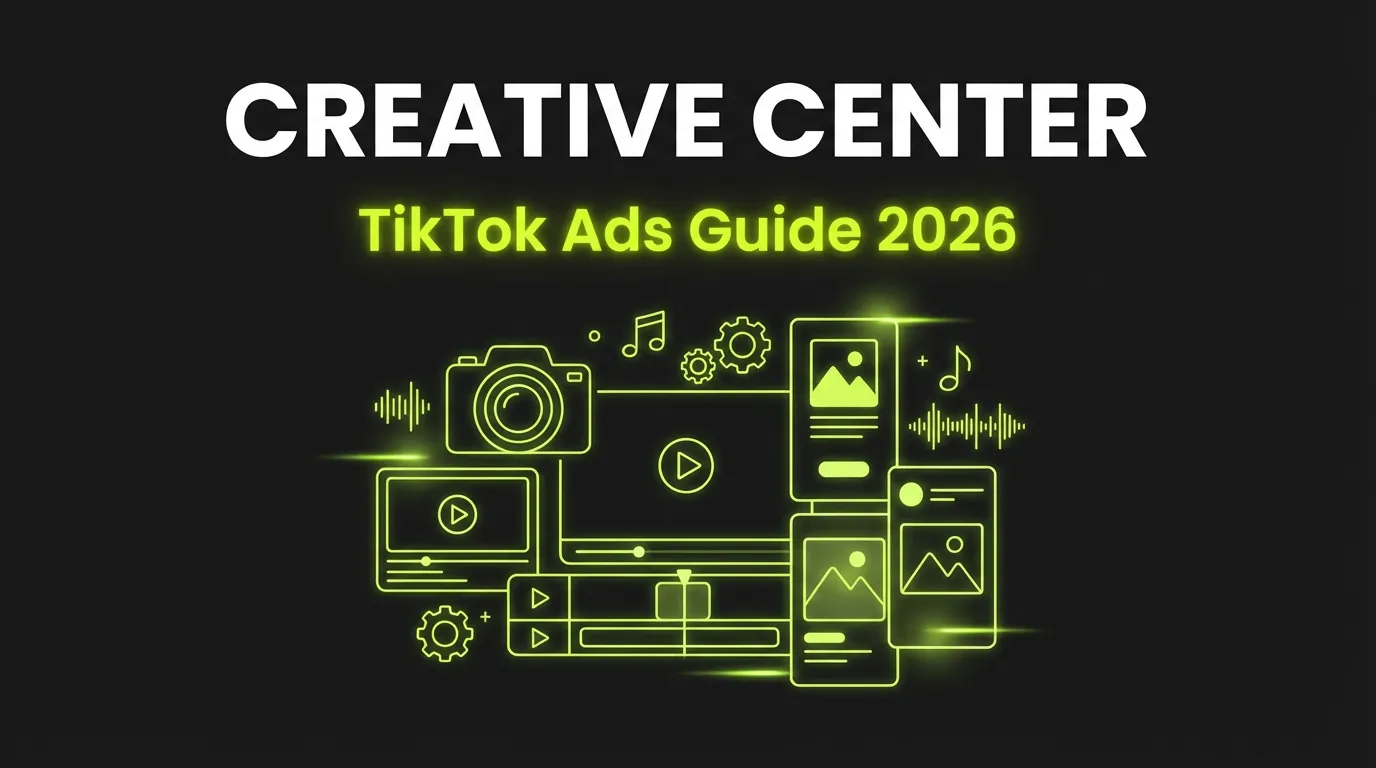
| Creative | 9:16 video, static, copy and localized variants with fatigue signals | Spark Ads authorization, Creative Center, native editing |
| Measurement | Attribution, cohorts and predicted LTV beside TikTok spend | TikTok Pixel, Events API, in-platform reporting |
| Automation | Stop, reduce, scale actions behind approvals with rollback | Smart+ campaigns, GMV Max, native automated rules |
How it works
An AI layer on top of TikTok Ads Manager
Generate TikTok ad creative before hooks burn out
On TikTok a hook that wins on Monday can be flat by the weekend.
- Vertical video and static formats, generated from one brief.
- Hook, copy and localization variants by market.
- Creative history and winners kept in one library.


Build campaigns in TikTok Ads Manager from one brief
Authorize a TikTok for Business account once, then define the goal, market, budget, offer.
- Campaign, ad group and ad structure from one brief.
- Naming, creative and market context carried through.
- Human review before critical changes.
TikTok Shop ads, Spark Ads and LIVE shopping — where an AI layer fits
Spark Ads run an existing organic post as a paid ad, engagement intact.
- Spark Ads read against attribution and LTV, not in-platform metrics
- Non-Shop campaigns and creative production beside GMV Max.
- LIVE teasers and post-stream clips as 9:16 variants.


TikTok ads for apps, measured beyond the install
TikTok ads for apps often look strong on install cost and weak on payback, or the reverse.
- Attribution and revenue views next to TikTok spend.
- Cohort and predictive LTV context for app campaigns.
- Creative fatigue and KPI drift signals with explanations.
Scale TikTok decisions without losing control
Native TikTok automated rules only see in-platform metrics.
- Stop, reduce, monitor and scale actions with evidence attached.
- Decision explanations and full audit history.
- Approval and automation modes per account; kill switch always on.
Who it is for
Who this TikTok ads platform layer is for
Teams that already run TikTok Ads Manager and are tired of manual rebuilds, creative burnout and install-cost-only reporting.
App growth teams
Judged on payback and predicted LTV, not CPI. Cohort maturity is part of every stop or scale decision.
DTC brands on TikTok Shop
Run non-Shop campaigns and creative beside GMV Max, and read Shop revenue next to paid spend.
Agencies with 5+ TikTok accounts
One brief-to-structure workflow, per-account automation modes and client-ready audit logs.
SaaS and subscription teams
Trial-to-paid and MRR signals next to TikTok spend, with approvals on every budget change.
Illustrative example
One week of guarded automation on TikTok
Illustrative scenario — not a customer result. Numbers are placeholders that show the workflow, not performance.
Day 1 — Brief launched
Example: a subscription app brief becomes 1 campaign, 3 ad groups and 12 ads in TikTok Ads Manager, approved by the media buyer before anything goes live.
Day 3 — Fatigue signal
Example: CTR on hook A trends down three days in a row while CPM stays flat. AdBid queues two hook variants for approval instead of launching them.
Day 4 — Variants approved
Example: the buyer approves; variants go live. Hook A is reduced, not stopped, because its day-1 cohort has not matured.
Day 6 — Scale recommendation
Example: predicted LTV for the day-1 cohort clears target. A scale recommendation appears with install cost, trial-to-paid and predicted 60-day revenue, plus a rollback path.
Day 7 — Applied and logged
Example: the buyer applies the scale action. Every step sits in the audit log with the explanation behind it.
More workflow examples
E-commerce offer testing and mobile-app UA read against LTV — operating patterns, no fake numbers.
Compare
How AdBid compares with other TikTok ads manager tools
Rules-only tools automate what the platform already reports. AdBid adds creative production, attribution and LTV context, and approvals. Side-by-side pages, checked against each vendor’s own claims:
AdBid vs Madgicx
AI automation and creative insights for Meta-first teams versus a cross-channel operating layer.
AdBid vs Revealbot
Rule builder and notifications versus guarded automation with creative and LTV context.
AdBid vs Smartly
Enterprise creative automation versus a self-serve layer that starts free.
AdBid vs Motion
Creative analytics versus creative production plus decisions behind approvals.
Getting started
Automate TikTok in 5 steps
01Takes 1 minute
Connect the platform account
One authorization; attribution and revenue views come with it.
02Takes 2 minutes
Describe the offer and market
Goal, budget, audience logic and creative inputs, once.
03Takes 1 minute
Get a launch-ready structure
Campaign, ad set and ad built from the brief with consistent naming.
04Takes 1 minute
Approve behind guardrails
Critical changes wait for you; kill switches cap what automation may do.
05Every 5 minutes
Scale on revenue, not clicks
Decisions read attribution and predicted LTV, not platform-reported conversions.
FAQ
Common questions about TikTok Ads Manager automation
Explore more
Open the next layer


From the blog
Guides & resources
Sources
Where these descriptions come from
Public product material, last checked 2026-08-26.