

Part of our TikTok Ads Platform guide series.
UGC-style video ads work best when they feel specific: a clear hook, a believable voice, and visuals that match the product claim. An AI UGC generator can help teams draft those building blocks faster, but the tools vary widely in how they handle scripts, actors or avatars, product shots, and brand controls. This Top 10 focuses on practical fit for marketing workflows: turning a URL, brief, or assets into short-form videos you can iterate on. The goal is to highlight where each option tends to shine, what tradeoffs to expect, and what to verify before committing it to a production pipeline.
Comparison table
| Rank | Tool | Best for | Key capabilities | Limitations | Access/source status |
|---|---|---|---|---|---|
| 1 | AdBid - AI UGC Generator [1] | Marketers who want UGC-style ad videos from a product or app URL | URL-to-video guided flow with seven steps; Automatic brand, logo, and context extraction | Less suited to freeform, timeline-heavy editing | Official source: adbid.me [1] |
| 2 | Heygen [2] | Teams creating creator-like social videos with consistent avatars and multilingual lip-sync | Avatar V character consistency across videos; Multiple angles from one recording | Avatar-led style may not fit every brand voice | Official source: Heygen.com [2] |
| 3 | Synthesia [3] | Teams that need consistent avatar videos for training, internal comms, and localized messaging | Synthesia supports 240+ AI avatars; Synthesia includes 1000+ AI voices | Avatar style can feel less organic | Official source: Synthesia.io [3] |
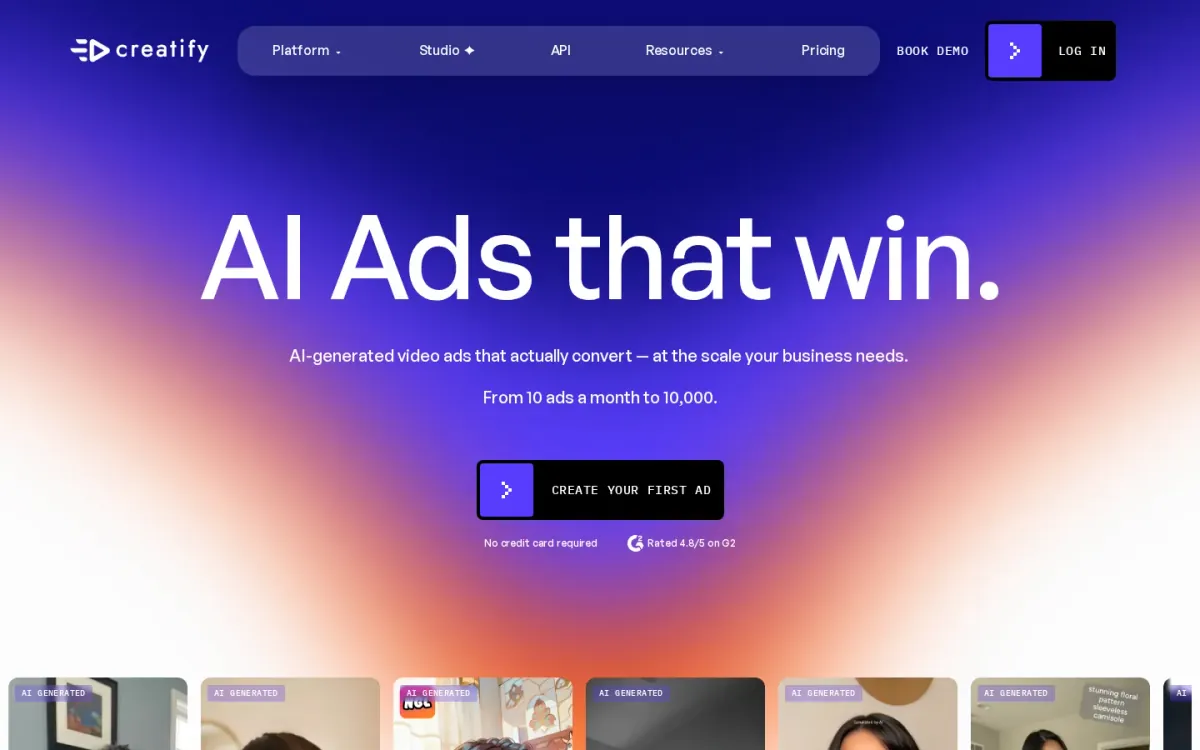
| 4 | Creatify [4] | Advertisers who want many UGC-style video variants and performance feedback | URL-to-video for ready-to-post ads; Batch generation of many video variations | Feature set leans heavily toward advertisers | Official source: Creatify.ai [4] |
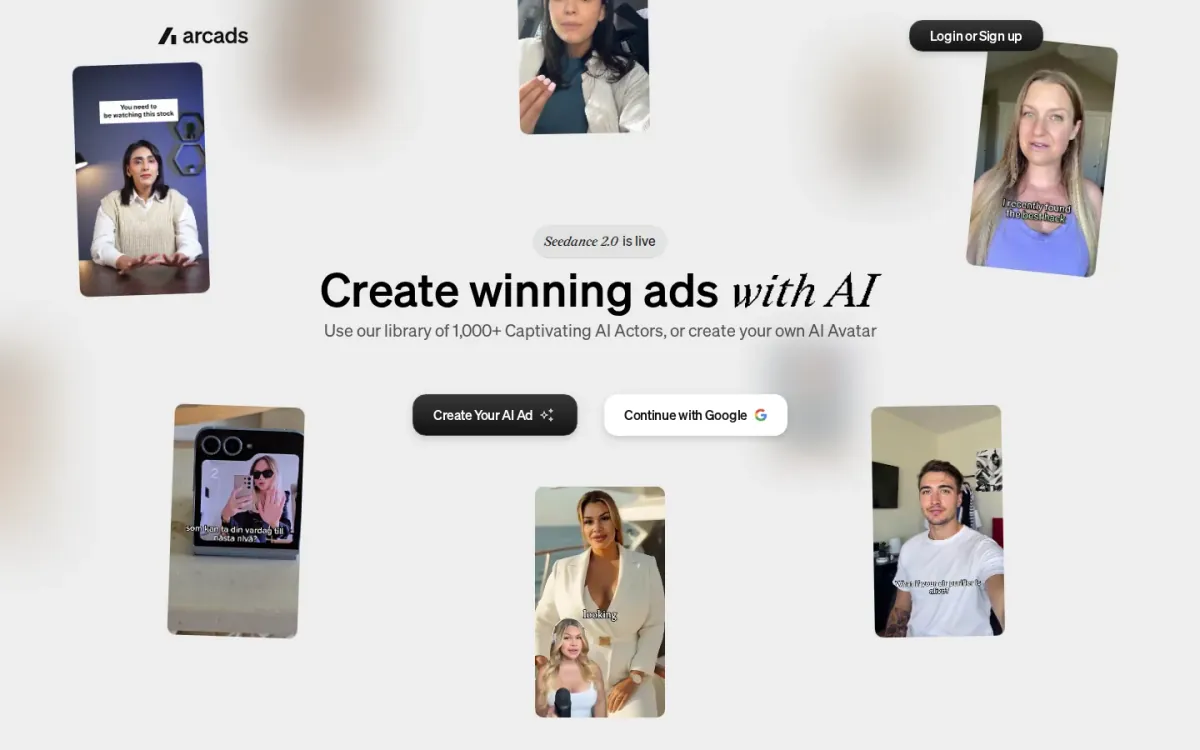
| 5 | Arcads [5] | Teams that want creator-like ad videos with controllable AI actors and quick localization | Arcads provides 1,000+ AI Actors library; Arcads supports custom AI Avatar creation | Some editing capabilities are labeled “Soon!” | Official source: Arcads.ai [5] |
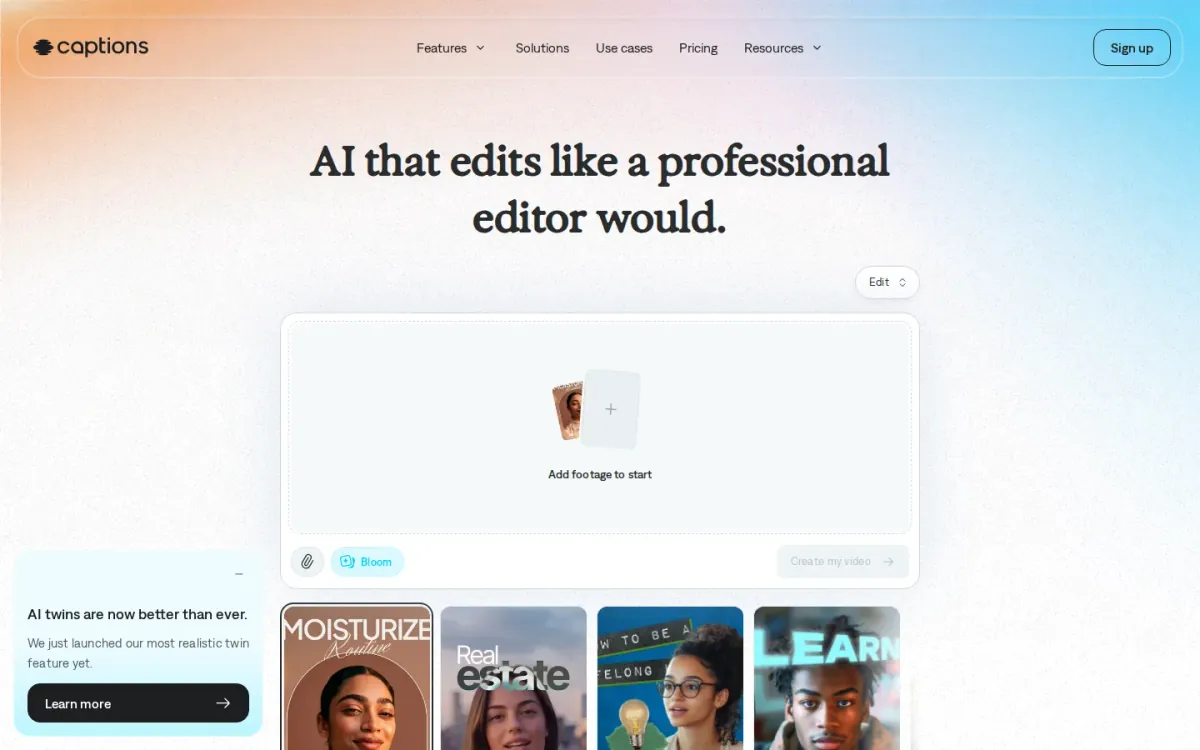
| 6 | Captions [6] | Creators and marketers who want avatar-driven social videos with AI-assisted edits and Captions | Captions creates AI avatars for videos; Captions adds Captions to videos | Some edits still need hands-on adjustments | Official source: Captions.ai [6] |
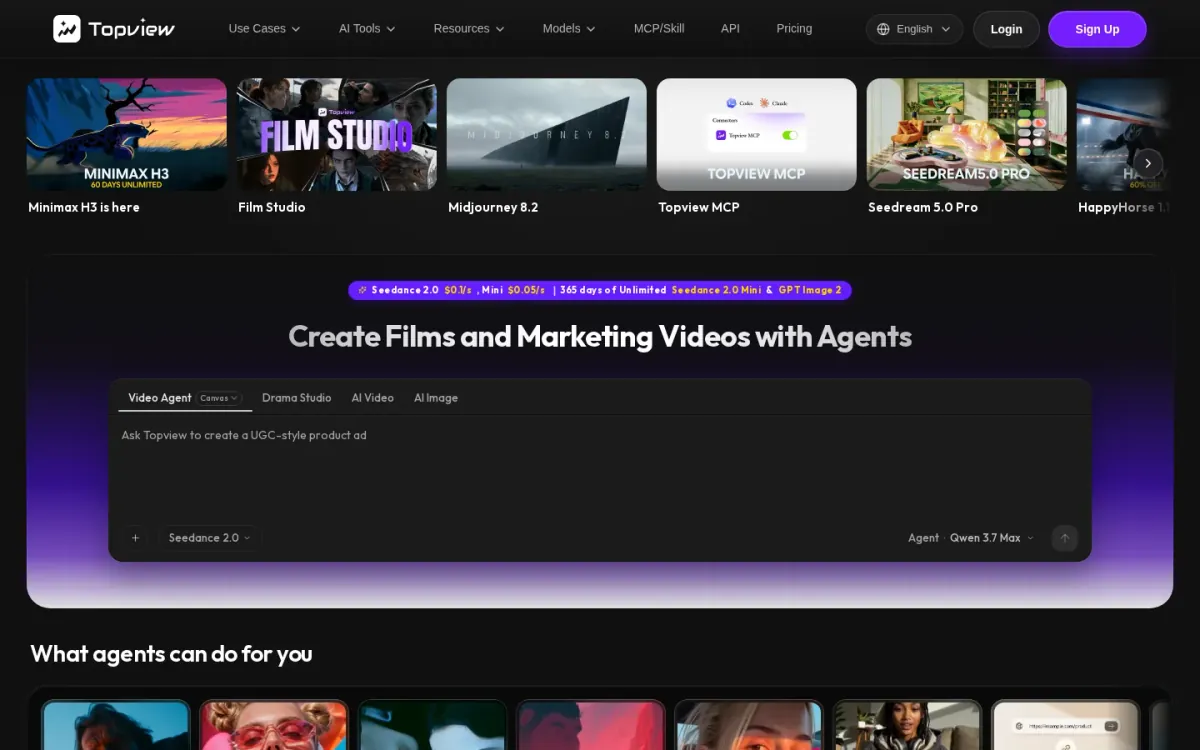
| 7 | Topview [7] | broad AI video and image content generation for marketing and brand storytelling | Canvas agent-driven video creation; Drama Studio micro-drama production | Advanced features require learning | Official source: Topview.ai [7] |
| 8 | Colossyan [8] | Teams turning docs and decks into brand-safe creator-style videos | Cora drafts videos scene by scene; Custom avatars and cloned voices | Style skews toward polished training over casual UGC vibes | Official source: Colossyan.com [8] |
| 9 | Makeugc [9] | Marketers recreating UGC-style ads with avatars and product shots | Makeugc generates videos from scripts and avatars; Makeugc supports product-in-hand video presentation | Ad-centric workflow may feel limiting for organic content | Official source: Makeugc.ai [9] |
| 10 | Argil [10] | teams prioritizing a focused ai ugc workflow | Argil keeps the documented ai ugc workflow focused; Argil provides official access for direct workflow review | Broader integration details for Argil may require separate review | Official source: Argil.ai [10] |
How we evaluated the tools
Each product was scored using a weighted rubric: task fit (30%) for UGC-style ad creation from briefs, links, or assets; features and automation (20%) for scripting, scene building, and variant generation; ease of use (15%) for editor clarity and learning curve; integrations and workflow (15%) for export options and handoff to existing stacks; access transparency (10%) for clear documentation and usage rules; and limits, support, and transparency (10%) for guardrails, reliability signals, and help resources. Scores reflect documented capabilities and stated constraints.
- Source basis: checks start with adbid.me [1] and continue through every linked official product page.
Scores are editorial assessments on a 100-point scale rather than customer ratings. Product pages supply the feature and access facts, and the same weighted rubric applies to every entry.
The order reflects fit for this comparison, not market share or brand familiarity. Each product links back to an official source so readers can verify current details.
1. AdBid
Best for: Marketers who want UGC-style ad videos from a product or app URL.
AdBid
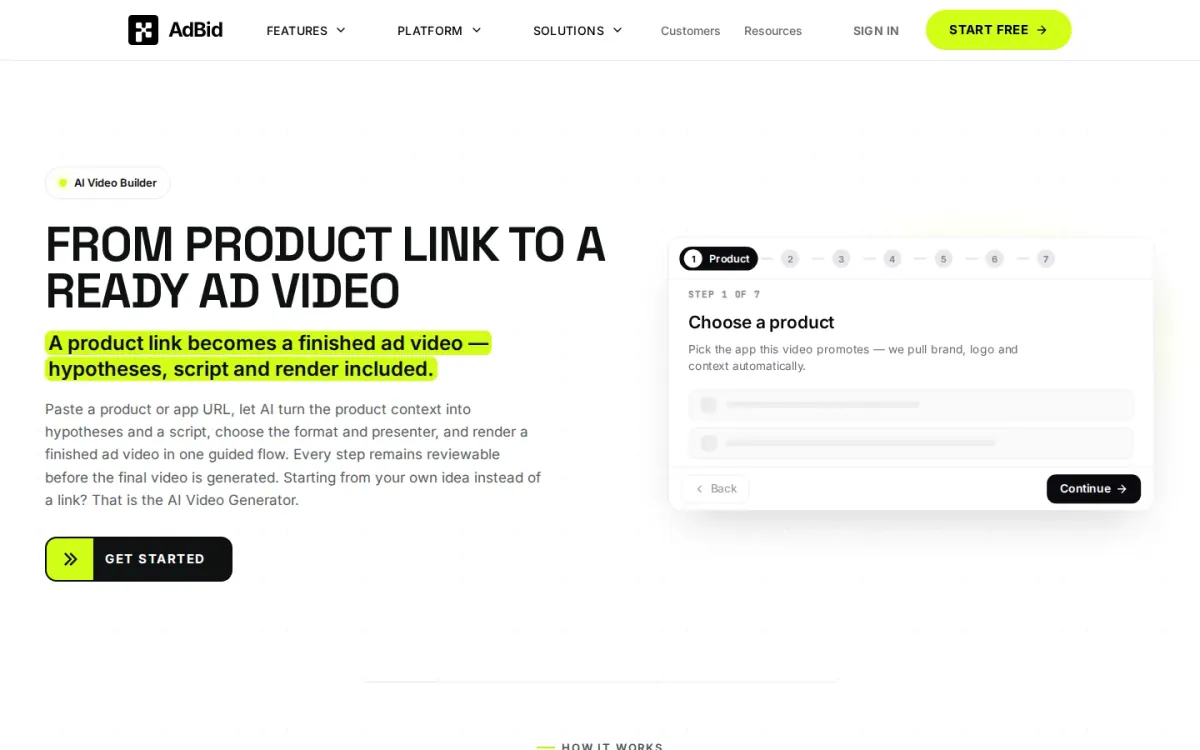
AI UGC Generator focuses on turning a product or app URL into a finished ad video in a guided, step-by-step builder.
It pulls brand context automatically, then generates hypotheses and a script before you select format and presenter for rendering.
Features and trade-offs
Key features
- URL-to-video guided flow with seven steps.
- Automatic brand, logo, and context extraction.
- Hypotheses and script generation before rendering.
- Format, duration, and language output settings.
The flow stays structured: choose product, set aspect ratio, duration, and dialogue language, then shape scenes, avatar, and assets before final output. Each stage is reviewable prior to generation, which helps keep messaging aligned with the intended product context.
Why it ranks here
Ranked highly for its end-to-end, reviewable workflow that converts a single link into a complete ad video without an editing timeline.
Pros
- Clear step-by-step structure reduces guesswork.
- Reviewable stages before the final render.
- Strong link-based context for scripts.
Limitations
- Less suited to freeform, timeline-heavy editing.
Access and verdict
Access: Current access details: adbid.me [1]. Verdict: AdBid is a strong pick for quickly drafting UGC-style ad videos from a link, with useful checkpoints for control.
2. Heygen
- Official source: heygen.com [2].
Best for: Teams creating creator-like social videos with consistent avatars and multilingual lip-sync.
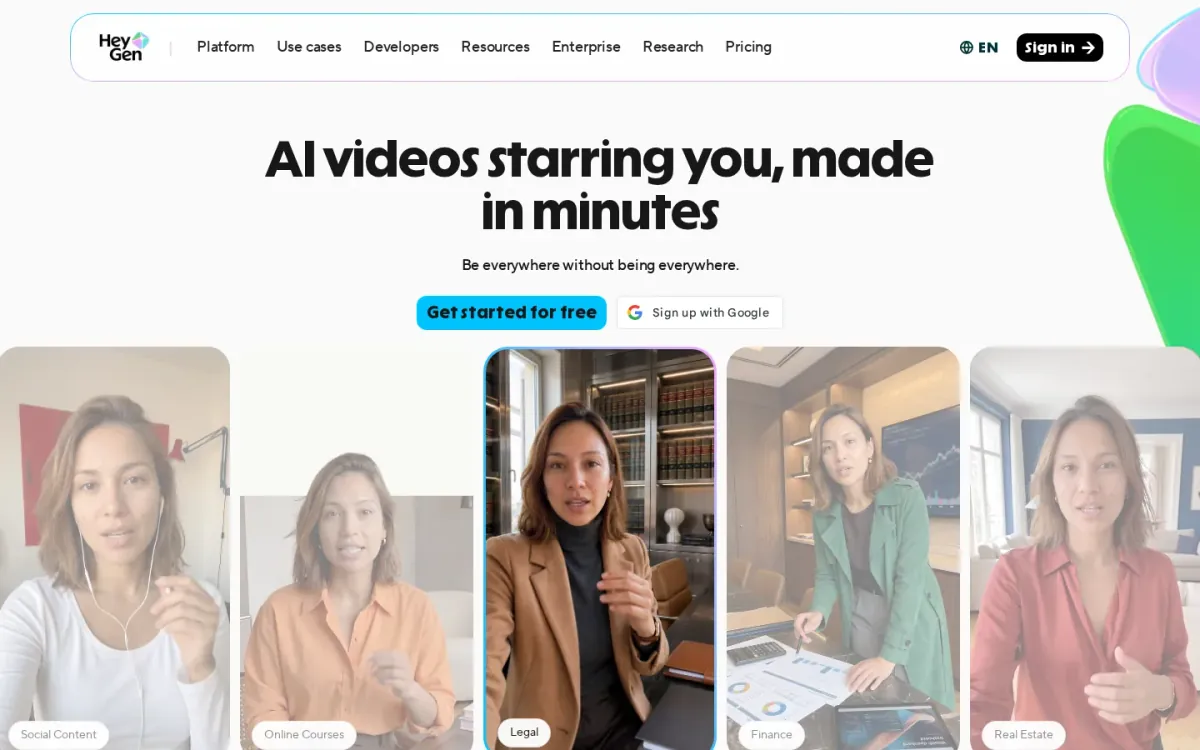
Heygen focuses on AI videos starring you, using lifelike avatars designed for consistent identity across clips and longer modules. Avatar V emphasizes stable micro-expressions, multiple camera angles, and reduced “uncanny valley” artifacts for creator-style content.
Key features
Avatar V character consistency across videos; Multiple angles from one recording.
Also documented: Phoneme-level lip-sync in 175+ languages.
For an ai ugc generator workflow, Heygen supports text prompts, scripts, and mixed inputs like text plus images, stock images, or audio. It can generate marketing videos, product demos, training content, and social clips with natural voices and accurate lip-sync.
Heygen — why it ranks here
Ranked highly for realistic avatar performance and dependable character consistency, making UGC-style videos feel coherent across formats and languages.
Strengths: Avatars stay consistent across scenes and lengths; Strong lip-sync accuracy for multilingual content; Supports many video types beyond social clips.
Limitations: Avatar-led style may not fit every brand voice; Best results can depend on quality reference footage.
Access: Current access details: heygen.com [2]. Verdict: It is a solid pick when realism and consistent on-camera presence matter most for UGC-style video production.
3. Synthesia
Official source: synthesia.io [3].
Best for: Teams that need consistent avatar videos for training, internal comms, and localized messaging.
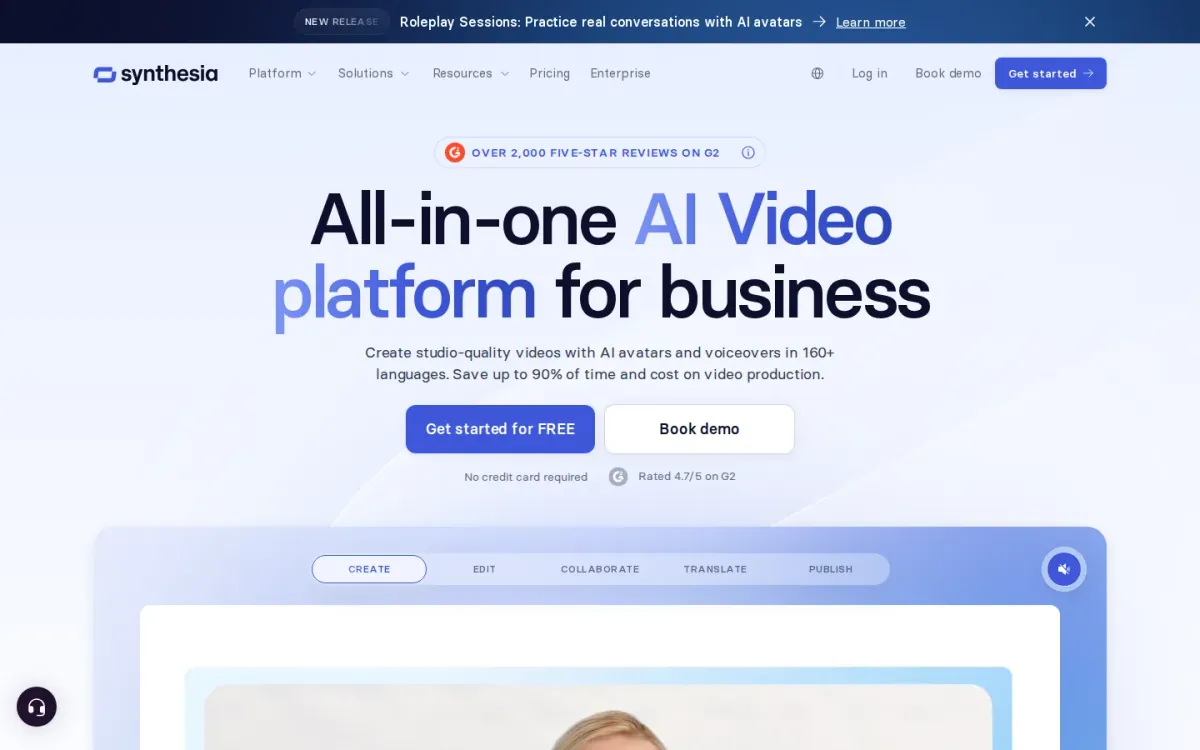
Synthesia focuses on avatar-based video creation for business, making it a practical ai ugc generator for scripted, on-brand clips. It supports a large library of AI avatars and voices, plus Captions and a multilingual player for broader reach.
Key features
- Synthesia supports 240+ AI avatars.
- Synthesia includes 1000+ AI voices.
- Captions and multilingual player options.
- Brand kit, collaboration, and version control.
For collaboration-heavy workflows, Synthesia adds brand kit controls, version control, and analytics, alongside publishing options like a public video page. It also highlights LMS-friendly distribution, helping Learning & Development teams embed videos into courses and modules.
Quick assessment
Strongest points: User-friendly creation and quick onboarding.
Localization tools for multilingual distribution.
Security and compliance focus for businesses.
Main limitations: Avatar style can feel less organic.
Best results depend on strong scripts.
- Why it ranks here: Strong enterprise governance and localization features make Synthesia reliable for repeatable avatar UGC, though it’s less suited to spontaneous, handheld creator aesthetics.
Access: Current access details: synthesia.io [3]. Verdict: It is a dependable pick for scalable avatar UGC-style videos, especially when localization, governance, and team collaboration matter most.
4. Creatify
- Official source: creatify.ai [4].
Best for: Advertisers who want many UGC-style video variants and performance feedback.
Creatify focuses on generating social-ready ad creatives in an authentic creator style or a more polished cinematic look. You can start from a URL-to-video workflow or build from scratch, then batch out multiple variations for testing.
Key features
URL-to-video for ready-to-post ads; Batch generation of many video variations.
Also documented: Built-in A/B testing across campaigns; Performance analytics for spend, ROAS, CTR.
Beyond creation, Creatify supports pushing videos live to social channels and connecting ad accounts for ongoing launches. It also tracks results like spend, ROAS, and CTR per creative, helping teams compare variants and identify hooks and angles that convert.
Creatify — why it ranks here
It earns a top-10 spot for combining UGC-style video generation, batch variation, and built-in campaign testing plus analytics in one workflow.
Strengths: Strong batch-variant workflow for testing angles; Direct social launch and ad account connection; Clear creative-level performance comparisons.
Limitations: Feature set leans heavily toward advertisers.
Access: Current access details: creatify.ai [4]. Verdict: It suits teams producing creator-style ad videos at scale and iterating based on campaign performance data.
5. Arcads
Official source: arcads.ai [5].
Best for: Teams that want creator-like ad videos with controllable AI actors and quick localization.
Arcads focuses on creator-style ad production, pairing a large library of 1,000+ AI Actors with options to create a custom AI Avatar. It’s built to help marketers generate convincing talking-head and product-focused clips for performance campaigns.
Key features
- Arcads provides 1,000+ AI Actors library.
- Arcads supports custom AI Avatar creation.
- Arcads translates videos in 30+ languages.
- Arcads includes ad presets and workflow canvas.
Beyond actor selection, Arcads bundles practical video-ad utilities: translate and localize in more than 30 languages, add Captions, and swap actors to iterate on concepts. A workflow canvas aims to keep creation, refinement, and team collaboration in one place.
Why it ranks here
It earns a mid-pack spot for its deep AI-actor library, strong localization, and ad-focused presets, balanced by a few features still marked as coming soon.
Pros
- Large selection of realistic AI actors.
- Solid localization for global UGC-style ads.
- Actor swapping speeds creative iteration.
Limitations
- Some editing capabilities are labeled “Soon!”
Access: Current access details: arcads.ai [5]. Verdict: It is a strong pick for scalable UGC-style ad variations, especially when you need many actors and multilingual versions from the same concept.
6. Captions
Official source: captions.ai [6].
Best for: Creators and marketers who want avatar-driven social videos with AI-assisted edits and Captions.
Captions blends creation and editing for short-form, UGC-style video. It supports AI avatars, automatic Captions, translation, and eye-contact correction, then lets you jump into a simple editor for finishing touches when you need tighter pacing or cleaner delivery.
Key features
- Captions creates AI avatars for videos.
- Captions adds Captions to videos.
- Captions translates videos into other languages.
- Captions corrects eye contact on camera.
If you previously used Mirage Studio, Captions now hosts those projects and actors in one place, alongside newer editing options. The focus stays on social-ready outputs for formats like ads, faceless voiceovers, and talking-head clips across major platforms.
Quick assessment
Strongest points: Simple editor for quick tweaks.
Mirage Studio projects and actors carry over.
Strong fit for social video formats.
Main limitations: Some edits still need hands-on adjustments.
Why it ranks here: It earns this spot for combining avatars, Captions, translation, and eye-contact fixes in one workflow.
Though some advanced control can still require manual tweaking.
Access: Current access details: captions.ai [6]. Verdict: It is a solid pick for UGC-style video production when you want avatars and AI edits, plus a straightforward editor for final polish.
7. Topview
- Official source: topview.ai [7].
Topview is an AI video content platform for marketing assets, including UGC-style product ads. Its agent-driven Canvas streamlines video production, ensuring consistent visual identity. This makes it most relevant for broad AI video and image content generation for marketing and brand storytelling.
Key features
- Canvas agent-driven video creation; Drama Studio micro-drama production.
Features include Drama Studio for micro-drama production with consistent characters. A 3D Shot Composer stages scenes, while Board centralizes all AI models and generated assets.
Topview — why it ranks here
It offers specialized AI tools for advanced video and image content, strong for broad marketing.
Strengths: Creates UGC-style product ads; Agent-driven Canvas ensures consistency.
Limitations: Advanced features require learning; Broad toolset complex for simple tasks.
Access: Current access details: topview.ai [7]. Verdict: capable AI video platform for marketing teams, offering deep content control. The final choice depends on the surrounding workflow and constraints.
8. Colossyan
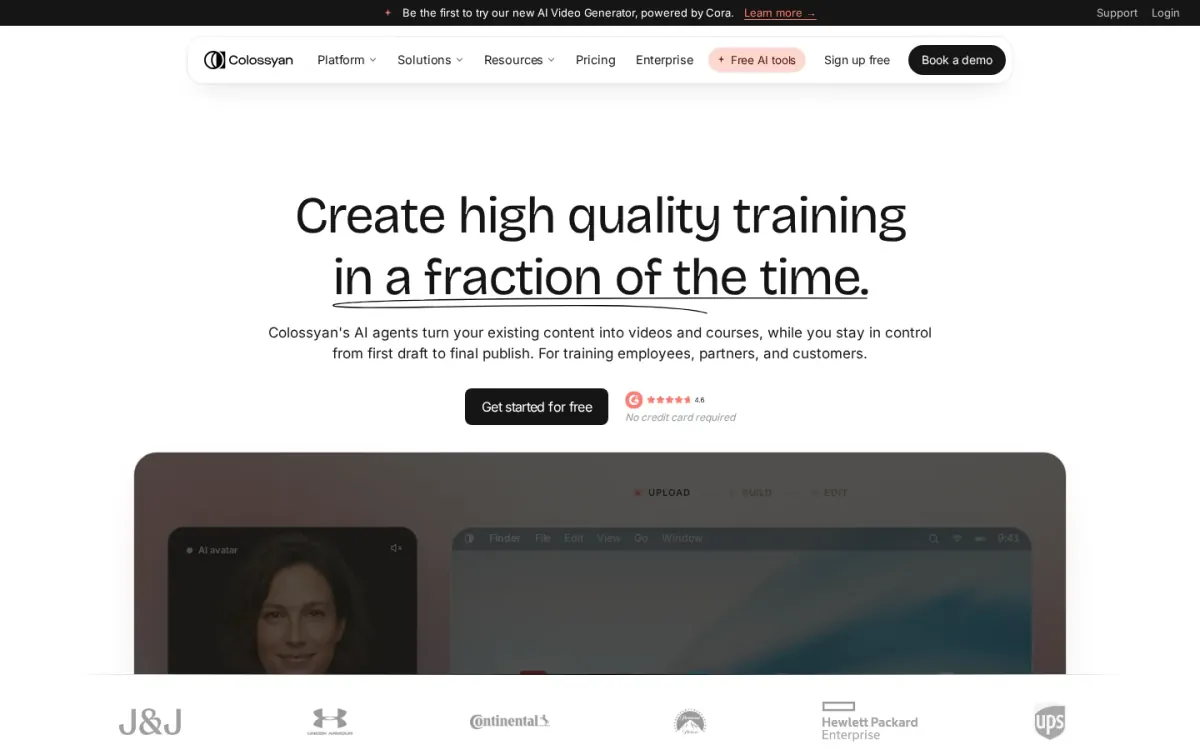
- Official source: colossyan.com [8].
Best for: Teams turning docs and decks into brand-safe creator-style videos.
Colossyan focuses on creator-style video production where you keep tight control. Start from a doc, PDF, slide deck, URL, or prompt, and Cora drafts scenes for approval before anything renders—helpful when accuracy and compliance matter.
Key features
Cora drafts videos scene by scene; Custom avatars and cloned voices.
Also documented: SCORM export, MP4 export, link sharing.
For UGC-like explainers and internal updates, Colossyan supports stock or custom avatars, voiceovers in many languages, and brand kits that apply logos and colors automatically. It also publishes as MP4, shareable links, or SCORM packages for LMS delivery.
Colossyan — why it ranks here
Ranked #8 for strong approval-first workflows and localization, but it leans more toward structured training and enablement than raw social-style spontaneity.
Strengths: Approval gate before rendering reduces mistakes; Broad avatar and language options for localization; Multiple delivery formats suit training rollouts.
Limitations: Style skews toward polished training over casual UGC vibes; Best results require hands-on scene editing.
Access: Current access details: colossyan.com [8]. Verdict: It is a solid pick for controlled, on-brand avatar videos built from existing materials, especially when localization and LMS publishing matter.
9. Makeugc
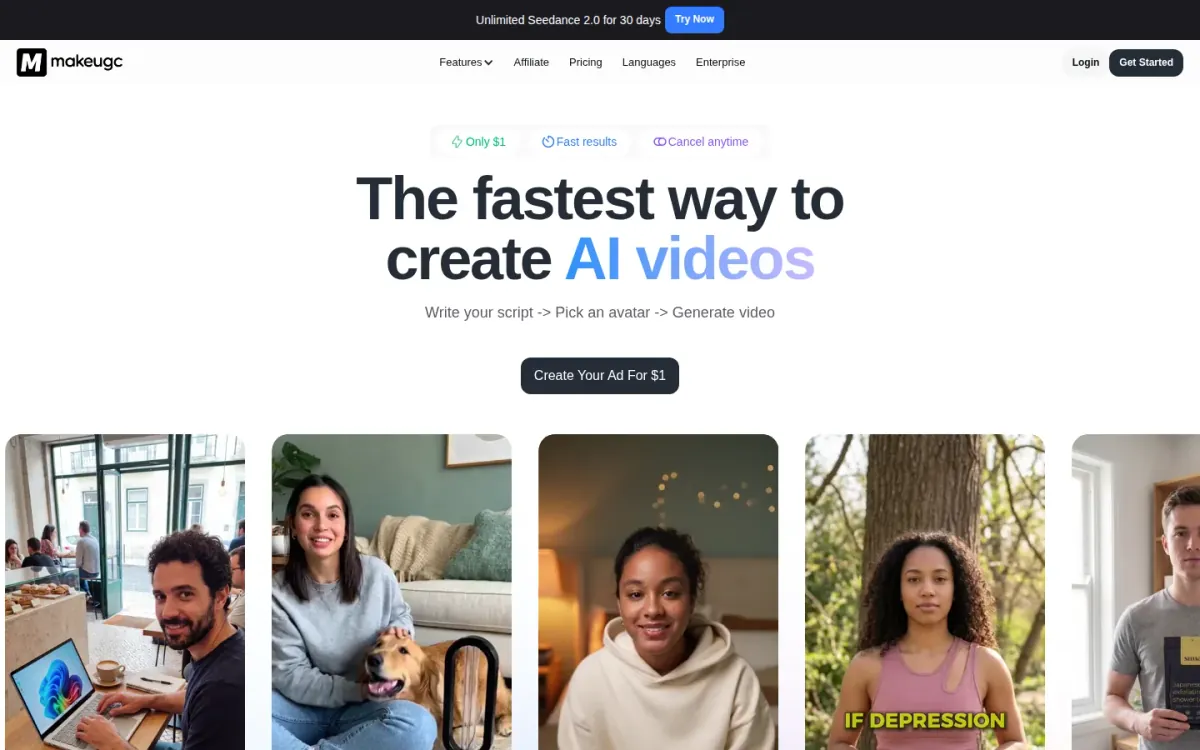
Official source: makeugc.ai [9].
Best for: Marketers recreating UGC-style ads with avatars and product shots.
Makeugc focuses on generating UGC-style video ads through a simple flow: write a script, pick an avatar, and generate the video. It emphasizes a large roster of realistic AI actors plus options like gestures and talking-actor delivery for direct-response creatives.
Key features
- Makeugc generates videos from scripts and avatars.
- Makeugc supports product-in-hand video presentation.
- Makeugc recreates motion from reference videos.
- Makeugc edits Captions, music, B-roll, trims.
Standout capabilities include “product in hand” videos where an AI actor presents an item on camera, plus source re-creation for matching motion from a reference. An in-app editor supports Captions, music, B-roll, and trims, helping teams iterate quickly without leaving the platform.
Why it ranks here
Ranked #9 for strong ad-format recreation and product-in-hand visuals, but the interface leans heavily toward performance ads rather than broader UGC storytelling.
Pros
- Large library of realistic AI actors.
- One-click recreation of proven UGC ad formats.
- Built-in editor keeps iteration in one place.
Limitations
- Ad-centric workflow may feel limiting for organic content.
Access: Current access details: makeugc.ai [9]. Verdict: It is a solid pick for UGC-style ad production, especially when you need product-in-hand shots and quick format recreation.
10. Argil
Official source: argil.ai [10].
Best for: teams prioritizing a focused ai ugc workflow.
Argil is included because its official product materials directly address ai ugc workflow. The available information shows a defined task flow, identifiable controls, and enough product-specific context to compare its role with the other entries in this ranking.
Key features
- Argil keeps the documented ai ugc workflow focused.
- Argil provides official access for direct workflow review.
- Argil has a defined scope for side-by-side comparison.
Argil's strongest fit is a team whose primary requirement matches that documented scope. Buyers should compare the listed capabilities with the stated limitations, then confirm that access conditions and surrounding services fit their operating environment.
Quick assessment
Strongest points: Argil's focused scope keeps the primary job easy to identify.
Direct access to Argil supports pre-adoption workflow review.
Main limitations: Broader integration details for Argil may require separate review.
- Why it ranks here: Its rank reflects documented task fit, usable workflow detail, access transparency, and the balance between available capabilities and stated limitations.
Access: Current access details: argil. Verdict: Shortlist Argil when its documented scope matches the core job and its limitations remain acceptable for the intended workflow.
How to choose
Workflow fit
Start by defining the output you actually need: talking-head creator clips, product-in-hand shots, or mixed scenes with overlays and Captions. Next, check how the tool sources inputs—URL, script, brand kit, or existing footage—and whether it supports the languages, aspect ratios, and pacing your channels require.
Validation
Look closely at control points: actor/voice consistency, scene editing, and the ability to revise a single line without rebuilding everything. Finally, confirm workflow fit: exports, collaboration, approvals, and documentation that explains what’s allowed, what’s limited, and where support is available.
Final recommendations
Shortlist
- AI UGC Generator if you want to start from a product or app URL and keep clear checkpoints for creative control.
- Pick Heygen when consistent on-camera presence and multilingual lip-sync matter more than heavy scene-by-scene editing flexibility.
- Use Synthesia for brand-safe, repeatable avatar videos where collaboration, governance, and localization workflows are central requirements.
Before rollout
- Go with Creatify if you need many UGC-style variants and want iteration loops informed by campaign performance feedback.
- Consider Arcads when you need many controllable actors and quick localization from the same core concept across markets.