
Part of our CTV Advertising guide series.
A good lip sync tool can save hours when you need a talking spokesperson, a localized dub, or a short ad built from a single portrait. The best option depends on your source material (photo, recorded video, or avatar), how much control you need over timing and mouth movement, and whether you’re shipping one-off clips or running a repeatable workflow. This Top 10 focuses on practical fit: how well each product handles common production tasks, how predictable the results are, and how clearly the tool explains what you can do, what you can’t, and what you’ll need to provide.
Comparison table
Rank | Tool | Best for | Key capabilities | Limitations | Access/source status |
|---|---|---|---|---|---|
1 | Turning a single photo and script into a talking ad-style video | OmniHuman model for realistic lip-Sync expressions; Uploads PNG, JPG, or clipboard images | Uploaded audio capped at 30 seconds | Official source: adbid.me [1] | |
2 | Hedra [2] | Teams building avatar-driven video workflows via API | Hedra provides Creative Studio Agent workflow; Hedra supports multiplayer Spaces collaboration | Lip-Sync controls and outputs remain unclear | Official source: Hedra.com [2] |
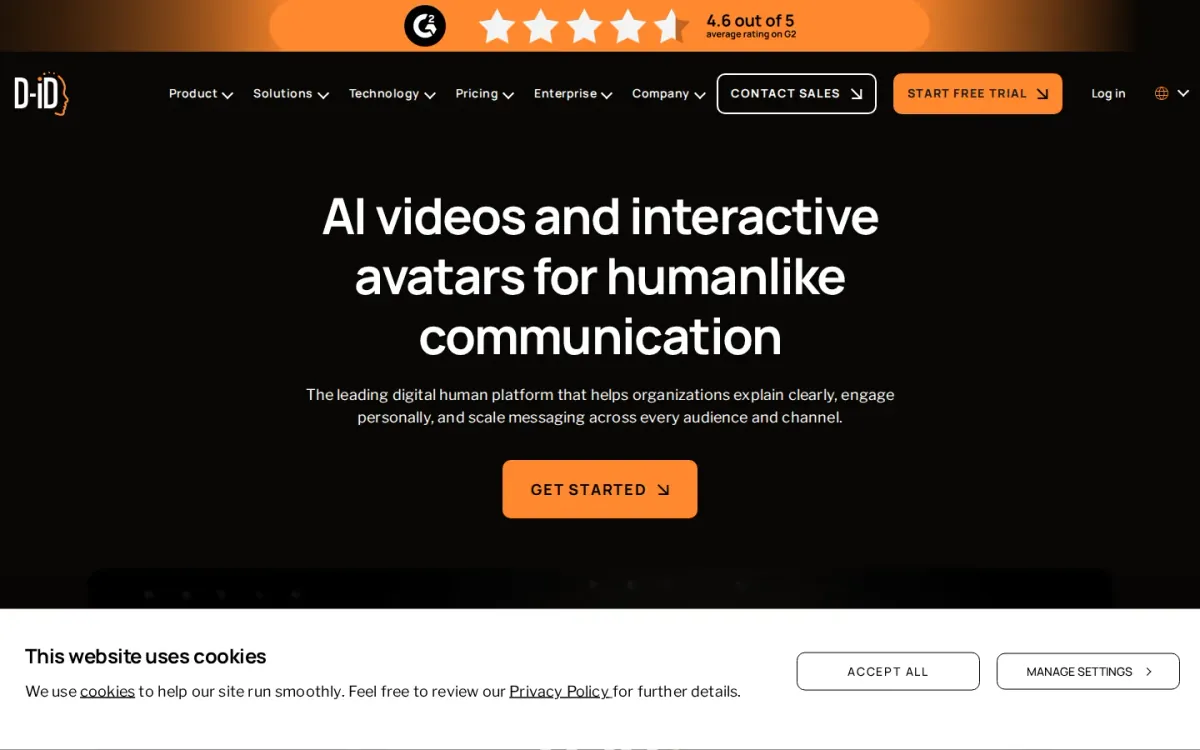
3 | D Id [3] | Teams creating branded avatar videos and real-time conversational agents in many languages | D-ID generates multilingual avatar videos from documents; D-ID supports real-time conversational visual agents | Enterprise focus may feel heavy for simple edits | Official source: d-id.com [3] |
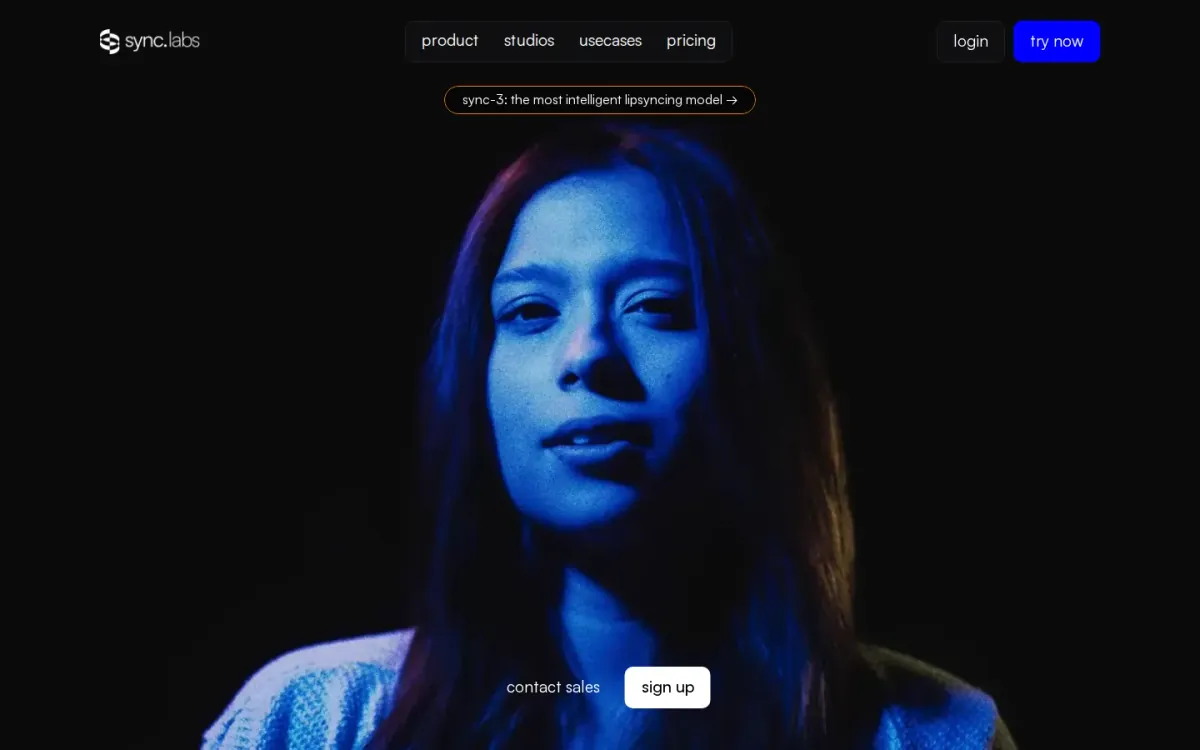
4 | Sync [4] | Studios and creators syncing dialogue across languages and tricky footage | Sync-3 model for challenging shoot conditions; Multi-face and multi-angle mouth matching | Verification step adds extra handling for some teams | Official source: Sync.so [4] |
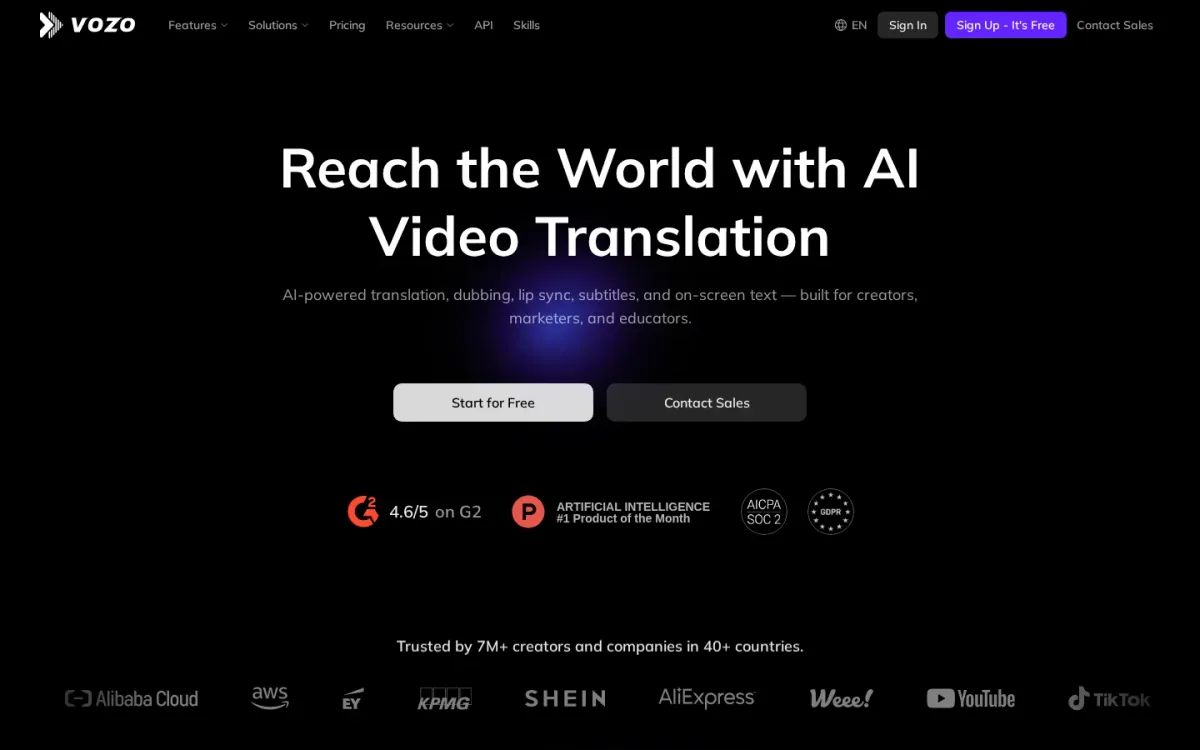
5 | Vozo [5] | Teams localizing videos that need believable mouth movements | LipREAL™ matches translated speech across languages; VoiceREAL™ cloning preserves emotion and accents | Localization-first focus may feel heavy for simple edits | Official source: Vozo.ai [5] |
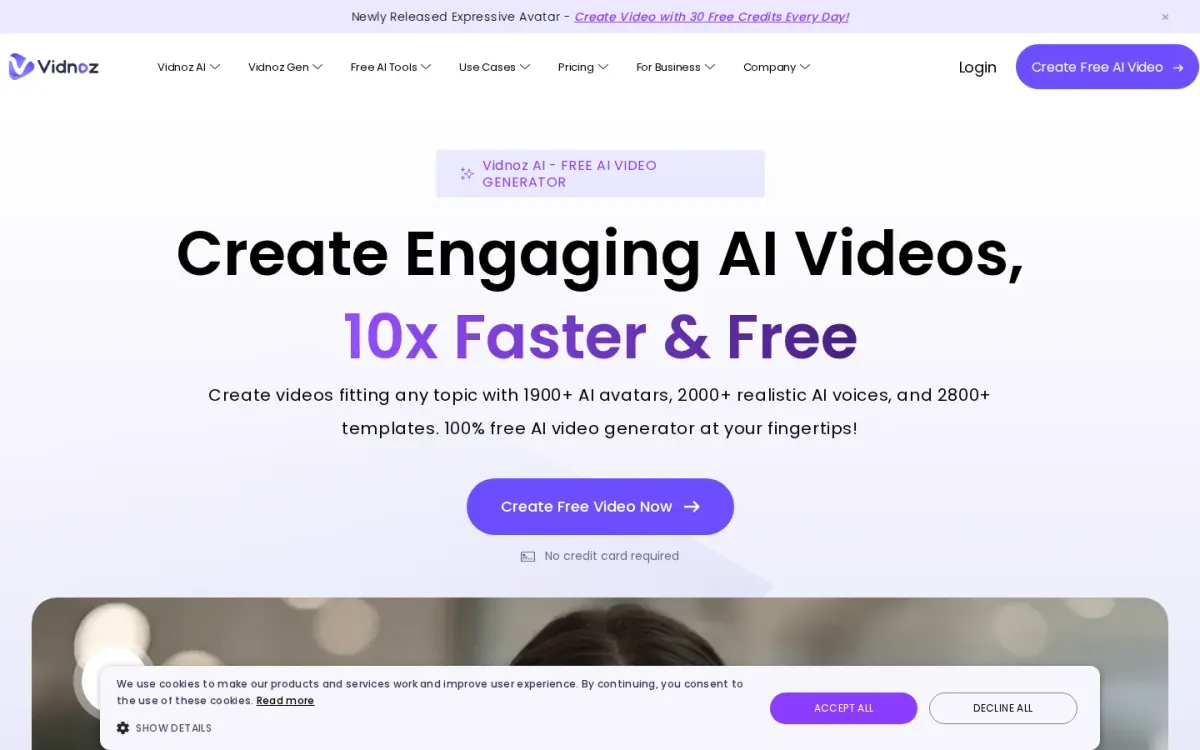
6 | Vidnoz [6] | Marketing teams and creators who want talking avatars that match spoken audio | Vidnoz provides 1900+ realistic AI avatars; Vidnoz includes 2800+ video templates | Interface can feel busy due to many adjacent AI tools | Official source: Vidnoz.com [6] |
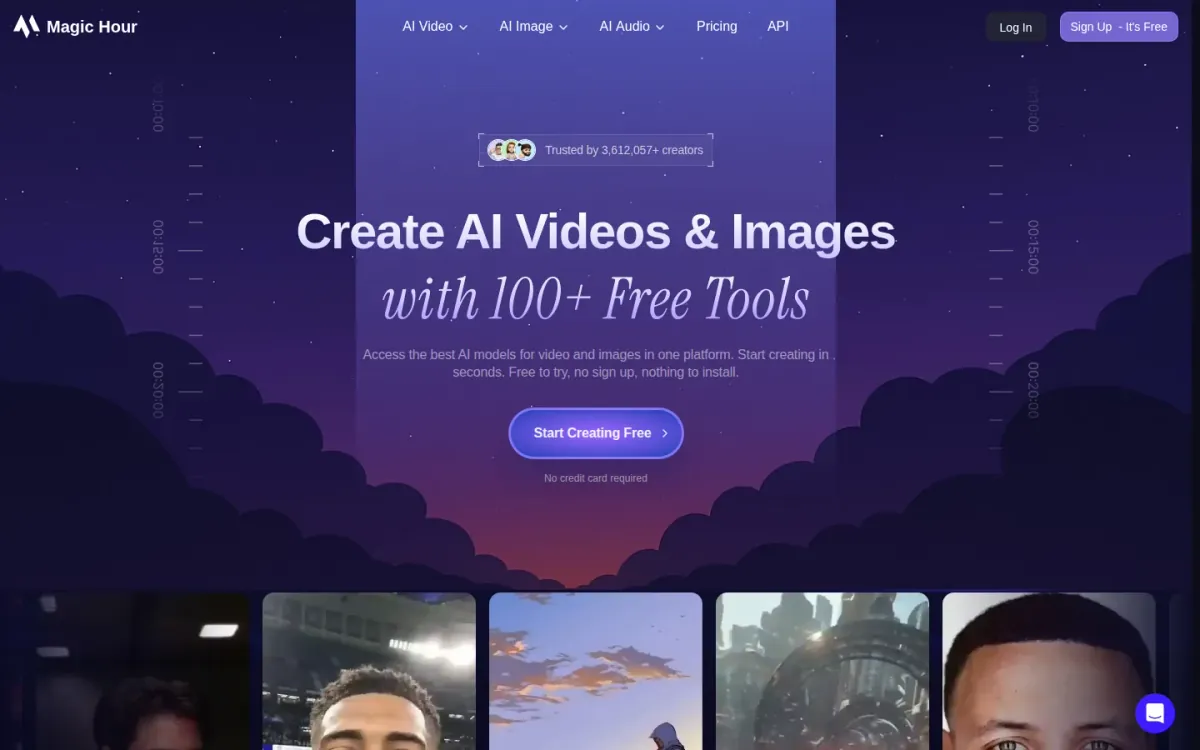
7 | Magichour [7] | Creators localizing clips and making talking-photo shorts | Magichour syncs any face to any audio; Talking Photo animates portraits with audio | All-in-one interface can feel busy | Official source: Magichour.ai [7] |
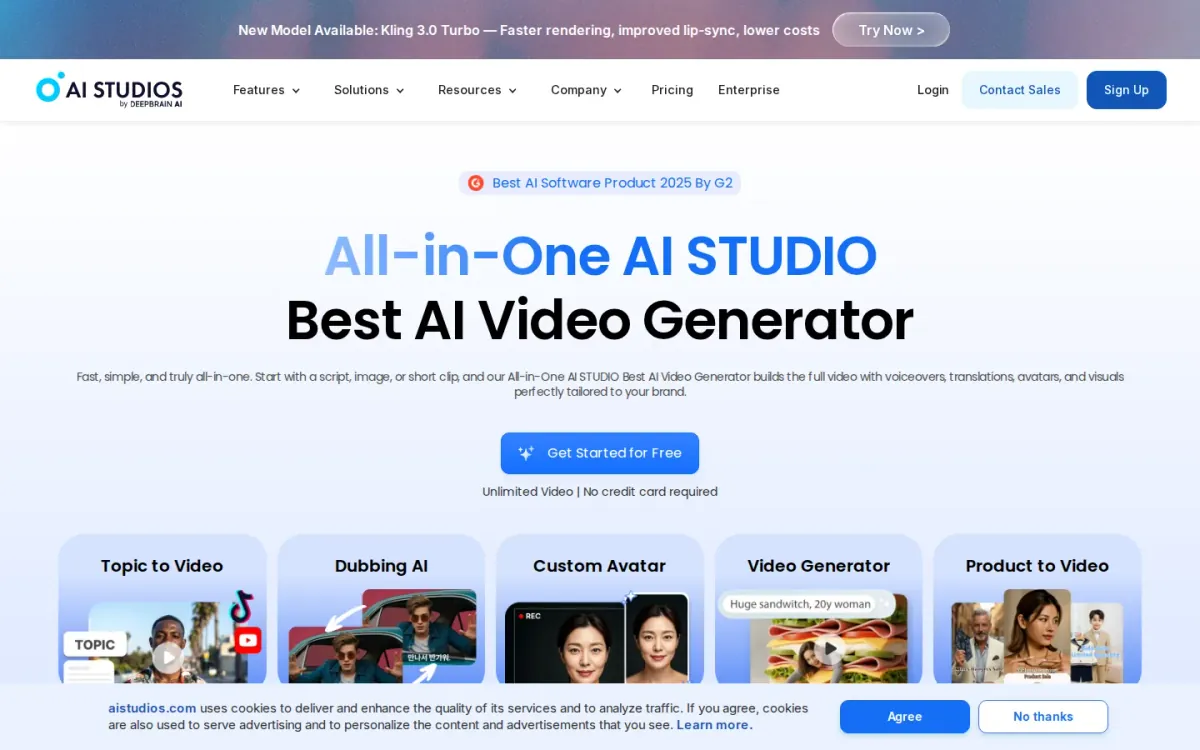
8 | Aistudios [8] | Teams localizing avatar videos that need believable mouth movement across languages | AI dubbing in 150+ languages with lip-Sync; 2,000+ realistic AI avatars library | Interface can feel busy for single-purpose syncing | Official source: Aistudios.com [8] |
9 | Akool [9] | Teams translating spokesperson videos while keeping on-screen speech believable | Akool video translation with lip-synced speech; Avatar video studio with templates and uploads | Broader suite can feel less focused on dubbing | Official source: Akool.com [9] |
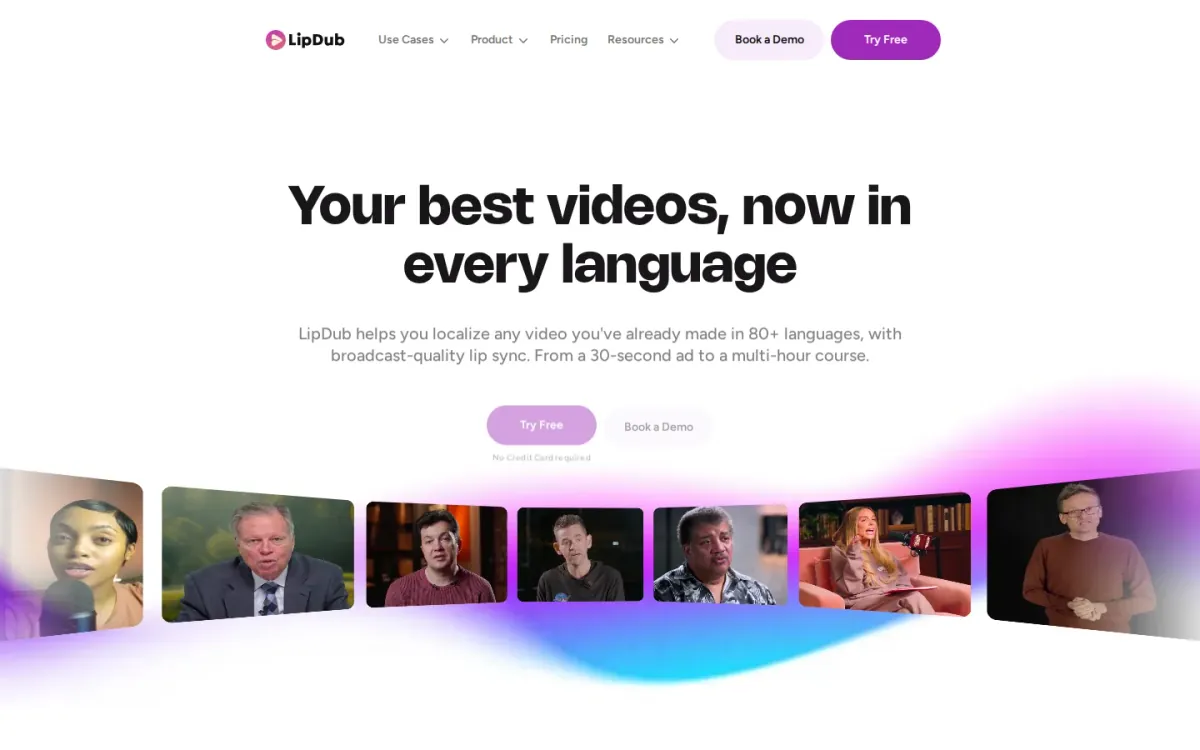
10 | Lipdub [10] | Teams localizing existing videos into many languages with natural mouth movement | Lipdub supports localization in 80+ languages; Translation editor refines lines before generation | Best fit for existing videos, not new creation | Official source: Lipdub.ai [10] |
How we evaluated the tools
Scores follow a weighted rubric: task fit (30%) for how well the tool matches common use cases like talking portraits, dubbing, and localization. Features and automation (20%) cover voice, translation, batch handling, and editing aids. Ease of use (15%) reflects setup, UI clarity, and iteration speed. Integrations and workflow (15%) consider API, exports, and collaboration handoffs. Access transparency (10%) checks clarity around requirements and usage rules. Limits, support, and transparency (10%) weigh documented constraints, help resources, and clear guidance on expected results.
Source basis: checks start with adbid.me [1] and continue through every linked official product page.
Scores are editorial assessments on a 100-point scale rather than customer ratings. Product pages supply the feature and access facts, and the same weighted rubric applies to every entry.
The order reflects fit for this comparison, not market share or brand familiarity. Each product links back to an official source so readers can verify current details.
1. AdBid
Best for: Turning a single photo and script into a talking ad-style video.
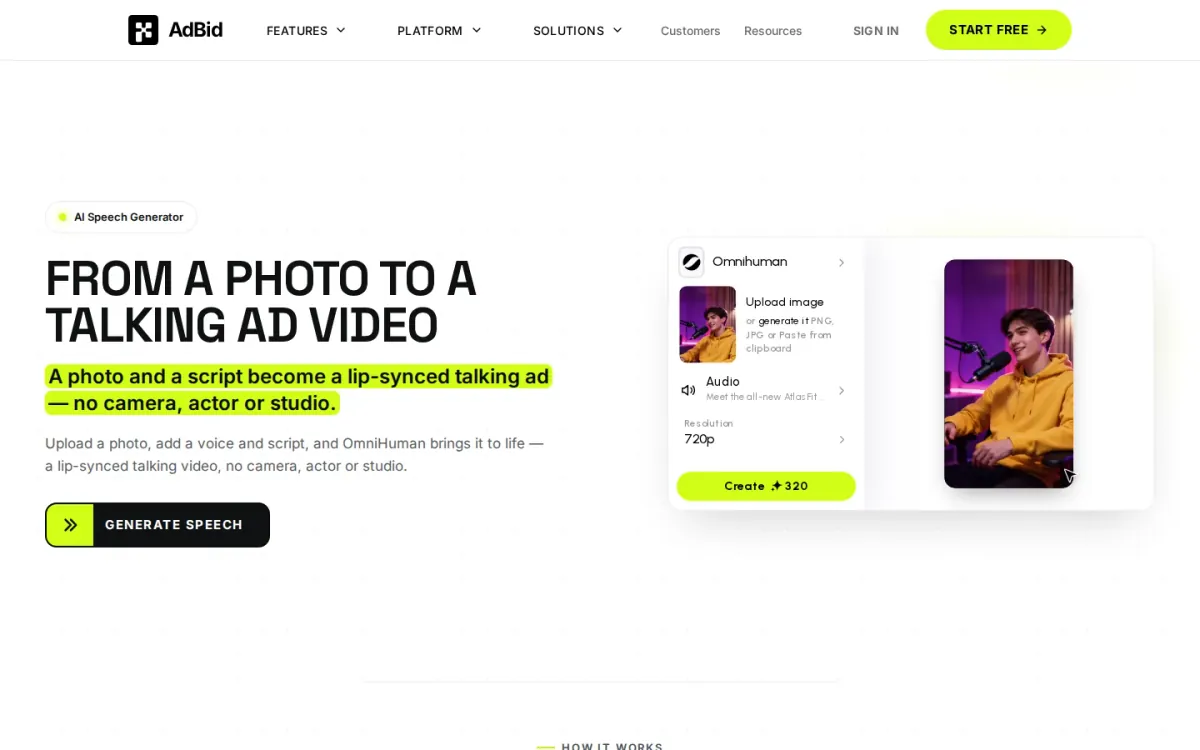
AdBid’s AI Speech Generator turns a photo and script into a talking video, skipping cameras, actors, and studio setups. Upload a face image, choose a voice or bring your own audio, and OmniHuman animates realistic expressions and mouth movement.
Features and trade-offs
Key features
OmniHuman model for realistic lip-Sync expressions.
Uploads PNG, JPG, or clipboard images.
Generates speech from script or uploads audio.
Exports talking video at 720p resolution.
The guided, step-by-step flow keeps creation simple: pick a model, add a photo, then write the script and select a natural AI voice. Output targets 720p, and uploaded audio is limited to short clips for quick presenter-style results.
Why it ranks here
OmniHuman’s focus on human avatars delivers believable facial expressions, and the workflow is straightforward for rapid photo-to-talking-video production.
Pros
Strong photo-to-face animation realism.
Simple five-step creation flow.
Supports uploaded audio for brand voice.
Limitations
Uploaded audio capped at 30 seconds.
Best results need a front-facing photo.
Access and verdict
Access: Access conditions are documented on adbid.me [1]. Verdict: A solid lip Sync video generator for quick talking-head ads when you have a single portrait and a short script.
2. Hedra
Official source: hedra.com [2].
Best for: Teams building avatar-driven video workflows via API.
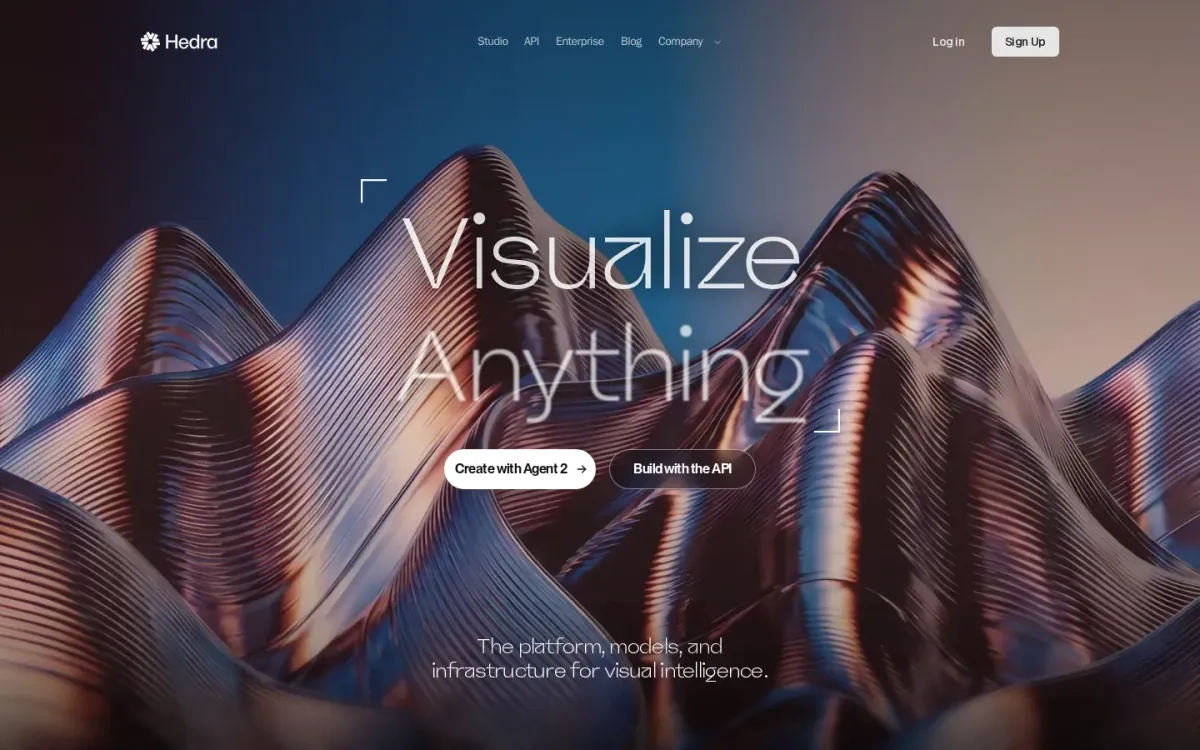
Hedra positions itself as a platform for visual intelligence, combining models, infrastructure, and agents for visual creation. Creative Studio centers on an Agent that can strategize and execute creative work inside a shared canvas for collaborative production.
Key features
Hedra provides Creative Studio Agent workflow; Hedra supports multiplayer Spaces collaboration.
Also documented: Hedra offers Developer API for model access; Hedra lists dedicated Avatar Models.
For lip Sync video generator needs, Hedra stands out more as a model-and-inference hub than a single-purpose editor. It highlights video, audio, speech, and avatar models plus a developer API, aiming to run production inference at scale.
Hedra — why it ranks here
Earns a high spot for pairing avatar models with production inference and a developer API, though lip-Sync specifics are not clearly spelled out.
Strengths: Strong focus on production inference infrastructure; Developer API suits custom avatar video pipelines; Collaboration features support team iteration.
Limitations: Lip-Sync controls and outputs remain unclear.
Access: The terms that apply now sit on hedra.com [2]. Verdict: Choose Hedra for API-driven avatar video systems; look elsewhere if you need explicit lip-Sync editing controls.
3. D Id
Official source: d-id.com [3].
Best for: Teams creating branded avatar videos and real-time conversational agents in many languages.
D-ID turns scripts, briefs, decks, or documents into polished avatar videos, emphasizing speed, simplicity, and brand control. You can tailor avatar style, voice, backgrounds, layouts, and media for consistent messaging across training, marketing, sales, and support.
Key features
D-ID generates multilingual avatar videos from documents.
D-ID supports real-time conversational visual agents.
D-ID offers API integration and streaming animation.
D-ID enables brand control over voice and layouts.
Beyond offline video, D-ID supports real-time, conversational visual agents that respond naturally and operate in 120+ languages. For a lip Sync video generator, it stands out for lifelike, perfectly lip-synced avatars, plus API options for embedding streaming animation into apps.
Quick assessment
Strongest points: Delivers perfectly lip-synced, lifelike avatars.
Supports 120+ languages for global localization.
Enables embeddable agents with workflow triggers.
Main limitations: Enterprise focus may feel heavy for simple edits.
Requires setup effort for API-based deployments.
Why it ranks here: Strong multilingual coverage, brand customization, and real-time agent capabilities make D-ID versatile.
Though it prioritizes enterprise-scale workflows over casual one-off creators.
Access: Official access details are listed on d-id.com [3]. Verdict: D-ID suits organizations needing scalable, on-brand avatar video and interactive agents, especially when multilingual delivery and real-time conversations matter.
4. Sync
Official source: sync.so [4].
Best for: Studios and creators syncing dialogue across languages and tricky footage.
Sync focuses on AI lipsync and visual dubbing for real-world shoots, handling occluded faces, low light, fast camera moves, and rapid dialogue. It adapts to each actor’s performance so mouth motion stays aligned to the spoken track.
Key features
Sync-3 model for challenging shoot conditions; Multi-face and multi-angle mouth matching.
Also documented: Watermark-based verification for modified videos.
You can upload a video, choose audio from the clip or a cloned or generated voice, and get a synced shot without a timeline. Sync also supports multiple faces and camera angles, plus pipeline-friendly options like an API and studio tools.
Sync — why it ranks here
Ranked #4 for strong real-footage reliability, multi-language performance adaptation, and pipeline integration, tempered by a workflow that can feel studio-centric.
Strengths: Handles occlusions, low light, and fast motion; Preserves actor movement across many languages; Simple upload-to-result flow without timelines.
Limitations: Verification step adds extra handling for some teams; Studio-oriented options may exceed casual needs.
Access: Current access terms come from sync.so [4]. Verdict: It suits demanding dubbing jobs where footage varies wildly and performance fidelity matters more than a lightweight creator workflow.
5. Vozo
Official source: vozo.ai [5].
Best for: Teams localizing videos that need believable mouth movements.
Vozo focuses on multilingual video localization where mouth movements matter. It pairs AI translation and dubbing with LipREAL™ to match translated speech across languages, helping localized clips look native rather than re-recorded.
Key features
LipREAL™ matches translated speech across languages.
VoiceREAL™ cloning preserves emotion and accents.
Visual translation rebuilds on-screen text layouts.
Subtitles support for multilingual deliverables.
Beyond mouth matching, Vozo supports subtitles and visual translation that detects, erases, and rebuilds on-screen text while preserving layout, style, and animations. VoiceREAL™ and VoiceNATIVE™ aim to keep emotion and accents intact across dubs.
Why it ranks here
Strong spoken-face modeling and on-screen text translation make Vozo a practical pick for credible localized talking-head and scripted content.
Pros
Convincing mouth motion on translated dialogue.
Keeps character voices consistent across episodes.
Preserves styling when translating on-screen text.
Limitations
Localization-first focus may feel heavy for simple edits.
Access: Documented access terms appear on vozo.ai [5]. Verdict: It suits creators and teams who need natural-looking localized speech, plus translated captions and on-screen text that still matches the original design.
6. Vidnoz
Official source: vidnoz.com [6].
Best for: Marketing teams and creators who want talking avatars that match spoken audio.
Vidnoz centers on talking avatars that speak naturally with synchronized mouth movement, making it a strong pick for spokesperson-style clips. The workflow starts from templates or scratch, then adds voiceover, layout tweaks, and exports for sharing.
Key features
Vidnoz provides 1900+ realistic AI avatars.
Vidnoz includes 2800+ video templates.
Vidnoz supports 2000+ AI voices and voice cloning.
Vidnoz offers an AI Lip Sync feature.
It highlights expressive avatars with body language, plus a large library of realistic avatars and templates to speed setup. It also supports a broad voice toolkit, including voice cloning, which helps keep character identity stable across multiple scenes.
Quick assessment
Strongest points: Natural-looking avatar speech with synchronized mouth movement.
Large template library for quick scene setup.
Voice cloning helps maintain a consistent persona.
Main limitations: Interface can feel busy due to many adjacent AI tools.
Why it ranks here: Ranks well for avatar variety and voice options.
The experience leans toward full video assembly rather than dedicated mouth-Sync-only workflows.
Access: Access conditions are documented on vidnoz.com [6]. Verdict: It suits creators who want believable talking avatars and reliable mouth-Sync, especially when templates and voice options matter more than minimalism.
7. Magichour
Official source: magichour.ai [7].
Best for: Creators localizing clips and making talking-photo shorts.
Magichour includes a dedicated lip-Sync feature that can Sync any face to any audio in any language, helping you dub content without reshoots and turn voice tracks into shareable lip-matched clips. Results aim for natural expressions.
Key features
Magichour syncs any face to any audio; Talking Photo animates portraits with audio.
Also documented: Browser-based creation with templates.
Beyond direct syncing, Magichour’s Talking Photo mode turns a portrait plus an audio clip into a speaking video with synchronized mouth movements. Everything runs in the browser, and production-minded teams can tap REST API and SDKs.
Magichour — why it ranks here
It earns this spot for multilingual syncing plus Talking Photo, backed by API/SDK access, though the platform’s broad scope can distract from focused dubbing workflows.
Strengths: Supports multilingual dubbing without reshoots; Natural expressions paired with synced mouth motion; API and SDK suit production pipelines.
Limitations: All-in-one interface can feel busy.
Access: The terms that apply now sit on magichour.ai [7]. Verdict: It is a solid pick for multilingual dubbing and talking portraits, especially when you need browser delivery and production integrations.
8. Aistudios
Official source: aistudios.com [8].
Best for: Teams localizing avatar videos that need believable mouth movement across languages.
Aistudios focuses on AI avatar video creation while keeping speech-to-mouth alignment believable. It supports AI dubbing that localizes videos in 150+ languages using voice cloning and matching lip movement, helping multilingual content feel less “dubbed” and more native.
Key features
AI dubbing in 150+ languages with lip-Sync; 2,000+ realistic AI avatars library.
Also documented: Script, docs, or URL to video creation; Editable video templates for quick variations.
Beyond dubbing, Aistudios can generate videos from scripts, documents, or URLs, then assemble visuals, narration, and avatars in one workspace. A large library of 2,000+ realistic AI avatars plus templates helps you iterate quickly without filming.
Aistudios — why it ranks here
Strong language coverage and voice cloning paired with lip movement, plus a large avatar library and prompt-to-video options for varied production needs.
Strengths: Wide language localization for global releases; Large avatar selection for different contexts; All-in-one workspace for edit and publish.
Limitations: Interface can feel busy for single-purpose syncing.
Access: Official access details are listed on aistudios.com [8]. Verdict: It is a solid pick for localized avatar videos where mouth movement matters, especially when you need many languages and many avatar styles.
9. Akool
Official source: akool.com [9].
Best for: Teams translating spokesperson videos while keeping on-screen speech believable.
Akool is an AI video suite that stands out for video translation that keeps speakers looking like they’re actually saying the new language. It pairs avatars and talking-photo options with face swap and background changes for quick, on-brand edits.
Key features
Akool video translation with lip-synced speech.
Avatar video studio with templates and uploads.
Face swap for images and videos.
Background changer for video scenes.
For creators who need believable mouth movement rather than just a new audio track, Akool’s translation workflow is the highlight. Akool also supports avatar video creation from templates or uploads, helping you turn existing footage into localized variants.
Why it ranks here
It earns this spot for strong translated speech realism plus a broad video-editing stack, but its focus extends beyond mouth-Sync specialization.
Pros
Convincing translated speech that matches mouth shapes.
Template-based avatar creation speeds repeatable videos.
Face swap results look natural in many shots.
Limitations
Broader suite can feel less focused on dubbing.
Access: Current access terms come from akool.com [9]. Verdict: It fits localization-heavy video teams that want believable on-camera speech in new languages, plus extra creative edits in the same workspace.
10. Lipdub
Official source: lipdub.ai [10].
Best for: Teams localizing existing videos into many languages with natural mouth movement.
Lipdub focuses on AI video localization, translating and dubbing videos while matching mouth movements to new speech. It supports 80+ languages and targets broadcast-quality results, whether you’re adapting a short ad or a multi-hour course.
Key features
Lipdub supports localization in 80+ languages.
Translation editor refines lines before generation.
Voice cloning or selectable replacement voices.
Frame-by-frame mouth matching at broadcast quality.
The workflow is straightforward: upload an existing video, refine the translated script, clone the original speaker’s voice or choose another, then generate frame-by-frame mouth matching and export broadcast-ready versions. An API option also supports product embedding.
Quick assessment
Strongest points: Handles short ads through multi-hour courses.
Exports broadcast-ready versions for every market.
API supports in-product dubbing and mouth matching.
Main limitations: Best fit for existing videos, not new creation.
Why it ranks here: Strong multilingual dubbing and frame-accurate mouth matching.
The feature set shown centers on localization rather than broader creator-first editing controls.
Access: Documented access terms appear on lipdub. Verdict: It is a smart pick for scaling multilingual dubs with convincing mouth movement, especially when you already have finished video assets.
How to choose
Workflow fit
Start by matching the tool to your input: some are best for a single photo plus script, while others expect existing footage for dubbing. Next, decide how much control you need—simple “generate and export” flows suit quick ads, while studios may need tighter Sync handling for difficult angles and varied lighting.
Validation
Check language coverage and whether translation, captions, and on-screen text adaptation are included in the workflow. If you’re building a repeatable pipeline, prioritize API access, consistent exports, and clear documentation. Finally, confirm the tool’s stated limits and support channels so production expectations stay realistic.
Final recommendations
Shortlist
AI Lip Sync Video Generator is the most direct fit when you want a talking ad-style clip from one portrait and a short script.
Hedra and D Id make sense for teams standardizing avatar video workflows, especially when API-driven production or interactive agents matter.
Before rollout
Sync and Vozo are better aligned with localization and dubbing work where mouth movement and performance fidelity need extra care.
Vidnoz, Magichour, Aistudios, Akool, and Lipdub suit broader creator and marketing workflows, especially when templates, multilingual delivery, and repeatable exports matter.