

Part of our CTV Advertising guide series.
Ad video tools now range from prompt-to-spot generators to full creative studios with timelines, scene controls, and brand kits. This Top 10 focuses on options that help teams move from an idea to usable ad assets without getting stuck in setup, exports, or platform requirements. The goal is practical: produce short-form creatives, iterate variations, and keep messaging consistent across placements. Along the way, the guide highlights where each tool tends to fit best—whether you need URL-to-video workflows, multi-scene control, stylized social clips, or concept exploration. Use the methodology and selection tips below to match a tool to your campaign volume, review process, and distribution channels.
Comparison table
Rank | Tool | Best for | Key capabilities | Limitations | Access/source status |
|---|---|---|---|---|---|
1 | Marketers turning prompts or product URLs into ready ad videos | Choose from Sora 2, Veo 3.1, Hailuo AI, Seedance Lite; Curated presets with pre-tuned camera move and mood | Model selection adds decisions before the first render | adbid.me [1] | |
2 | Runway [2] | Creative teams producing short-form ad videos and iterating visuals in one workspace | All-in-one cloud workspace for video, images, and audio; Gen-4.5 video model with motion quality and prompt adherence | Homepage messaging is broader than ad-focused workflows | runway.com [2] |
3 | Labs [3] | Creatives and marketers needing advanced video and image generation | Gemini Omni: Create and edit videos from any input; Veo 3.1: Expanded creative controls, native audio | Features may vary by platform and region | labs.google [3] |
4 | Kling [4] | Marketers who need consistent multi-scene creative for social and brand campaigns | VIDEO 3.0 and VIDEO 3.0 Omni model series; Cinema-grade native 4K video generation | Limited clarity on practical ad templates and presets | kling.ai [4] |
5 | Lumalabs [5] | Teams producing paid social variants, hero shots, and teaser cuts with tight brand continuity | Ray 3.2: direct every frame and finish every cut; Continuity held across every cut for consistent sequences | Ad format templates and platform-specific specs aren’t detailed on the homepage | lumalabs.ai [5] |
6 | Pika [6] | Brands that want eye-catching short promo clips from photos, selfies, and trend-style templates | Pika 2.5 video generation; One-tap “Pikaffects” photo-to-video effects | Heavily stylized outputs may not fit every brand look | pika.art [6] |
7 | Sora [7] | Teams testing concept-to-video creative for marketing spots | Video generation product presence on Sora.com; Homepage reference to marketing-video category | No documented ad-creative features or controls | sora.com [7] |
8 | Creatify [8] | Teams producing many variations of video creatives across platforms | URL to Video turns any link into a ready-to-post video; Ad Flow node-based editor for ready-to-ship ads | Integration and workflow specifics aren’t clearly described in the excerpt | creatify.ai [8] |
9 | Higgsfield [9] | Marketers who want preset-driven, cinematic short videos and UGC-style variations for social campaigns | Seedance 2.0 for high-quality videos in seconds; Gemini Omni Flash to generate and edit from any input | Interface and offerings may feel sprawling for ad-only teams | higgsfield.ai [9] |
10 | Hailuoai [10] | Creators who want quick promo-style visuals and short clips from a unified creation hub | Create Video with Start/End Frame controls; Create Image for companion ad creatives | Homepage lacks clear technical output specifications | hailuoai.video [10] |
How we evaluated the tools
Each product is scored using a six-part rubric. Task fit (30%) measures how well it supports common ad workflows like variants, hooks, and platform formats. Features and automation (20%) cover generation options, templates, and batch capabilities. Ease of use (15%) looks at learning curve and editing flow. Integrations and workflow (15%) assess exports, collaboration, and handoff to ad stacks. Access transparency (10%) checks clarity on availability and requirements. Limits, support, and transparency (10%) weigh usage caps, documentation, and policy clarity.
Source basis: checks start with adbid.me [1] and continue through every linked official product page.
Scores are editorial assessments on a 100-point scale rather than customer ratings. Product pages supply the feature and access facts, and the same weighted rubric applies to every entry.
The order reflects fit for this comparison, not market share or brand familiarity. Each product links back to an official source so readers can verify current details.
1. AdBid
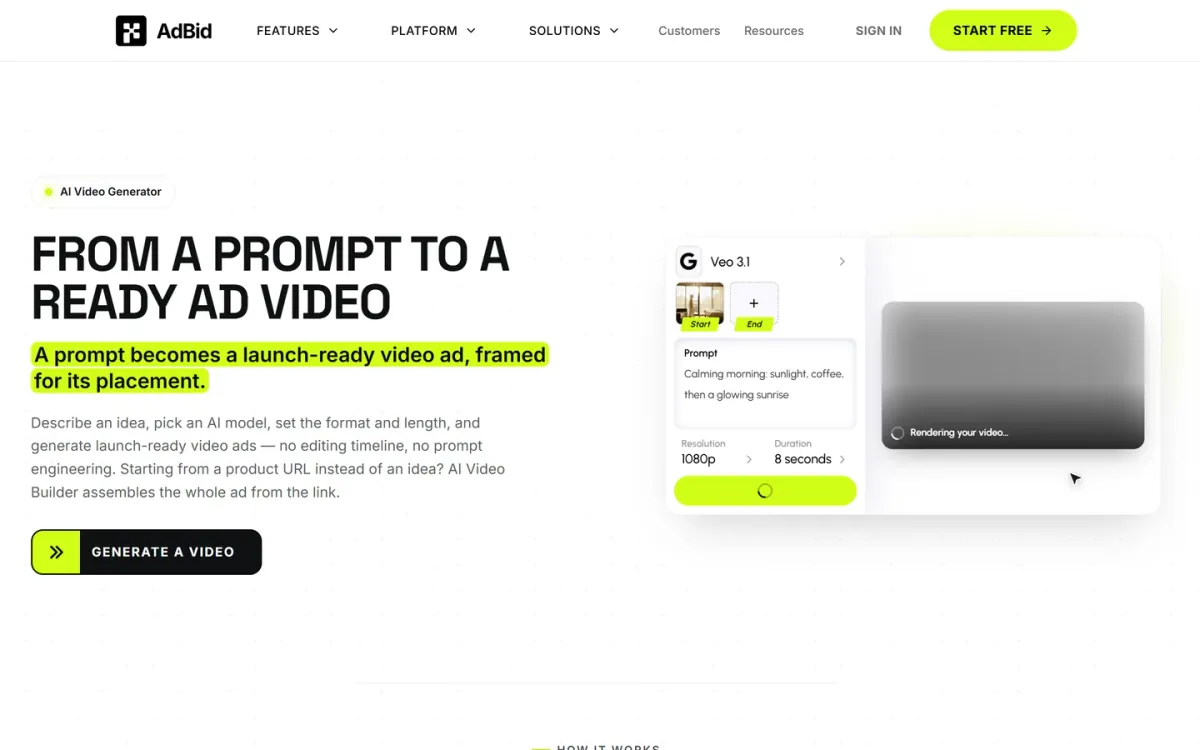
Best for: Marketers turning prompts or product URLs into ready ad videos.
AdBid
Ai video generator turns a plain-language prompt into a launch-ready video ad framed for its placement.
Choose an AI model, set format and length, and generate without an editing timeline or prompt engineering.
Features and trade-offs
Key features
Choose from Sora 2, Veo 3.1, Hailuo AI, Seedance Lite.
Curated presets with pre-tuned camera move and mood.
Enhance expands short prompts into detailed briefs.
Refine, upscale, download, or push into a new ad set.
When you start from a product URL, AI Video Builder assembles the full ad from the link. Presets provide pre-tuned camera move, pacing, and mood, while Enhance expands short lines into richer prompts for stronger first takes.
Why it ranks here
Strong ad-first workflow: model choice, preset styling, and a guided six-step build that ends with upscale, download, or direct campaign launch.
Pros
No editing timeline required for generation and iteration.
Product-URL workflow assembles an ad from a link.
Winner brief stays attached for reruns across markets.
Limitations
Model selection adds decisions before the first render.
Start frame is optional but can improve subject consistency.
Access and verdict
Access: Current access details: adbid.me [1]. Verdict: A practical ai video generator for ads when you want guided creation, preset styling, and a clear path from prompt to campaign-ready output.
2. Runway
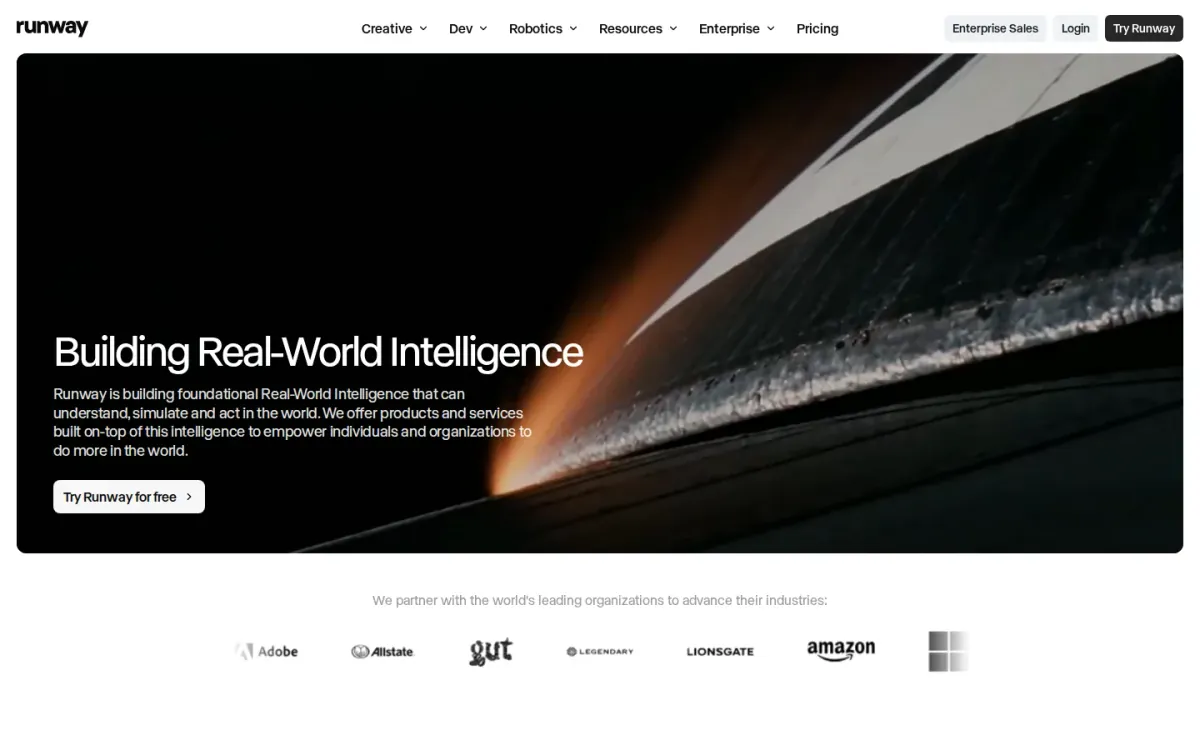
Official source: runway.com [2].
Best for: Creative teams producing short-form ad videos and iterating visuals in one workspace.
Runway Creative is an all-in-one, cloud-based workspace to generate and edit video alongside images and audio. For ad production, that means fewer handoffs when you’re shaping concepts into multiple variations for different placements and audiences.
Key features
All-in-one cloud workspace for video, images, and audio; Gen-4.5 video model with motion quality and prompt adherence.
Also documented: Built for individuals and teams of all sizes; Developer platform with workflows via custom endpoints.
Runway’s lineup includes Gen-4.5, highlighted for motion quality, prompt adherence, and visual fidelity—useful when ad shots need consistent movement and clear intent. It also supports individuals and teams, helping keep creative iteration centralized as campaigns evolve.
Runway — why it ranks here
Strong creative breadth and a flagship video model make Runway a dependable ai video generator for ads, though ad-specific publishing features aren’t emphasized.
Strengths: Combines generation and editing in one creative suite; High visual fidelity helps ads look consistent across variants; Supports collaboration without leaving the platform.
Limitations: Homepage messaging is broader than ad-focused workflows; Some advanced workflow control may require developer setup.
Access: Current access details: runway.com [2]. Verdict: It fits ad creators who want a single place to generate, refine, and iterate video with strong motion and visual quality.
3. Labs
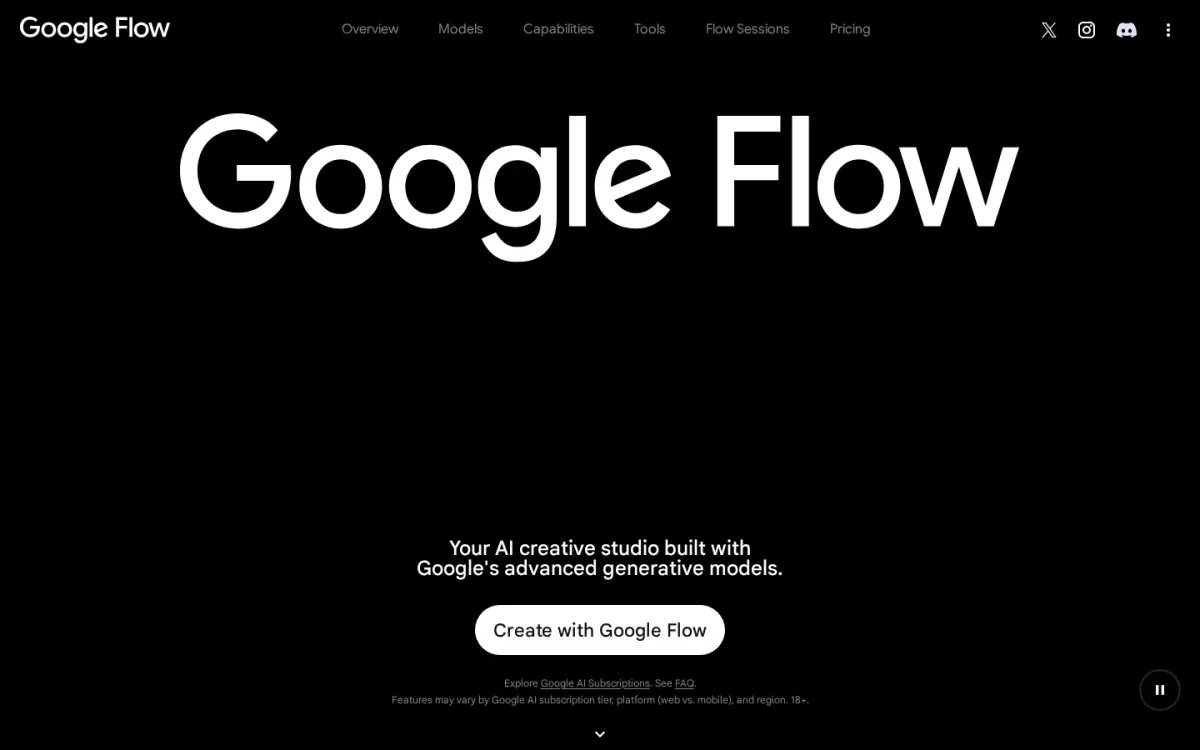
Official source: labs.google [3].
Best for: Creatives and marketers needing advanced video and image generation.
Google Flow is an AI creative studio using advanced Google generative models like Gemini Omni and Veo 3.1. It offers an adaptable canvas for blending text, image, and video inputs.
Key features
Gemini Omni: Create and edit videos from any input.
Veo 3.1: Expanded creative controls, native audio.
Custom tool creation for specific workflows.
Natural language editing for iterative adjustments.
Users can build custom tools for creative workflows, from video effects to animations. It provides natural language editing for complex, iterative project adjustments. A documented limitation is features may vary by platform and region.
Quick assessment
Strongest points: uses Google's advanced generative models; Blends text, image, and video inputs; Natural language for complex edits.
Main limitations: Features may vary by platform and region.
Why it ranks here: Google Flow excels in ad video/image generation.
Its advanced models and adaptable studio support diverse creative workflows.
Access: Current access details: labs.google [3]. Verdict: Google Flow offers a dependable AI creative studio for ad content, with advanced models and flexible editing.
4. Kling
Official source: kling.ai [4].
Best for: Marketers who need consistent multi-scene creative for social and brand campaigns.
Kling is a next-gen AI video and image generator built around the Kling 3.0 model series, including VIDEO 3.0 and VIDEO 3.0 Omni. It emphasizes deep multimodal instruction parsing and cross-task integration for narrative-driven campaign videos.
Key features
VIDEO 3.0 and VIDEO 3.0 Omni model series; Cinema-grade native 4K video generation.
Also documented: Motion Control for directed movement.
For ad-style spots, Kling highlights precise long-form storyboard control, complex multi-scene transitions, and Native Audio–powered feature decoupling. Kling also supports dual binding of visual identity and vocal tone to keep brand and voice consistent.
Kling — why it ranks here
Strong creative consistency and control for multi-scene marketing videos, though some workflow details beyond the studio and API are lightly explained.
Strengths: Precise long-form storyboard control for sequences; Consistent results across complex scene transitions; Binds visual identity with vocal tone.
Limitations: Limited clarity on practical ad templates and presets.
Access: Current access details: kling.ai [4]. Verdict: It suits teams producing brand-consistent, multi-scene campaign videos where 4K output and tighter control matter more than preset-driven workflows.
5. Lumalabs
Official source: lumalabs.ai [5].
Best for: Teams producing paid social variants, hero shots, and teaser cuts with tight brand continuity.
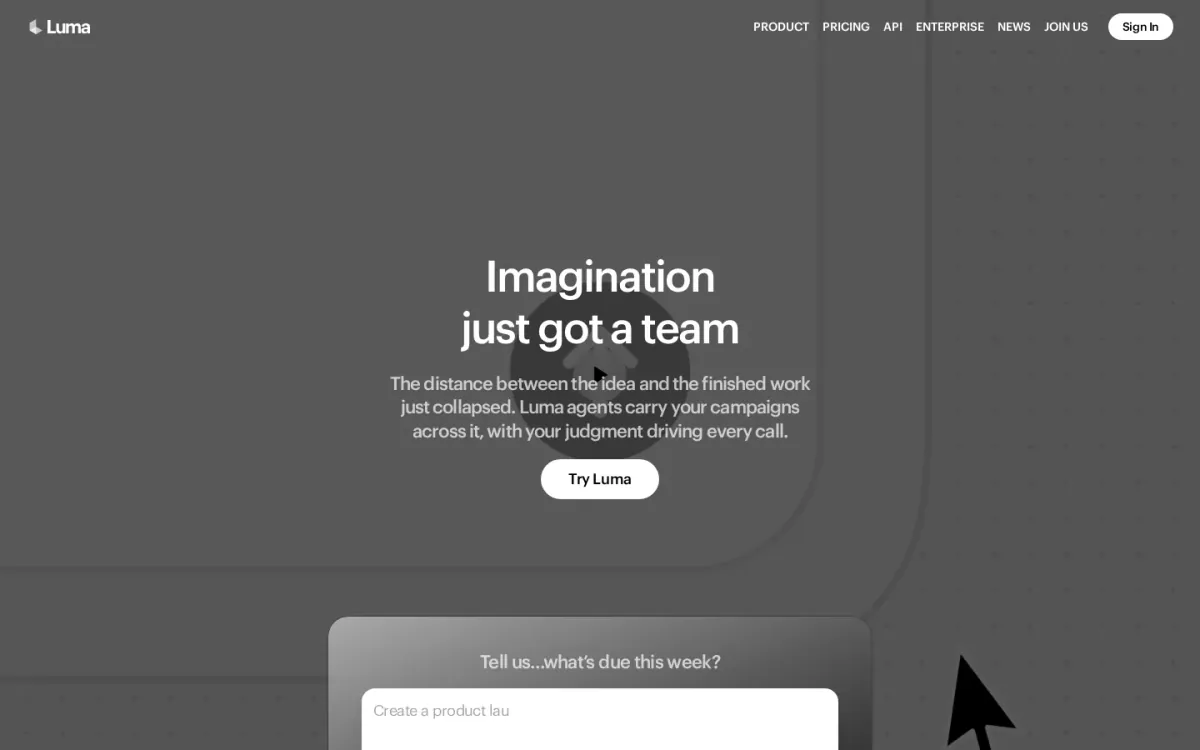
Lumalabs positions Luma as a set of creative agents that can research, generate, and refine campaign assets across video, image, audio, and text, while keeping brand style steady. It’s geared toward turning weekly deliverables into ready-to-share creative outputs.
Key features
Ray 3.2: direct every frame and finish every cut.
Continuity held across every cut for consistent sequences.
Uni-1 brand intelligence with style and character references.
Agents generate and refine across video, image, audio, and text.
For video, Ray 3.2 emphasizes directorial control: you can “direct every frame,” maintain continuity across cuts, and finish with cinematic quality. Uni-1 adds brand intelligence at the model level, carrying style and character references into generated assets.
Why it ranks here
Ranked #5 for strong frame-level direction and continuity, balanced by limited clarity on dedicated ad-specific workflows in the core product overview.
Pros
Clear emphasis on continuity across multi-cut video edits.
Brand grounding via style and character references.
Designed to produce many creative directions and variants quickly.
Limitations
Ad format templates and platform-specific specs aren’t detailed on the homepage.
Access: Current access details: lumalabs.ai [5]. Verdict: A solid pick for campaign video teams that want hands-on frame direction and consistent brand outputs across many variants.
6. Pika
Official source: pika.art [6].
Best for: Brands that want eye-catching short promo clips from photos, selfies, and trend-style templates.
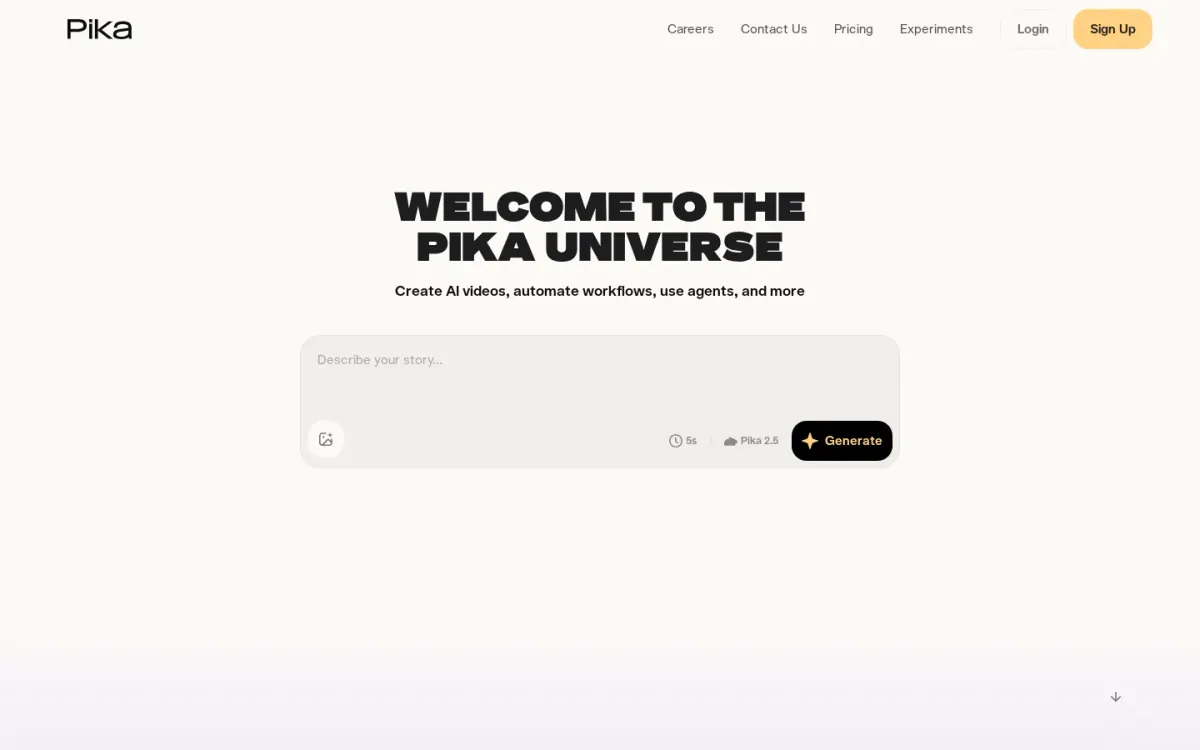
Pika focuses on generating short videos and playful visual effects that translate well to social promotions. With Pika 2.5 and the Pika Video App, marketers can turn a single photo into a reality-bending clip designed to stop the scroll.
Key features
Pika 2.5 video generation.
One-tap “Pikaffects” photo-to-video effects.
Pika Agent conversational creative collaboration.
AI Trendmaker selfie-and-sound trend videos.
For ad creatives who prefer guided creation, Pika Agent supports conversational collaboration, while Pika MCP can extend existing agents with Pika-made skills and access to multiple creative models. AI Trendmaker also helps you jump on viral formats using a selfie and sound.
Quick assessment
Strongest points: Quickly turns photos into attention-grabbing promo clips; Fun effect library: squish, melt, cake-ify; Trend-focused creation options for social placements.
Main limitations: Heavily stylized outputs may not fit every brand look.
Why it ranks here: It ranks well for snackable promotional video creation thanks to one-tap effects, trend-ready templates.
Agent-driven collaboration that speeds up ideation.
Access: Current access details: pika.art [6]. Verdict: A strong pick for social-first ad visuals, especially when you want stylized effects and trend formats over strict brand realism.
7. Sora
Official source: sora.com [7].
Best for: Teams testing concept-to-video creative for marketing spots.
Sora is positioned as a video-generation product, but the available official page content doesn’t describe how it supports marketing spot creation, creative controls, or export options. That makes it hard to judge suitability for campaign production beyond basic experimentation.
Key features
Video generation product presence on Sora.com; Homepage reference to marketing-video category.
Also documented: Single official landing page available.
For ad-focused workflows, you’ll want clarity on brand safety, prompt controls, aspect ratios, and iteration tools. Sora’s homepage excerpt provides none of those specifics, so expectations should stay modest until the product documentation outlines capabilities and constraints.
Sora — why it ranks here
Ranks mid-pack because the official page excerpt lacks concrete ad-creation features, workflow details, and limitations needed for confident comparison.
Strengths: Clear product name and official domain; Simple entry point via a single homepage.
Limitations: No documented ad-creative features or controls; No stated output specs, limits, or workflow details.
Access: Current access details: sora.com [7]. Verdict: It may be worth watching, but the current official excerpt is too thin to recommend for marketing video production.
8. Creatify
Official source: creatify.ai [8].
Best for: Teams producing many variations of video creatives across platforms.
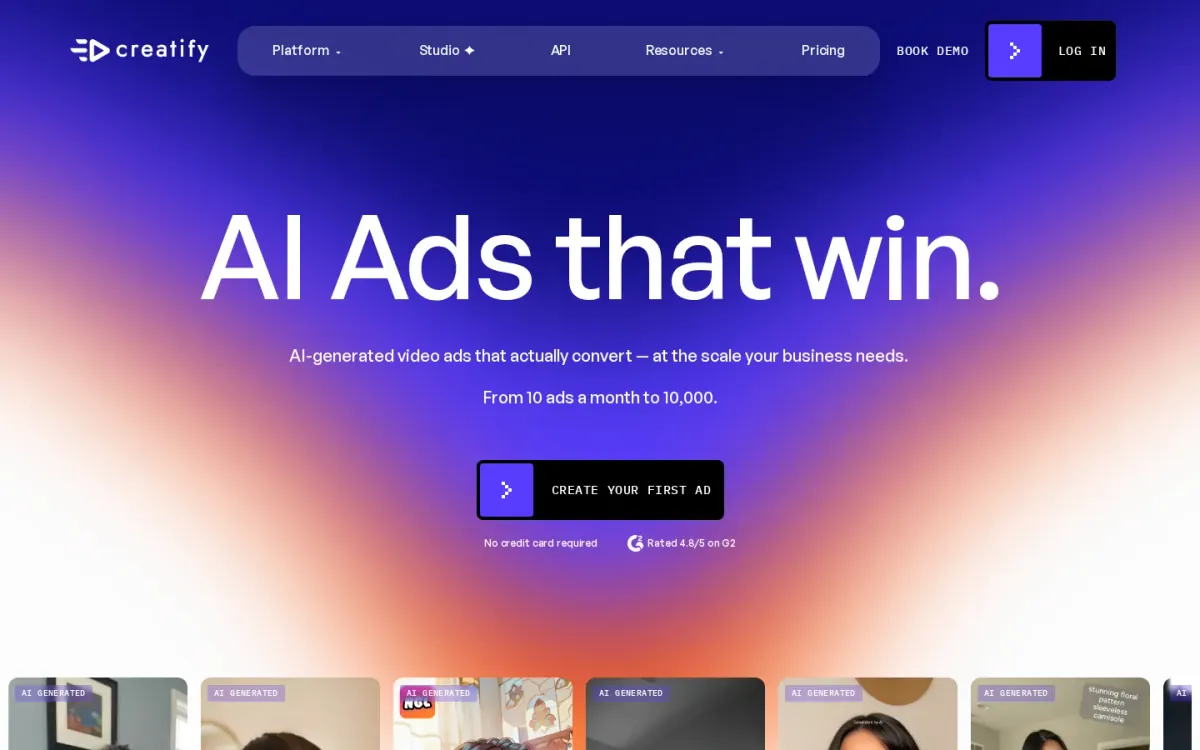
Creatify positions itself as an AI ad generator built for performance, aiming to produce video creatives that convert at business scale. It can turn a product page link into a ready-to-post video, helping marketers move from concept to publishable output quickly.
Key features
URL to Video turns any link into a ready-to-post video; Ad Flow node-based editor for ready-to-ship ads.
Also documented: Batch Generation creates up to 50 video variations instantly; Ad Cloner recreates winning ads instantly.
For iteration-heavy campaigns, Creatify combines an Inspiration Library with tools like Ad Cloner and Batch Generation to explore what’s trending and spin up multiple variations. Ad Flow’s node-based editor supports assembling ready-to-ship ads without starting from scratch.
Creatify — why it ranks here
Strong breadth for ad creation and iteration, but the excerpt provides limited detail on integrations and support, lowering confidence for complex workflows.
Strengths: Built around performance insights and competitive creative discovery; Supports high-volume variation testing with batch creation; Multiple ad formats, from UGC-style to cinematic looks.
Limitations: Integration and workflow specifics aren’t clearly described in the excerpt; Support and limits transparency is not fully detailed.
Access: Current access details: creatify.ai [8]. Verdict: It fits advertisers who need rapid, repeatable ad creative production with built-in inspiration and variation tools, especially at higher output volumes.
9. Higgsfield
Official source: higgsfield.ai [9].
Best for: Marketers who want preset-driven, cinematic short videos and UGC-style variations for social campaigns.
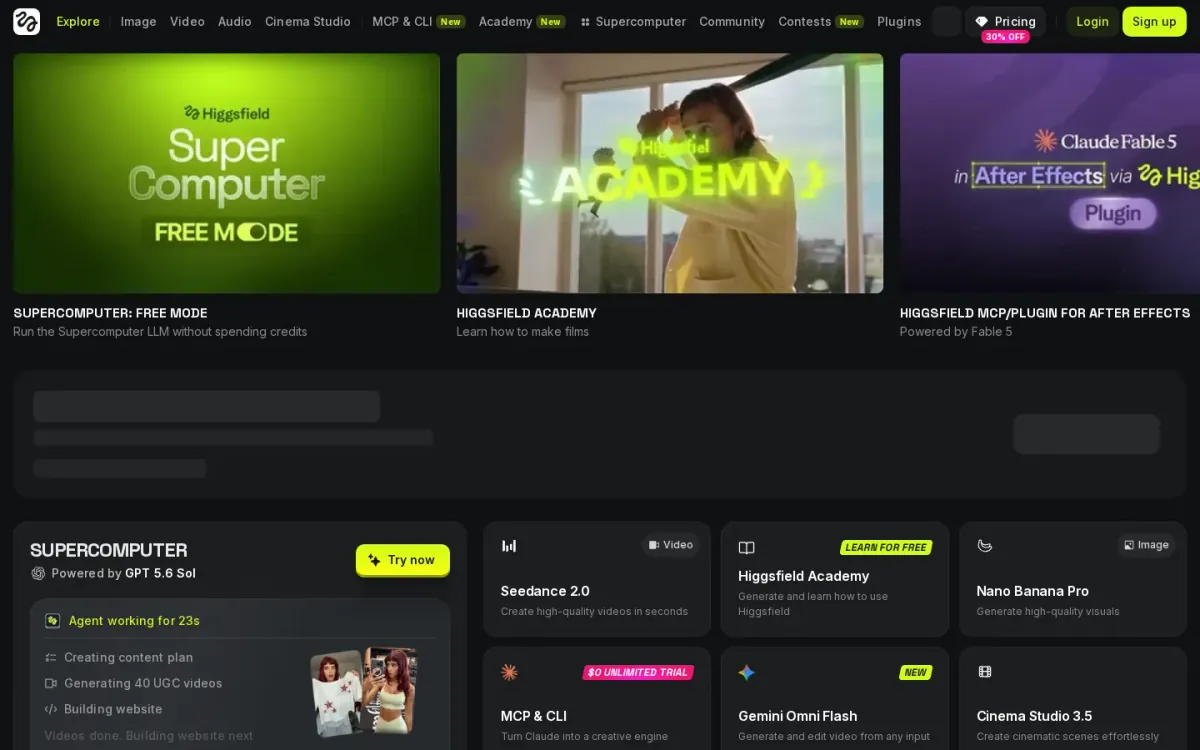
Higgsfield positions itself as an AI-native creative suite spanning image, video, audio, and cinema workflows. For ad-style social content, it shines through preset-led creation and community examples that show prompts, assets, and how each project was built.
Key features
Seedance 2.0 for high-quality videos in seconds.
Gemini Omni Flash to generate and edit from any input.
Cinema Studio 3.5 for cinematic scene creation.
Viral Presets for dramatic VFX-style transformations.
Video creation is anchored by options like Seedance 2.0 for “high-quality videos in seconds” and Gemini Omni Flash for generating and editing video from any input. Cinema Studio 3.5 targets cinematic scenes, while Viral Presets add big-budget effects like explosions and surreal transformations.
Why it ranks here
Strong creative variety and shareable project breakdowns, but the marketing focus can feel broader than dedicated ad production pipelines.
Pros
Wide range of viral preset styles for social creatives.
Community projects reveal prompts, assets, and build steps.
Multiple video generation routes for different inputs.
Limitations
Interface and offerings may feel sprawling for ad-only teams.
Some headline items reference external model branding.
Access: Current access details: higgsfield.ai [9]. Verdict: It is a solid pick for cinematic, preset-driven campaign videos, especially when you want lots of creative variants and transparent project breakdowns.
10. Hailuoai
Official source: hailuoai.video [10].
Best for: Creators who want quick promo-style visuals and short clips from a unified creation hub.
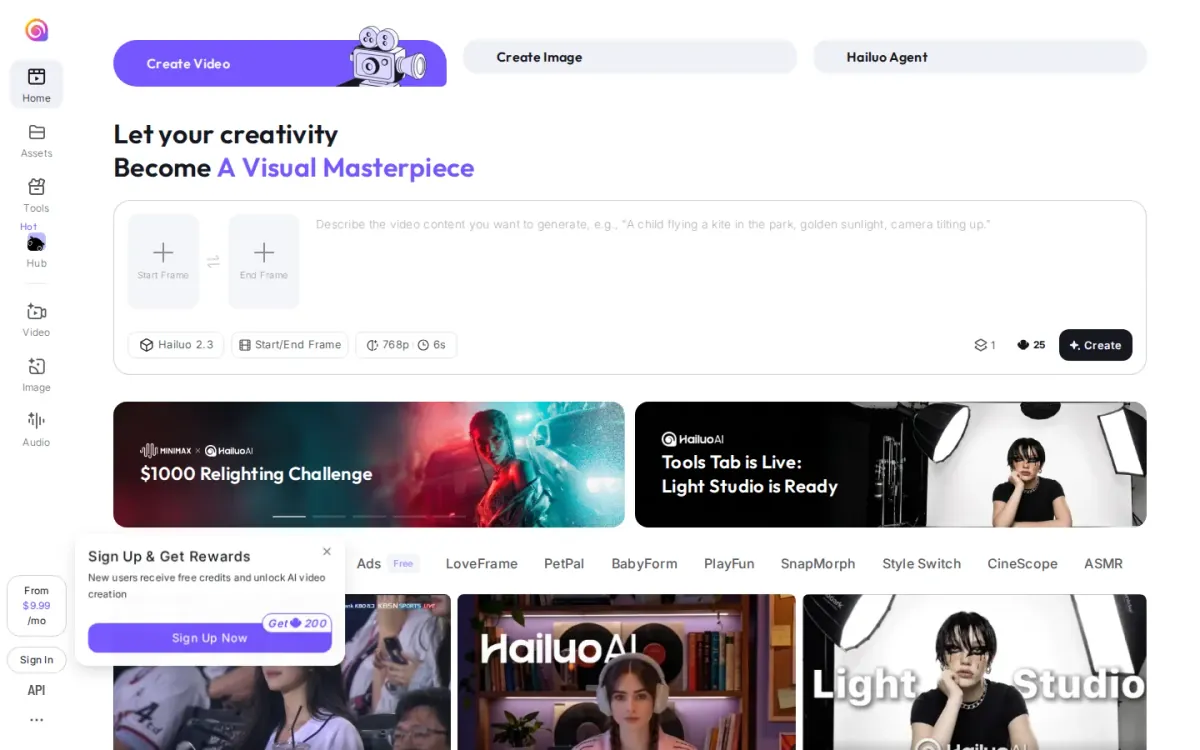
Hailuoai positions itself as an AI video and image generator for creators, pairing Create Video and Create Image in one place. The interface highlights Start/End Frame controls, helping shape short sequences suited to product promos and social placements.
Key features
Create Video with Start/End Frame controls.
Create Image for companion ad creatives.
Tools Hub with Light Studio.
Trending creative packs, including Ads.
A Tools Hub and “Unified AI Space” organize add-ons like Light Studio and a library of trending creative packs, including an Ads pack. Hailuo AI Agent and creator partnership programs are featured prominently, alongside clear reminders about legal, friendly use.
Quick assessment
Strongest points: Ads-themed creative pack supports promo variations; Start/End Frame controls guide short clip structure; Unified hub keeps video, image, and tools together.
Main limitations: Homepage lacks clear technical output specifications; Some navigation elements feel cluttered and repetitive.
Why it ranks here: Strong for quick ad-style concepts and creative packs, but the homepage provides limited detail on outputs, specs, and workflow depth.
Access: Current access details: hailuoai. Verdict: It fits lightweight commercial video creation when you want guided frames and ready-made ad packs, but expect to dig deeper for production details.
How to choose
Workflow fit
Start by defining your primary workflow: prompt-to-video, product URL-to-video, or multi-scene editing with tighter control. Next, confirm the formats you need—aspect ratios, duration limits, captions, and safe export settings for major ad platforms.
Validation
If brand consistency matters, prioritize tools with reusable styles, brand kits, or repeatable scene structures. For teams producing many variants, look for batch generation, versioning, and clear project organization. Finally, review access details and constraints, including availability, usage limits, and support documentation, so production planning stays predictable.
Final recommendations
Shortlist
Ai video generator if your team needs a guided path from prompt or product URL to campaign-ready ad videos.
If visual iteration and creative refinement matter most, prioritize tools that keep generation, editing, and versioning in one workspace.
Before rollout
For brand-led campaigns, favor multi-scene control, reusable styling, and exports that match platform specs without extra rework.
select options with variation tools, organized project management, and clear limits that won’t disrupt production schedules.