Marketing Attribution Software Built into the Workflow
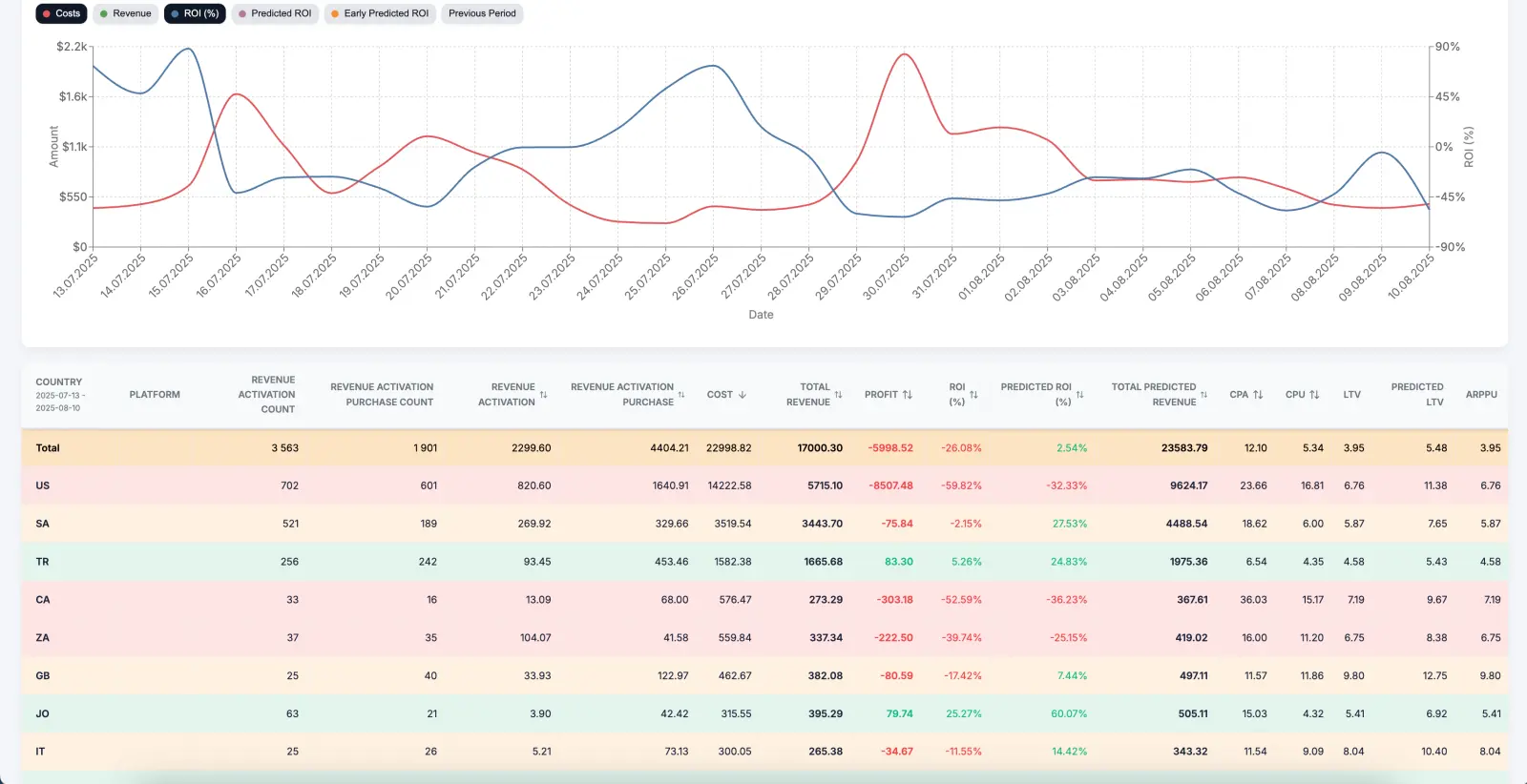
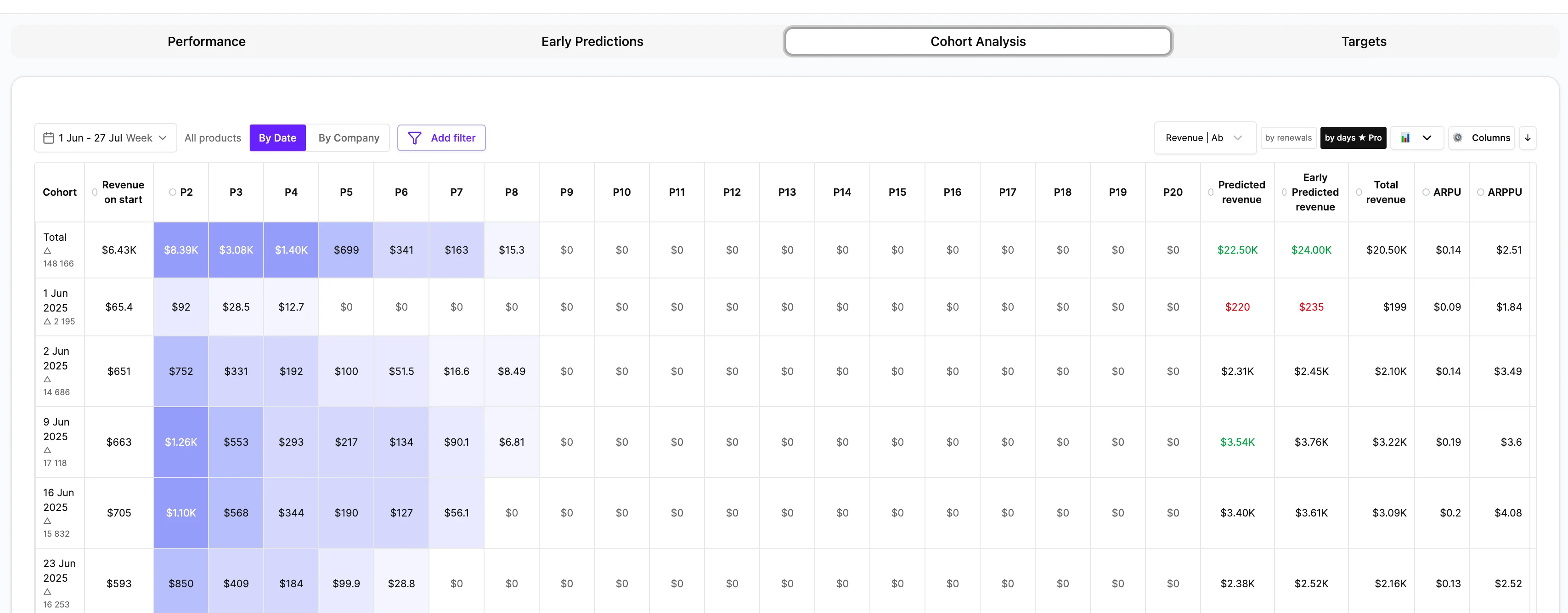
AdBid marketing attribution software is designed for teams that do not want measurement to live in a disconnected tool. It connects paid media activity to events, revenue, cohort quality, ROAS, and LTV context so campaign decisions can use the same signal layer that reporting uses.
 Meta Ads
 Google Ads
 TikTok Ads
 Snapchat Ads
 Moloco Ads
What is marketing attribution software?
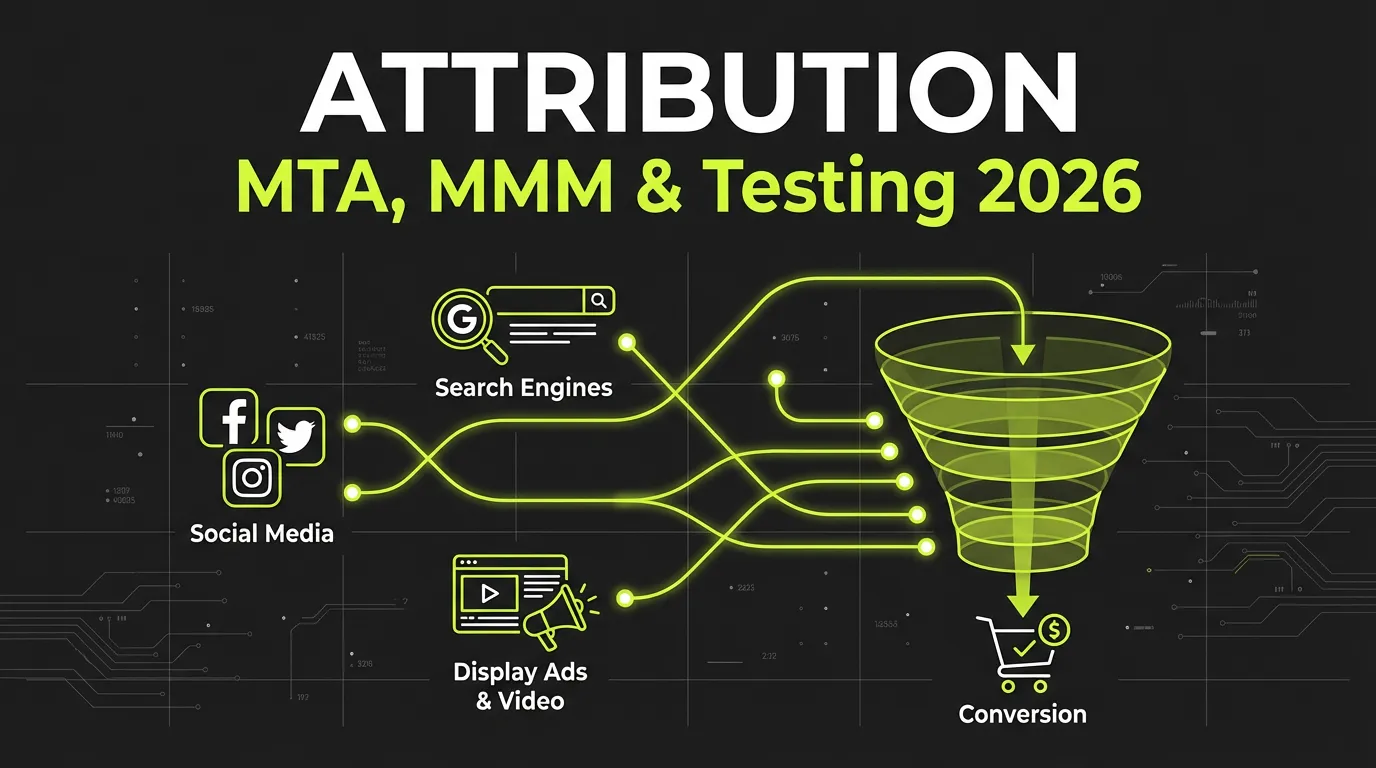
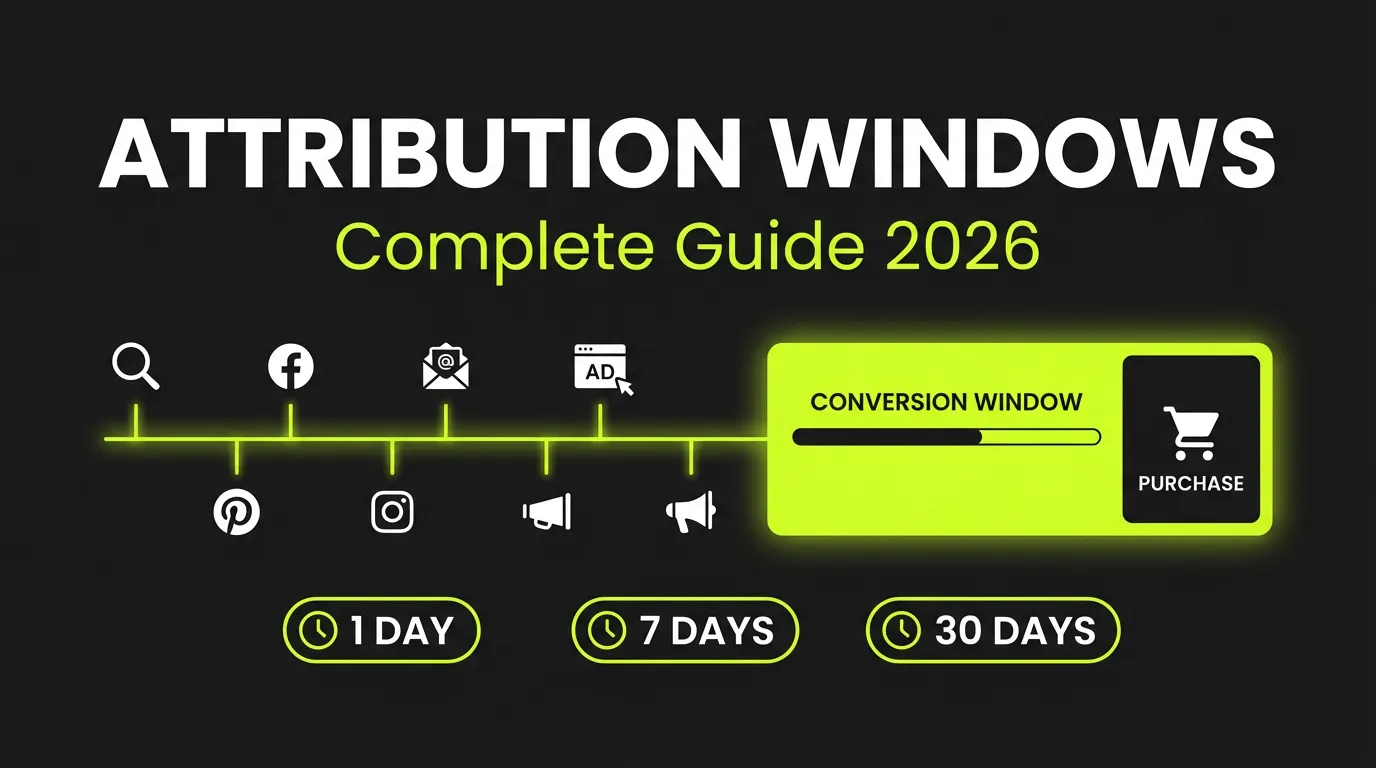
Marketing attribution software is the measurement layer that connects paid media to the events, revenue and cohorts a business actually cares about.
- Budget decisions rest on outcomes, not platform-reported clicks
- Events, datasets, CAPI signals and windows defined once
- The optimization log sits beside the numbers, so a shift can be traced
- The same layer supplies cohort quality and predictive LTV
Measurement that sits next to the decision
Marketing attribution software should sit next to media buying
Attribution outside the campaign workflow turns into report reconciliation.
- Connect spend, clicks, installs, events, and revenue.
- Review source quality and campaign context together.
- Use attribution to support optimization, not just reporting.


Treat events as product infrastructure
Reliable attribution starts before a dashboard loads.
- Plan event names and conversion priorities.
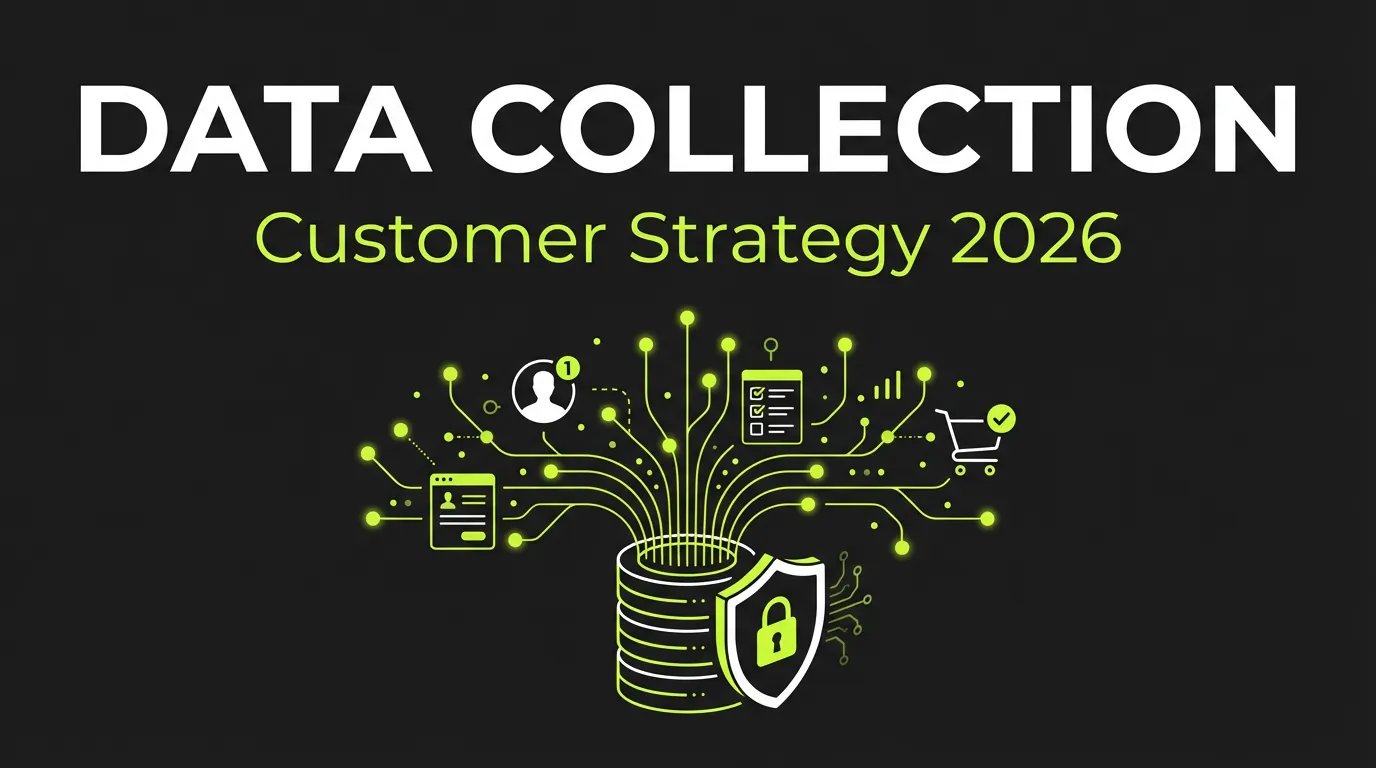
- Support CAPI and server-side signal workflows.
- Monitor missing, delayed, or mismatched event inputs.
Where attribution changes the decision
Attribution matters most when the top-line platform metric is not enough to decide what deserves budget.
Web and web2app funnels
Connect landing page behavior, downstream events, and app or purchase outcomes back to the campaign source.
Mobile acquisition
Judge channel and creative quality on install, event, revenue and cohort context.
Revenue optimization
Compare ROAS and payback by campaign, creative family, geo, and audience before scaling.
Get started in 5 steps
Connect ad accounts and product data
Meta, Google, TikTok plus revenue and event sources.
Attribution attaches itself
Spend, installs, events and revenue land in one measurement layer at no extra charge.
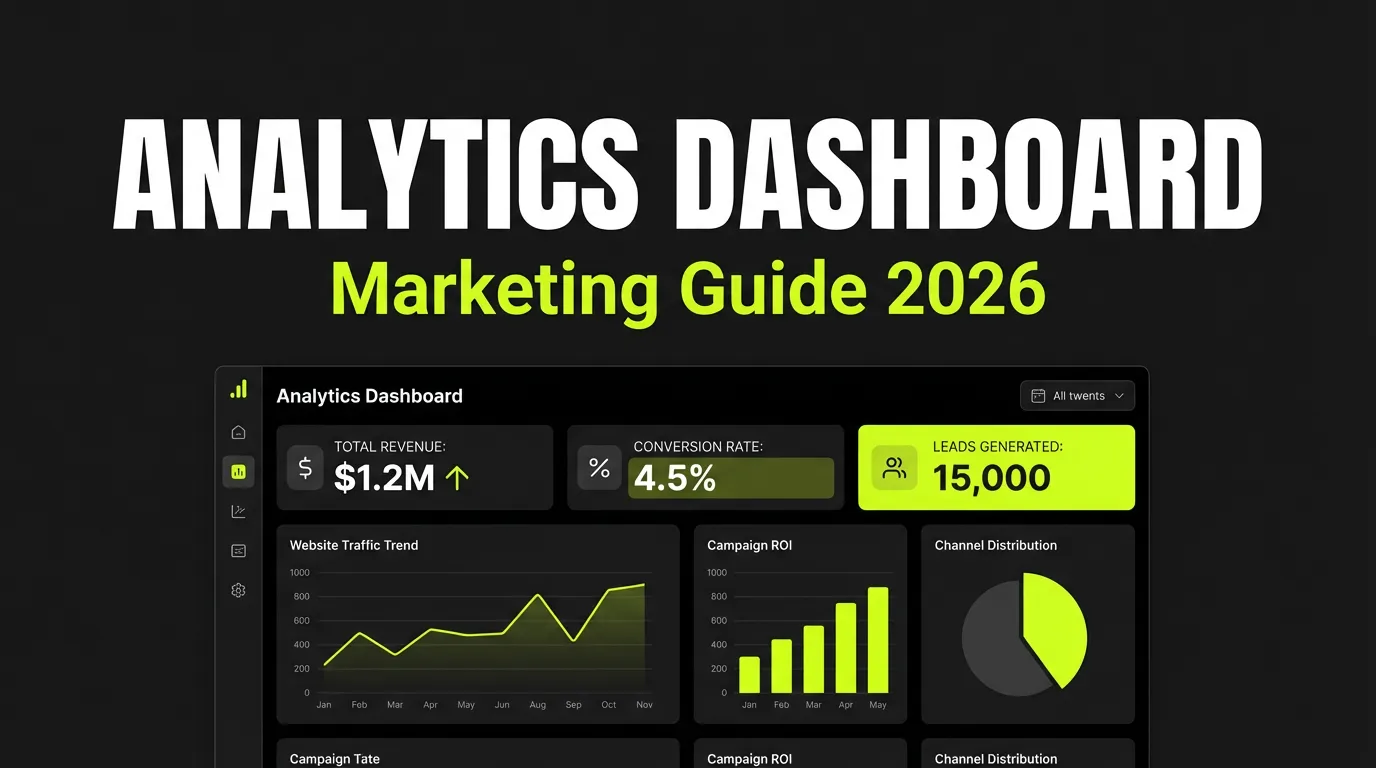
Read ROAS, LTV and cohorts in one table
Every view stays in sync with the same underlying data.
Ask the AI analyst or run a report
Plain-language questions, numbers computed in code.
Hand decisions to Autopilot
Scale what pays back; decisions carry the rule and threshold behind them.