
AI ad image generator: from a prompt to a ready ad image
An AI ad image generator: a written brief becomes a placement-ready ad image, with the brief still attached.
 Meta Ads
 Google Ads
 TikTok Ads
 Snapchat Ads
 Moloco Ads
What is an AI ad image generator?
An AI ad image generator is a tool that turns a written brief into placement-ready ad images, so a team can test new visuals without waiting on a design queue.
- Brief, references, variations, review and handoff in one workflow
- Each variation stays attached to the brief that produced it
- Approved images go to the creative library and AI Campaign Builder
- Generation is billed in tokens on top of 1% of ad spend, no subscription
From brief to campaign: 5 stages of AI image generation
Pick A Model
Start with the creative job: a new concept, ecommerce scene, seasonal refresh, localized visual, or placement variant.
- Choose a model based on the style and input you need
- Options such as Seedream v4 and Nano Banana Pro
- The selected model, brief, and variations stay attached to the same project

Describe Your Image
Write the subject, product, action, setting, composition, camera, lighting, mood, brand cues, and anything the image should avoid.
- Add a product URL or authorized reference images when they help
- Clear inputs make later variations easier to compare and reproduce
Set The Format
Choose the placement before generation: 9:16 for vertical placements, 1:1 for square feeds, or 16:9 for landscape.
- Set the resolution and number of variations at the same time
- Subject, negative space, and framing are designed for the destination
- Nothing is cropped after the fact
Generate Variations
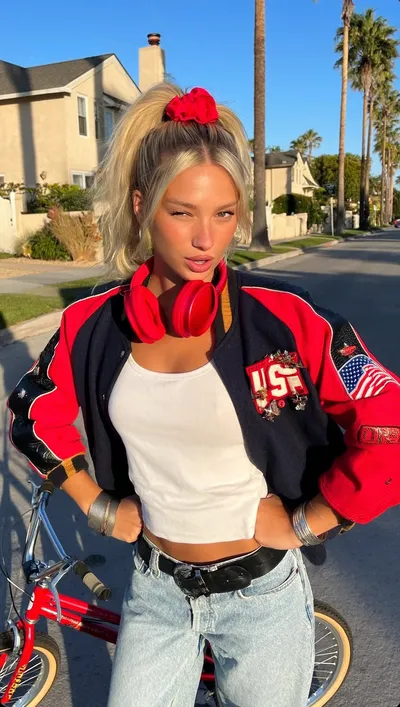
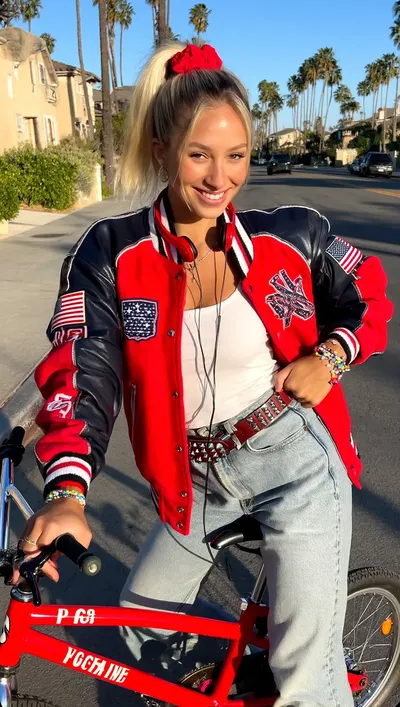
Generate several options and compare them side by side.
- Review prompt match, product shape and packaging, faces and hands
- Check unwanted text, logos, lighting, background details and brand consistency
- Keep the brief stable and change one variable at a time when you rerun
Refine And Launch
Select the strongest result, then upscale, edit, or restyle it.
- Download the approved image at full resolution
- Move it straight into a new ad set
- The original brief and review context stay connected to the asset


Get started in 5 steps
Connect the ad account
Meta, Google or TikTok, so approved assets can launch without export.
Paste a product URL or a brief
The product page, a reference or a fresh hypothesis is enough to start.
Generate the creative set
Hooks, copy, static images and video in 1:1, 4:5 and 9:16.
Review and localize
Keep the winners, regenerate the rest, re-render per market.
Launch through AI Campaign Builder
Approved assets move into a campaign tree with attribution attached.
Common questions about the AI ad image generator
Open the next layer
Guides & resources
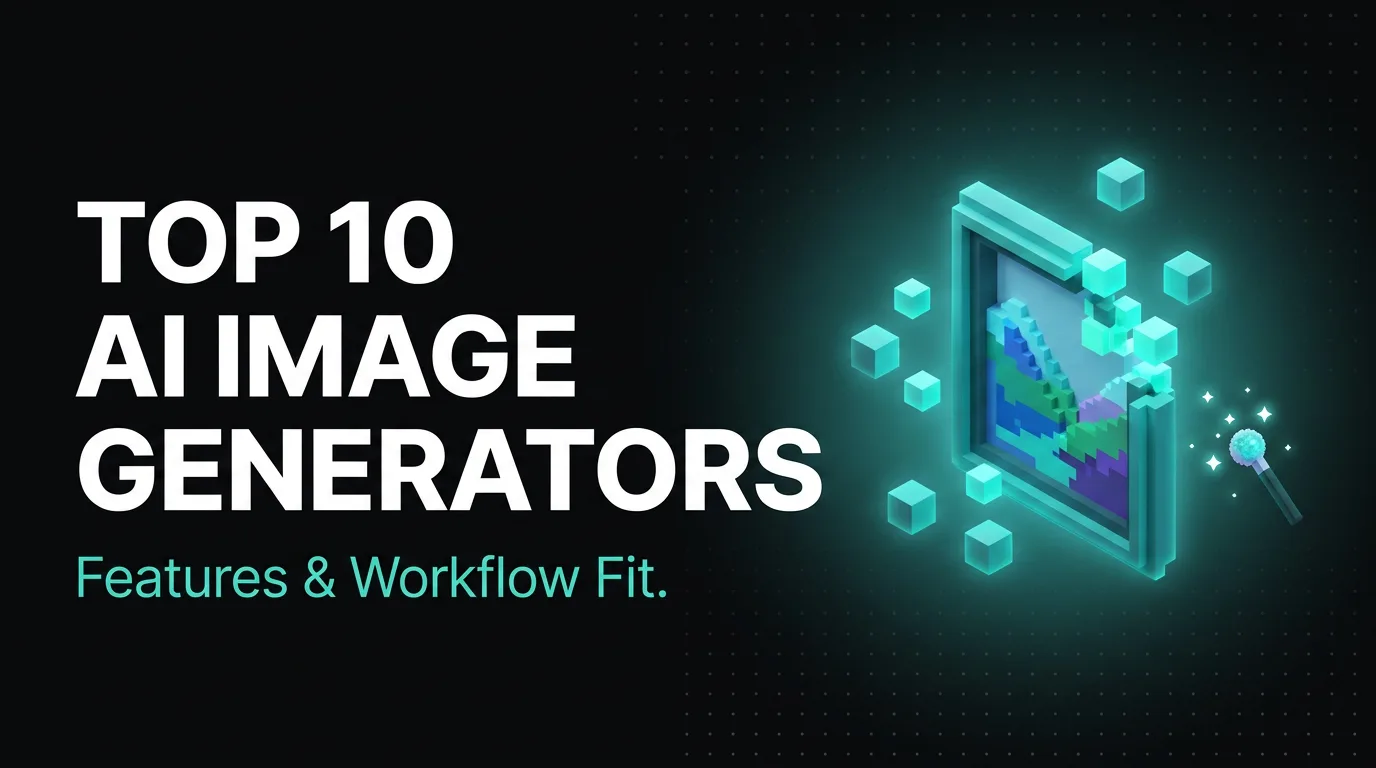
Put AI ad image generator: from a prompt to a ready ad image to work on your paid media.
Works with Meta, Google, TikTok, Snapchat and Moloco. Attribution is included.