

Ad creative lives or dies on clarity: the offer, the visual hook, and the fit for each placement. The tools below help teams generate concepts, iterate variations, and produce assets that can move from idea to campaign execution with fewer handoffs. This article focuses on practical needs for performance and brand teams—speed to multiple directions, control over style and messaging, and workflows that reduce rework. Because capabilities vary widely, the goal is to match the tool to the job: concepting, production-ready images, on-brand consistency, or finishing work like upscaling and refinement.
Comparison table
| Rank | Tool | Best for | Key capabilities | Limitations | Access/source status |
|---|---|---|---|---|---|
| 1 | AdBid - AI Image Generator [1] | Marketers who want brief-to-launch continuity for ad creative variations | AdBid converts briefs into placement-ready images; Model selector supports Seedream v4 and Nano Banana Pro | Supported models list appears limited to select options | Official source: adbid.me [1] |
| 2 | Midjourney [2] | teams prioritizing a focused ai image generator workflow | Midjourney keeps the documented ai image generator workflow focused; Midjourney provides official access for direct workflow review | Broader integration details for Midjourney may require separate review | Official source: Midjourney.com [2] |
| 3 | Google [3] | Teams that want quick ad image concepts and variations inside Google’s ecosystem | Prompt-based visual concept generation; Style and composition iteration support | Sparse official specifics on image features | Official source: gemini.Google.com [3] |
| 4 | Ideogram [4] | Designing campaign-ready images and concept variations for marketing creatives | Ideogram generates images from text prompts; Ideogram supports rapid creative variation | Brand compliance controls not clearly defined | Official source: Ideogram.ai [4] |
| 5 | Adobe [5] | Marketers who want controllable image generation for campaign creatives | Adobe Firefly supports all-in-one AI creative studio; Firefly focuses on speed for content creation | Limited published specifics on advertising use cases | Official source: firefly.Adobe.com [5] |
| 6 | Recraft [6] | Brands and designers who need consistent campaign imagery, from photoreal scenes to illustration and vector assets | Recraft V4.1 art-directed image model; Generates images directly in vector format | Style setup depends on providing your own images | Official source: Recraft.ai [6] |
| 7 | Leonardo [7] | Marketers needing diverse, consistent ad creatives | Image generation for ad visuals; Style consistency across campaigns | Initial learning curve for advanced features | Official source: Leonardo.ai [7] |
| 8 | Canva [8] | Marketers who need rapid concepting and iteration on promotional images | Canva generates images from text prompts; Canva supports ad-ready layout composition | Less control than specialist generators | Official source: Canva.com [8] |
| 9 | Magnific [9] | Upscaling and refining existing ad creatives | Magnific enhances image detail and sharpness; Magnific refines existing creatives for cleaner outputs | Less suited to generating new concepts from scratch | Official source: Magnific.com [9] |
| 10 | Krea [10] | Teams that iterate quickly on campaign imagery and variants | Krea supports text-to-image and realtime generation; Krea provides over 1000 styles and multiple models | Broad suite may feel complex for simple needs | Official source: Krea.ai [10] |
How we evaluated the tools
Each tool is scored using a weighted rubric built for ad-creative workflows. Task fit (30%) measures how well outputs match common ad formats and iteration needs. Features/automation (20%) covers variation tools, controls, and repeatable generation. Ease (15%) evaluates learning curve and day-to-day usability. Integrations/workflow (15%) looks at handoff to design, approvals, and campaign pipelines. Access transparency (10%) checks clarity on capabilities and usage conditions. Limits/support/transparency (10%) reviews documented constraints, help resources, and disclosure quality.
- Source basis: checks start with adbid.me [1] and continue through every linked official product page.
Scores are editorial assessments on a 100-point scale rather than customer ratings. Product pages supply the feature and access facts, and the same weighted rubric applies to every entry.
The order reflects fit for this comparison, not market share or brand familiarity. Each product links back to an official source so readers can verify current details.
1. AdBid
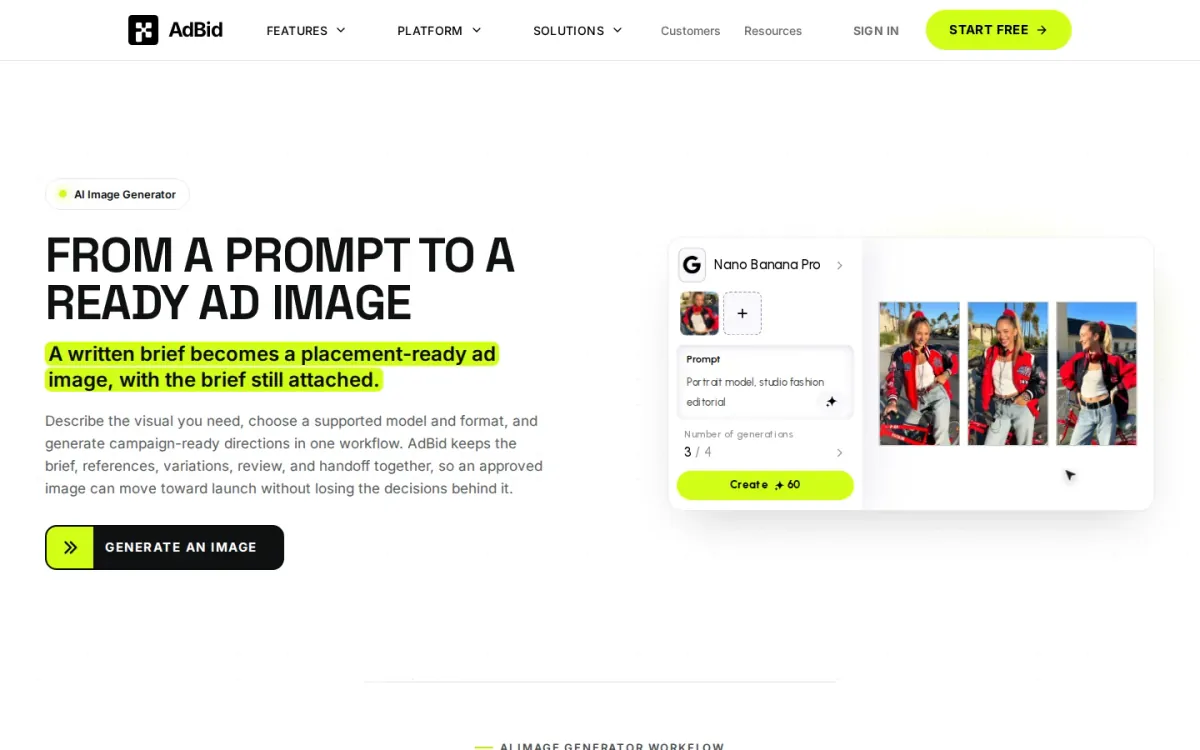
Best for: Marketers who want brief-to-launch continuity for ad creative variations.
AdBid starts from a written brief and generates a ready ad image while keeping the brief attached. You describe the visual, pick a supported model, and create campaign-ready directions in one workflow built for ad placements.
Features and trade-offs
Key features
- AdBid converts briefs into placement-ready images.
- Model selector supports Seedream v4 and Nano Banana Pro.
- Placement formats include 9:16, 1:1, 16:9, Side-by-side variation review and comparison.
For ai image generator for ads use cases, AdBid shines when you need repeatable iterations. It keeps references, variations, review notes, and handoff context together, so approved images can move into the next campaign step without losing decisions.
Why it ranks here
Strong ad-first workflow: model selection, placement constraints, side-by-side comparisons, and a clear path from approved image to launch-ready handoff.
Pros
- Brief and references stay attached to assets.
- Placement-first framing reduces post-crop compromises.
- Review checks highlight common ad-quality issues.
Limitations
- Supported models list appears limited to select options.
- Best results require detailed briefs and references.
Access and verdict
Access: Current access details: adbid.me [1]. Verdict: AdBid is a practical pick for ad teams that need structured iteration, placement-aware outputs, and traceable creative decisions from brief to launch.
2. Midjourney
- Official source: midjourney.com [2].
Best for: teams prioritizing a focused ai image generator workflow.
Midjourney is included because its official product materials directly address ai image generator workflow. The available information shows a defined task flow, identifiable controls, and enough product-specific context to compare its role with the other entries in this ranking.
Key features
Midjourney keeps the documented ai image generator workflow focused; Midjourney provides official access for direct workflow review.
Also documented: Midjourney has a defined scope for side-by-side comparison.
Midjourney's strongest fit is a team whose primary requirement matches that documented scope. Buyers should compare the listed capabilities with the stated limitations, then confirm that access conditions and surrounding services fit their operating environment.
Midjourney — why it ranks here
Its rank reflects documented task fit, usable workflow detail, access transparency, and the balance between available capabilities and stated limitations.
Strengths: Midjourney's focused scope keeps the primary job easy to identify; Direct access to Midjourney supports pre-adoption workflow review.
Limitations: Broader integration details for Midjourney may require separate review.
Access: Current access details: midjourney.com [2]. Verdict: Shortlist Midjourney when its documented scope matches the core job and its limitations remain acceptable for the intended workflow.
3. Google
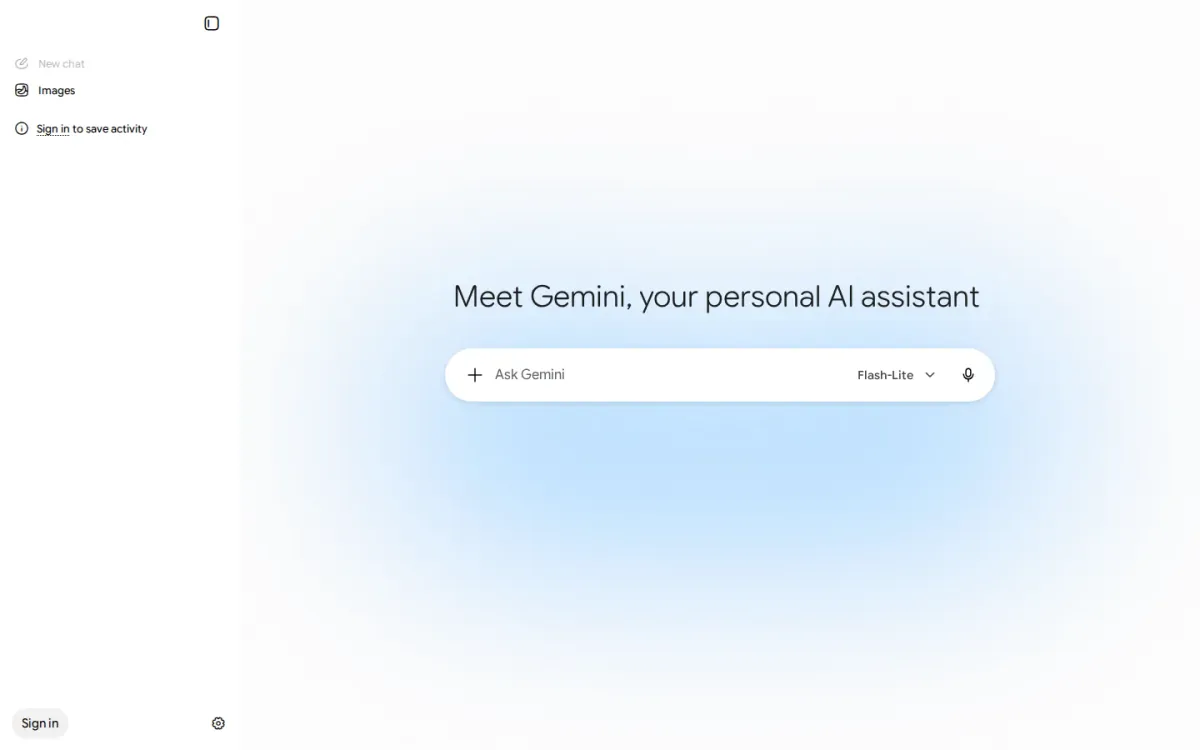
Official source: gemini.google.com [3].
Best for: Teams that want quick ad image concepts and variations inside Google’s ecosystem.
Google Gemini can help marketers brainstorm and refine visual directions for campaigns, turning prompts into image-ready concepts and iterating on style, tone, and composition. It’s a practical starting point when you need multiple creative angles for ads.
Key features
- Prompt-based visual concept generation.
- Style and composition iteration support.
- Google apps context for campaign work.
- Text-and-visual ideation in one place.
For an ai image generator for ads, Gemini fits best when you already work across Google apps and want a familiar place to develop creative prompts, draft on-brand copy alongside visuals, and align imagery with campaign messaging before production.
Quick assessment
Strongest points: Strong for brainstorming multiple ad concepts.
Comfortable workflow for Google users.
Helpful for aligning visuals with messaging.
Main limitations: Sparse official specifics on image features.
Unclear output controls for ad formats.
Why it ranks here: Gemini ranks well for ad ideation and prompt refinement.
Limited public detail on image-generation controls and outputs keeps it from the very top.
Access: Current access details: gemini.google.com [3]. Verdict: A solid choice for campaign ideation and prompt development, especially for Google-centric teams, but transparency on image capabilities is limited.
4. Ideogram
- Official source: ideogram.ai [4].
Best for: Designing campaign-ready images and concept variations for marketing creatives.
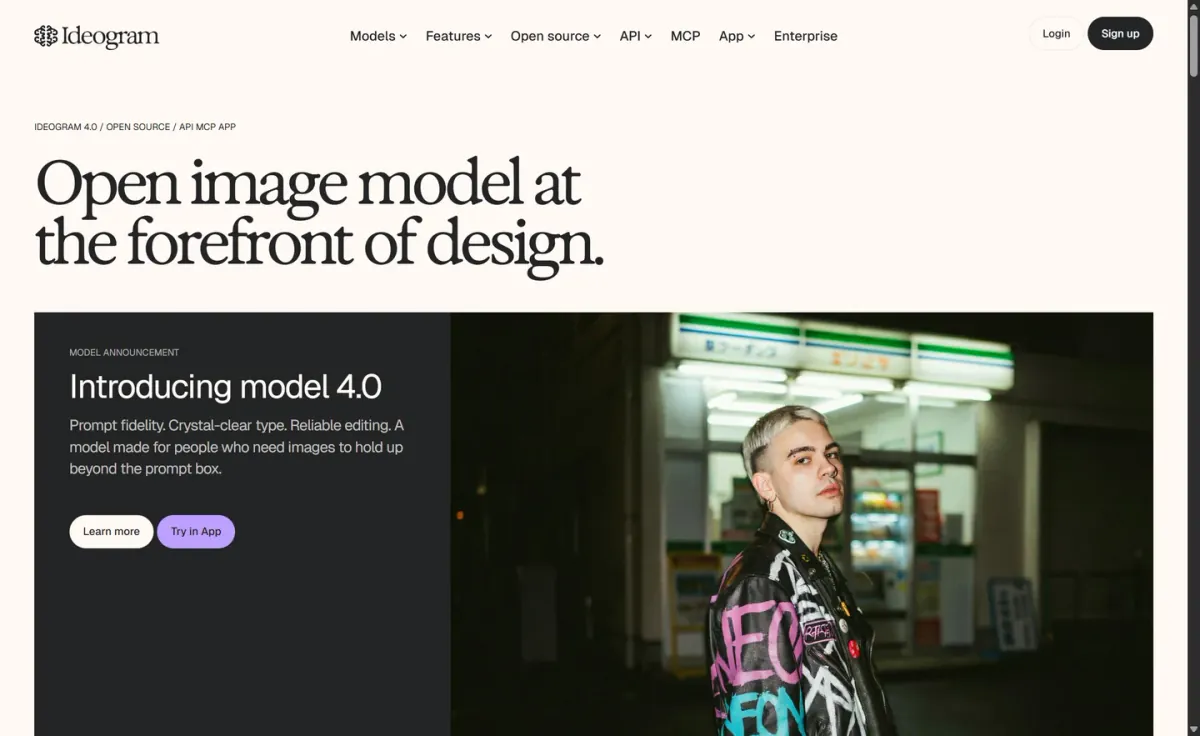
Ideogram is a solid pick for marketers who need fresh image concepts for campaigns, social posts, and display placements. It focuses on generating eye-catching visuals from prompts, helping teams explore multiple directions before settling on a final creative.
Key features
Ideogram generates images from text prompts; Ideogram supports rapid creative variation.
Also documented: Ideogram suits campaign and social creative ideation; Ideogram enables style exploration for visuals.
For ad-oriented work, Ideogram fits best when you want quick iteration and a range of styles to test. Expect a straightforward creation flow geared toward visual exploration, though you may still need external design steps for precise brand compliance.
Ideogram — why it ranks here
It ranks well for creative exploration and prompt-driven concepting that supports ad production, though brand-specific controls aren’t clearly emphasized.
Strengths: Strong variety across visual styles; Good for quick concept iteration; Straightforward prompt-to-image flow.
Limitations: Brand compliance controls not clearly defined; May require extra design finishing steps.
Access: Current access details: ideogram.ai [4]. Verdict: Choose Ideogram for quick marketing image ideation and testing multiple creative directions, then refine final assets in your design stack.
5. Adobe
Official source: firefly.adobe.com [5].
Best for: Marketers who want controllable image generation for campaign creatives.
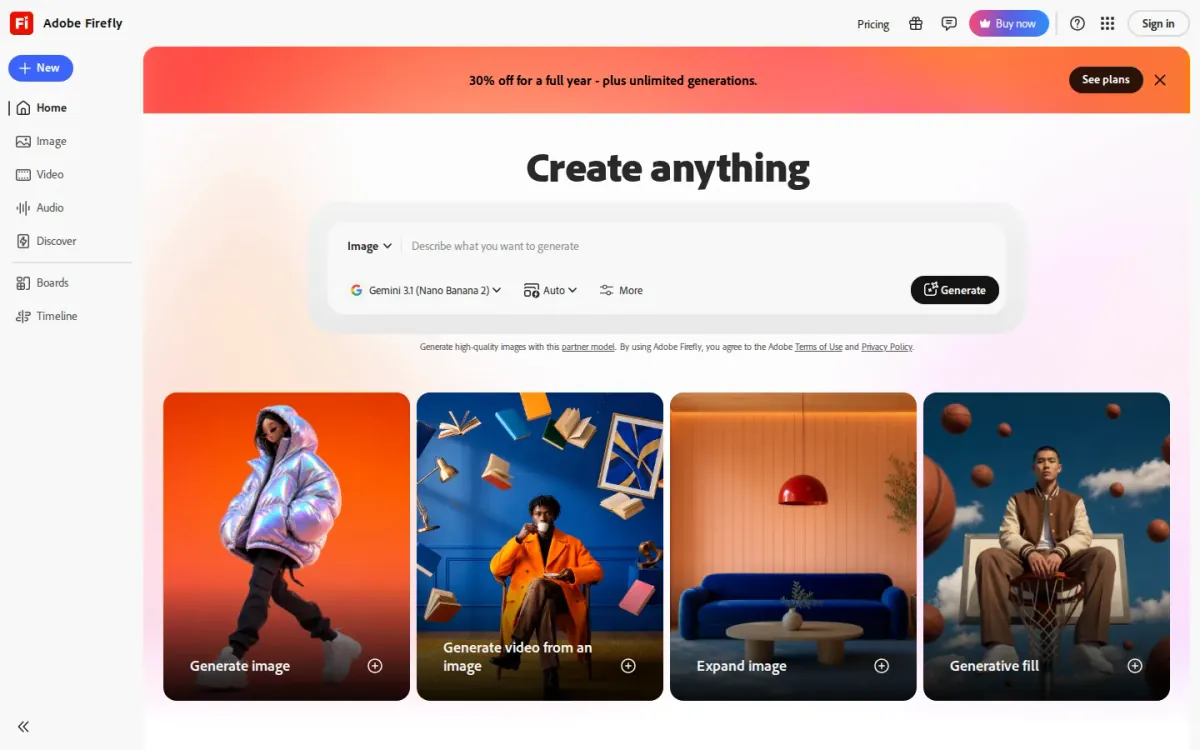
Adobe Firefly positions itself as an all-in-one AI creative studio, built to move from idea to high-quality content. For marketing visuals, it’s geared toward generating polished imagery while keeping you in control of the look and direction.
Key features
- Adobe Firefly supports all-in-one AI creative studio.
- Firefly focuses on speed for content creation.
- Firefly emphasizes control over generated results.
- Firefly promotes creative freedom from idea to content.
Firefly emphasizes speed, control, and creative freedom—useful when iterating on concepts for banners, social placements, and product-focused graphics. It’s a solid pick when you need consistent outputs that can be steered toward brand-ready compositions.
Why it ranks here
It ranks mid-pack for combining quick ideation with strong control, but the available public detail is light on ad-specific workflows and constraints.
Pros
- Clear focus on controllable outputs.
- Good fit for rapid concept iteration.
- Aims for high-quality content results.
Limitations
- Limited published specifics on advertising use cases.
- Few concrete workflow details on the homepage.
Access: Current access details: firefly.adobe.com [5]. Verdict: It Firefly is a dependable choice for generating marketing imagery when you value control and consistent quality over niche ad-production features.
6. Recraft
Official source: recraft.ai [6].
Best for: Brands and designers who need consistent campaign imagery, from photoreal scenes to illustration and vector assets.
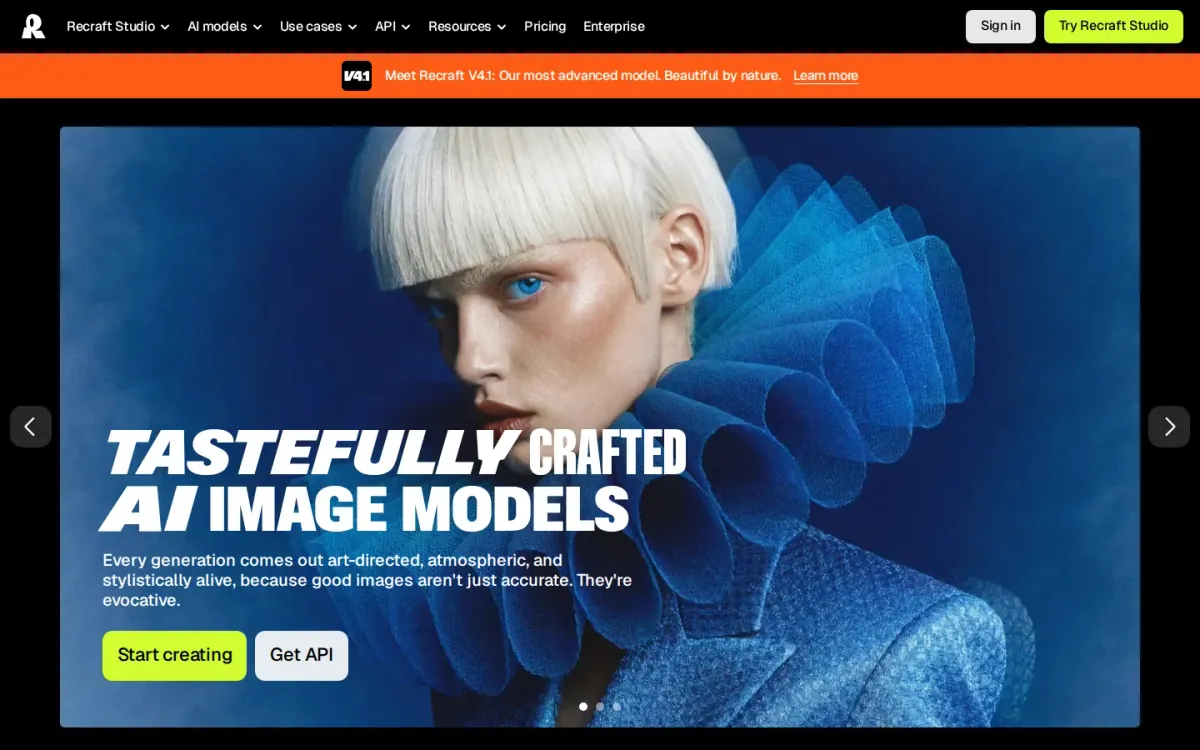
Recraft V4.1 focuses on art-directed generations that feel atmospheric and stylistically alive—useful when an ad needs mood, not just accuracy. It supports natural photos, expressive illustrations, and technically precise 3D, helping teams keep creative consistent across placements.
Key features
- Recraft V4.1 art-directed image model.
- Generates images directly in vector format.
- Creates reusable, editable styles from images.
- Recraft Studio for images, vectors, mockups.
Recraft’s prompt understanding handles complex scenes and aims to match what you describe, reducing back-and-forth when building variations for headlines, offers, and seasonal themes. Recraft Studio also covers generating and editing images, vectors, and mockups in one place.
Quick assessment
Strongest points: Strong prompt understanding for complex scenes.
Consistent styles without training overhead.
Vector output supports crisp ad graphics.
Main limitations: Style setup depends on providing your own images.
Why it ranks here: It stands out for customizable, reusable styles and the rare ability to generate vectors.
Making it strong for scalable ad asset production.
Access: Current access details: recraft.ai [6]. Verdict: It is a smart pick when ad creatives need consistent style, strong art direction, and vector-ready outputs alongside standard images.
7. Leonardo
- Official source: leonardo.ai [7].
Best for: Marketers needing diverse, consistent ad creatives.
Leonardo offers specialized tools for generating diverse visual content tailored for advertising campaigns. It empowers marketers to quickly produce compelling ad creatives, ensuring brand consistency across various platforms and audience segments.
Key features
Image generation for ad visuals; Style consistency across campaigns.
Also documented: Prompt-based image creation; Asset refinement and iteration.
It assists in developing unique imagery for digital ads, providing capabilities to refine and iterate on concepts. Its primary focus is on accelerating the creative process, enabling the rapid development of impactful visual marketing assets.
Leonardo — why it ranks here
It provides dependable capabilities for generating ad visuals, adeptly balancing creative control with ease of use for marketing teams.
Strengths: Leonardo accelerates ad creative production; Supports consistent brand visual identity; Generates diverse visual concepts quickly.
Limitations: Initial learning curve for advanced features; Output quality varies with prompt complexity.
Access: Current access details: leonardo.ai [7]. Verdict: A strong contender for marketers seeking efficient, high-quality visual content to power their advertising campaigns.
8. Canva
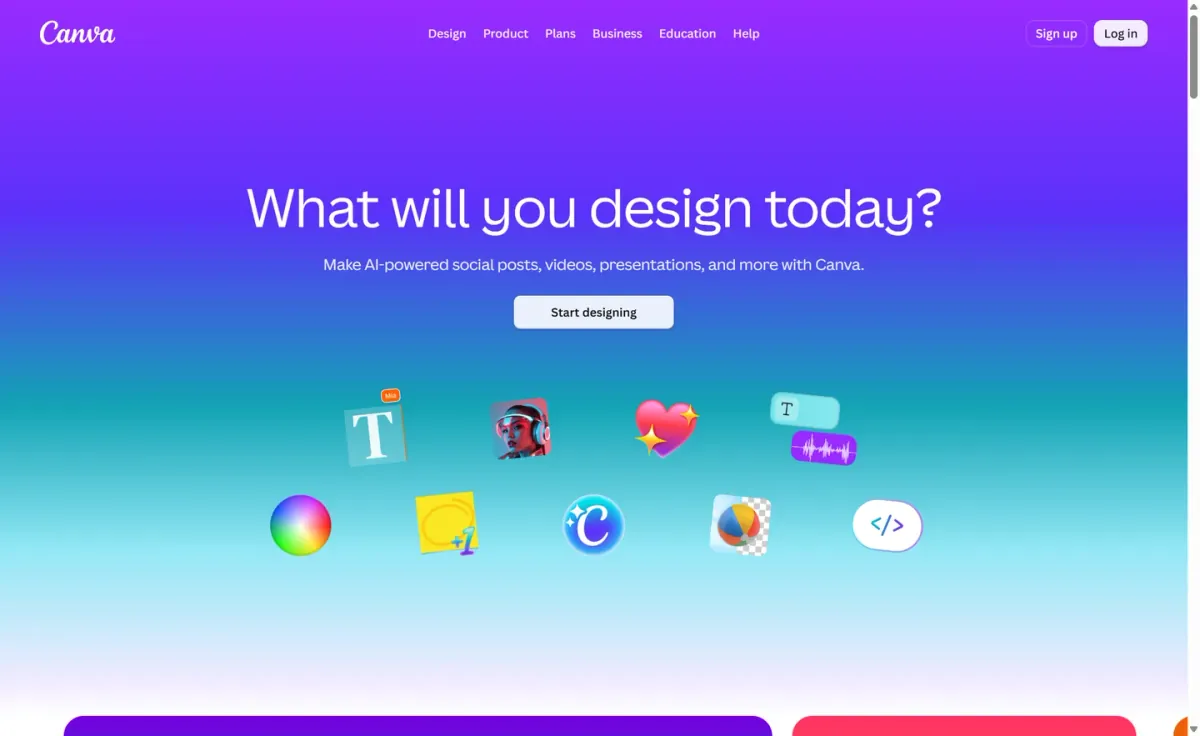
- Official source: canva.com [8].
Best for: Marketers who need rapid concepting and iteration on promotional images.
Canva suits teams building promotional visuals that need quick iteration. It focuses on turning ideas into ready-to-use images and layouts, helping you move from concept to ad-ready creative without jumping between multiple design environments.
Key features
Canva generates images from text prompts; Canva supports ad-ready layout composition.
Also documented: Canva helps resize designs for formats; Canva enables quick creative variations.
For campaign production, Canva supports generating imagery and placing it into ad compositions in one flow. It’s a practical pick when you want consistent creative output across formats and need a straightforward path from generated image to finished asset.
Canva — why it ranks here
It earns this spot for approachable creative generation paired with ad-friendly layout workflows, though its broader design focus can limit depth for specialized image-generation control.
Strengths: Simple workflow from image to ad layout; Good for rapid iteration on concepts; Easy to keep visuals consistent.
Limitations: Less control than specialist generators; Advanced customization can feel limited.
Access: Current access details: canva.com [8]. Verdict: It is a solid choice for generating promotional imagery and assembling it into ads quickly, especially when speed and consistency matter more than deep control.
9. Magnific
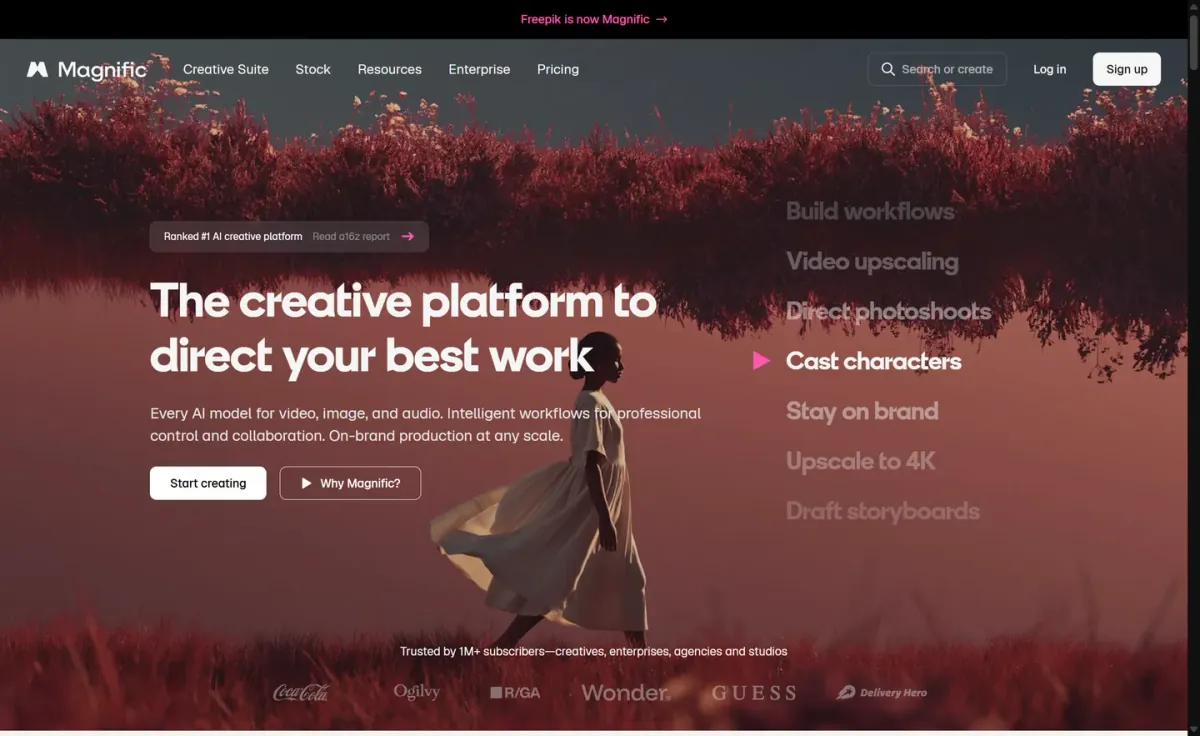
Official source: magnific.com [9].
Best for: Upscaling and refining existing ad creatives.
Magnific is best approached as an image enhancer for marketing creatives rather than a full concept-to-creative generator. It focuses on improving detail, clarity, and overall polish, helping ad visuals look cleaner and more consistent across placements.
Key features
- Magnific enhances image detail and sharpness.
- Magnific refines existing creatives for cleaner outputs.
- Magnific supports polishing visuals for marketing use.
- Magnific improves perceived resolution for placements.
For performance marketers, Magnific can be useful when you already have a base image and need sharper textures or a more finished look for banners and social posts. Expect strong results on refinement tasks, but fewer built-in controls for campaign-specific variations.
Why it ranks here
Ranks lower because it leans toward enhancement over end-to-end ad creative generation and offers limited positioning clarity for advertising workflows.
Pros
- Noticeable improvements to clarity and detail.
- Good fit for upgrading existing ad assets.
- Helps unify visual quality across formats.
Limitations
- Less suited to generating new concepts from scratch.
- Limited advertising-specific guidance and positioning.
Access: Current access details: magnific.com [9]. Verdict: Choose Magnific when you need to elevate existing campaign images; look elsewhere for full creative generation and variation workflows.
10. Krea
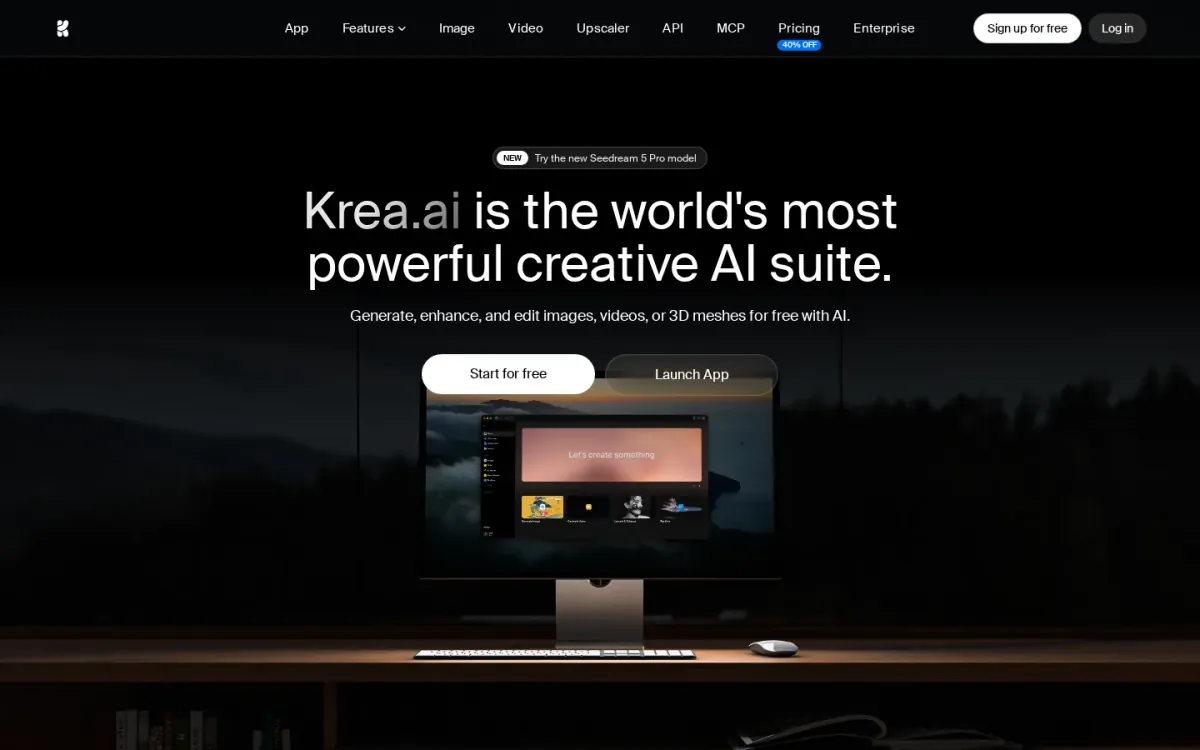
Official source: krea.ai [10].
Best for: Teams that iterate quickly on campaign imagery and variants.
Krea combines text-to-image and realtime image generation to help marketers explore concepts quickly and refine compositions for campaign creatives. Style controls and multiple models support varied looks, from clean product shots to bold poster-like art directions.
Key features
- Krea supports text-to-image and realtime generation.
- Krea provides over 1000 styles and multiple models.
- Krea includes background remover and AI image editor.
- Krea offers high-resolution image upscaling.
For production polish, Krea adds image upscaling, a background remover, and an AI image editor for edits like adding or removing objects and adjusting lighting. An asset manager helps keep versions organized as you test creative directions across placements.
Quick assessment
Strongest points: Realtime generation speeds up creative iteration.
Strong style variety for brand-aligned looks.
Generative editing for object and lighting changes.
Main limitations: Broad suite may feel complex for simple needs.
Image focus can be diluted by video and 3D options.
Why it ranks here: It earns this spot for strong iteration speed, broad style control.
Practical editing and upscaling—though its wider suite can feel more than some ad teams need.
Access: Current access details: krea. Verdict: It suits ad creatives who want rapid concepting plus practical editing and upscale finishing in one place.
How to choose
Workflow fit
Start by defining the job: concept exploration, production-ready assets, or finishing work like upscaling and cleanup. Next, check how well the tool supports repeatable variations—consistent style, character continuity, and placement-aware crops matter more than one-off images.
Validation
Look for controls that reduce rework, such as prompt guidance, reference inputs, and editing tools that keep brand elements stable. Confirm how assets move through your workflow, including export formats and collaboration handoffs. Finally, prioritize clear documentation on capabilities, constraints, and support so the ai image generator for ads doesn’t become a bottleneck.
Final recommendations
Shortlist
- AI image generator when your team needs brief-to-launch continuity, structured iteration, and placement-aware variations that stay traceable across decisions.
- If your workflow centers on prompt-driven exploration and you can accommodate known constraints, Midjourney can suit focused ideation and style discovery.
- For teams already operating inside Google’s ecosystem, Google can help with quick concepts and prompt development, though image capability details may require extra verification.
Before rollout
- Pick Adobe when controllability and consistent output quality matter most, especially when final refinement happens in familiar design tools.
- Use Magnific when you already have strong creatives and need finishing improvements, not a full ai image generator for ads workflow.