
AI video ad generator: from a prompt to a ready ad video
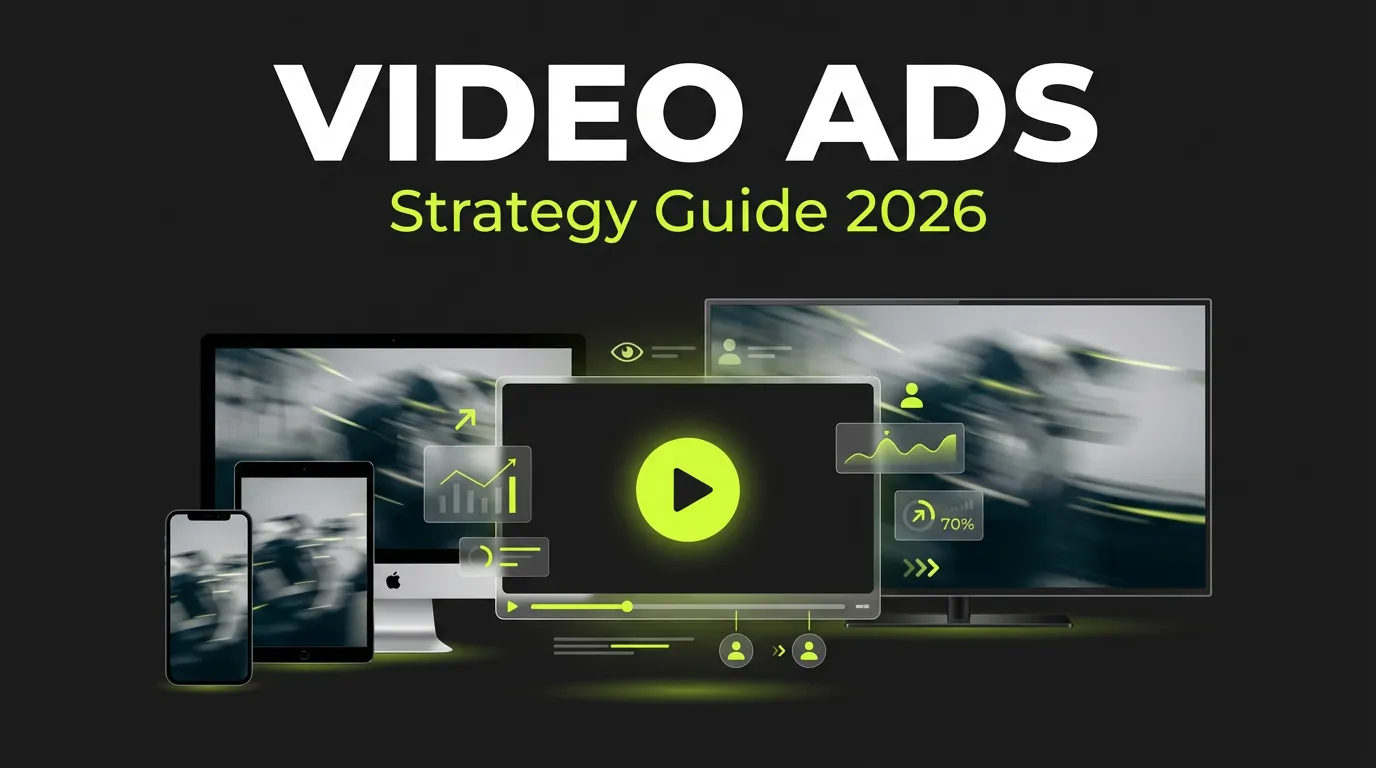
An AI video ad generator: a prompt becomes a launch-ready video ad, framed for its placement.
 Meta Ads
 Google Ads
 TikTok Ads
 Snapchat Ads
 Moloco Ads


What is an AI video ad generator?
An AI video ad generator is a tool that turns a short idea into a launch-ready video ad — script, scenes, voice and format included — without an editing timeline or prompt engineering.
- Describe the concept, pick an AI model, and set the format and length
- Review the script, approve the scenes and click continue until the video is rendered
- Outputs in 1:1, 4:5 and 9:16 are framed for their placement rather than cropped
- The result lands in the creative library that AI Campaign Builder uses
AI video ad generator: 6 steps from prompt to render
Pick A Model
Choose from top AI video models — Sora 2, Veo 3.1, Hailuo AI and Seedance Lite.
- Each shows its render speed and credit cost
- The builder suggests a good default for your brief in one click
- Explore on a fast model and ship on a slower one
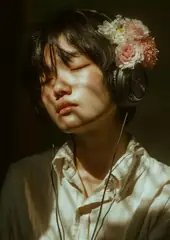
Choose A Preset
Start from a ready-made look instead of a blank field.
- Each model ships with curated presets
- Camera move, pacing and mood are pre-tuned for you
- Your brief lands on style from the first take
Describe Your Video
Drop in a start frame and type the scene and motion you want.
- The built-in Enhance feature expands your short line into a rich, cinematic prompt
- You start from a strong brief instead of a blank field
Set Format & Length
Select the aspect ratio for where the ad will run — 9:16 stories, 1:1 feed, 16:9 landscape.
- Pick the resolution and the clip length, from a quick 5s hook to a 10s spot
- Choosing the placement first means the subject is framed for its destination
Generate Your Clip
Hit Create and your video renders while you wait — you can even leave the screen and come back.
- Play it inline
- Rerun for another take if you want to explore a different angle


Refine And Launch
Upscale the winner, rerun it with a tweak, download it in full resolution, or push it straight into a new ad set to launch as a campaign.
- The brief that produced the winner stays with it
- The same setup reruns for another market
Get started in 5 steps
Connect the ad account
Meta, Google or TikTok, so approved assets can launch without export.
Paste a product URL or a brief
The product page, a reference or a fresh hypothesis is enough to start.
Generate the creative set
Hooks, copy, static images and video in 1:1, 4:5 and 9:16.
Review and localize
Keep the winners, regenerate the rest, re-render per market.
Launch through AI Campaign Builder
Approved assets move into a campaign tree with attribution attached.
Common questions
Open the next layer

Guides & resources
Put AI video ad generator: from a prompt to a ready ad video to work on your paid media.
Works with Meta, Google, TikTok, Snapchat and Moloco. Attribution is included.