
Agency reporting lives or dies on repeatability: consistent templates, reliable data connections, and delivery that clients can understand without extra explanation. The tools below focus on turning scattered channel metrics into dashboards and scheduled reports that scale across many accounts. Some options lean toward white-label presentation and client portals, while others emphasize connectors, alerting, or flexible dashboard building. This article explains how the rankings were scored, what to look for before committing, and which tools fit common agency setups—from lightweight share links to governed, multi-source reporting with stronger workflow controls.
Comparison table
| Rank | Tool | Best for | Standout feature | Pricing from | Free option | Rating |
|---|---|---|---|---|---|---|
| 1 | AdBid - Agency Reporting Tool [1] | Agencies that want reporting tied to managed ad spend and usage-based AI analysis | AdBid provides free platform access layer | Free access | Free ($0) — Platform Access Layer | 73/100 |
| 2 | Agencyanalytics | Marketing agencies that need repeatable client dashboards and scheduled reports across many channels | Agencyanalytics supports 85+ integrations | $20 per month | Free trial | 71/100 |
| 3 | Whatagraph | Agencies scaling multi-client marketing reporting | Whatagraph supports white-label reports | €699 per month | Free trial | 71/100 |
| 4 | Dashthis | Marketing teams and agencies that need multi-client dashboards and quick, shareable reporting | Dashthis dashboards combine integrations, KPIs, and metrics | $15 per month | Free trial | 70/100 |
| 5 | Swydo | Marketing teams that need branded, multi-platform client reporting with unlimited users | Swydo AI-powered report summaries | $1,259 per month | Free trial | 70/100 |
| 6 | Databox | Teams managing multi-client performance dashboards and recurring stakeholder updates | Databox supports pre-built metrics and templates | $5.60 per month | Free trial | 70/100 |
| 7 | Reportz | Agencies needing scalable client reporting | Pay-per-dashboard pricing model | $9.90 per month (US) | Free trial | 69/100 |
| 8 | Tapclicks | Agencies that need scalable client reporting across many data sources | TapFree includes 30+ data connections | $99 per month (US) | Free plan | 69/100 |
| 9 | Google [2] | Budget-minded agencies that need shareable client dashboards | Looker Studio builds shareable reporting dashboards | $4.99 per month (US) | Free plan | 69/100 |
| 10 | Klipfolio | Agencies and consultants managing multiple client dashboards | Klipfolio connects to hundreds of services and APIs | $8 per month | Free trial | 68/100 |
How we evaluated the tools
Each product received an editorial score based on six weighted criteria. Task fit (30%) measured how well it supports agency reporting workflows like multi-client management, templates, and scheduled delivery. Features and automation (20%) covered reporting depth, alerts, summaries, and repeatable processes. Ease of use (15%) assessed setup, learning curve, and day-to-day editing. Integrations and workflow (15%) evaluated connectors, exports, and collaboration. Value and pricing transparency (10%) considered clarity of plans and add-ons. Limits, support, and transparency (10%) reviewed caps, service terms, and documentation clarity.
- Source basis: checks start with adbid.me [1] and continue through every linked official product page.
Scores are editorial assessments on a 100-point scale rather than customer ratings. Product pages supply the feature and access facts, and the same weighted rubric applies to every entry.
The order reflects fit for this comparison, not market share or brand familiarity. Each product links back to an official source so readers can verify current details.
1. AdBid
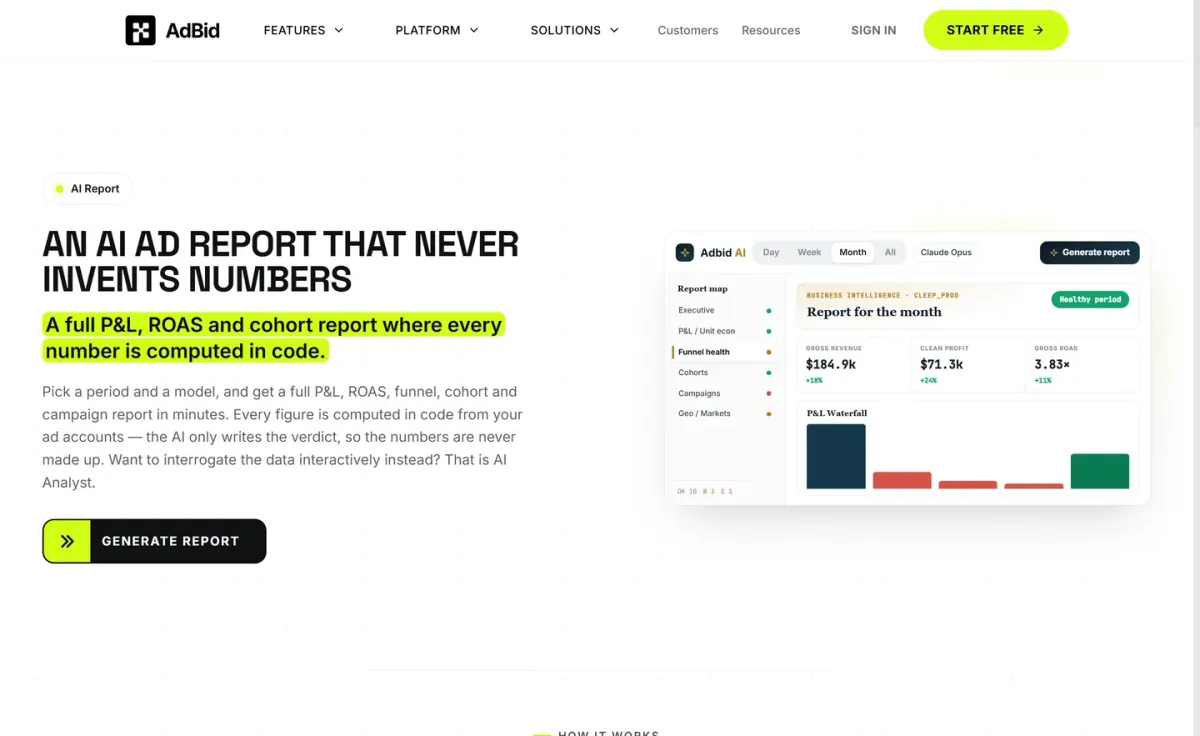
Best for: Agencies that want reporting tied to managed ad spend and usage-based AI analysis.
AdBid positions itself as an agency reporting tool with a usage-based model instead of fixed monthly tiers. You can access the platform infrastructure and dashboard layer for free, then pay based on managed ad spend and AI token consumption.
Features and trade-offs
Key features
- AdBid provides free platform access layer.
- AdBid charges 1% managed ad spend fee.
- AI usage tokens scale analysis and reporting.
- Enterprise support available via custom quote.
Pricing centers on three levers: a 1% fee when AdBid actively manages paid media across connected channels like Meta, Google, and TikTok, plus AI usage tokens that scale with generation and analysis/reporting. Enterprise support is available via custom quote.
Why it ranks here
The free platform layer lowers barriers to adoption, while spend- and token-based costs align reporting and analysis with real client activity.
Pros
- Free dashboard layer avoids fixed subscription.
- Costs scale with managed spend and usage.
- Supports channels like Meta, Google, TikTok.
Limitations
- Token-based pricing can be harder to forecast.
- Managed-campaign fee applies when AdBid operates ads.
Access and verdict
Access: Current access details: adbid.me [1]. Verdict: AdBid suits agencies comfortable with variable pricing and wanting reporting costs to track ad management and AI analysis usage.
2. Agencyanalytics
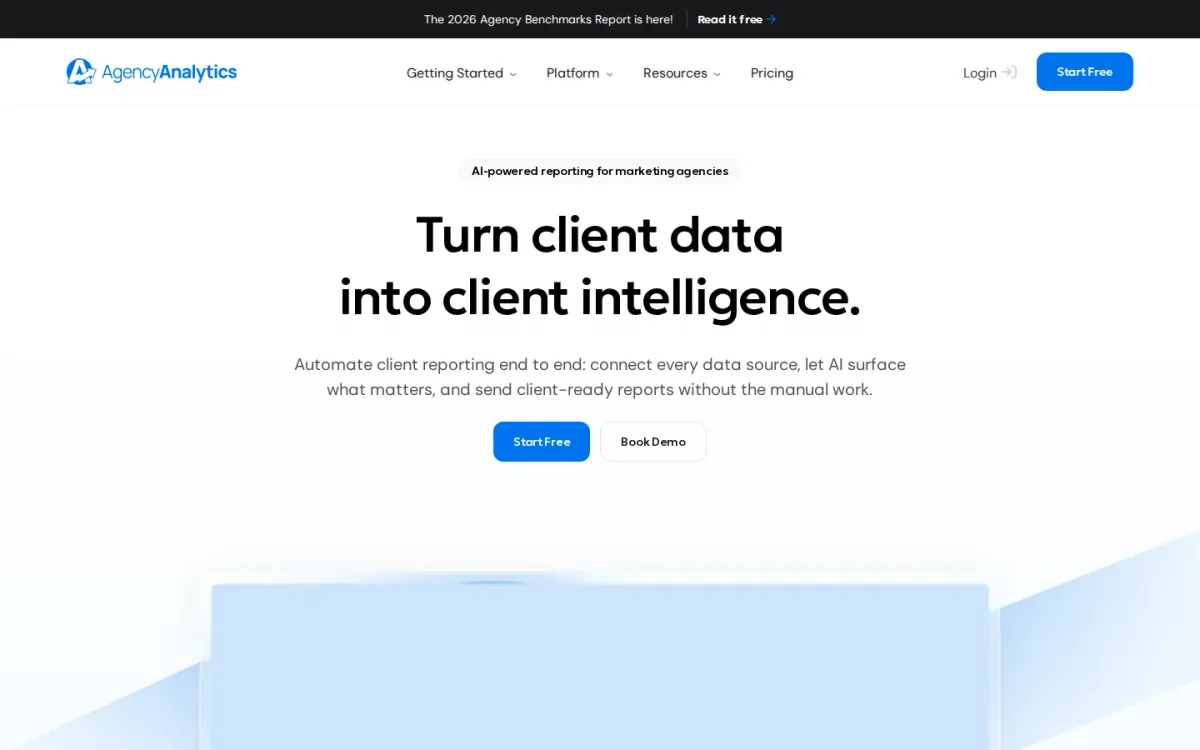
Best for: Marketing agencies that need repeatable client dashboards and scheduled reports across many channels.
Agencyanalytics focuses on client-facing reporting with automated reports, custom dashboards, and a drag-and-drop editor for quick layout changes. White-label branding and a client portal help keep delivery consistent across accounts without rebuilding the same report every month.
Key features
Agencyanalytics supports 85+ integrations; Automated reports with scheduling and approvals.
Also documented: White-label branding, custom domain, and email; Client portal with access control.
Data coverage is a standout: 85+ integrations and unified client data support SEO, social, paid, eCommerce, and multi-channel reporting. Metric alerts, anomaly detection, trend forecasting, and benchmark comparisons add context, helping teams spot bad data early and explain performance shifts clearly.
Agencyanalytics — why it ranks here
Strong integration breadth plus white-label delivery makes Agencyanalytics a dependable agency reporting tool, though per-client pricing can climb as rosters grow.
Strengths: White-label options suit client-ready deliverables; Unlimited reports, dashboards, and users; Alerts and anomaly detection catch issues early.
Limitations: Per-client monthly pricing can add up.
Pricing and verdict
- Starting plan: $20 per month.
Verdict: It is a solid pick for agencies prioritizing branded reporting, broad integrations, and proactive monitoring across many client accounts.
3. Whatagraph
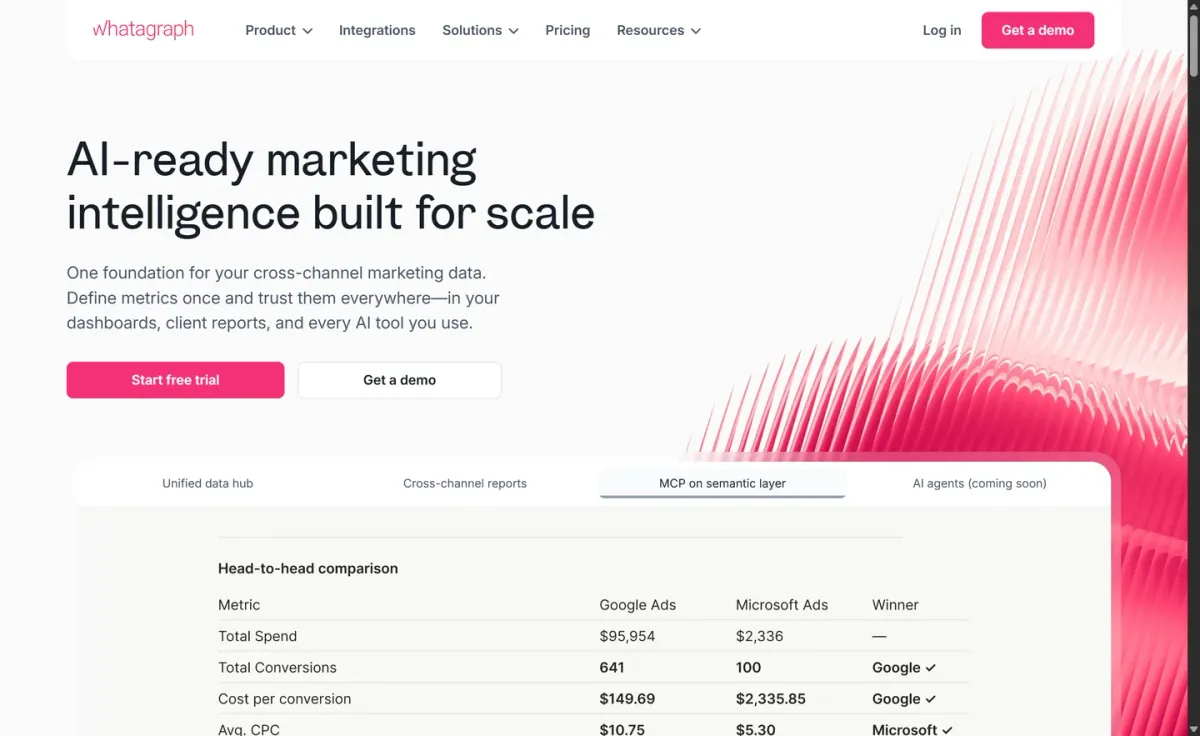
- Best for: Agencies scaling multi-client marketing reporting.
Whatagraph positions itself as a single source of truth for marketing data, helping agencies consolidate accounts and standardize reporting. The Max plan targets teams scaling reporting without scaling headcount, with advanced integrations and data grouping for cleaner client views.
Key features
- Whatagraph supports white-label reports.
- KPI overviews with alerts.
- Data groups and blended sources.
- Public API access on Prime.
Reporting workflows benefit from white-label reports and KPI overviews with alerts, plus options like data groups and blends to combine sources. For heavier needs, Prime adds a custom report domain, public API access, and transfers to BigQuery and Looker.
Quick assessment
Strongest points: White-label reporting for client-ready deliverables.
Blended sources reduce manual spreadsheet work.
Dedicated Success Manager on Max.
Main limitations: Starting price is €699 per month.
Why it ranks here: Ranks highly for agency reporting tool depth: white-labeling, blended sources, and alerting are strong.
Though pricing starts at €699/month billed annually.
Starting plan: €699 per month.
Verdict: It suits agencies that need governed, multi-source reporting with white-labeling and alerting, and can justify the higher entry price.
4. Dashthis
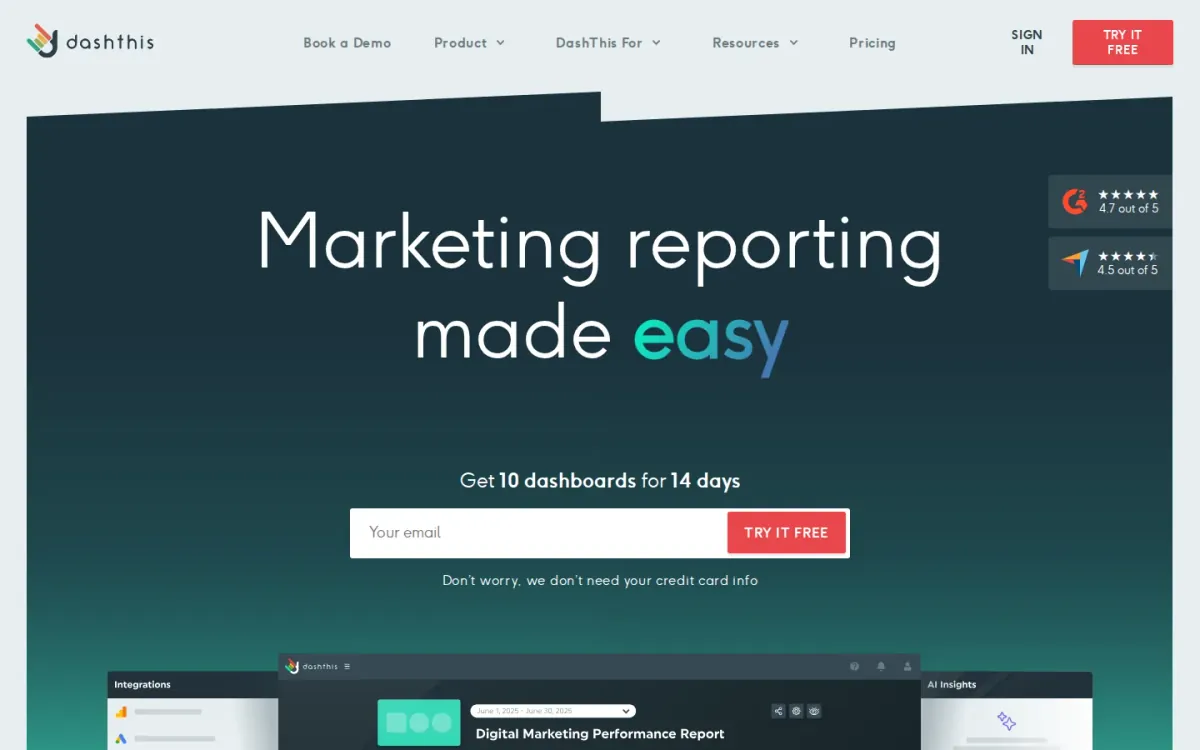
Best for: Marketing teams and agencies that need multi-client dashboards and quick, shareable reporting.
Dashthis focuses on marketing reporting dashboards that pull KPIs and metrics from multiple integrations into a single report. It’s built for agencies juggling many accounts, letting teams combine profiles, pages, clients, and campaigns in one dashboard without extra fees.
Key features
- Dashthis dashboards combine integrations, KPIs, and metrics; Dashthis aggregates multiple accounts in one dashboard.
Dashthis also adds AI Insights Free across all plans, surfacing preset Wins, Issues, Opportunities, and a Summary overview. For deeper analysis, AI Insights Pro unlocks chat mode, dashboard context, and unlimited insights as an add-on priced at $19/month (or $15 billed yearly).
Dashthis — why it ranks here
It ranks well for agencies that need consolidated, multi-account dashboards plus optional AI commentary, though pricing transparency varies by dashboard and source limits.
Strengths: Multi-client aggregation without extra fees; Preset AI insights included on every plan; Optional AI add-on for custom questions.
Limitations: Plan pricing depends on dashboards and sources.
- Pro: $15 per month.
Verdict: It suits agencies that want consolidated client dashboards and lightweight AI summaries, with an upgrade path for deeper, conversational insights.
5. Swydo
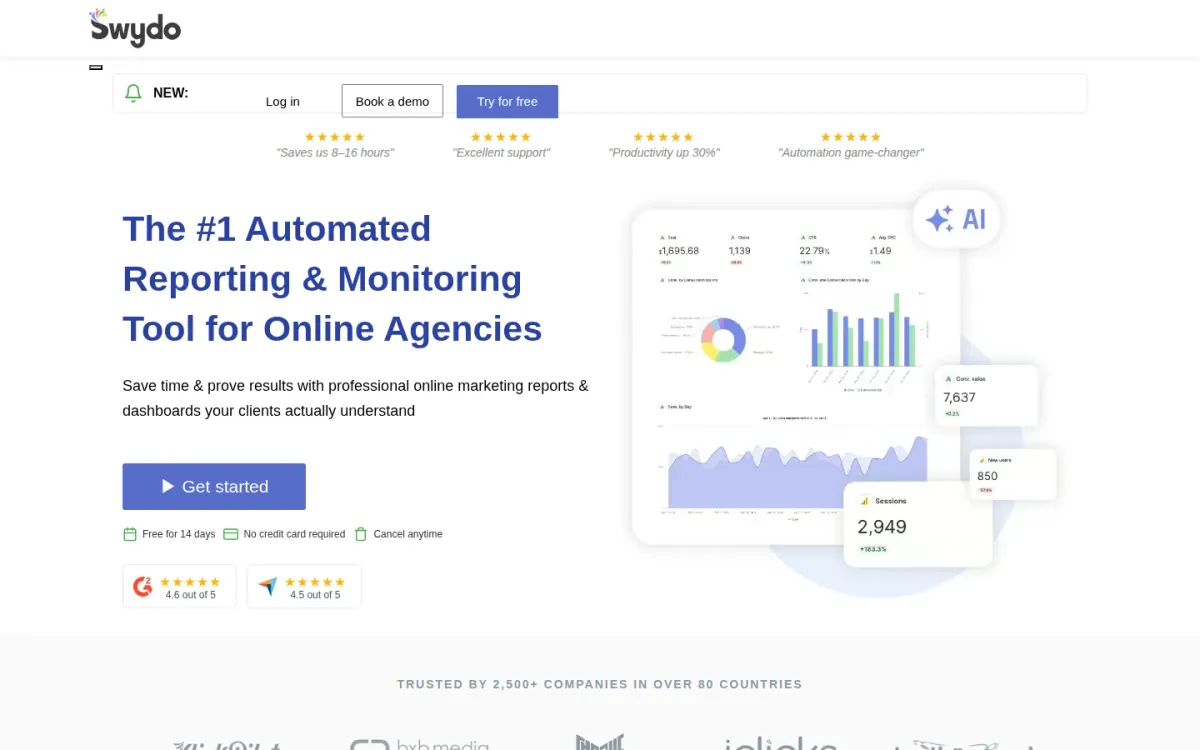
- Best for: Marketing teams that need branded, multi-platform client reporting with unlimited users.
Swydo focuses on client-ready reporting for paid, social, and analytics channels, pairing reusable templates with dashboards you can share via secure links. It supports cross-platform comparisons and multi-account reporting, helping teams keep recurring deliverables consistent across many clients.
Key features
- Swydo AI-powered report summaries.
- Reusable report templates and drag-and-drop builder.
- Shareable live dashboards via secure links.
- Automated data source health checks.
The plan includes unlimited users, dashboards, and reports, plus 32+ integrations such as Google Ads, GA4, Facebook, LinkedIn, TikTok, and Microsoft Ads. AI-powered report summaries and automated data source health checks help reduce manual QA before sending branded PDF exports.
Why it ranks here
Ranked #5 for strong white-labeling, broad integrations, and scalable reporting workflows, offset by pricing that can climb as connected data sources grow.
Pros
- Unlimited users, dashboards, and reports included.
- Strong white-labeling and branded PDF exports.
- Cross-platform reporting with combined data sources.
Limitations
Costs increase as you add data sources.
Starting plan: $1,259 per month.
Verdict: It suits agencies that value branded deliverables and multi-channel rollups, especially when unlimited users matter more than low data-source costs.
6. Databox
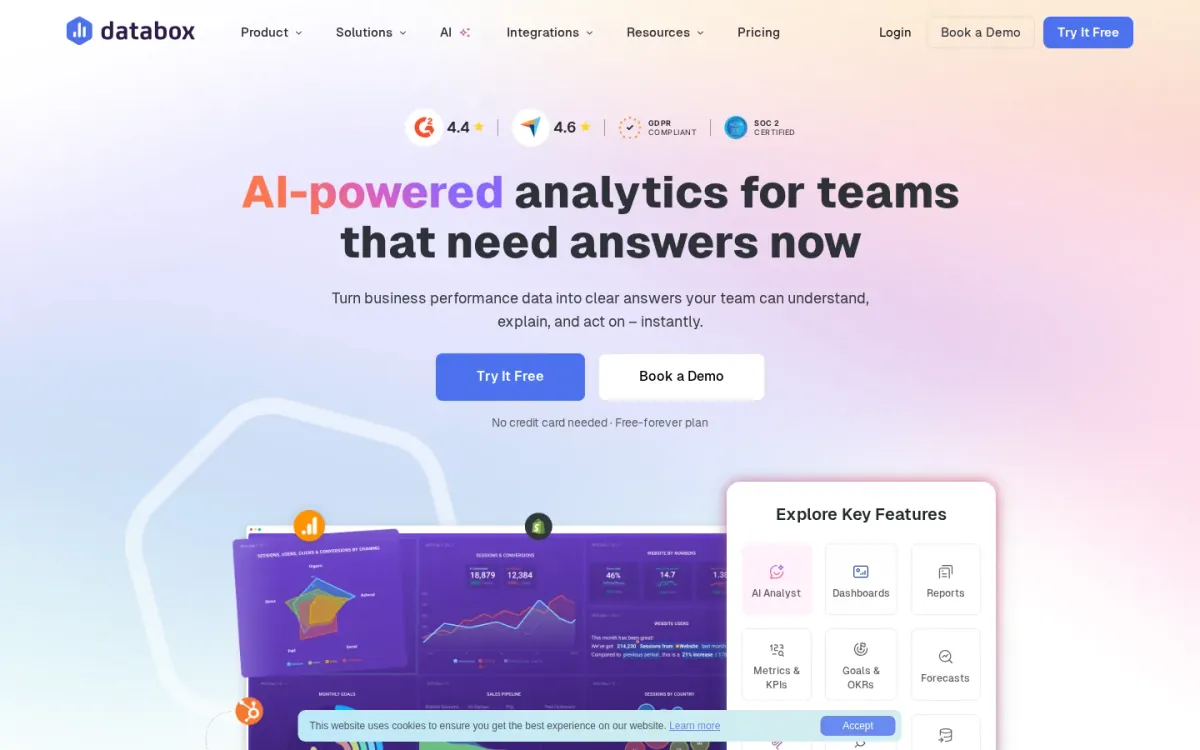
- Best for: Teams managing multi-client performance dashboards and recurring stakeholder updates.
Databox focuses on dashboards and reports for client-facing performance tracking, pairing pre-built metrics and templates with custom metrics and anomaly detection. Sharing options cover shareable links, TV streaming, and embeds, so stakeholders can view updates without extra back-and-forth.
Key features
- Databox supports pre-built metrics and templates.
- Databox provides anomaly detection for key metrics.
- Databox enables shareable links, TV streaming, embeds.
- Databox includes sub-accounts for client organization.
For ongoing monitoring, Databox adds notifications via scorecards, alerts, snapshots, and digests, plus Slack support and CSV export for datasets. Genie, the AI analyst, and performance summaries help teams surface trends faster, while sub-accounts keep client work organized.
Quick assessment
Strongest points: Unlimited dashboards and reports for recurring updates.
Multiple sharing formats suit client presentations.
Alerts and Slack notifications support proactive reporting.
Main limitations: White-labeling requires an add-on.
Advanced security features require an add-on.
Why it ranks here: It ranks well for scalable reporting workflows: unlimited dashboards, strong sharing and alerts, and sub-accounts.
Key branding and security controls are add-ons.
Pro: $5.60 per month.
Verdict: It is a solid choice for client reporting dashboards and automated updates, especially when sub-accounts matter, but budget extra for branding and security add-ons.
7. Reportz
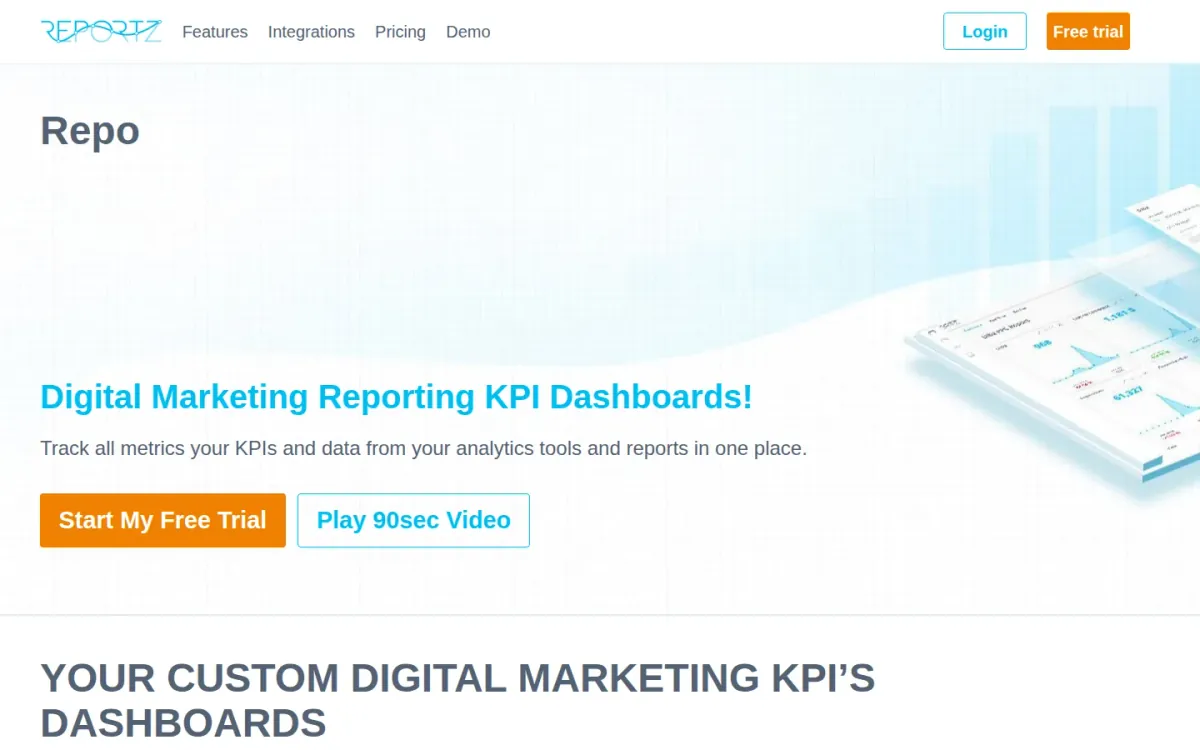
Best for: Agencies needing scalable client reporting.
Reportz uses a flexible, pay-per-dashboard pricing model, ideal for agencies managing multiple clients. It avoids rigid tiered packages, allowing cost scaling based on active dashboards needed for projects.
Key features
Pay-per-dashboard pricing model; Unlimited users and team members.
Also documented: Complete white-labeling capabilities.
Unlike many competitors, Reportz includes its full feature suite across all price points. This means unlimited users, widgets, complete white-labeling, and real-time data refreshing are standard.
Reportz — why it ranks here
It stands out for its transparent, flexible pay-per-dashboard pricing and inclusive feature set, making it a strong value for agencies needing scalable client reporting.
Strengths: Flexible dashboard-based pricing; Full feature suite at all price points; Unlimited users included.
Limitations: Base cost per dashboard starts at $9.90.
- Starting plan: $9.90 per month — US.
Verdict: It provides a scalable, feature-rich client reporting solution with transparent pricing for growing agencies.
8. Tapclicks
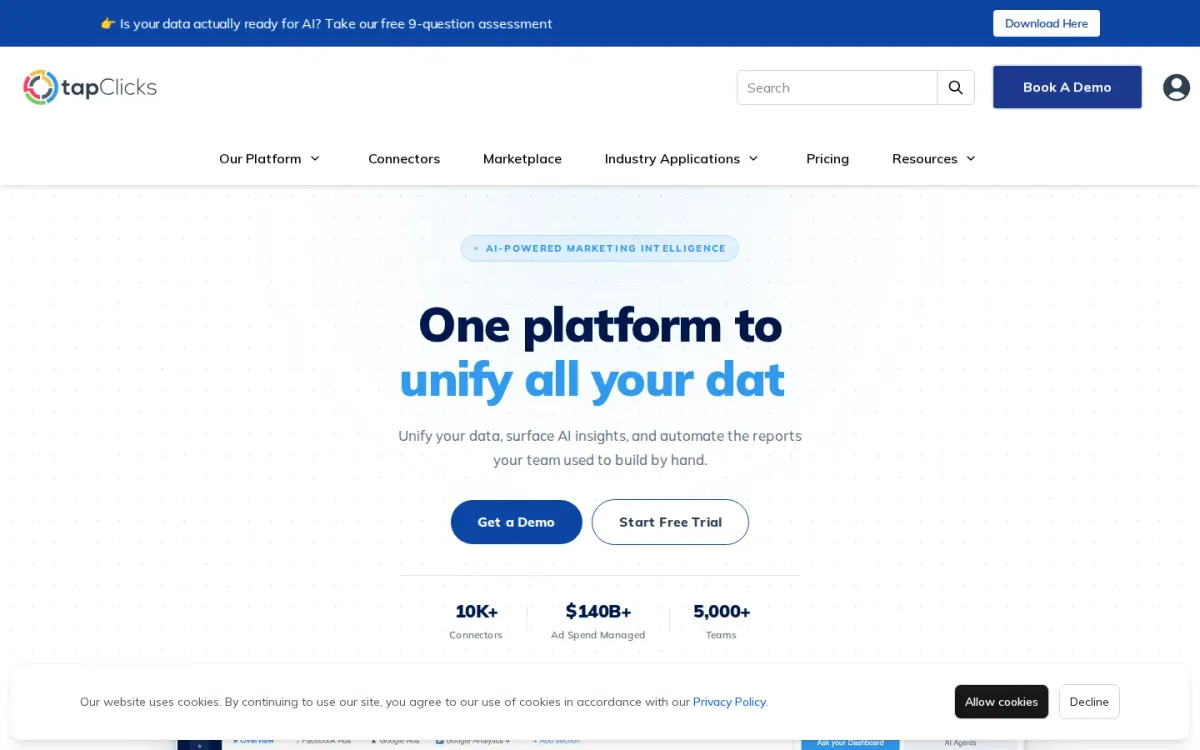
Best for: Agencies that need scalable client reporting across many data sources.
Tapclicks is a modular client reporting platform built around connector-based tiers and agency-focused packages. Teams can start free with TapFree or scale into TapData plans as reporting volume grows, keeping dashboards and automated reporting aligned to client needs.
Key features
TapFree includes 30+ data connections; TapData+ expands to 250+ connectors.
Also documented: TapData tiers support automated reporting.
Pricing spans TapData Lite at $99/month, TapData+ at $349/month, and TapData Max at $649/month, plus Basic/Pro packages starting at $599 and $999 monthly. Higher tiers add API access, full ETL, advanced calculations, and scale management tools.
Tapclicks — why it ranks here
It ranks #8 for flexible connector-based scaling and broad integration depth, but higher agency packages and paid services can raise total cost quickly.
Strengths: Flexible tiers for different reporting volumes; Large connector library at higher plans; API access and ETL for complex pipelines.
Limitations: Basic and Pro plans start at $599+ monthly; Setup and design services cost $150–$175/hour.
- Starting plan: $99 per month — US.
Verdict: It suits agencies that need connector-driven scaling and advanced data handling, but budget carefully for higher tiers and paid services.
9. Google
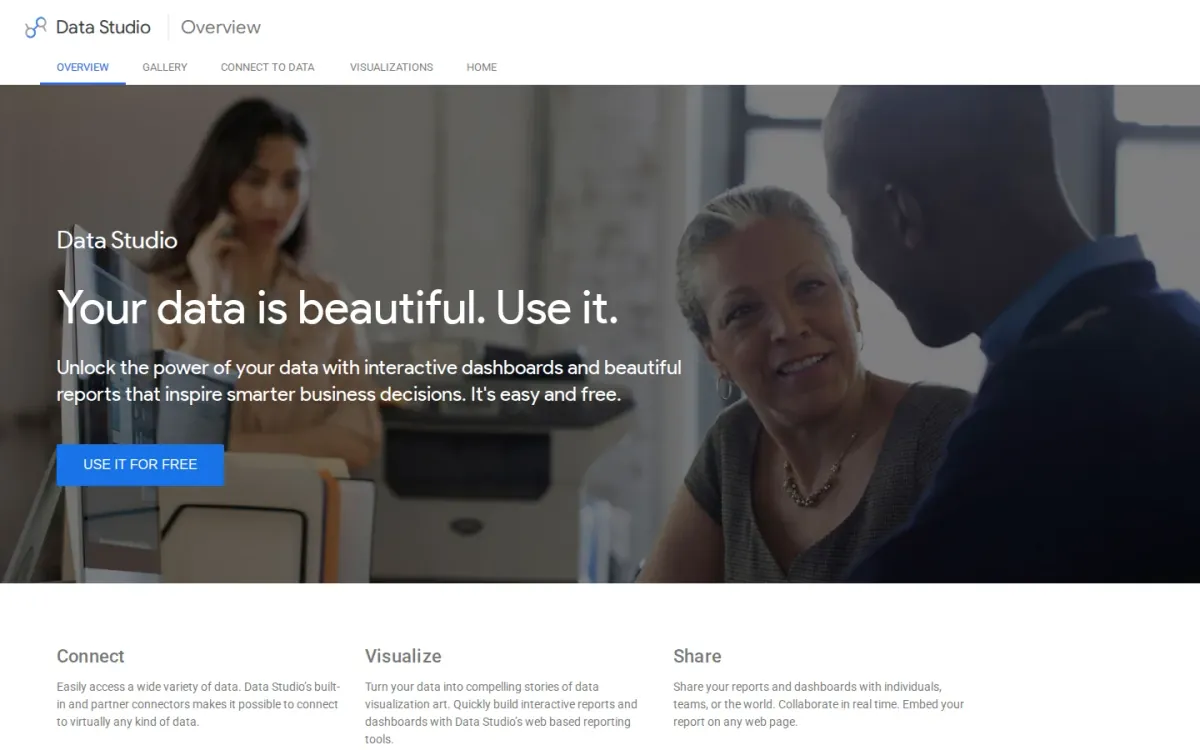
Official source: lookerstudio.google.com [2].
Best for: Budget-minded agencies that need shareable client dashboards.
Google Looker Studio is a reporting and dashboarding platform that helps agencies package performance results into client-friendly views. It fits teams already living in Google’s ecosystem and wanting simple, repeatable reporting without adding another paid seat for every stakeholder.
Key features
- Looker Studio builds shareable reporting dashboards.
- Google One Free Tier includes 15 GB storage.
- Google AI Plus adds 400 GB storage.
- Google Workspace plans support business teams.
For agencies, the appeal is straightforward sharing and a familiar Google-style interface, but pricing details in Google’s published plans focus on Google One and Workspace bundles rather than Looker Studio itself. That can make forecasting costs and support expectations less clear.
Why it ranks here
Looker Studio earns a lower spot for agencies because it’s easy to distribute dashboards, yet official pricing information is bundled into broader Google subscriptions.
Pros
- Easy to share client-facing dashboards.
- Familiar Google ecosystem for many agencies.
- Free tier available for basic needs.
Limitations
Pricing clarity tied to broader Google bundles.
Support expectations are not clearly defined.
Plus: $4.99 per month — US.
Verdict: A practical choice for lightweight client reporting, but agencies needing clear, standalone pricing and support terms may want alternatives.
10. Klipfolio
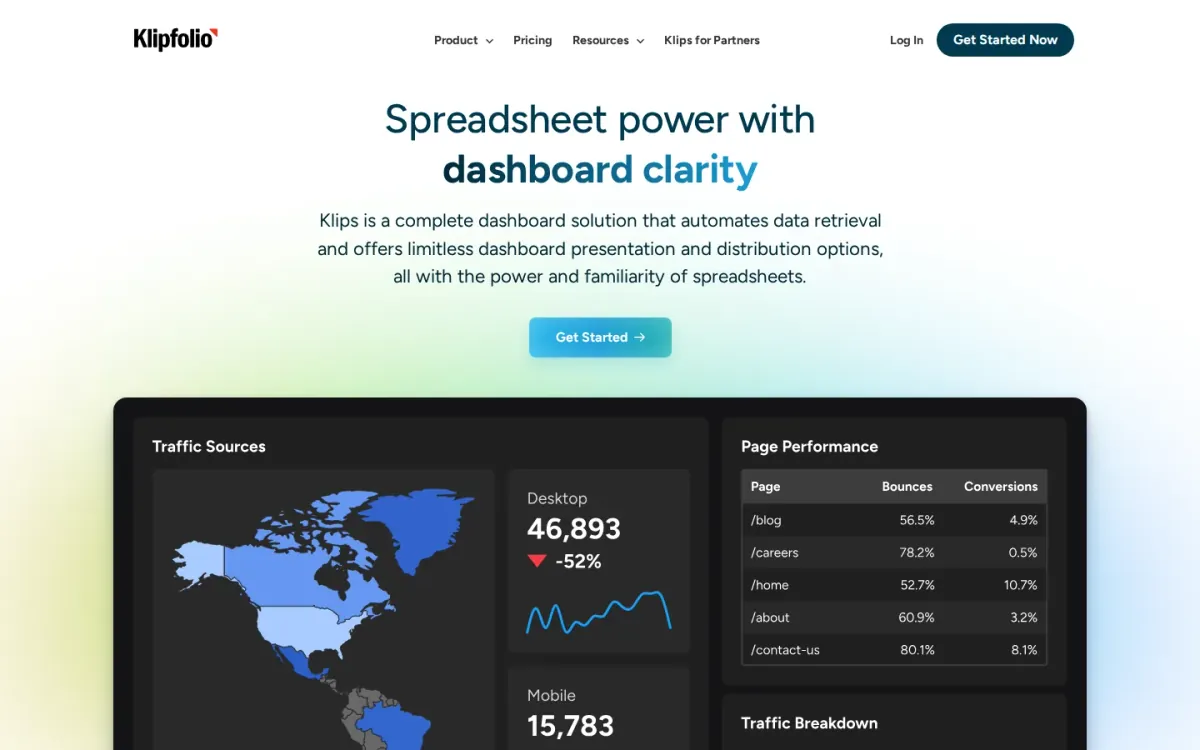
- Best for: Agencies and consultants managing multiple client dashboards.
Klipfolio focuses on dashboards and reporting for teams and clients, connecting to hundreds of services and APIs. Agencies can build highly customizable views, then share them via published links for view-only access inside or outside a Klips account.
Key features
- Klipfolio connects to hundreds of services and APIs.
- Published links share view-only dashboards externally.
- Parent account manages distinct client dashboards.
- White Label, Custom Domain, Custom Theme add-ons.
For client reporting, Klipfolio’s Partner Program supports building and managing distinct client dashboards from a Parent account, plus transferring dashboards, Klips, and data sources between accounts. Optional add-ons include White Label, Custom Domain, and Custom Theme.
Quick assessment
Strongest points: Clear partner workflow for multi-client reporting.
Flexible sharing controls for published dashboard links.
Branding options via white-label and theming.
Main limitations: Add-ons may be needed for full branding control.
Editorial rating trails top competitors.
Why it ranks here: Strong multi-client management and sharing options, but scoring and pricing transparency lag compared with more polished reporting suites.
Starting plan: $8 per month.
Verdict: It suits agencies that need customizable dashboards, partner account structure, and shareable links, especially when white-labeling matters.
How to choose
Workflow fit
Start by mapping the reporting jobs that happen every week: dashboards, scheduled PDFs, client portals, and stakeholder updates. Then list the data sources that must connect reliably, including ad platforms, analytics, and any CRM or spreadsheet inputs.
Validation
Check how the tool handles multi-client structure—templates, cloning, permissions, and sub-accounts matter more than one-off dashboard design. Review branding needs early, since white-labeling and custom domains can be gated behind higher plans. Finally, confirm support expectations, connector limits, and how pricing scales as accounts and data sources grow.
Final recommendations
Shortlist
- Agency Reporting Tool if reporting should track managed ad spend and usage-based analysis, and the team accepts variable costs tied to usage.
- Pick Agencyanalytics when the priority is repeatable client dashboards, scheduled reports, and broad integrations that support proactive monitoring across many accounts.
Before rollout
- Select Whatagraph for governed, multi-source reporting with white-labeling and alerting, especially when a higher entry price is acceptable for scale.
- Use Dashthis for quick, shareable multi-client dashboards and summaries, with a clear path to deeper conversational insights if needed later.