
Marketing teams rely on clean, comparable data to explain performance and decide what to do next. The tools in this ranking focus on turning scattered channel metrics into reporting-ready datasets, dashboards, and repeatable workflows. Some options specialize in connectors and scheduled syncs, while others emphasize warehouse-first governance, transformation, and alerting. A few lean toward BI and sharing, helping stakeholders explore results without living in spreadsheets. Use this guide to match your reporting needs, data maturity, and budget constraints to the right approach, whether you’re centralizing paid media, building a warehouse pipeline, or standardizing dashboards across teams.
Comparison table
| Rank | Tool | Best for | Standout feature | Pricing from | Free option | Rating |
|---|---|---|---|---|---|---|
| 1 | AdBid - Marketing Analytics Tools [1] | Teams that want flexible costs tied to ad spend and analysis usage | Free platform access and account connections | Free access | Free ($0) | 73/100 |
| 2 | Funnel | Teams centralizing paid-media data for reporting | Flexpoints credit system for usage-based pricing | $2,250 per month (US) | Free plan | 71/100 |
| 3 | Improvado | Teams centralizing cross-channel data into a trusted warehouse | Improvado supports data extraction and loading | $100 per month | Free plan | 71/100 |
| 4 | Adverity | Teams consolidating many ad accounts and connectors | Adverity supports marketing data intelligence and ETL workflows | $2,500 per month (US) | — | 70/100 |
| 5 | Windsor | Teams consolidating ad and analytics data into BI dashboards | Windsor supports 350+ data source connectors | $11.50 per month | Free trial | 70/100 |
| 6 | Supermetrics | Teams that need granular channel data pulled into reporting and warehouses | Supermetrics connects data across marketing channels | $37 | Free trial | 70/100 |
| 7 | Fivetran | Teams centralizing ad and web data in a warehouse for consistent reporting | Fivetran supports SaaS and database replication | $0.002 | Free trial | 69/100 |
| 8 | Airbyte | Teams that need reliable data ingestion to feed campaign and channel reporting | Airbyte supports 600+ data ingestion connectors | $0.004 per month | Free plan | 69/100 |
| 9 | Microsoft [2] | Teams already using Microsoft 365 who want dashboarding alongside familiar business apps | Power BI builds interactive dashboards and reports | $7.00 / user / month (US) | — | 69/100 |
| 10 | Tableau | Teams that need shareable dashboards and role-based access for campaign and channel reporting | Creator includes Tableau Desktop and Tableau Prep Builder | $1,380 per month (US) | — | 68/100 |
How we evaluated the tools
Each product received an editorial score based on six weighted criteria. Task fit (30%) measures how well it supports common reporting, attribution, and performance analysis workflows. Features and automation (20%) cover connectors, transformations, scheduling, monitoring, and alerts. Ease of use (15%) considers setup, learning curve, and day-to-day operation. Integrations and workflow (15%) assess compatibility with ad platforms, analytics sources, warehouses, and BI tools. Value and pricing transparency (10%) reflect clarity of costs and scaling expectations. Limits, support, and transparency (10%) review documented constraints, onboarding needs, and support clarity.
- Source basis: checks start with adbid.me [1] and continue through every linked official product page.
Scores are editorial assessments on a 100-point scale rather than customer ratings. Product pages supply the feature and access facts, and the same weighted rubric applies to every entry.
The order reflects fit for this comparison, not market share or brand familiarity. Each product links back to an official source so readers can verify current details.
1. AdBid
Best for: Teams that want flexible costs tied to ad spend and analysis usage.
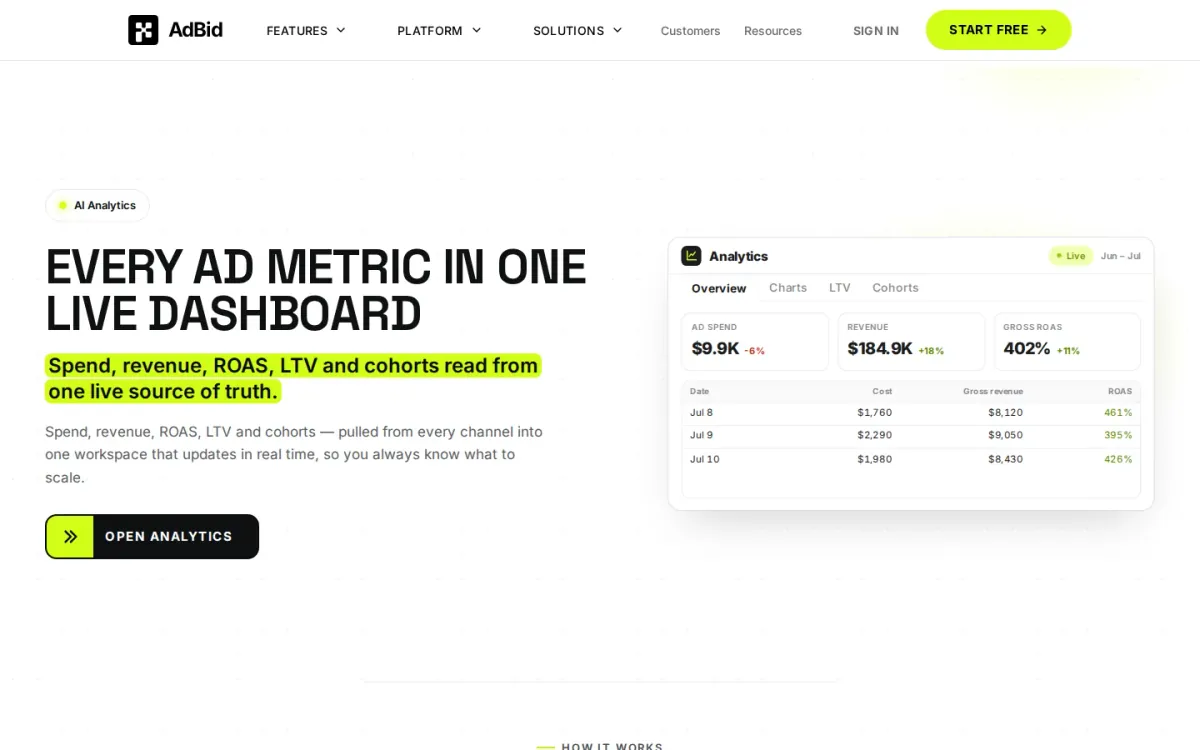
AdBid pairs a free platform access tier with usage-based charges, making it easier to start connecting accounts before committing to a fixed subscription. It’s positioned for marketers who want costs to scale alongside campaign activity and analysis volume.
Features and trade-offs
Key features
- Free platform access and account connections.
- 1% Managed ad spend fee option.
- Token-based AI generation and analysis.
- Custom enterprise support and onboarding.
Pricing centers on three levers: a 1% managed ad spend fee when AdBid operates paid media, token-based AI generation and analysis usage, and optional custom enterprise support for onboarding, data migration, security reviews, or procurement. That structure suits marketing analytics tools comparisons focused on transparency.
Why it ranks here
The free access tier lowers risk, while spend- and token-based pricing aligns costs to real campaign management and analysis needs.
Pros
- Free tier enables low-friction evaluation.
- Costs scale with usage, not flat fees.
- Enterprise support covers security and procurement.
Limitations
- Token-based analysis costs can be unpredictable.
- Managed-campaign fee applies when AdBid operates ads.
Access and verdict
Access: Current access details: adbid.me [1]. Verdict: AdBid fits budget-conscious teams that prefer pay-as-you-grow pricing over fixed subscriptions, especially when scaling analysis and managed spend.
2. Funnel
Best for: Teams centralizing paid-media data for reporting.
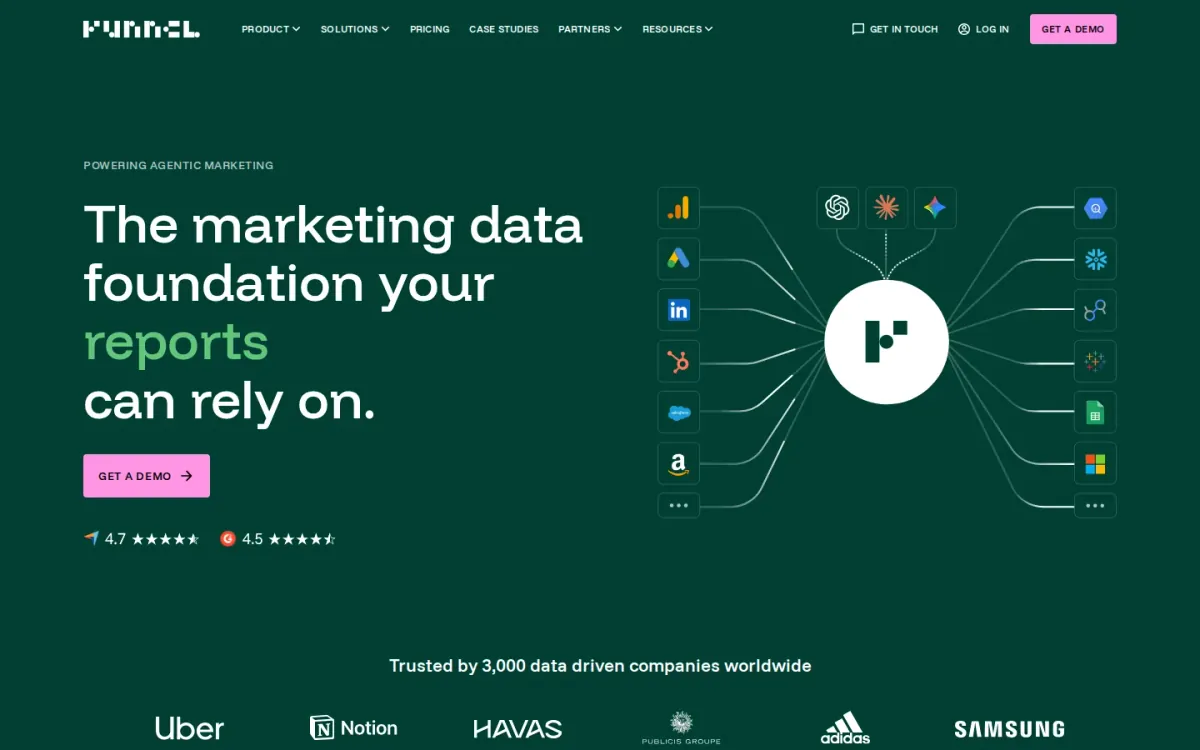
Funnel focuses on pulling marketing data into a single place for reporting. Its usage-based Flexpoints model ties cost to connectors, data destinations, and refresh rates, which can suit teams with fluctuating channel mixes.
Key features
Flexpoints credit system for usage-based pricing; Connector-based scaling across data sources.
Also documented: Data destinations tied to plan usage; Refresh rates that affect monthly costs.
Pricing scales by needs such as ad spend tiers, number of data sources, and multi-channel media tracking. That makes Funnel a practical pick among marketing analytics tools when you want spend-aligned costs, but it can be harder to budget.
Funnel — why it ranks here
It ranks highly for flexible, usage-based scaling that matches complex, multi-source reporting needs, though pricing predictability trails fixed-tier competitors.
Strengths: Usage-based model can match changing workloads; Scales for multi-channel media tracking.
Limitations: Costs can be harder to forecast month to month; Higher tiers can reach $2,250+/month.
Pricing and verdict
- Starting plan: $2,250 per month — US.
Verdict: A strong fit for complex reporting setups, but budget owners should expect variable monthly costs as usage grows.
3. Improvado
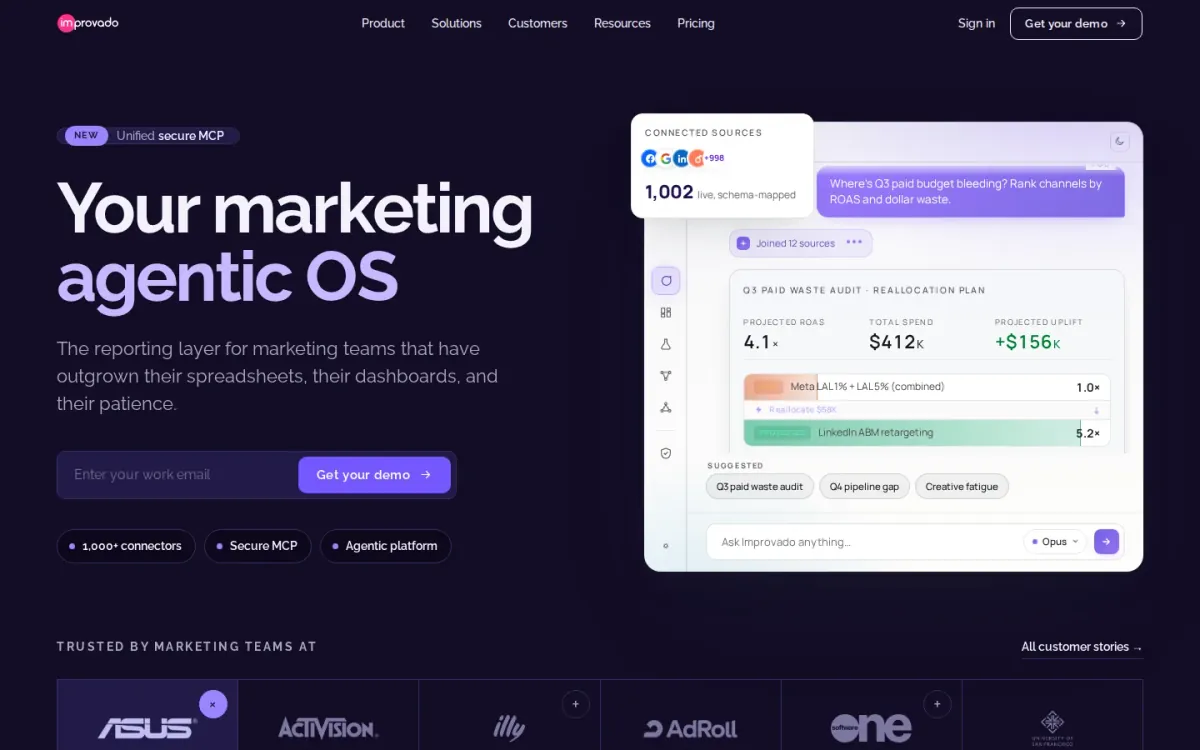
- Best for: Teams centralizing cross-channel data into a trusted warehouse.
Improvado focuses on extracting and loading data from online and offline sources, then centralizing it in a single warehouse for analysis. It adds data transformation and reporting layers so marketers and analysts can work from consistent, governed datasets.
Key features
- Improvado supports data extraction and loading.
- Improvado centralizes data ownership in a warehouse.
- Improvado provides Marketing Data Governance alerts.
- Improvado includes an AI Agent for analysis prompts.
Beyond standard dashboards, Improvado includes Marketing Data Governance to flag data, campaign, or ops issues, plus an AI Agent for prompt-based help on analysis questions. Integrations span data sources, warehouses, and reporting tools for flexible BI workflows.
Quick assessment
Strongest points: Centralized warehouse approach reduces reporting drift.
Governance rules help catch pipeline and campaign issues.
Works across sources, warehouses, and BI dashboards.
Main limitations: Many advanced capabilities require Custom plans.
Entry pricing starts at $100 per month.
Why it ranks here: Strong for governed, warehouse-first reporting, with broad integrations and built-in transformation; pricing transparency is thinner beyond entry tiers.
Starting plan: $100 per month.
Verdict: It suits organizations that want marketing analytics tools anchored in a governed warehouse, with transformation, alerting, and flexible BI connections.
4. Adverity

Best for: Teams consolidating many ad accounts and connectors.
Adverity is a marketing data intelligence and ETL platform built to centralize performance data across a complex stack. It suits organizations juggling many sources and destinations, where connector count and account sprawl make manual reporting unreliable.
Key features
Adverity supports marketing data intelligence and ETL workflows; Pricing scales by connectors, sources, and ad accounts.
Also documented: Data volume measured in unique rows per month; Implementation and onboarding may require separate services.
Pricing is customized rather than a fixed public menu, and costs scale with data connectors, data volume, and implementation needs. Expect budgeting to hinge on monthly unique data rows processed and the number of core or premium APIs connected.
Adverity — why it ranks here
It ranks highly for multi-source consolidation, but lands mid-pack because pricing transparency and onboarding costs can complicate early-stage evaluation.
Strengths: Handles complex stacks with many data sources; Scales to high-volume, multi-account deployments; Cost drivers are clearly tied to usage.
Limitations: No rigid public USD price menu; Implementation fees can add meaningful upfront cost.
- Starting plan: $2,500 per month — US.
Verdict: It fits organizations that need centralized performance data at scale, provided they can accommodate customized pricing and potential onboarding services.
5. Windsor
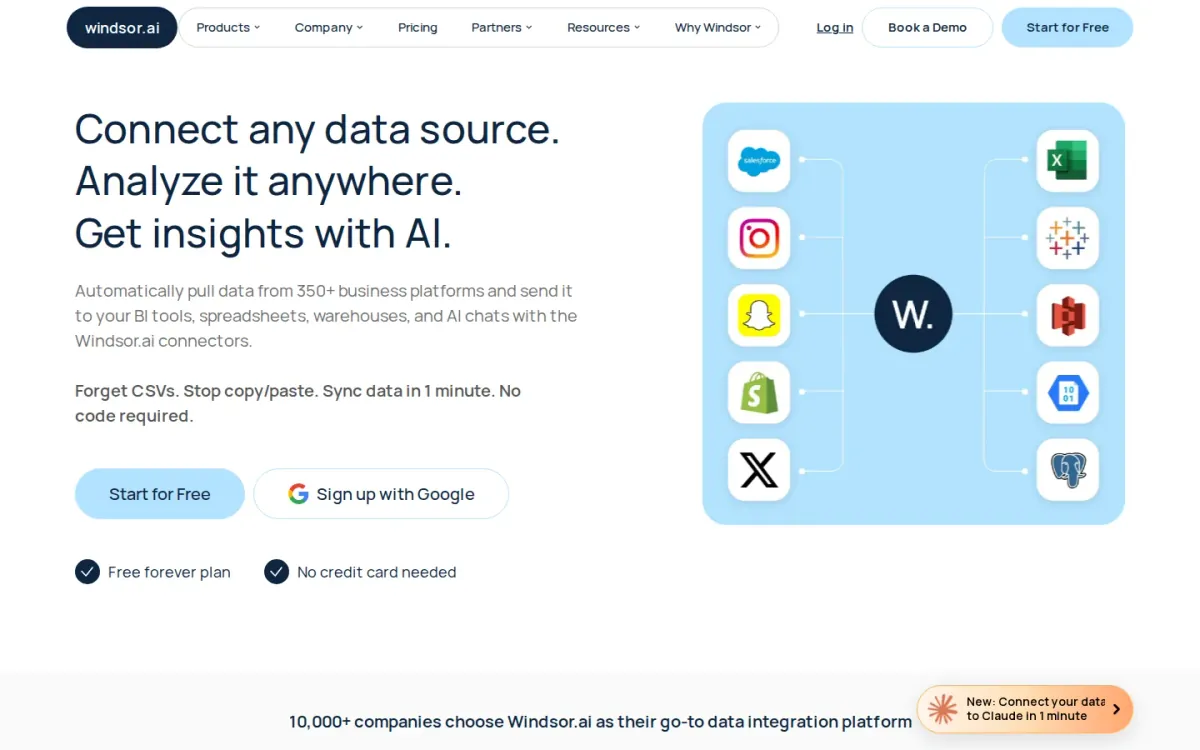
- Best for: Teams consolidating ad and analytics data into BI dashboards.
Windsor focuses on pulling performance data from a wide range of sources and sending it to reporting destinations your team already uses. It supports 350+ data sources such as GA4, Facebook Ads, Google Ads, and LinkedIn Ads for unified analysis.
Key features
- Windsor supports 350+ data source connectors.
- Windsor syncs data hourly or daily.
- Windsor exports to BigQuery, Snowflake, Tableau.
- Windsor includes single sign-on (SSO).
For ongoing reporting, Windsor provides hourly or daily scheduled sync and unlimited reports for BI destinations, plus up to 10 years of data history. Support options include live chat and a dedicated account manager with multilingual coverage.
Why it ranks here
Ranked #5 for broad connector coverage and flexible destinations, balanced by lighter pricing transparency and enterprise-oriented add-ons.
Pros
- 350+ Connectors across ads and analytics platforms.
- Many destinations for BI and warehouses.
- Dedicated account manager and live chat support.
Limitations
Starting plan pricing details are limited beyond $11.50/month.
Some enterprise onboarding items may be overkill for small teams.
Starting plan: $11.50 per month.
Verdict: It is a solid choice for cross-channel reporting pipelines when you need lots of connectors, scheduled sync, and BI-friendly exports.
6. Supermetrics

- Best for: Teams that need granular channel data pulled into reporting and warehouses.
Supermetrics focuses on pulling granular marketing and sales data from the sources that matter, helping teams unite channel performance in one place. It supports reporting and visualization workflows so stakeholders can turn data into clear business decisions.
Key features
- Supermetrics connects data across marketing channels.
- Data pipelines clean, blend, and structure insights.
- Connectors pull granular marketing and sales data.
- Destinations support reporting and visualization.
Beyond extraction, Supermetrics emphasizes managing and storing data, plus cleaning, blending, and structuring insights for analysis. It also supports activation use cases like audience segmentation and journey orchestration, backed by onboarding, customer success, and 24/5 support.
Quick assessment
Strongest points: Granular data extraction for detailed reporting.
Broad connector catalog across key channels.
24/5 Support plus onboarding services.
Main limitations: Starting plan price shown, higher tiers unclear.
Advanced activation features may exceed basic needs.
Why it ranks here: Strong connector depth and data-granularity focus make Supermetrics a reliable backbone for measurement and reporting.
Though pricing transparency beyond the starting plan is limited.
Verdict: It suits reporting-heavy teams that need dependable connector coverage and granular exports, especially with a 14-day free trial and a $37 starting plan.
7. Fivetran
Best for: Teams centralizing ad and web data in a warehouse for consistent reporting.
Fivetran focuses on moving data from common growth sources into your warehouse so reporting stays consistent. It highlights real-time analytics and supports sources like Facebook Ads, Google Analytics 4, Marketo, and Google Ads for unified performance views.
Key features
Fivetran supports SaaS and database replication; Automated transformations accelerate insights.
Also documented: Enterprise plans add 1-minute syncs.
Beyond replication, Fivetran adds automated transformations and an Activations layer to push warehouse data into business tools. Enterprise options include 1-minute syncs, hybrid deployment, and governance features such as custom roles and SCIM/user provisioning.
Fivetran — why it ranks here
It earns this spot for broad connector coverage and strong governance, but usage-based pricing can be harder to forecast for smaller teams.
Strengths: Wide support for popular ad and analytics sources; Governed data movement with roles and provisioning; Hybrid deployment option for stricter environments.
Limitations: Usage-based costs can be unpredictable month to month; Advanced controls require higher-tier plans.
Verdict: It suits organizations that want dependable ingestion plus governance, especially when warehouse-first reporting and downstream activations matter.
8. Airbyte

Best for: Teams that need reliable data ingestion to feed campaign and channel reporting.
Airbyte focuses on data replication that helps teams unify performance data before it hits dashboards. With 600+ connectors and options like CDC, schema propagation, and column selection, Airbyte supports cleaner, more consistent datasets for attribution and ROI analysis.
Key features
Airbyte supports 600+ data ingestion connectors; CDC and schema propagation for changing sources.
Also documented: SSO and RBAC available on Pro.
Deployment spans self-managed open source (Core, always free) and fully managed cloud hosting across Standard, Plus, and Pro. Scheduling ranges from cron to 15-minute syncs on Plus, while Pro adds governance options like SSO and RBAC for controlled access to reporting pipelines.
Airbyte — why it ranks here
It ranks #8 for strong connector breadth and governance options, but pricing complexity and plan-dependent sync limits can slow evaluation for analytics teams.
Strengths: Broad connector availability for diverse data sources; Open source Core plan is always free; Governance features fit multi-workspace teams.
Limitations: Sync frequency varies notably by plan; Multiple pricing models add planning overhead.
- Standard: $0.004 per month.
Verdict: It is a solid pick for building dependable reporting pipelines, especially when connector coverage and governance matter more than simple, one-plan pricing.
9. Microsoft
Official source: powerbi.microsoft.com [2].
Best for: Teams already using Microsoft 365 who want dashboarding alongside familiar business apps.
Microsoft Power BI is a reporting and dashboard platform that helps teams turn campaign and channel data into shareable visuals. It suits organizations that already live in Microsoft ecosystems and want analytics to sit close to everyday productivity work.
Key features
- Power BI builds interactive dashboards and reports.
- Power BI supports sharing insights across teams.
- Microsoft 365 Business Basic costs $7.00 per user/month.
- Business Basic includes web and mobile apps only.
For budget planning, Microsoft lists Microsoft 365 Business Basic at $7.00 per user per month for web and mobile apps only. That pricing context can matter when Power BI rollouts depend on broader Microsoft licensing and user access decisions.
Why it ranks here
Power BI ranks #9: strong dashboarding potential, but the clearest published pricing here is Microsoft 365 licensing, not analytics-specific plans.
Pros
- Interactive dashboards for campaign reporting.
- Fits organizations standardized on Microsoft 365.
- Clear Microsoft 365 Business Basic price point.
Limitations
Analytics pricing details aren’t clearly specified here.
Business Basic lacks desktop apps.
Basic: $7.00 / user / month — US.
Verdict: Choose Microsoft Power BI if you want familiar Microsoft-aligned reporting, but expect licensing questions before you can estimate full analytics costs.
10. Tableau
- Best for: Teams that need shareable dashboards and role-based access for campaign and channel reporting.
Tableau supports campaign reporting through interactive dashboards and role-based licenses. Creator includes Tableau Desktop and Tableau Prep Builder for full data connection and dashboard authoring, while Explorer enables web-based self-service exploration, editing, and content management from published sources.
Key features
- Creator includes Tableau Desktop and Tableau Prep Builder.
- Explorer supports web-based exploration and editing.
- Viewer enables read-only dashboard interaction.
- Role-based per-user subscriptions billed annually.
Deployment choices span Tableau Cloud and Tableau Server, which can suit different governance needs. Viewer provides read-only access to view, filter, and interact with existing dashboards. Note the annual commitment for standard licenses and potential extra infrastructure costs for self-hosted Server setups.
Quick assessment
Strongest points: Clear role tiers for authoring, exploring, and viewing.
Strong dashboard interactivity for stakeholder reporting.
Cloud or Server deployment flexibility.
Main limitations: Standard licenses require an annual commitment.
Server deployments may add infrastructure expenses.
Why it ranks here: It earns a lower spot for strong dashboarding and access tiers.
Annual commitments and Server overhead can raise total cost for smaller marketing teams.
Starting plan: $1,380 per month — US.
Verdict: It fits organizations that prioritize dashboard sharing and governed access, but budgeting works best when annual licensing and deployment costs are planned upfront.
How to choose
Workflow fit
Start by defining the output you need: dashboards, a governed warehouse dataset, or exports into spreadsheets and BI. Next, list the sources that must be included, then confirm connector coverage and refresh frequency requirements.
Validation
If your team already uses a warehouse, prioritize tools that support transformations, monitoring, and stable schemas. For dashboard-first teams, focus on sharing controls, permissions, and stakeholder access. Finally, compare pricing transparency and scaling drivers, including usage-based costs, connector limits, and any onboarding or services that may affect the total budget.
Final recommendations
Shortlist
- Marketing Analytics Tools if flexible costs tied to spend and analysis usage matter more than locking into a fixed subscription.
- Funnel and Windsor fit teams that need centralized paid-media reporting pipelines, especially when connector breadth and scheduled syncs are priorities.
- Improvado, Adverity, Fivetran, and Airbyte make sense for warehouse-first organizations that want governed datasets and repeatable transformations across channels.
Before rollout
- Supermetrics is a practical option for granular exports into reporting tools, with a 14-day free trial and a $37 starting plan.
- Microsoft Power BI and Tableau suit dashboard-heavy teams that need sharing and access controls, but plan for licensing questions and annual budgeting.