
Part of our Meta Ads Platform guide series.
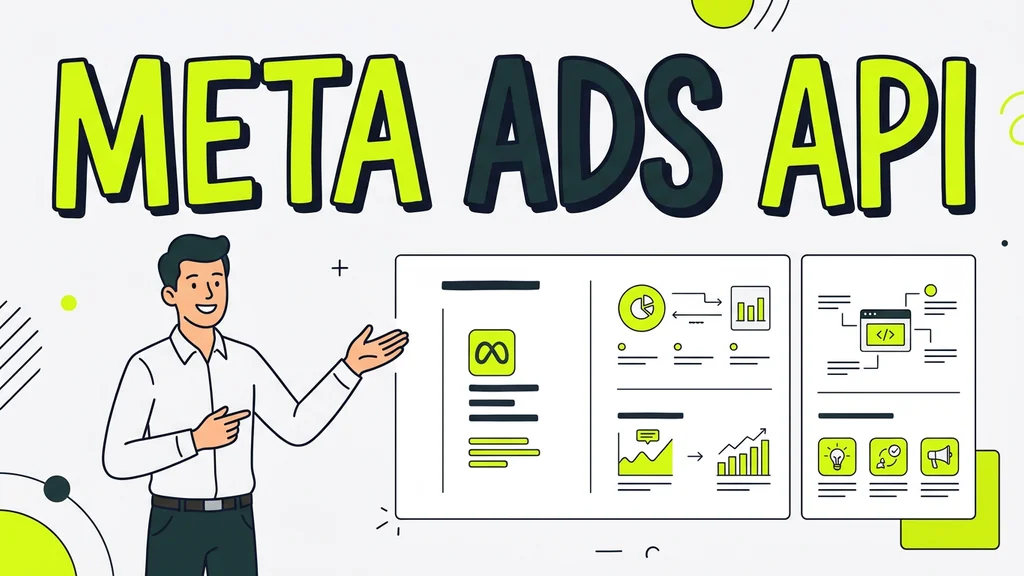
The Meta Ads API is the programmatic interface for creating, managing, and reporting on Facebook and Instagram ads. It replaces manual clicks in Ads Manager with structured code requests. Developers building integrations, marketers automating campaign launches, and agencies scaling across client accounts all rely on it. You do not need to write code yourself to benefit. Understanding the API structure helps you evaluate automation tools and plan realistic integrations. [1]
Key Takeaways
- Meta's Marketing API has three access tiers: Development, Standard, and Advanced. None charge per-call fees. The tiers differ in how many requests you can make per hour. [3]
- Every API call follows the same pattern: specify a node, an edge, and the fields you want returned. This model applies to campaign creation, reporting, and audience management alike. [1]
- You can benefit from the API without writing code directly. Knowing how it works helps you choose the right automation tools for your ad operations. [1]
- Access starts with a developer account on Meta's platform. That account manages API permissions for every app you create. [1]
Defining the Meta Ads API Scope
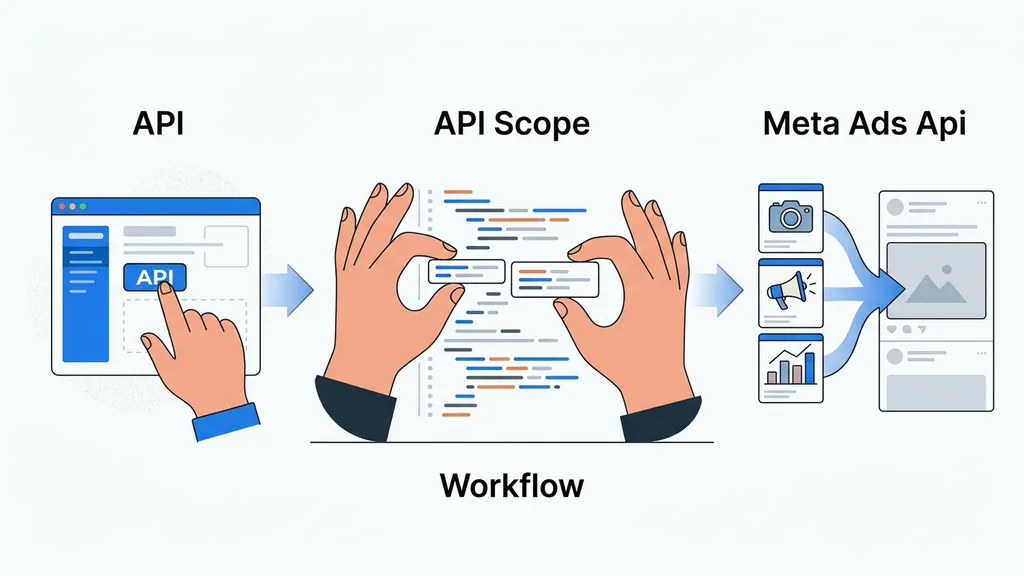
The Meta Ads API, officially called the Marketing API, is a collection of endpoints that let you programmatically create, modify, pause, delete, and report on ad campaigns across Facebook and Instagram. It sits within Meta's broader Graph API structure, which organizes data into nodes, edges, and fields. Any operation you perform—launching a campaign, adjusting a budget, pulling performance metrics—follows that same three-part pattern. The API covers the full advertising lifecycle: campaign structure, creative management, audience targeting, bidding strategies, and insights retrieval. [1][2]
Beyond core campaign management, the Marketing API connects to adjacent systems. The Conversions API links your server-side event data to Meta's optimization models, improving targeting accuracy and reducing cost per action. The Catalog API synchronizes product feeds for dynamic ads. Together, these form an integration layer that replaces most manual Ads Manager workflows. [2]
Meta does not charge for API access itself. The constraint is throughput, not cost. Three tiers—Development, Standard, and Advanced—govern how many requests your app can make per hour. Higher tiers unlock greater volume but require passing Meta's app review process. [3]
- Programmatic Ad Management: Create, modify, and delete campaigns, ad sets, and ads without touching Ads Manager. [2]
- Audience and Insights Management: Build custom audiences and retrieve detailed performance data through dedicated endpoints. [2]
- Tiered Access System: Development, Standard, and Advanced tiers control request volume and available permissions. [3]
- Developer Account as Control Center: Your developer account, linked to your personal Facebook profile, manages API access for all apps you create. [1]
Implementing the API Workflow
Integration follows a fixed sequence: developer account creation, app registration, permission configuration, token generation, testing, and tier advancement. Each stage depends on the previous one. Skipping steps causes authentication failures that are difficult to trace later. [1]
The workflow connects the Marketing API for campaign management, the Conversions API for server-side event tracking, and the Catalog API for product feed synchronization. Understanding the underlying sequence helps you troubleshoot when any layer breaks. [2]
Create a developer account on Meta's developer platform. This account is tied to your personal Facebook profile and serves as the admin console for all apps you build. [1]
Register a new app and select the Business type. Configure the ads_management permission and link the app to your Business Manager. [1]
Identify the Marketing API endpoints you need. Meta's documentation covers 978 pages spanning the Marketing API, Conversions API, Catalog API, Commerce Platform, and Instagram/Threads Ads. [4]
Generate a system user token with the appropriate permissions. This token authenticates your requests. Store it securely since it grants programmatic control over your ad accounts. [1]
Test your integration using the Facebook Marketing API workspace on the Postman API Network. It features ready-to-use Collections from Meta that let you validate your setup before writing production code. [5]
Submit your app for review to move from Development tier to Standard or Advanced Access. Meta's review team evaluates whether your app's requested permissions match its stated use case. Apps must demonstrate a legitimate business need for higher rate limits and pass security checks before approval. [1]
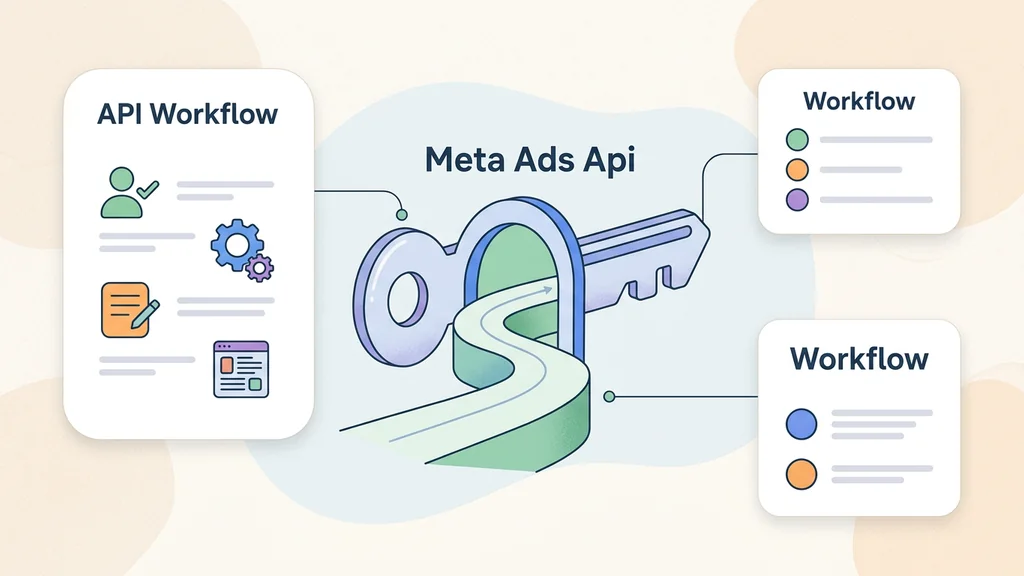
Key Functional Capabilities Explained
The Marketing API provides programmatic control over campaign creation, budget allocation, audience management, and performance reporting. These capabilities operate at a scale impossible through manual interface use. Teams managing more than 20–30 ads per week typically need API-based tooling to maintain throughput. [1]
Every request follows the node-edge-field model. You specify a node (such as an ad account or campaign), traverse an edge (such as the campaigns under that account), and request specific fields (such as spend, impressions, or status). This pattern applies uniformly across all operations. [1]
| Capability | API Mechanism | Practical Impact |
|---|---|---|
| Bulk campaign editing | Batch requests to campaign and ad set nodes | Update budgets, statuses, or targeting across hundreds of ads in a single call |
| Automated reporting | Insights Endpoint with configurable date ranges and breakdowns | Pull spend, impressions, clicks, and conversions into custom dashboards without manual exports |
| Audience management | Custom and lookalike audience endpoints | Create, update, and share audiences programmatically across Business Manager accounts |
| Real-time bid adjustments | Bidding strategy fields on ad set objects | Shift budget toward winning creatives or pause underperformers based on live thresholds |
| Cross-platform sync | Unified endpoints for Facebook and Instagram placements | Manage both channels from a single integration, reducing operational overhead |
The ads_management permission is the foundational scope required for all these operations. Without it, requests return authorization errors regardless of which endpoint you target. [2]
Automation tools build on these same endpoints, adding orchestration logic for retries, error recovery, and scheduling. The underlying API calls remain identical whether you write them directly or use a third-party platform. [2]
Identifying Technical Limitations
Rate limits are the primary constraint of the Meta Ads API. The Development tier allows 200 calls per hour per user, which suits testing but falls short for production campaigns. Standard and Advanced tiers raise this ceiling significantly, but hitting any limit causes silent throttling rather than clear error messages. [3]
Debugging adds another layer of difficulty. Some endpoints return detailed error objects when requests fail. Others return empty arrays that look like valid results, making it hard to distinguish between "no data available" and "request silently dropped." Developers frequently report reading the documentation thoroughly and still hitting walls because the docs explain what each endpoint does but not where the limits actually bite. [1]
Latency also affects production workflows. API responses are not instantaneous, and bulk operations across hundreds of ad sets can take several seconds to complete. Teams building real-time bidding adjustments or live dashboard refreshes need to account for this delay. Queuing mechanisms and asynchronous processing help, but they add architectural complexity.
Manual Ads Manager use remains preferable in certain scenarios. One-off creative tests, small-budget experiments, and quick budget pauses are faster through the interface than through code. The API shines at repetitive, high-volume operations. For infrequent or exploratory tasks, the overhead of building and maintaining an integration outweighs the benefit. [1]
Frequently asked questions
Does the Meta Ads API cost money to use?
No. Meta does not charge per-call fees or usage-based pricing for any of its three access tiers. The API itself is free. The real costs come from developer time, infrastructure, and ongoing maintenance required to build and sustain a production integration. [3]
What are the three Meta Ads API access tiers?
The three tiers are Development, Standard, and Advanced. Each tier unlocks higher request volume per hour. Development is the starting point for new apps. Standard and Advanced require passing Meta's app review, which evaluates your use case and security practices. [1][3]
How does the Meta Ads API structure its requests?
Every request follows the node-edge-field pattern. You specify a node (an object like a campaign or ad account), an edge (a connection like the ads under that campaign), and the fields you want returned. This structure applies to all operations, from creating ads to pulling insights. [1][2]
Do I need to write code to use the Meta Ads API?
Not necessarily. Many teams use third-party platforms that handle the API calls internally. However, understanding the underlying structure helps you evaluate tools, troubleshoot issues, and make informed decisions about your ad operations stack. [1][2]
Where do I start to get Meta Ads API access?
Start by creating a developer account on Meta's developer platform. This account is tied to your personal Facebook profile. From there, register an app, configure permissions, and generate an access token. The process involves several steps but follows a clear sequence. [1]
Conclusion
The Meta Ads API provides programmatic control over campaign creation, audience management, and reporting across Facebook and Instagram. Meta does not charge for access—the constraint is request volume, governed by your tier. The node-edge-field model underpins every operation, and the three-tier system determines how much throughput your app receives. Start with the developer platform, work through app review, and build on the Marketing API endpoints that handle audiences, insights, and campaign lifecycle management. [1][2][3]
Related reading:
- how to set up server-side tracking with google tag manager
- meta ads best practices
- meta ads mcp claude