
Part of our Meta Ads Platform guide series.
Meta Ads MCP is a Meta-hosted Model Context Protocol server that gives AI assistants direct access to your ad account. The connector translates natural-language requests into Marketing API calls, covering campaign launches, budget updates, and performance analysis across Facebook and Instagram. Advertisers no longer need custom API integrations to bridge AI tools with their paid media operations. [1][3][5]
Key Takeaways
- The server exposes named operations like
get_campaigns,get_insights, andupdate_ad_setthat translate AI requests into actual Marketing API calls. [1][3] - The connection pulls live API data with sub-minute freshness. This matters when CPMs spike 30–40% during high-competition periods. [1]
- Meta released these AI connectors after reports of advertisers getting accounts restricted for using unauthorized third-party AI tools with the Marketing API. [1][7]
- Meta states no developer credentials, API setup, or coding is required for its official hosted server. [3]
- Self-hosted or third-party implementations may still require a Facebook Developer App with
ads_management,ads_read, andbusiness_managementpermissions. [1]
Defining the Meta Ads MCP Protocol
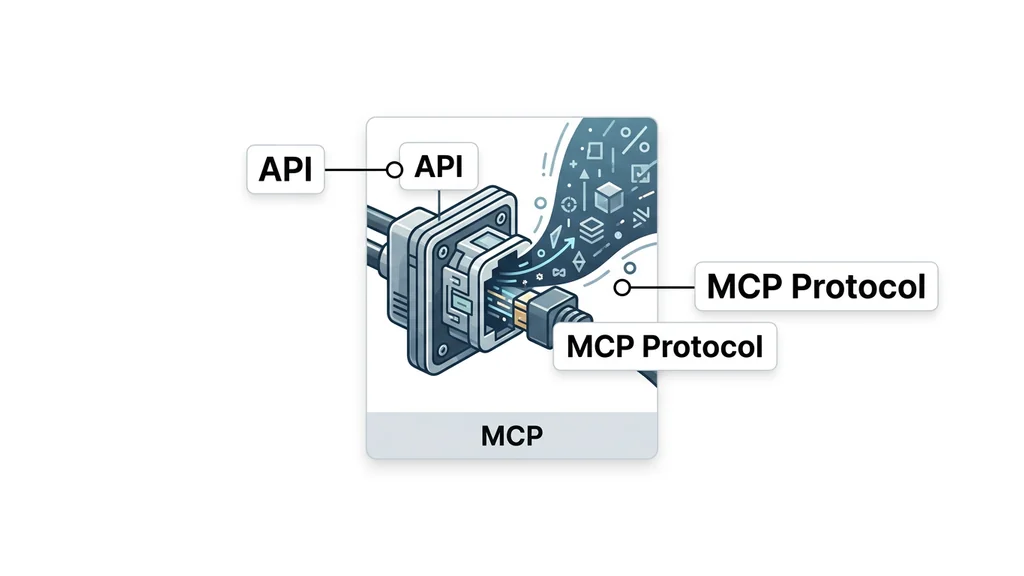
Meta Ads MCP is a Meta-hosted Model Context Protocol server that lets AI assistants manage advertising campaigns across Facebook, Instagram, Messenger, and the Audience Network. [2][4] Unlike standard API integrations that require developers to write and maintain custom code, MCP provides a structured, permission-scoped interface. AI agents send natural-language requests, and the server translates them into Marketing API calls automatically. [3][5]
The protocol is part of Meta's ads AI connectors, a family of integrations that expose Meta business surfaces to third-party AI clients. [4] Supported clients include ChatGPT, Claude, Perplexity, Cursor, and any MCP-compatible agent. [6] Users can launch campaigns, upload creatives, update budgets, and analyze performance through conversation rather than dashboard navigation. [3]
A key distinction exists between Meta's official hosted server and third-party implementations. According to Meta, the official server requires no developer credentials, API setup, or coding. [3] However, self-hosted or third-party MCP servers may require a Facebook Developer App with specific permission scopes. [1]
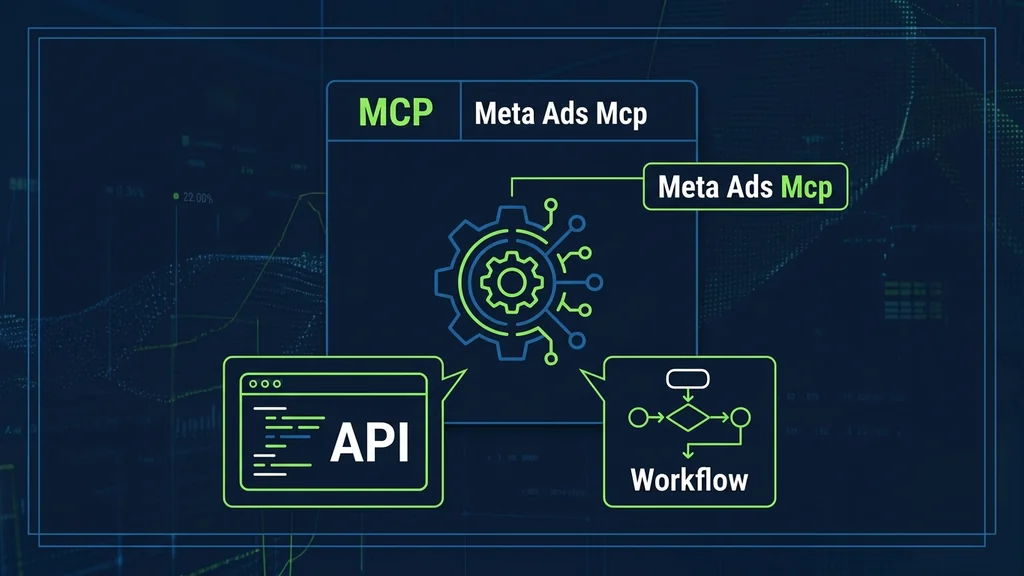
Understanding the MCP Workflow Architecture
The MCP server establishes a direct, authenticated pathway between AI agents and live campaign data. [3] This removes the need for advertisers to build custom API integrations. The architecture follows a request-translate-execute pattern.
The server exposes a catalog of tools, which are named operations that map AI requests to Marketing API calls. [1] These include get_campaigns, get_insights, and update_ad_set. Each tool handles authentication, data formatting, and error responses internally.
The workflow follows six steps:
- An AI agent formulates a request for a specific action or data retrieval.
- The request reaches the MCP server, which validates permissions and scopes.
- The server identifies the appropriate tool from its catalog.
- It translates the tool request into the necessary Marketing API calls.
- Those calls execute against Meta's advertising platform.
- Results return to the originating AI agent in structured format.
For third-party platforms, configuration looks different. Markifact, for example, uses the endpoint https://api.markifact.com/mcp and supports multi-account management with approval-based write actions. [2] A typical CLI command is gemini mcp add --transport http markifact https://api.markifact.com/mcp. [2]
Implementing MCP for Campaign Automation
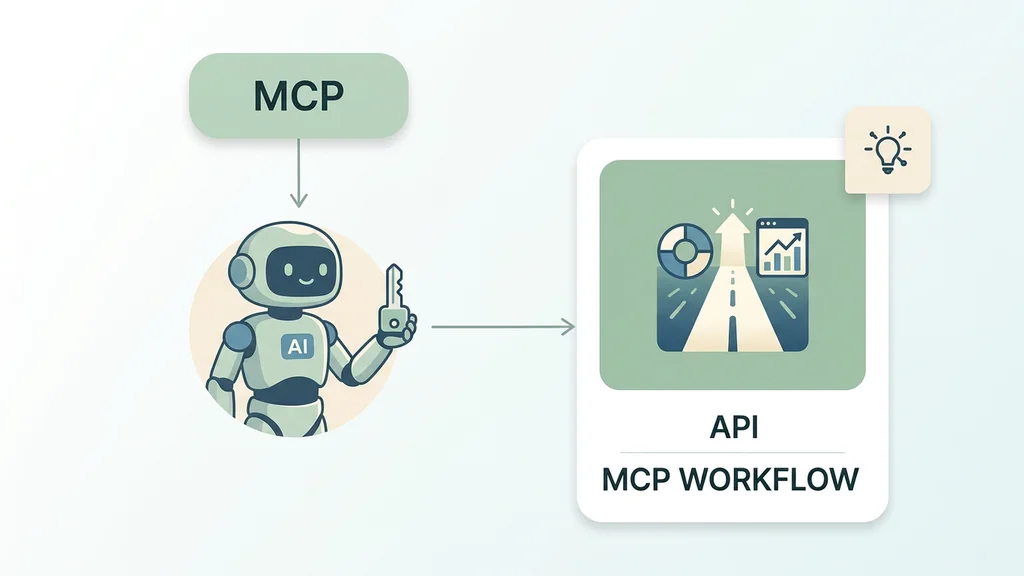
Marketers use the MCP connector to automate bid adjustments, audience targeting, and creative testing without manual dashboard work. The server connects AI tools to the Marketing API, which covers advertising on Facebook, Instagram, Messenger, and the Audience Network. [2]
Setup walkthrough for the official Meta-hosted server:
- Open your supported AI client (ChatGPT, Claude, or another MCP-compatible tool).
- Navigate to the integrations or connections section.
- Select Meta Ads from the available connectors.
- Authenticate with your Meta ad account when prompted.
- Confirm the connection and test with a simple query like "show my active campaigns."
Meta states this process requires no developer credentials, API setup, or coding. [3] You will need Claude Pro, Claude Team, or equivalent paid tiers to use the integration. [1]
Setup for self-hosted or third-party implementations:
- Create a Facebook Developer App in the Meta Developer portal. [1]
- Request the required permissions:
ads_management,ads_read, andbusiness_management. [1] - Obtain a user access token with those scopes.
- Configure the MCP endpoint URL in your AI client.
- Verify the connection by requesting campaign data.
Third-party platforms simplify this further. AdKit connects as a reviewed Meta Tech Partner using the official Marketing API, requiring no API keys or terminal commands. [7] Markifact provides a managed MCP layer, so users do not need to create or maintain their own developer app. [2]
For brands running significant paid social budgets, this represents the most meaningful infrastructure shift Meta has made in years. [1] Automated reporting replaces the manual export-and-analyze cycle that eats hours every week. [1]
Troubleshooting Common Integration Errors
Permission mismatches and data freshness issues are the most common integration failures. [1] Both have specific diagnostic steps.
Permission errors:
If the AI agent cannot read or modify campaigns, verify the following:
- Confirm your access token includes all three required scopes:
ads_management,ads_read, andbusiness_management. [1] - Check whether the token has expired. Generate a new one through the Meta Developer portal if needed. [1]
- Ensure the ad account ID in your request matches the account linked to the token.
- If using a third-party platform, confirm it connects as an authorized Meta Tech Partner. [7]
Data freshness degradation:
The MCP connection pulls live API data with sub-minute freshness under normal conditions. [1] If responses feel stale:
- Check whether rate limits are throttling your requests. Reduce request frequency if you hit ceilings.
- Verify the server endpoint is responding. A timeout or 5xx error indicates a server-side issue.
- Compare a manual Ads Manager export against the MCP response to confirm data parity.
Tracking and attribution issues:
Inspect Meta Pixel and Conversions API setup directly. [2] Review event coverage and match quality to catch problems that hurt attribution. The MCP server can surface these diagnostics if the connected tool supports them.
Account restrictions:
Meta released these connectors after reports of advertisers getting accounts restricted for using unauthorized third-party AI tools. [1] If your account faces restrictions, confirm you are using either Meta's official server or a reviewed Meta Tech Partner. [7] Unsanctioned integrations that call the Marketing API directly remain a risk. [1]
Evaluating Strategic Limitations of MCP
The MCP connector works well for conversational campaign management but hits limits at scale. The protocol is designed for natural-language interaction, not high-volume batch operations. Teams managing hundreds of ad sets across regions may find the workflow slower than native Ads Manager or dedicated bulk-editing platforms.
The same server handles Instagram placements alongside Facebook, Messenger, and the Audience Network. [2] It exposes structured, permission-scoped tools that let AI clients launch campaigns, upload creatives, update budgets, and analyze performance through conversation. [4] That conversational model is a strength for quick iteration. It becomes a bottleneck when a team needs to push thousands of variations simultaneously.
The write-confirmation safety model adds a deliberate pause before every mutation. [6] This protects against accidental spend but slows automated pipelines. The MCP connection is best suited for workflow automation, reporting, and campaign management rather than replacing Meta's native optimization engine. [1]
| Criterion | Meta Ads MCP | Native Ads Manager | Third-party bulk tools |
|---|---|---|---|
| Best fit | Conversational setup, small-to-mid budgets | Full UI control, reporting depth | High-volume batch edits |
| Speed at scale | Limited by confirmation prompts | Moderate | Fast |
| AI-native reasoning | Yes, via Model Context Protocol | No | Rarely |
| Permission model | Scoped tokens per client | Role-based access | Varies |
Choose the MCP connector when your workflow centers on natural-language exploration and you value safety guardrails. Choose native tools or third-party platforms when volume, speed, or complex rule-based automation dominates. A common mistake is assuming the MCP layer replaces a full campaign-management stack. It complements rather than substitutes it. If your strategy is weak, it will fail faster than ever before. [3]
Frequently asked questions
What is Meta Ads MCP and how does it work?
Meta Ads MCP is an official Model Context Protocol server hosted by Meta. It connects AI tools like ChatGPT and Claude directly to your ad account. The server exposes named operations such as get_campaigns and update_ad_set that translate AI requests into Marketing API calls. Meta states no developer credentials or custom coding is required for the official hosted version. [1][3]
Which AI assistants are compatible with the Meta Ads MCP server?
The server supports Claude, ChatGPT, Perplexity, Cursor, and any MCP-compatible client. [6] These assistants can launch campaigns, upload creatives, update budgets, and analyze performance through natural conversation. Coverage spans Facebook, Instagram, Messenger, and the Audience Network. [2]
Why did Meta release an official MCP server for ads?
Meta released these connectors after reports of advertisers getting accounts restricted for using unauthorized third-party AI tools with the Marketing API. [1] The official server provides a compliant, permission-scoped integration path. It draws a clear line between sanctioned and unsanctioned AI integrations. [1]
How fresh is the data pulled through the MCP connection?
The connection pulls live API data with sub-minute freshness. [1] This recency matters when CPMs spike 30–40% during high-competition periods. Advertisers need real-time signals to adjust budgets or pause underperforming ad sets quickly. [1]
What advertising surfaces does the Meta Ads MCP cover?
The connector covers advertising on Facebook, Instagram, Messenger, and the Audience Network through the Meta Marketing API. [2] All references to Meta Ads MCP point to this same underlying API surface, regardless of which placement you target. [2]
Conclusion
The Meta Ads MCP server represents a shift in how advertisers interact with paid social infrastructure. By providing a permission-scoped, authenticated path to live campaign data, Meta has turned third-party AI tools into a supported layer of the ad-buying workflow. [3] The two largest digital ad platforms now provide native infrastructure for AI-driven campaign management. [3] Choose the official MCP connector when you need compliant AI access to campaign management. Evaluate whether your account structure and spend level justify the integration before committing resources to setup. [1]
Related reading:
- how to set up server-side tracking with google tag manager
- meta ads automation
- how to set up google ads conversion tracking