
Part of our Meta Ads Platform guide series.
Meta Ads MCP Claude connects your advertising accounts to Claude through the Model Context Protocol. Meta launched these official AI connectors on April 29, 2026, giving advertisers a way to manage campaigns, pull performance reports, and adjust targeting through natural language.[4] The connection runs through a Meta-hosted server exposing 29 tools for reporting, campaign management, catalog operations, and signal diagnostics.[6] No developer credentials or custom API setup is required.[6] The integration is single-channel by design. Cross-platform blending with Google Ads or TikTok is not possible within one conversation.[1]
Key Takeaways
- The integration runs through a Meta-hosted server at mcp.facebook.com/ads, exposing 29 tools across performance reporting, campaign management, catalog management, and signal diagnostics.[6]
- The connection is single-channel. If your stack includes Google Ads, TikTok, GA4, or Shopify, you need separate connectors for each. Claude cannot blend them in one conversation.[1]
- By accessing a Meta MCP server, you and any agent acting on your behalf are bound by the Meta Platform Terms, which govern how returned data may be stored, processed, shared, and displayed.[7]
- Multiple users reported errors immediately after connecting, including accounts not recognized and the is_ads_mcp_enabled flag returning false after successful authorization.[2]
- The MCP server works with natural language rather than structured API requests. Advertisers can query performance data without writing code.[2]
Defining the Meta Ads MCP Claude Integration
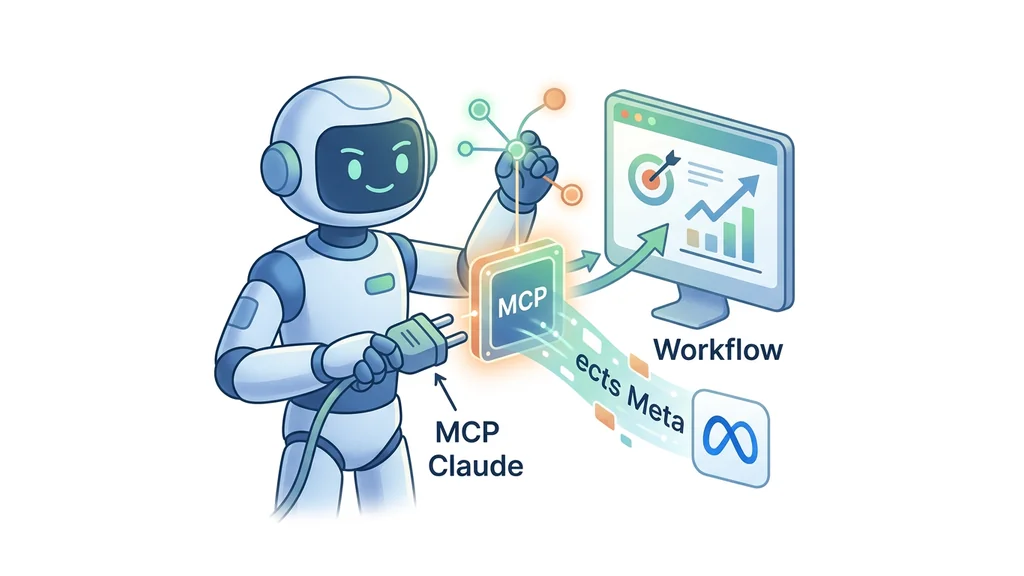
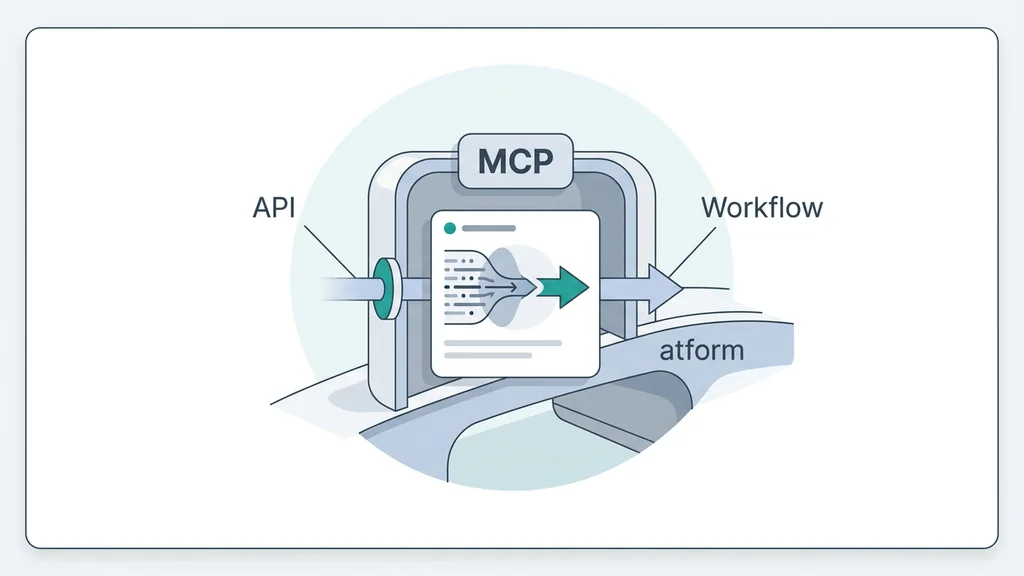
Meta ads MCP Claude connects Meta's advertising platforms to AI assistants through the Model Context Protocol. MCP is an open standard introduced by Anthropic in late 2024. It lets AI assistants connect directly to external tools and data sources. The ads MCP server is hosted at mcp.facebook.com/ads. It belongs to Meta's ads AI connectors, a family of integrations that expose Meta business surfaces to third-party AI clients through structured, permission-scoped tools.[6] The server makes 29 tools available across performance reporting, campaign management, catalog management, and signal diagnostics.[4] Tool descriptions, parameter schemas, and error responses are designed for LLMs to interpret correctly, which minimizes hallucination and failed tool calls.[7] The underlying data comes from the Meta Marketing API, covering Facebook, Instagram, Messenger, and the Audience Network. Claude serves as the reasoning layer that interprets natural language prompts and maps them to the appropriate tool calls.
Three components define this stack. The Model Context Protocol provides the communication standard. The Meta Marketing API supplies the advertising data. Claude handles reasoning and tool selection.[6] The server was formerly known as Meta Developer Tools MCP.[7] It connects through Meta's own authentication, so no developer credentials or coding is needed.
Connecting Claude to Meta Ads Data
The setup requires adding the Meta-hosted MCP server URL to Claude's connector settings and completing an OAuth flow. On Pro or Max plans, navigate to Customize > Connectors, click "+", then select "Add custom connector," and paste the server URL mcp.facebook.com/ads.[2] Free users follow the same path but are limited to one custom connector at a time. Pro and Max plans have no connector limit.[4]
After pasting the URL, Claude initiates an OAuth flow requesting permission to access your ad account. You can adjust each app's scope — Read or Manage — afterward from your Facebook account's Business Integrations settings.[7] Keep an app at Read scope unless an agent needs to make changes.
Once authorized, verify the connection with a test prompt. A useful first query: "Show me my top 10 ad sets by ROAS over the last 30 days, only ones with at least 50 conversions, broken out by placement."[4] If real data returns, the connection works. If you see errors like accounts not recognized or the is_ads_mcp_enabled flag returning false, the authorization may not have completed properly.[2]
The process is simpler than the old Developer App workflow. You still need to locate the correct server URL, paste it manually, and handle OAuth yourself.[1]
Automating Campaign Analysis and Reporting
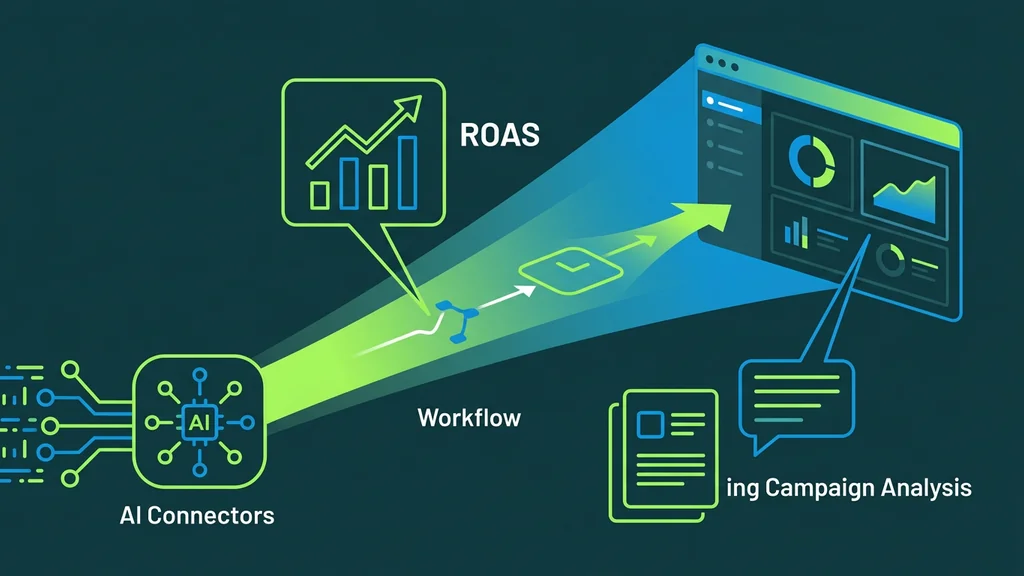
The 29 exposed tools let advertisers run performance queries, adjust campaign settings, and generate reports through natural conversation. The model calls Meta-defined tools by name when a prompt maps to one of them.[4] This replaces manual dashboard navigation with conversational commands. Advertisers can pull metrics like ROAS, conversions, and spend by placement or date range without leaving Claude. Campaign management tools handle launches, creative uploads, and budget updates. Signal diagnostics inspect pixel health, Conversions API setup, event match quality, and signal anomalies.[6]
| Capability | What It Does | Example Use |
|---|---|---|
| Performance reporting | Pulls metrics like ROAS, conversions, and spend by placement or date range | Ask for top ad sets by ROAS over thirty days with a minimum conversion threshold |
| Campaign management | Launches campaigns, uploads creatives, and updates budgets through conversation | Adjust targeting parameters or pause underperforming ad sets |
| Signal diagnostics | Inspects Meta Pixel and Conversions API setup, reviews event coverage and match quality | Catch tracking issues that hurt attribution before scaling spend |
| Creative testing | Accelerates iteration on ad variations at scale | Build image, video, carousel, and catalog ads, then connect creatives to campaigns |
Creative workflows are also supported. You can build image, video, carousel, and catalog ads, then connect them to campaigns and ad sets from one conversation.[5] Broadhead's performance marketing director Abby Doeden framed the connector as a way to unlock scale through faster creative testing. Acadia's head of paid media Alan Carroll called workflow improvements a bigger deal than people credit.[4]
One boundary remains: if your stack includes Google Ads, TikTok, GA4, Shopify, HubSpot, or LinkedIn, you need separate connectors for each. Claude cannot blend them in the same conversation.[1]
Current Constraints and Security Considerations
The single-channel design is the biggest structural limitation. Cross-account aggregation is also limited, meaning teams managing multiple brands will hit walls quickly.[1] The server exposes 29 tools from the Meta Marketing API, representing a curated subset rather than the full API surface. Endpoints not exposed through MCP tools remain inaccessible via this connection. The connector is currently free during open beta, and long-term pricing has not been announced as of May 2026.[1]
Security demands attention at two levels. First, watch for prompt injection. Untrusted content an AI agent reads — webhook payloads, documents, web pages, or data returned by other tools — can carry hidden instructions that manipulate the agent into misusing its granted scopes.[7] These instructions come from untrusted content the agent processes, not from the Meta MCP server itself. Anything an agent can call at the direction of your granted scopes, it can also call directly in response to malicious instructions hidden in tool outputs.
Second, you are responsible for ensuring that any agent or downstream system consuming MCP responses complies with Meta's obligations, including data retention limits, prohibited uses, and end-user transparency requirements.[7] Treat MCP servers like any third-party integration. Audit connected servers at facebook.com > Settings > Business Integrations every few months.
Frequently asked questions
What is Meta Ads MCP Claude and how does it work?
The integration connects Meta advertising data to Claude through a Meta-hosted MCP server at mcp.facebook.com/ads. It exposes 29 tools for performance reporting, campaign management, catalog management, and signal diagnostics.[6] The model calls these Meta-defined tools by name when a prompt maps to one of them. No developer credentials or API setup is required — the connection uses Meta's own authentication.[4]
Can Meta Ads MCP Claude combine data from multiple ad platforms?
No. The integration is single-channel by design, and cross-account aggregation is limited.[2] If your stack includes Google Ads, TikTok, GA4, Shopify, HubSpot, or LinkedIn, you need separate connectors for each. Claude cannot blend them in the same conversation. This is a limitation many users discover only after setting up the native connection.[1]
What security risks should I watch for with Meta Ads MCP Claude?
The primary risk is prompt injection. Untrusted content an AI agent reads — webhook payloads, documents, or web pages — can carry hidden instructions that manipulate the agent into misusing its granted scopes.[7] These instructions come from content the agent processes, not from the MCP server itself. Anything an agent can call at the direction of your granted scopes, it can also call directly in response to malicious instructions hidden in tool outputs.
What terms and data obligations apply when using Meta Ads MCP Claude?
By accessing or using a Meta MCP server, you and any agent acting on your behalf are bound by the Meta Platform Terms.[7] These terms govern how data returned by Meta APIs may be stored, processed, shared, and displayed. You are responsible for ensuring downstream systems comply with data retention limits, prohibited uses, and end-user transparency requirements.
How can I verify that my Meta Ads MCP Claude connection is working?
Issue a specific test prompt: ask Claude to show your top ten ad sets by ROAS over the last thirty days, filtered to those with at least fifty conversions and broken out by placement.[4] If real data returns, the connection is functioning. If you see errors like accounts not recognized or the is_ads_mcp_enabled flag returning false, the authorization may not have completed properly. Multiple users reported these errors immediately after connecting.[2]
Conclusion
The integration gives advertisers a direct, authenticated path to live campaign data without building custom APIs. The 29 available tools cover reporting, campaign management, catalog operations, and signal diagnostics.[6] Before connecting, verify that your use case fits within the single-channel constraint and that your team understands the Meta Platform Terms governing data handling.[7] A practical first test is asking Claude to show your top ten ad sets by ROAS over the last thirty days with at least fifty conversions, broken out by placement. If real data returns, the connection is working correctly.