
Need the number now? Use the free CTR calculator on AdBid, then come back for the comparison.
A CTR calculator is only useful if it matches how you report performance: ads, email, search, or affiliate links. The best options make the basic math obvious, reduce input errors, and add just enough context to interpret results without distracting extras. This guide connects the dots between quick one-off calculators and pages that also explain definitions, benchmarks, and common pitfalls like small sample sizes. Use it to pick a tool that fits your workflow, whether you need a fast percentage, reverse calculations to hit a target CTR, or supporting context for stakeholders who ask what “good” looks like.
Comparison table
Rank | Tool | Best for | Key capabilities | Limitations | Access/source status |
|---|---|---|---|---|---|
1 | Marketers and analysts evaluating ad creative performance and audience engagement | Measures click-through rate; Provides standard CTR formula | High CTR doesn't guarantee conversion quality | adbid.me [1] | |
2 | Omni Calculator — CTR Calculator [2] | Marketers needing a quick click-through rate calculation for online ads | Calculates CTR from clicks and ad impressions; Displays CTR as a percentage | Limited to CTR; no related ad metrics | omnicalculator.com [2] |
3 | Searchengineland — CTR Calculator (Click-Through Rate) [3] | Quick, focused CTR calculations for marketing assets | Calculates Click-Through Rate; Analyzes email, link, or campaign | Lacks advanced analytical features | searchengineland.com [3] |
4 | Postaffiliatepro — CTR Calculator [4] | Affiliates comparing campaign click-through performance across channels | Basic mode: impressions and clicks to CTR percentage; Reverse mode: target CTR to required clicks | Limited to CTR; no conversion or revenue metrics | postaffiliatepro.com [4] |
5 | WebFX — CTR Calculator: Calculate Your CTR in 2 Clicks [5] | Marketers who want CTR math plus channel and industry comparison context | Clicks and impressions inputs with instant CTR output; Optional channel selection to unlock CTR benchmarks | Requires manual entry of clicks and impressions | webfx.com [5] |
6 | Usermaven — Free CTR calculator [6] | Marketers and website owners who want instant click-through rate results from clicks and impressions | Inputs for impressions and clicks; Instant CTR percentage output | No built-in trend tracking or history | usermaven.com [6] |
7 | Wallstreetprep — Click-Through Rate (CTR) [7] | Marketers and analysts who want a straightforward click-rate definition, formula, and context for interpreting results | CTR formula: total clicks ÷ total impressions; Worked example converting clicks and impressions into percent | Limited on-page detail about improving click-rate tactics | wallstreetprep.com [7] |
8 | Plerdy — Click Through Rate CTR Calculator [8] | Marketers who need quick click-through math and reverse calculations for ads or email reporting | CTR formula: clicks ÷ impressions × 100; Reverse math for clicks or impressions | Benchmarks are context-dependent, not definitive targets | plerdy.com [8] |
9 | Agentsfordata — Free CTR Calculator [9] | Marketers who want click-through metrics with CPC, CPM, and ROAS context | CTR formula display: (Clicks / Impressions) × 100; Optional inputs for ad spend, conversions, and revenue | Benchmarks are generalized and may not fit niche campaigns | agentsfordata.com [9] |
10 | Pirsch — CTR Calculator (Click-Through Rate) [10] | Quickly computing ad and email click-through percentages and benchmarking by channel | Inputs for impressions and clicks; Optional channel selection for benchmarking context | Only calculates CTR, without conversion or ROI metrics | pirsch.io [10] |
How we evaluated the tools
Each tool received an editorial score based on six criteria. Task fit (30%) measures how well it supports common CTR use cases and reporting needs. Features and automation (20%) covers extras like reverse calculations, targets, and related metrics. Ease of use (15%) looks at clarity, inputs, and speed. Integrations and workflow (15%) considers export, sharing, and reporting fit. Access transparency (10%) checks whether requirements and data handling are clear. Limits, support, and transparency (10%) reviews guidance, caveats, and documentation quality.
Source basis: checks start with adbid.me [1] and continue through every linked official product page.
Scores are editorial assessments on a 100-point scale rather than customer ratings. Product pages supply the feature and access facts, and the same weighted rubric applies to every entry.
The order reflects fit for this comparison, not market share or brand familiarity. Each product links back to an official source so readers can verify current details.
1. AdBid
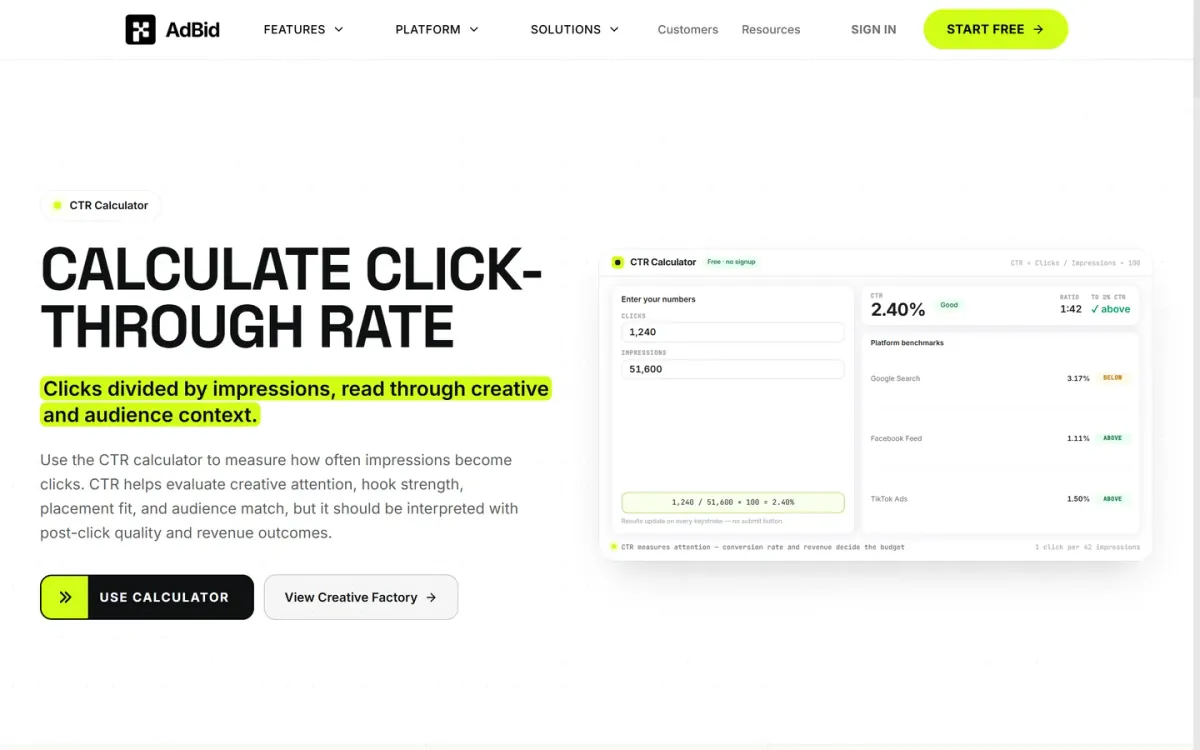
Best for: Marketers and analysts evaluating ad creative performance and audience engagement.
AdBid's CTR Calculator measures how often ad impressions convert into clicks. It provides the standard formula to quickly assess ad relevance and engagement for various campaigns.
Features and trade-offs
Key features
Provides standard CTR formula.
Includes industry CTR benchmarks.
Offers tips to improve CTR.
It helps evaluate creative attention, hook strength, and audience match. It emphasizes interpreting CTR within the context of post-click quality and revenue outcomes. A documented limitation is high CTR doesn't guarantee conversion quality.
Why it ranks here
This calculator excels by providing crucial context, guiding users to connect CTR with downstream conversion and revenue metrics for smarter ad spend decisions.
Pros
Evaluates creative attention and hook strength.
Compares creative concepts and audience fit.
Connects click quality to downstream events.
Limitations
High CTR doesn't guarantee conversion quality.
Requires external analysis for full traffic value.
Access and verdict
Access: Current access details: adbid.me [1]. Verdict: An essential tool for understanding ad performance, guiding users beyond clicks to meaningful revenue insights.
2. Omni Calculator — CTR Calculator
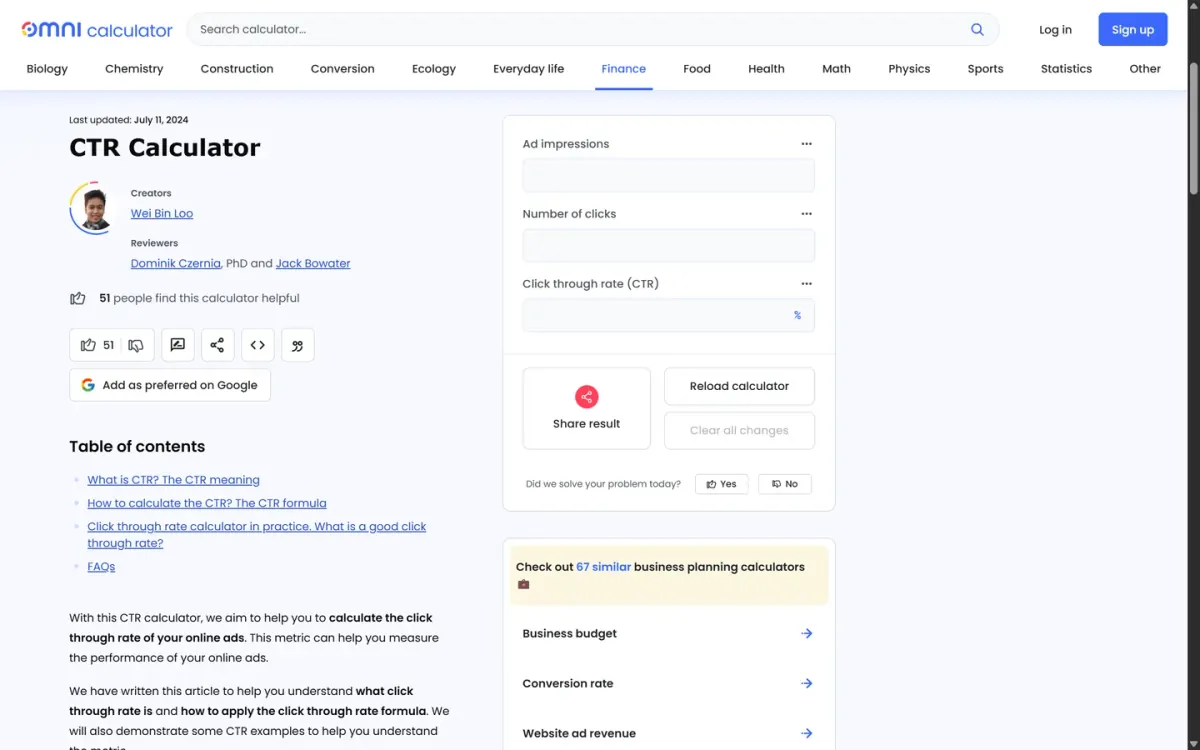
Official source: omnicalculator.com [2].
Best for: Marketers needing a quick click-through rate calculation for online ads.
Omni Calculator — CTR Calculator focuses on computing click-through rate for online ads using a clear formula: clicks divided by ad impressions, expressed as a percentage. It’s straightforward for spot-checking campaign performance and reporting a single CTR figure.
Key features
It calculates CTR from clicks and ad impressions; Displays CTR as a percentage.
Also documented: Built around the CTR = clicks / impressions formula.
The page keeps the math front and center, making it easy to translate raw ad results into a comparable metric across creatives and placements. If you already track clicks and impressions, it provides a clean way to turn those inputs into CTR.
Omni Calculator — CTR Calculator — why it ranks here
Ranked highly for its direct, formula-based approach to calculating CTR from clicks and impressions without extra distractions.
Strengths: Clear, standard CTR formula presentation; Fits quick ad performance spot-checks.
Limitations: Limited to CTR; no related ad metrics.
Access: Current access details: omnicalculator.com [2]. Verdict: A reliable, no-nonsense option for quickly turning ad clicks and impressions into a CTR percentage.
3. Searchengineland — CTR Calculator (Click-Through Rate)
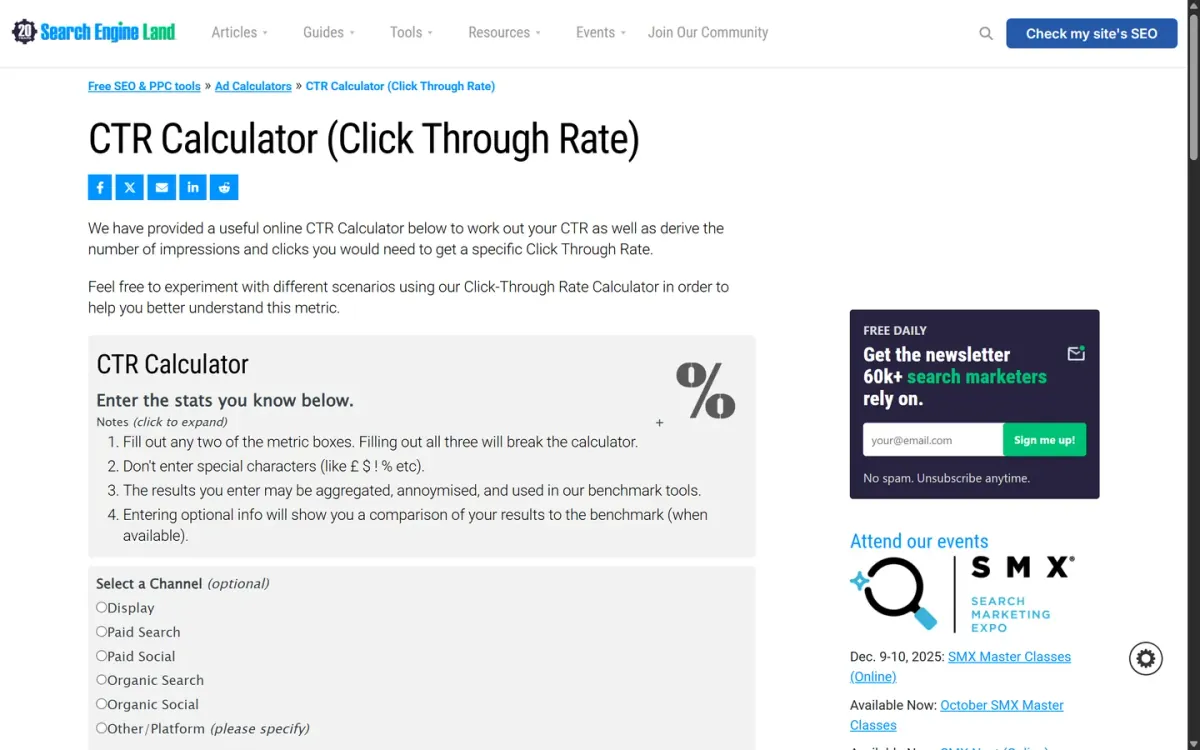
Official source: searchengineland.com [3].
Best for: Quick, focused CTR calculations for marketing assets.
Searchengineland's calculator offers a direct method to compute Click-Through Rate for various digital marketing efforts. It effectively measures the engagement of emails, individual links, or broader advertising campaigns.
Key features
Analyzes email, link, or campaign.
Determines inputs for target CTR.
Users can also use its functionality to determine the necessary metrics required to achieve specific CTR objectives. This capability assists in planning and setting actionable performance goals for future initiatives.
Quick assessment
Strongest points: Straightforward calculation process; Applicable to diverse marketing assets; Supports goal-oriented reverse calculation.
Main limitations: Lacks advanced analytical features; No historical data tracking.
Why it ranks here: Its clear, dedicated function for both calculating and reverse-engineering CTR across multiple campaign types positions it as a reliable, essential option.
Access: Current access details: searchengineland.com [3]. Verdict: A highly focused tool for core CTR calculations and target setting, providing immediate, actionable insights.
4. Postaffiliatepro — CTR Calculator
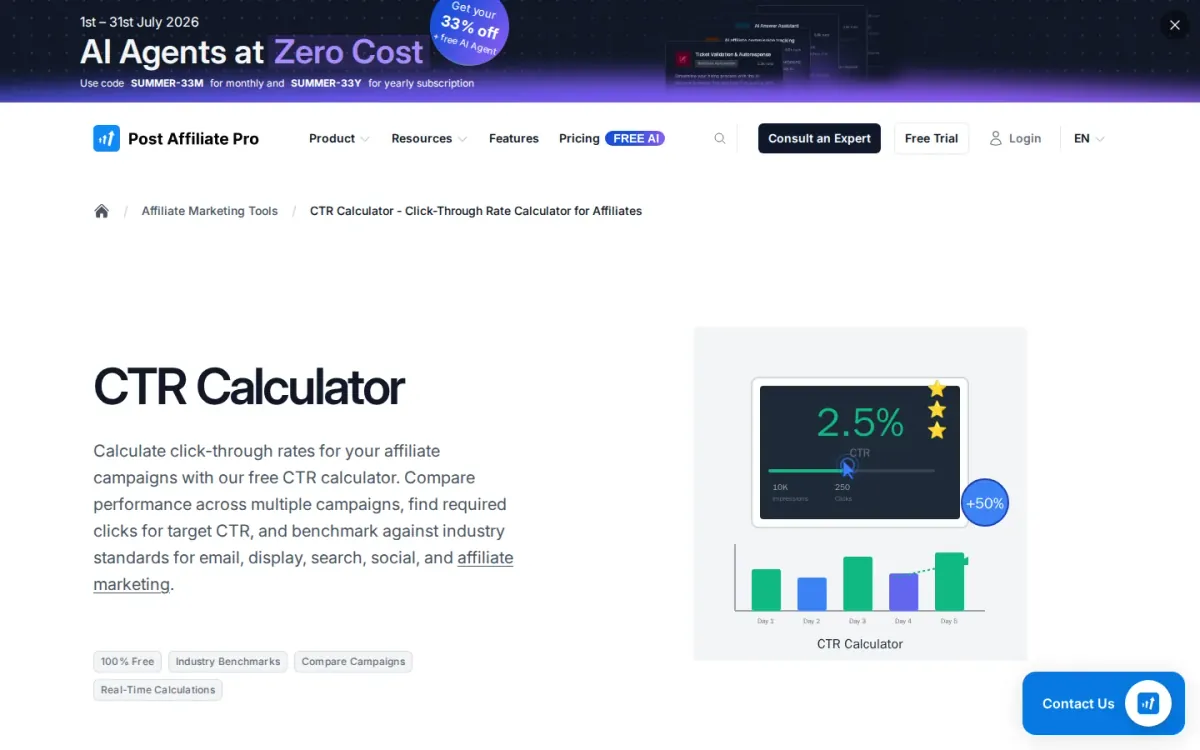
Official source: postaffiliatepro.com [4].
Best for: Affiliates comparing campaign click-through performance across channels.
Postaffiliatepro — ctr workflow focuses on click-through rate analysis for affiliate campaigns, turning impressions and clicks into a clear percentage with contextual benchmarks. It’s geared to diagnosing whether headlines, CTAs, ads, or targeting are driving engagement or holding results back.
Key features
Basic mode: impressions and clicks to CTR percentage; Reverse mode: target CTR to required clicks.
Also documented: Compare mode across campaigns, channels, or periods; Industry benchmarks for email, display, search, social, affiliate.
Beyond basic math, Postaffiliatepro — ctr workflow adds reverse goal planning and side-by-side comparisons across campaigns, channels, or time periods. The included channel norms (email, display, search, social, affiliate) help you interpret results and prioritize optimization work.
Postaffiliatepro — CTR Calculator — why it ranks here
Ranks well for combining benchmark context with compare and reverse modes, though it’s narrowly focused on click-through metrics rather than broader conversion analysis.
Strengths: Benchmarks make results easier to interpret by channel; Compare mode supports quick performance triage; Reverse planning helps set realistic CTR goals.
Limitations: Limited to CTR; no conversion or revenue metrics.
Access: Current access details: postaffiliatepro.com [4]. Verdict: A practical click-through rate calculator for affiliates who want benchmarks and comparisons, with helpful goal-based planning for campaign targets.
5. WebFX — CTR Calculator: Calculate Your CTR in 2 Clicks
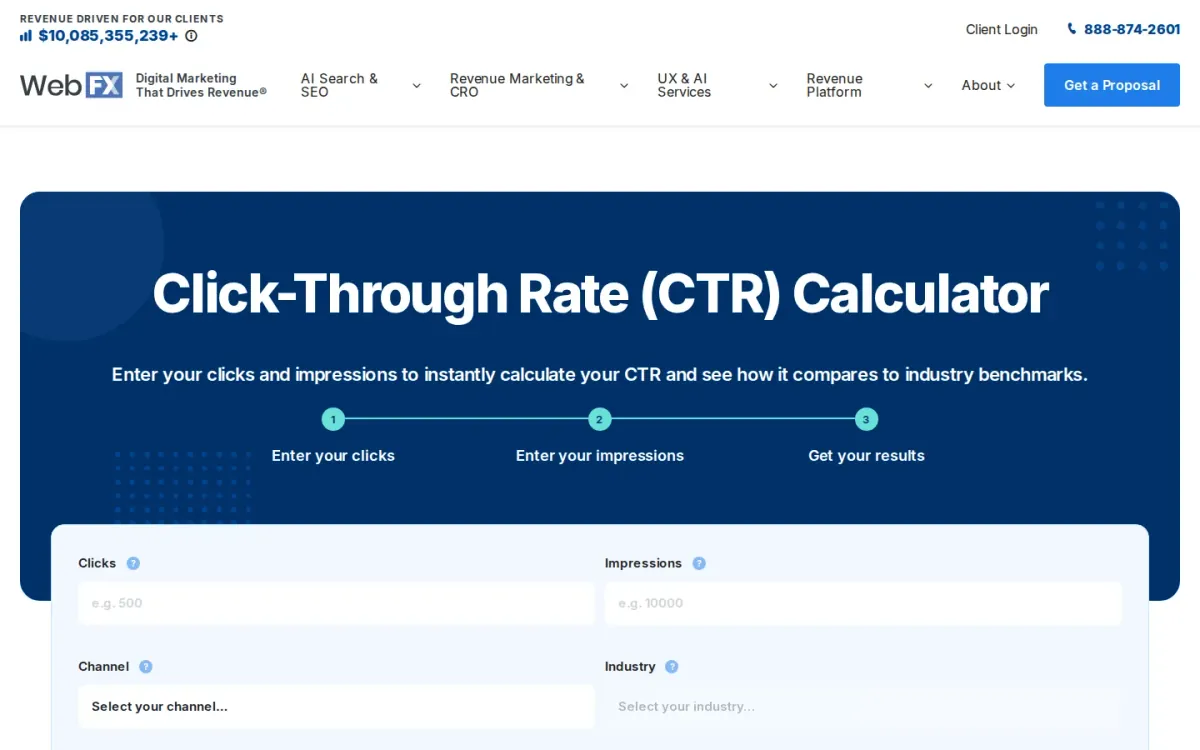
Official source: webfx.com [5].
Best for: Marketers who want CTR math plus channel and industry comparison context.
WebFX — ctr workflow: Calculate Your CTR in 2 Clicks turns clicks and impressions into an instant percentage, with clear field guidance pulled from common reporting sources like Google Ads, Analytics, Meta Ads, and email dashboards.
Key features
Clicks and impressions inputs with instant CTR output.
Optional channel selection to unlock CTR benchmarks.
Industry selection to narrow comparisons to similar companies.
Recent calculations and downloadable chart options.
After calculating, you can optionally choose a marketing channel and industry to compare your result against real-world averages. The page also explains what clicks and impressions mean and reinforces that impressions should exceed clicks.
Why it ranks here
Ranked #5 for combining a simple two-input calculation with optional channel and industry benchmarking, helping you interpret performance beyond the raw percentage.
Pros
Explains clicks and impressions in plain language.
Benchmarking adds context to your CTR result.
Works with metrics from major ad and email platforms.
Limitations
Requires manual entry of clicks and impressions.
Benchmarking depends on selecting channel and industry.
Access: Current access details: webfx.com [5]. Verdict: A straightforward click-through rate calculator that adds useful benchmark context, though it offers limited workflow features beyond calculation and comparison.
6. Usermaven — Free CTR calculator
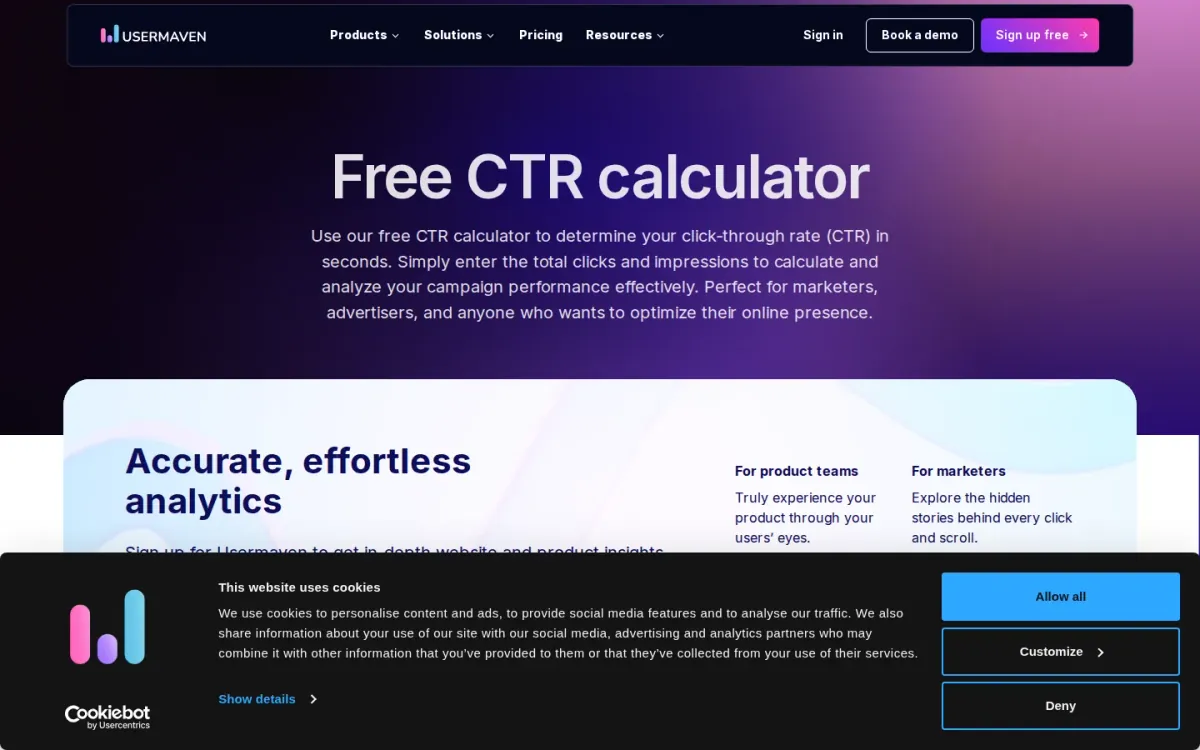
Official source: usermaven.com [6].
Best for: Marketers and website owners who want instant click-through rate results from clicks and impressions.
Usermaven’s Free Click-Through Rate Calculator focuses on the basics: enter total clicks and impressions and get a percentage immediately. It’s designed for quick campaign check-ins across ads, emails, or content, without manual formula work.
Key features
Inputs for impressions and clicks.
Instant CTR percentage output.
Copy result to clipboard.
Reset button for new calculations.
The page explains what impressions and clicks mean, shows the CTR formula, and includes practical guidance for tracking performance over time. Handy extras like copy-to-clipboard and reset make it easy to reuse during routine reporting.
Quick assessment
Strongest points: No registration required for calculations; Straightforward guidance on clicks and impressions; Immediate results without manual math.
Main limitations: No built-in trend tracking or history.
Why it ranks here: Clear inputs, instant output, and helpful on-page explanations make it reliable for quick CTR checks, though it stays intentionally simple.
Access: Current access details: usermaven.com [6]. Verdict: A clean click-through rate calculator for fast, repeatable checks, with just enough context to support better campaign decisions.
7. Wallstreetprep — Click-Through Rate (CTR)
Official source: wallstreetprep.com [7].
Best for: Marketers and analysts who want a straightforward click-rate definition, formula, and context for interpreting results.
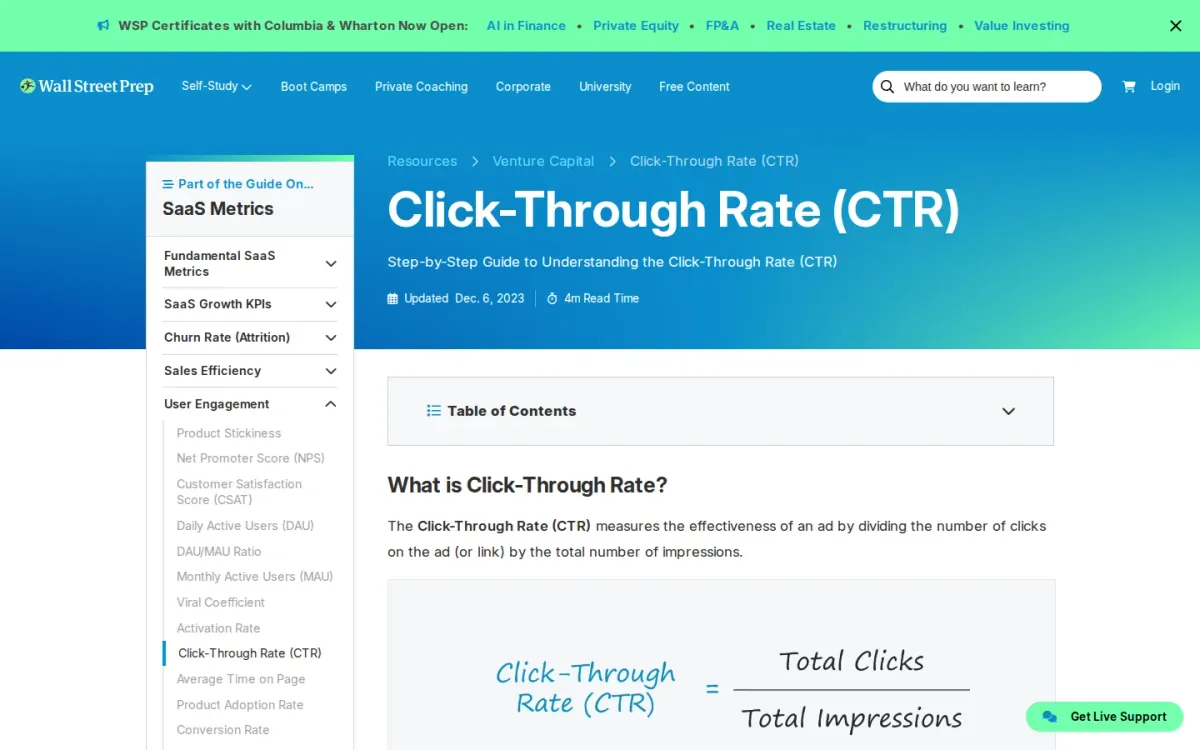
Wallstreetprep — Click-Through Rate (CTR) lays out what click-through rate means and how it’s calculated: total clicks divided by total impressions over a given time period. The page keeps the metric grounded in ad and link performance measurement.
Key features
CTR formula: total clicks ÷ total impressions; Worked example converting clicks and impressions into percent.
Also documented: Breakdown of organic, email, and PPC CTR variants; Discussion of what high vs low CTR implies.
It also distinguishes three variations—organic, email, and pay-per-click—so you can align the calculation with the channel you’re evaluating. A worked example (50 clicks on 1,000 impressions) shows how the percentage result is derived.
Wallstreetprep — Click-Through Rate (CTR) — why it ranks here
Ranked #7 for explaining the click-rate formula and channel variants well, but it reads more like a guide than a dedicated calculation interface.
Strengths: Explains CTR in plain, unambiguous terms; Includes a concrete calculation example with numbers; Clarifies channel-specific CTR variants for comparisons.
Limitations: Limited on-page detail about improving click-rate tactics.
Access: Current access details: wallstreetprep.com [7]. Verdict: A reliable reference for calculating and interpreting click-through rate, especially when you need definitions and channel context alongside the math.
8. Plerdy — Click Through Rate CTR Calculator
Official source: plerdy.com [8].
Best for: Marketers who need quick click-through math and reverse calculations for ads or email reporting.
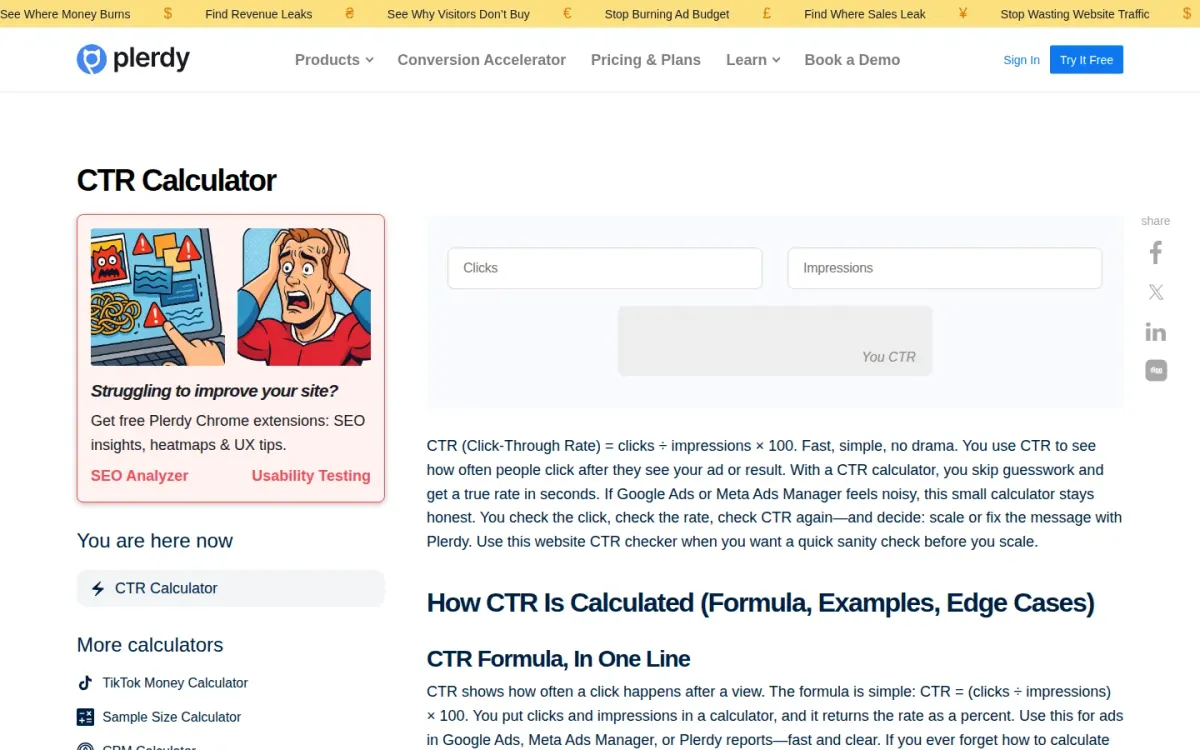
Plerdy’s click-through rate calculator keeps the math straightforward: clicks ÷ impressions × 100. It’s built for quick sanity checks when ad dashboards feel noisy, helping you turn raw counts into a clear percentage before deciding whether to scale or revise messaging.
Key features
CTR formula: clicks ÷ impressions × 100; Reverse math for clicks or impressions.
Also documented: Notes on weighted approach for multiple ads; Guidance on rounding and small-sample volatility.
Beyond the basic formula, Plerdy explains edge cases that can distort interpretation—like tiny impression totals, rounding, and mismatched time windows. It also supports reverse calculations, so you can derive clicks from CTR and impressions, or impressions from CTR and clicks.
Plerdy — Click Through Rate CTR Calculator — why it ranks here
Ranks #8 for pairing simple CTR math with practical guidance on weighted rates, rounding pitfalls, and reverse inputs for common reporting gaps.
Strengths: Reverse calculator helps fill missing reporting fields; Explains edge cases that skew CTR interpretation; Clear formula presentation for quick calculations.
Limitations: Benchmarks are context-dependent, not definitive targets; Small impression counts can make results feel jumpy.
Access: Current access details: plerdy.com [8]. Verdict: Plerdy suits anyone needing fast click-through calculations plus guardrails for interpreting noisy, small-sample, or multi-ad results.
9. Agentsfordata — Free CTR Calculator
Official source: agentsfordata.com [9].
Best for: Marketers who want click-through metrics with CPC, CPM, and ROAS context.
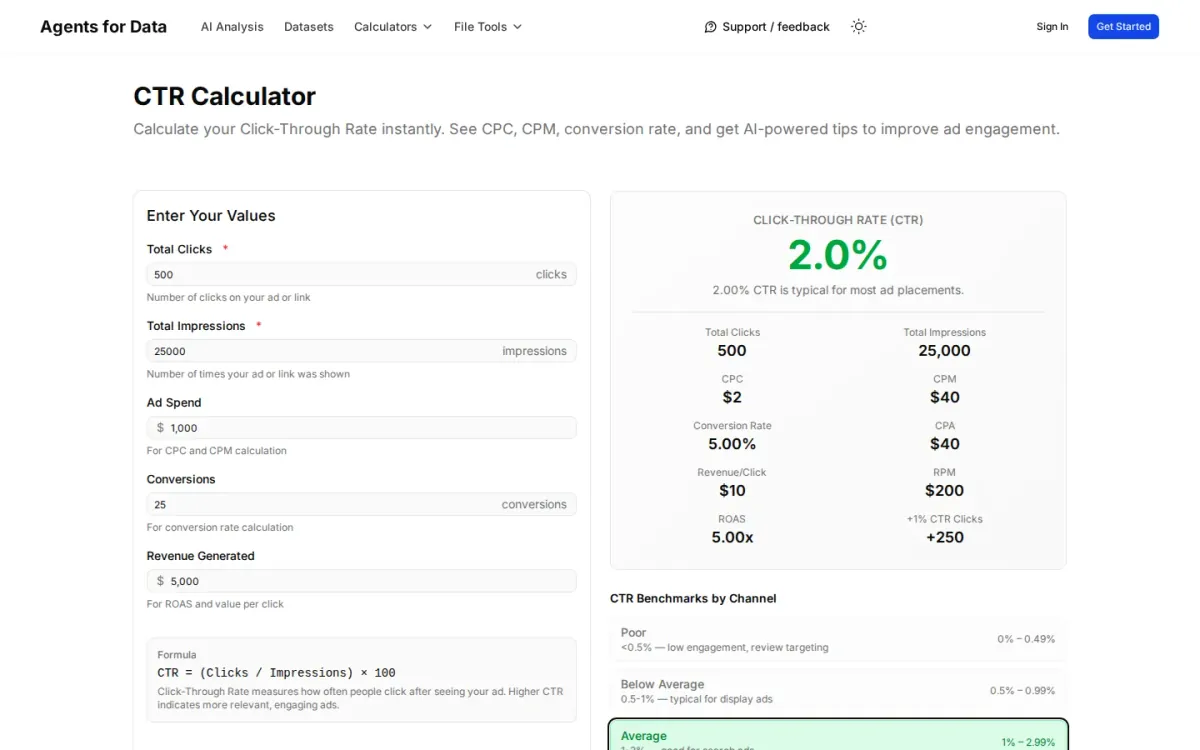
Agentsfordata — Free ctr workflow computes click-through rate from total clicks and impressions, showing the formula and a clear percentage result. Optional fields let you add ad spend, conversions, and revenue to expand the analysis beyond the core rate.
Key features
CTR formula display: (Clicks / Impressions) × 100.
Optional inputs for ad spend, conversions, and revenue.
Outputs include CPC, CPM, CPA, ROAS, RPM, revenue per click, Channel benchmarks with poor-to-excellent ranges.
Alongside the rate, it surfaces related performance outputs like CPC, CPM, conversion rate, CPA, revenue per click, RPM, and ROAS. Built-in channel benchmarks (e.g., search, display, email, social) help you judge whether engagement is poor, average, or excellent.
Why it ranks here
Strong for quick ad engagement diagnostics thanks to benchmarks and adjacent metrics, but it’s narrowly focused and offers limited customization beyond the provided inputs.
Pros
Benchmarks by channel make results easier to interpret.
It calculates multiple related ad metrics from one form.
Explains what higher click-through rate indicates.
Limitations
Benchmarks are generalized and may not fit niche campaigns.
No advanced segmentation beyond the provided fields.
Access: Current access details: agentsfordata.com [9]. Verdict: A practical click-through rate estimator for fast checks, especially when you want CPC/CPM and benchmark context in the same view.
10. Pirsch — CTR Calculator (Click-Through Rate)
Official source: pirsch.io [10].
Best for: Quickly computing ad and email click-through percentages and benchmarking by channel.
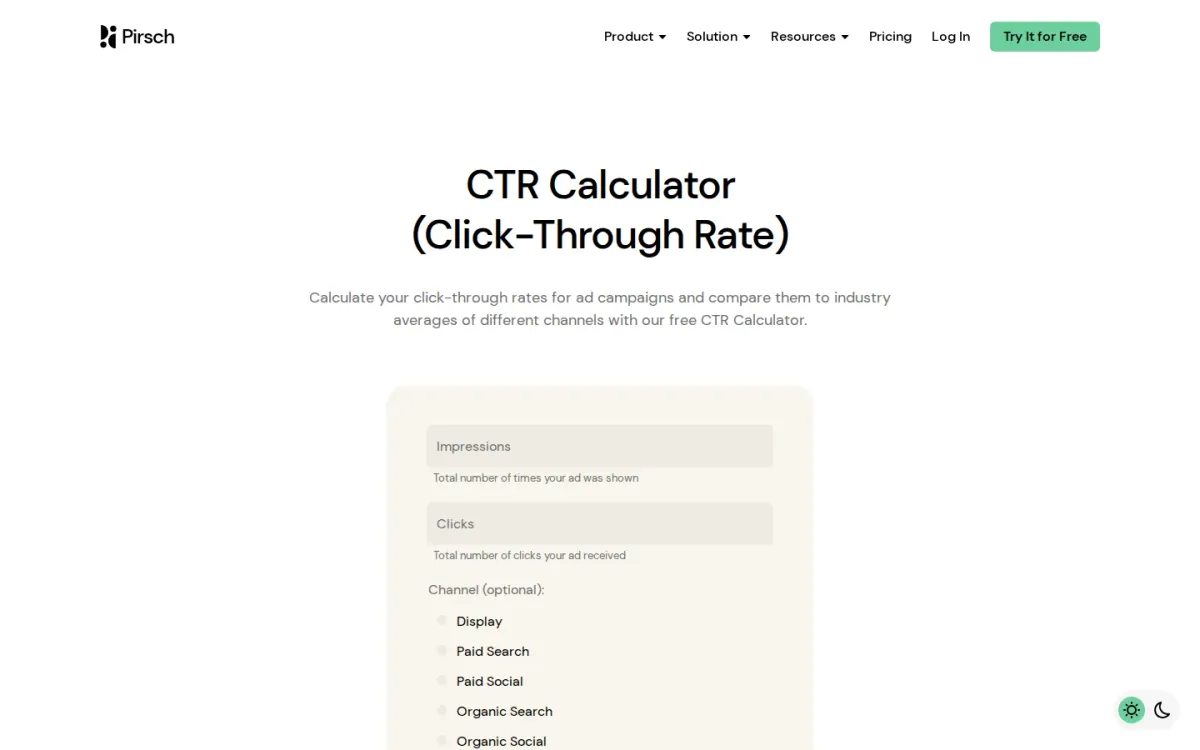
Pirsch’s Click-Through Rate Calculator focuses on the essentials: enter impressions and clicks to get a percentage CTR based on the standard formula. It’s geared toward ad campaigns, but the same math applies to email and other link-based performance tracking.
Key features
Inputs for impressions and clicks.
Optional channel selection for benchmarking context.
Copy to Clipboard for sharing results.
Reset button for rapid recalculation.
A standout is the optional channel selector—Display, Paid Search, Paid Social, Organic Search, and Organic Social—paired with guidance on comparing results to industry averages. Handy extras like Copy to Clipboard and Reset make repeated checks less tedious.
Quick assessment
Strongest points: Clear CTR formula explanation alongside the calculator; Channel options cover common paid and organic sources; Clipboard copy supports quick reporting.
Main limitations: Only calculates CTR, without conversion or ROI metrics; Requires valid impressions and clicks to proceed.
Why it ranks here: Strong for basic CTR math plus channel context, but it’s limited to a single-metric workflow without deeper campaign analysis.
Access: Current access details: pirsch. Verdict: Pirsch suits marketers who want a straightforward CTR percentage and channel framing, without extra analytics layers.
How to choose
Workflow fit
Start by confirming the calculator matches your channel: ads, email, SEO snippets, or affiliate links can need different framing and benchmarks. Look for clear input definitions (clicks, impressions, delivered, opens) so the result aligns with how your platform reports.
Validation
If you set goals, prioritize tools that support reverse calculations, letting you estimate required clicks or impressions for a target rate. Prefer pages that explain interpretation, including sample-size caution and when CTR can mislead. Finally, consider workflow needs like shareable results, copy-friendly outputs, and consistent formatting for reports.
Final recommendations
Shortlist
CTR Calculator when you need CTR math connected to broader performance interpretation, not just a percentage on a blank page.
If speed matters most, pick a simple calculator with minimal fields and clear labels for clicks and impressions.
Before rollout
For planning, prioritize tools that support reverse calculations so targets translate into required impressions or clicks.
favor options that include definitions and context to prevent overreacting to small-sample swings.