
Need the number now? Use the free LTV calculator on AdBid, then come back for the comparison.
Customer lifetime value is one of the most useful numbers in growth planning, but it’s also easy to misread. A good LTV calculator helps teams turn a few inputs—like average order value, purchase frequency, and retention—into a clear estimate that can guide acquisition spend, payback expectations, and channel prioritization. The best tools also explain assumptions, define terms, and make it obvious when a result is a rough snapshot versus a model you can trust for decisions. This guide highlights options that range from quick, educational calculators to more workflow-oriented products, with an emphasis on clarity, repeatability, and practical decision support.
Comparison table
| Rank | Tool | Best for | Key capabilities | Limitations | Access/source status |
|---|---|---|---|---|---|
| 1 | AdBid - LTV Calculator [1] | Paid media teams that need early LTV forecasts to guide budget, CPA, and payback decisions before cohorts mature | Predicts future value before revenue windows close; Translates predicted value into allowable CPA | Needs reliable attribution and strong historical signals | Official source: adbid.me [1] |
| 2 | WebFX [2] | Marketers and business owners who want quick customer lifetime value estimates without extra steps | WebFX calculates CLV from lifetime revenue and acquisition cost; WebFX supports average annual revenue times years method | Focuses on CLV only, not broader retention analytics | Official source: WebFX.com [2] |
| 3 | Yotpo [3] | eCommerce teams needing a simple LTV snapshot | Yotpo calculates CLV from four input fields; Results panel shows annual value and CLV | Simplified model uses lifespan, not churn rate | Official source: Yotpo.com [3] |
| 4 | Usermaven [4] | Marketers and product teams who want quick customer value estimates from a few core inputs | Usermaven calculates CLV from margin and churn; ARPA auto-calculation from customers and MRR | Focuses on a single CLV formula approach | Official source: Usermaven.com [4] |
| 5 | Textmagic [5] | Businesses needing quick customer value estimation | Estimates customer lifetime value; Considers ARPA, MRR, churn rate | Requires manual data input | Official source: freetools.Textmagic.com [5] |
| 6 | Churnkey [6] | teams prioritizing a focused ltv workflow | Churnkey keeps the documented ltv workflow focused; Churnkey provides official access for direct workflow review | Broader integration details for Churnkey may require separate review | Official source: Churnkey.co [6] |
| 7 | Selzy [7] | teams prioritizing a focused ltv workflow | Selzy keeps the documented ltv workflow focused; Selzy provides official access for direct workflow review | Broader integration details for Selzy may require separate review | Official source: Selzy.com [7] |
| 8 | Peelinsights [8] | Shopify brands that need reliable LTV answers across multiple sales channels | Peelinsights integrates Shopify, Amazon, and Walmart data; Dashboards built from your source of truth | Interface may feel heavier than a basic calculator | Official source: Peelinsights.com [8] |
| 9 | Lebesgue [9] | E-commerce businesses seeking AI-driven customer value insights | LTV Analysis for routine ltv workflow work; AI-powered customer value insights | Broader AI CMO scope may overshadow specific CLV tools | Official source: Lebesgue.io [9] |
| 10 | Revenuecat [10] | teams prioritizing a focused ltv workflow | Revenuecat keeps the documented ltv workflow focused; Revenuecat provides official access for direct workflow review | Broader integration details for Revenuecat may require separate review | Official source: Revenuecat.com [10] |
How we evaluated the tools
Each pick is scored using a consistent rubric. Task fit (30%) measures how well the tool supports common LTV jobs like forecasting, scenario planning, and decision-making. Features and automation (20%) covers modeling depth, cohort logic, and repeatable workflows. Ease of use (15%) evaluates input clarity and error prevention. Integrations and workflow (15%) looks at data connections and export paths. Access transparency (10%) checks whether requirements and constraints are clearly stated. Limits, support, and transparency (10%) reviews documentation, assumptions, and help resources.
- Source basis: checks start with adbid.me [1] and continue through every linked official product page.
Scores are editorial assessments on a 100-point scale rather than customer ratings. Product pages supply the feature and access facts, and the same weighted rubric applies to every entry.
The order reflects fit for this comparison, not market share or brand familiarity. Each product links back to an official source so readers can verify current details.
1. AdBid
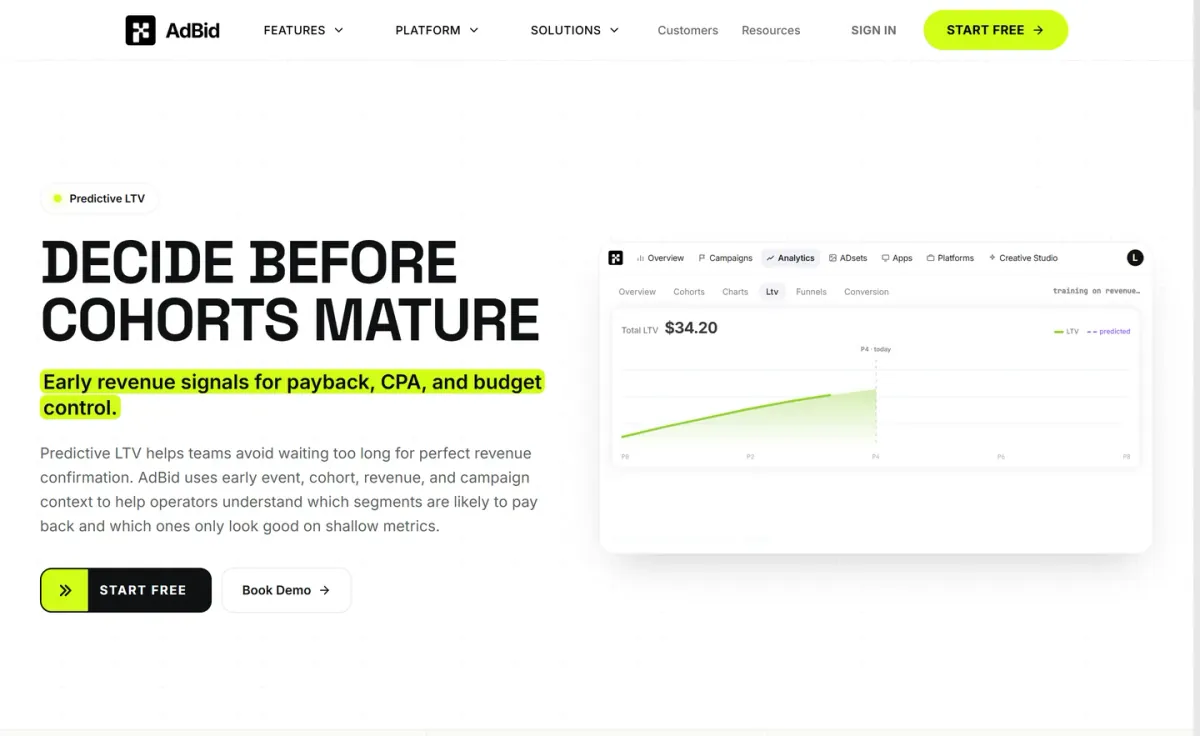
Best for: Paid media teams that need early LTV forecasts to guide budget, CPA, and payback decisions before cohorts mature.
AdBid
LTV Calculator focuses on predictive LTV so operators can decide before cohorts mature.
It uses early events, cohort signals, revenue, and campaign context to estimate future value and highlight segments that only look strong on shallow metrics.
Features and trade-offs
Key features
- Predicts future value before revenue windows close.
- Translates predicted value into allowable CPA.
- Shows cohort maturity alongside LTV forecasts.
- Estimates value by campaign, geo, and audience.
The workflow ties forecasts to action: translate predicted value into allowable acquisition cost, compare payback timing, and scale or cut budgets with more context than day-one metrics. Cohort maturity stays visible beside the forecast to show evidence strength.
Why it ranks here
It stands out for connecting early quality signals to spend controls, making LTV forecasts directly usable for budget, CPA thresholds, and ROAS expectations.
Pros
- Actionable links between forecasts and budget controls.
- Segment-level context beyond shallow early metrics.
- Clear emphasis on payback timing decisions.
Limitations
- Needs reliable attribution and strong historical signals.
- Less helpful when event and revenue inputs are sparse.
Access and verdict
Access: Current access details: adbid.me [1]. Verdict: AdBid suits teams making spend calls early, especially when attribution and revenue signals are dependable enough to support confident forecasts.
2. WebFX
- Official source: webfx.com [2].
Best for: Marketers and business owners who want quick customer lifetime value estimates without extra steps.
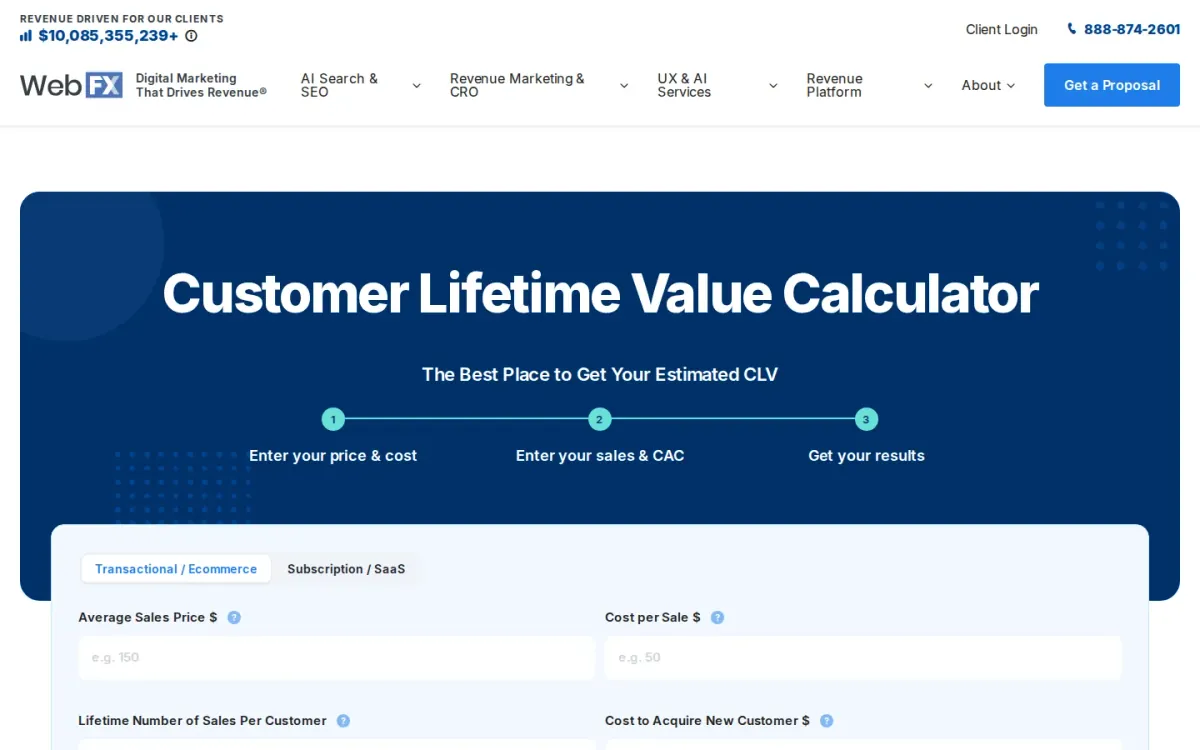
WebFX’s CLV calculator helps estimate customer lifetime value using a straightforward formula based on lifetime revenue and customer acquisition cost. It’s designed for people who’d rather avoid manual math and reduce the risk of miscalculations.
Key features
WebFX calculates CLV from lifetime revenue and acquisition cost; WebFX supports average annual revenue times years method.
Also documented: WebFX returns immediate results after entering numbers; WebFX avoids requiring email or contact info.
The page explains CLV and offers an alternate calculation using average annual revenue and number of years. Results are immediate, and you can plug in numbers without submitting contact details, keeping the workflow focused on analysis.
WebFX — why it ranks here
Ranks highly for clear CLV education, immediate results, and a no-friction input flow that suits an ltv calculator shortlist.
Strengths: Immediate results for quick decision-making; No contact-info gate to run calculations; Clear CLV formula guidance on-page.
Limitations: Focuses on CLV only, not broader retention analytics.
Access: Current access details: webfx.com [2]. Verdict: It is a practical pick when you want fast CLV answers, simple inputs, and on-page guidance to avoid calculation errors.
3. Yotpo
Official source: yotpo.com [3].
Best for: eCommerce teams needing a simple LTV snapshot.
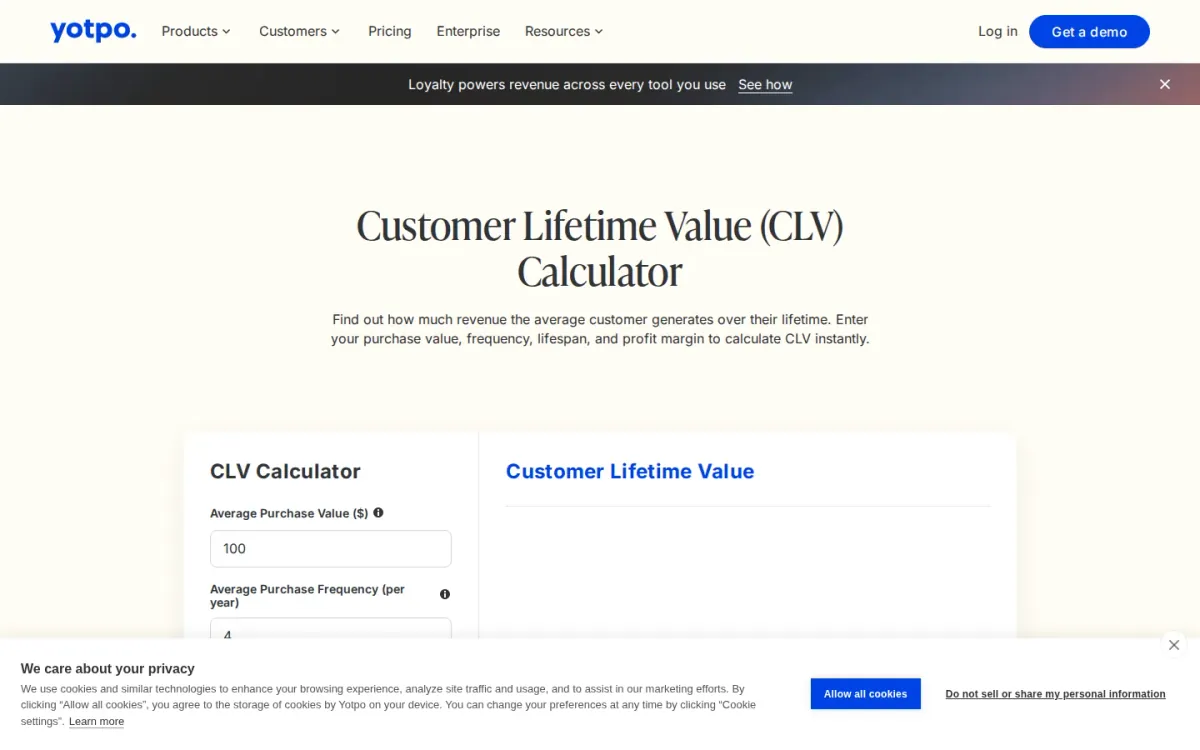
Yotpo’s Customer Lifetime Value (CLV) Calculator estimates how much revenue an average customer generates over their relationship. Enter average purchase value, annual purchase frequency, customer lifespan, and profit margin to see annual customer value and total CLV.
Key features
- Yotpo calculates CLV from four input fields.
- Results panel shows annual value and CLV.
- Reset button reruns calculations for new scenarios.
- FAQ explains CLV formula and CLV vs LTV.
The results panel updates instantly and supports reruns via Reset, making it practical for scenario testing. Yotpo also clarifies that CLV and LTV are interchangeable, and notes the model relies on average lifespan rather than churn-based calculations.
Quick assessment
Strongest points: Straightforward inputs with plain-language definitions.
Instant results for quick what-if comparisons.
Profit margin included for profit-aware estimates.
Main limitations: Simplified model uses lifespan, not churn rate.
Why it ranks here: It’s a clear, beginner-friendly ltv calculator that explains inputs and formula.
It stays intentionally simplified for quick planning rather than advanced modeling.
Access: Current access details: yotpo.com [3]. Verdict: It is a solid pick for quick CLV estimates and education, especially when you need simple scenarios more than granular retention modeling.
4. Usermaven
- Official source: usermaven.com [4].
Best for: Marketers and product teams who want quick customer value estimates from a few core inputs.
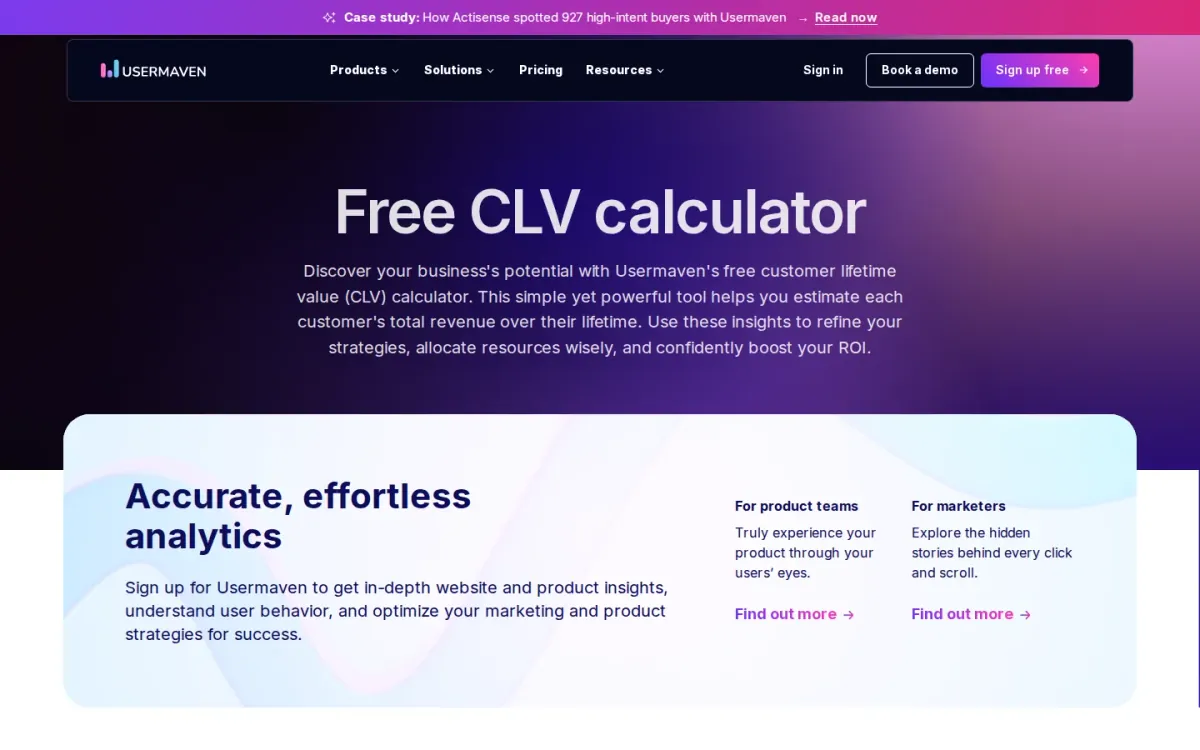
Usermaven’s CLV Calculator estimates a customer’s total revenue over their lifetime using a straightforward form. Enter active customers, monthly recurring revenue, gross margin, and churn rate, and it calculates ARPA automatically for a cleaner workflow.
Key features
Usermaven calculates CLV from margin and churn; ARPA auto-calculation from customers and MRR.
Also documented: Reset button to rerun scenarios quickly; Manual CLV formula explained on-page.
The page also explains what each input means and shares the manual formula so teams can align on assumptions. Use the resulting lifetime value to guide resource allocation, prioritize high-value segments, and support ROI-focused decisions.
Usermaven — why it ranks here
It pairs a simple input flow with automatic ARPA calculation and a transparent formula, making lifetime value estimates easy to reproduce and discuss.
Strengths: Clear input guidance for margin and churn; Transparent formula supports shared assumptions; Quick scenario testing via. Calculate and Reset.
Limitations: Focuses on a single CLV formula approach; Requires accurate churn and margin inputs.
Access: Current access details: usermaven.com [4]. Verdict: Its CLV Calculator is a solid pick for fast, explainable lifetime value estimates when you want clarity over complexity.
5. Textmagic
Official source: freetools.textmagic.com [5].
Best for: Businesses needing quick customer value estimation.
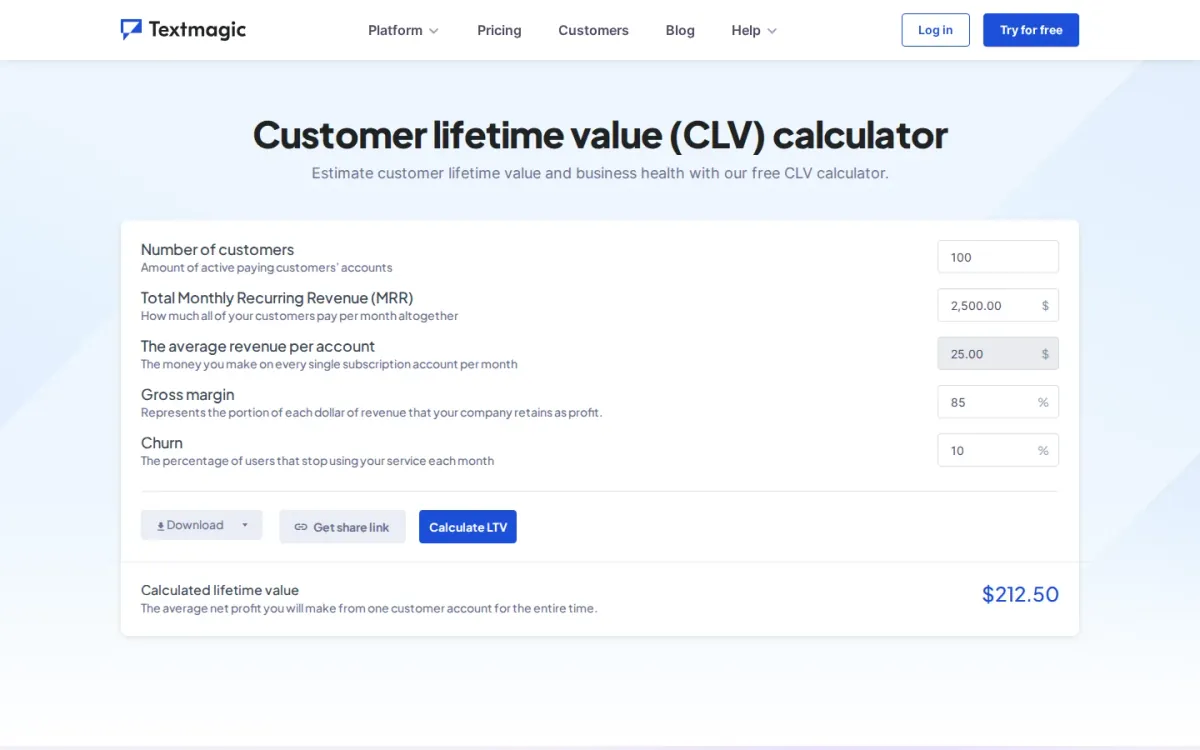
Textmagic provides a free online customer lifetime value calculator. It helps businesses estimate customer lifetime value and assess overall business health. the product considers key metrics like ARPA, MRR, and churn rate for accurate projections.
Key features
- Estimates customer lifetime value.
- Considers ARPA, MRR, churn rate.
- Guides five-step data input.
- Downloads and saves results.
The calculator guides users through a simple five-step input process. Users enter customer count, MRR, average revenue per account, gross margin, and churn rate. It quickly determines average CLV and allows result downloads.
Why it ranks here
It ranks for its straightforward CLV calculation, offering vital insights into customer lifespan. It supports better decision-making for marketing and budget planning.
Pros
- Determines average net profit per customer.
- Supports marketing campaign planning.
- Helps reduce customer acquisition cost.
Limitations
- Requires manual data input.
Access: Current access details: freetools.textmagic.com [5]. Verdict: A practical, free CLV tool for quick customer value assessment and strategic business planning.
6. Churnkey
Official source: churnkey.co [6].
Best for: teams prioritizing a focused ltv workflow.
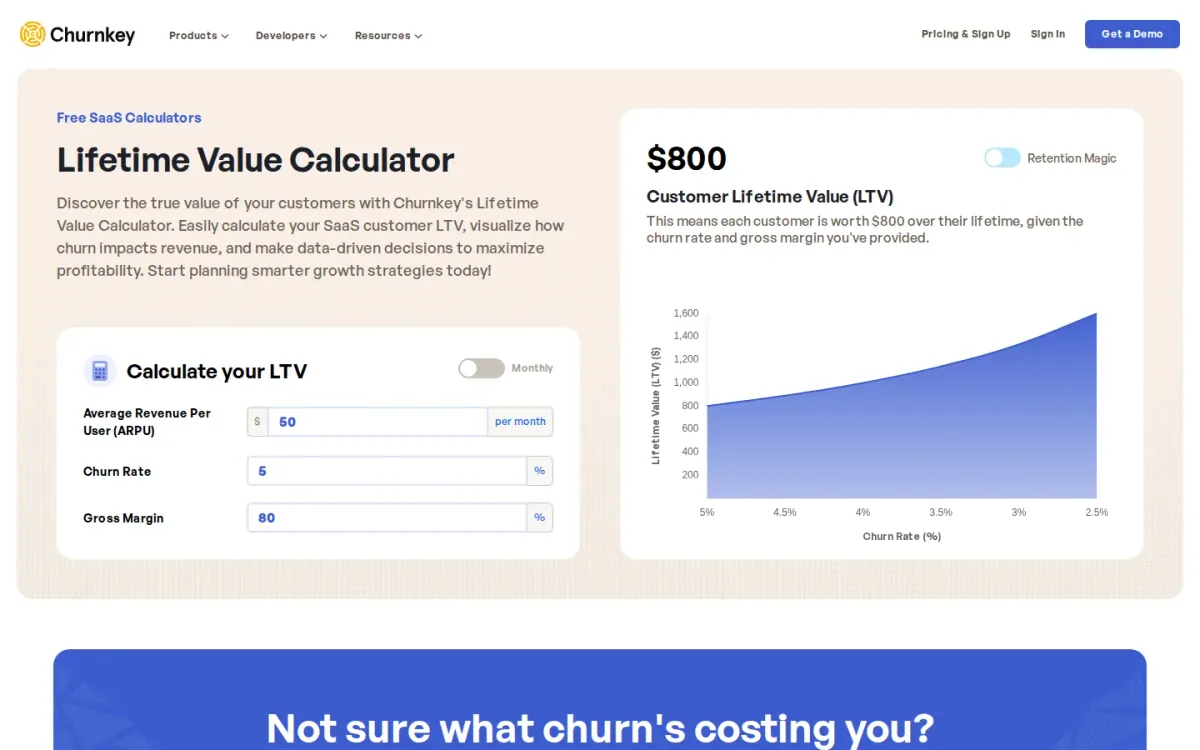
Churnkey is included because its official product materials directly address ltv workflow. The available information shows a defined task flow, identifiable controls, and enough product-specific context to compare its role with the other entries in this ranking.
Key features
- Churnkey keeps the documented ltv workflow focused.
- Churnkey provides official access for direct workflow review.
- Churnkey has a defined scope for side-by-side comparison.
Churnkey's strongest fit is a team whose primary requirement matches that documented scope. Buyers should compare the listed capabilities with the stated limitations, then confirm that access conditions and surrounding services fit their operating environment.
Quick assessment
Strongest points: Churnkey's focused scope keeps the primary job easy to identify.
Direct access to Churnkey supports pre-adoption workflow review.
Main limitations: Broader integration details for Churnkey may require separate review.
- Why it ranks here: Its rank reflects documented task fit, usable workflow detail, access transparency, and the balance between available capabilities and stated limitations.
Access: Current access details: churnkey.co [6]. Verdict: Shortlist Churnkey when its documented scope matches the core job and its limitations remain acceptable for the intended workflow.
7. Selzy
- Official source: selzy.com [7].
Best for: teams prioritizing a focused ltv workflow.
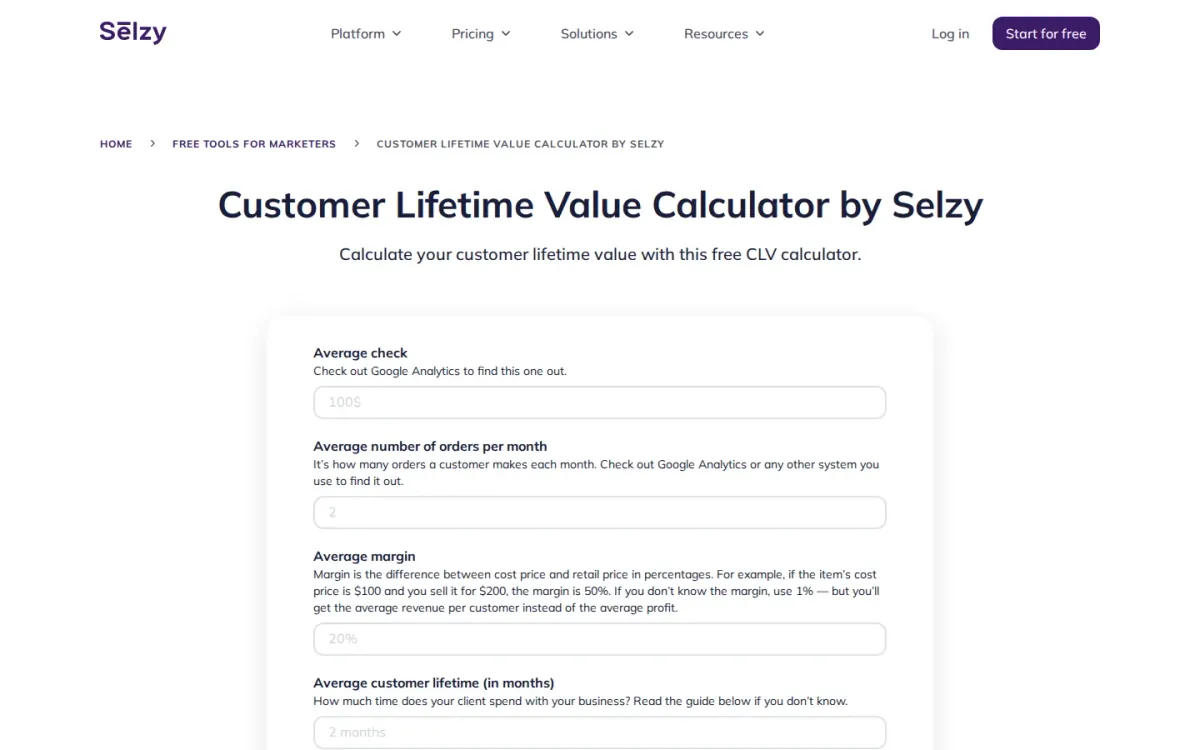
Selzy is included because its official product materials directly address ltv workflow.
Key features
Selzy keeps the documented ltv workflow focused; Selzy provides official access for direct workflow review.
Also documented: Selzy has a defined scope for side-by-side comparison.
Selzy's strongest fit is a team whose primary requirement matches that documented scope.
Selzy — why it ranks here
Its rank reflects documented task fit, usable workflow detail, access transparency, and the balance between available capabilities and stated limitations.
Strengths: Selzy's focused scope keeps the primary job easy to identify; Direct access to Selzy supports pre-adoption workflow review.
Limitations: Broader integration details for Selzy may require separate review.
Access: Current access details: selzy.com [7]. Verdict: Shortlist Selzy when its documented scope matches the core job and its limitations remain acceptable for the intended workflow.
8. Peelinsights
- Official source: peelinsights.com [8].
Best for: Shopify brands that need reliable LTV answers across multiple sales channels.
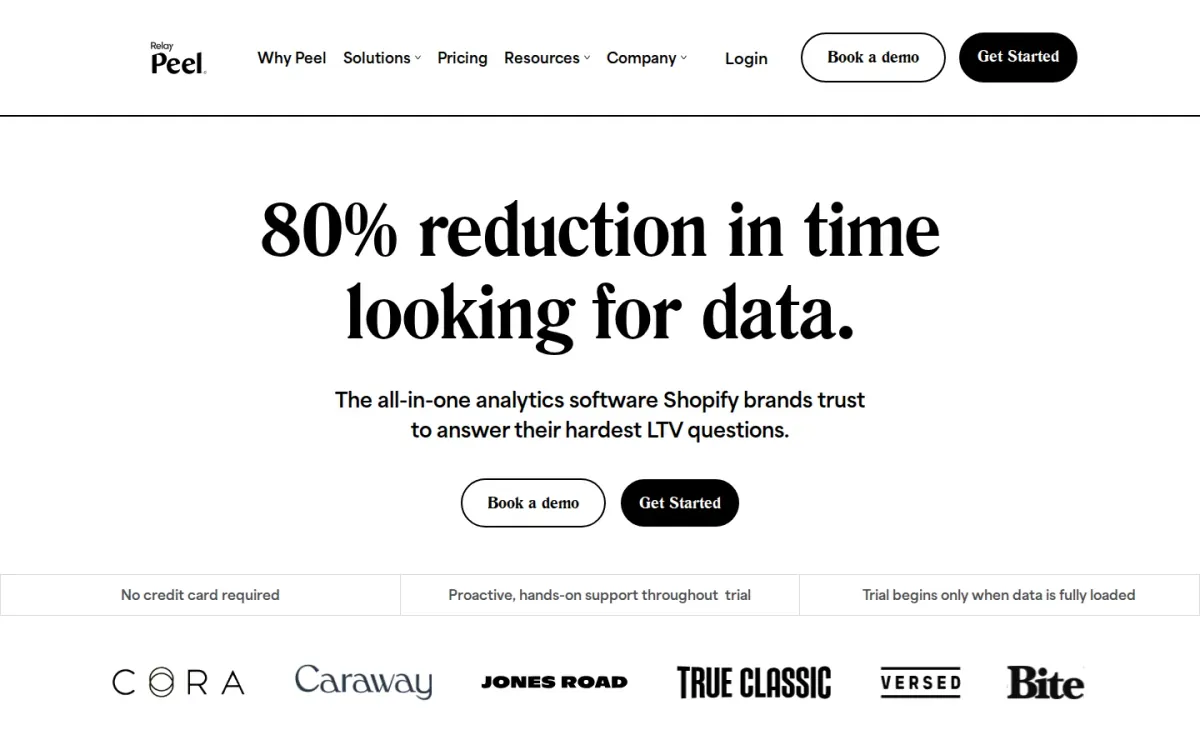
Peelinsights positions itself as all-in-one analytics for Shopify stores that need answers to tough customer lifetime value questions. It centralizes ecommerce data so teams stop comparing inconsistent metrics and can build a story they trust.
Key features
Peelinsights integrates Shopify, Amazon, and Walmart data; Dashboards built from your source of truth.
Also documented: Magic Dash dashboards and templates library; Hyper-specific customer segmentation for insights.
It connects major data sources used by Shopify brands, bringing Shopify, Amazon, and Walmart data into one place for analysis. Peelinsights also emphasizes dashboards built from a single source of truth and deeper customer segmentation for actionable insights.
Peelinsights — why it ranks here
Strong for multi-source commerce data consolidation and segmentation-driven insights, but it’s less focused on a simple, standalone lifetime value worksheet experience.
Strengths: Centralizes ecommerce metrics to reduce inconsistencies; Connectors cover major Shopify-brand data sources; Segmentation helps explain what drives lifetime value.
Limitations: Interface may feel heavier than a basic calculator.
Access: Current access details: peelinsights.com [8]. Verdict: It suits teams that want trustworthy lifetime value analysis grounded in unified commerce data, especially when multiple channels and segmentation matter.
9. Lebesgue

Official source: lebesgue.io [9].
Best for: E-commerce businesses seeking AI-driven customer value insights.
Lebesgue provides broad customer lifetime value analysis, leveraging AI to process extensive marketing, customer, and revenue data. It helps identify profitable audiences and optimize acquisition strategies for sustained growth.
Key features
- LTV Analysis for routine ltv workflow work.
- AI-powered customer value insights.
- Ingests diverse marketing data.
Henri AI, its virtual CMO, translates complex data into clear, actionable insights and step-by-step growth strategies. It uses predictive models trained on thousands of e-commerce brands.
Why it ranks here
Its AI-powered insights and broad data ingestion offer deep customer value understanding, but its broader AI CMO focus dilutes dedicated CLV strengths.
Pros
- Lebesgue explains insights in simple language.
- Offers step-by-step growth strategies.
Limitations
- Broader AI CMO scope may overshadow specific CLV tools.
- Requires extensive data integration for full value.
Access: Current access details: lebesgue.io [9]. Verdict: A capable AI CMO with strong customer value analysis for e-commerce growth.
10. Revenuecat
Official source: revenuecat.com [10].
Best for: teams prioritizing a focused ltv workflow.
Revenuecat is included because its official product materials directly address ltv workflow.
Key features
- Revenuecat keeps the documented ltv workflow focused.
- Revenuecat provides official access for direct workflow review.
- Revenuecat has a defined scope for side-by-side comparison.
Revenuecat's strongest fit is a team whose primary requirement matches that documented scope.
Quick assessment
Strongest points: Revenuecat's focused scope keeps the primary job easy to identify.
Direct access to Revenuecat supports pre-adoption workflow review.
Main limitations: Broader integration details for Revenuecat may require separate review.
Access: Current access details: revenuecat. Verdict: Shortlist Revenuecat when its documented scope matches the core job and its limitations remain acceptable for the intended workflow.
How to choose
Workflow fit
Start by defining the decision the number will support: acquisition bidding, payback targets, retention priorities, or reporting. Next, check which inputs the tool expects and whether those inputs match how the business actually recognizes revenue and repeat behavior.
Validation
Prefer calculators that explain assumptions, show formulas, and separate historical snapshots from forward-looking forecasts. If multiple channels or segments matter, look for cohort or segmentation support and a clean way to export results. Finally, confirm the tool’s stated constraints, documentation quality, and how it handles missing or noisy data.
Final recommendations
Shortlist
- LTV Calculator when early forecasting is needed to guide spend decisions before cohorts fully mature and stabilize.
- Pick WebFX if the priority is a quick estimate with straightforward inputs and clear on-page guidance that reduces mistakes.
Before rollout
- Use Yotpo or Usermaven when a simple snapshot and explainable math matter more than granular cohort retention modeling.
- Consider Peelinsights when multi-channel commerce data and segmentation are essential for trustworthy lifetime value analysis across customer groups.