
Part of our Meta Ads Platform guide series.
Key Takeaways
- Automated rules help you scale without constant manual monitoring
- Rule conflicts are the #1 mistake — one rule tries to scale while another pauses
- Vertical scaling: increase budgets 10-20% every 24-48 hours to avoid algorithm disruption
- Test and scale in the same campaign until you're spending at least $10K/week
- Rules should mirror actions you'd take manually — just faster and 24/7
Why Automated Rules Matter in 2026
:::highlight The Reality In 2025, the most successful advertisers don't scale manually — they scale through smart, rule-based automation. Meta's algorithm updates multiple times per hour. Human reaction times can't compete. :::
I've managed accounts doing $50K+ monthly. The difference between profitable and unprofitable accounts often comes down to one thing: how fast you kill losers and scale winners.
To run this repeatably, AdBid's automated rules let you set conditions once and let campaigns self-optimize.
Manual management works at small scale. But when you're running 50+ ad sets with different creative variations, Meta ads automation isn't a luxury — it's survival.
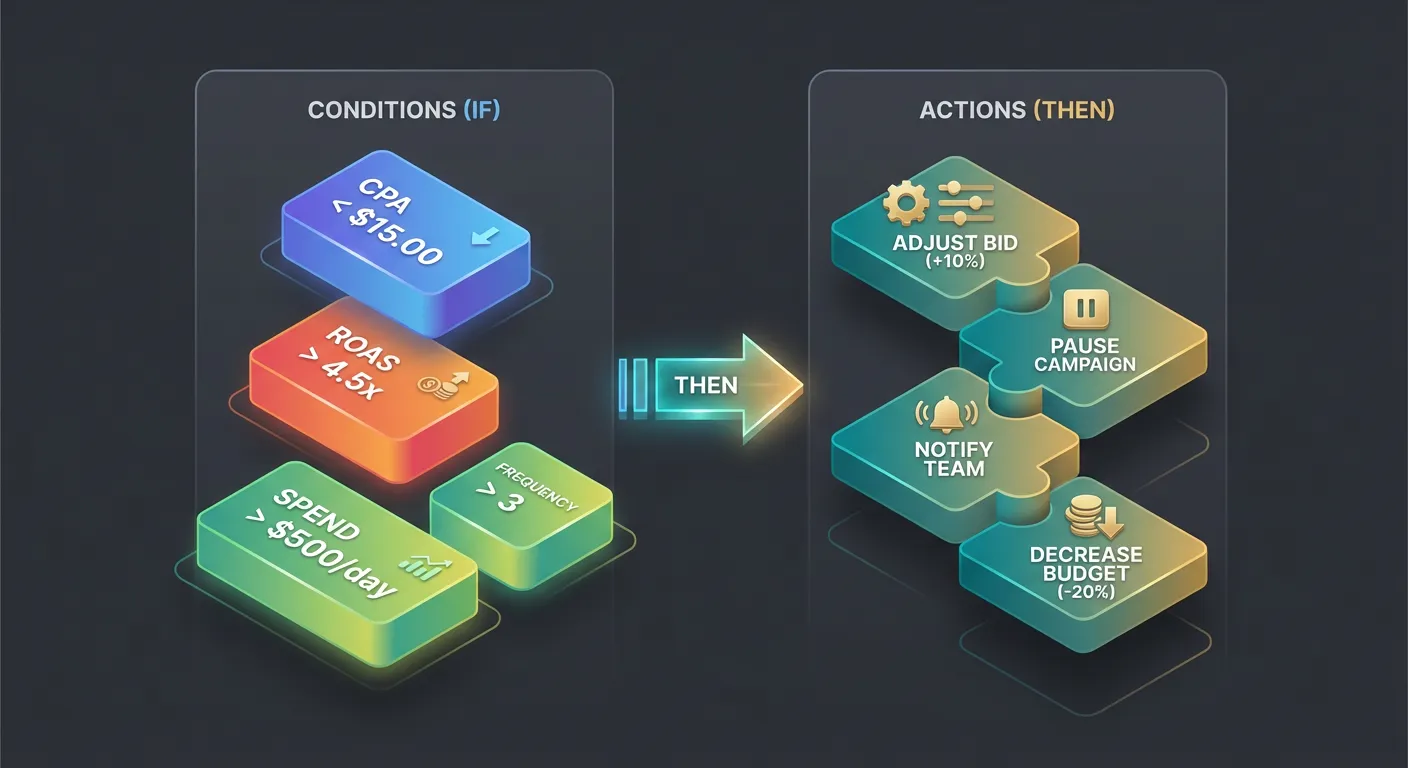
The Core Automated Rule Types
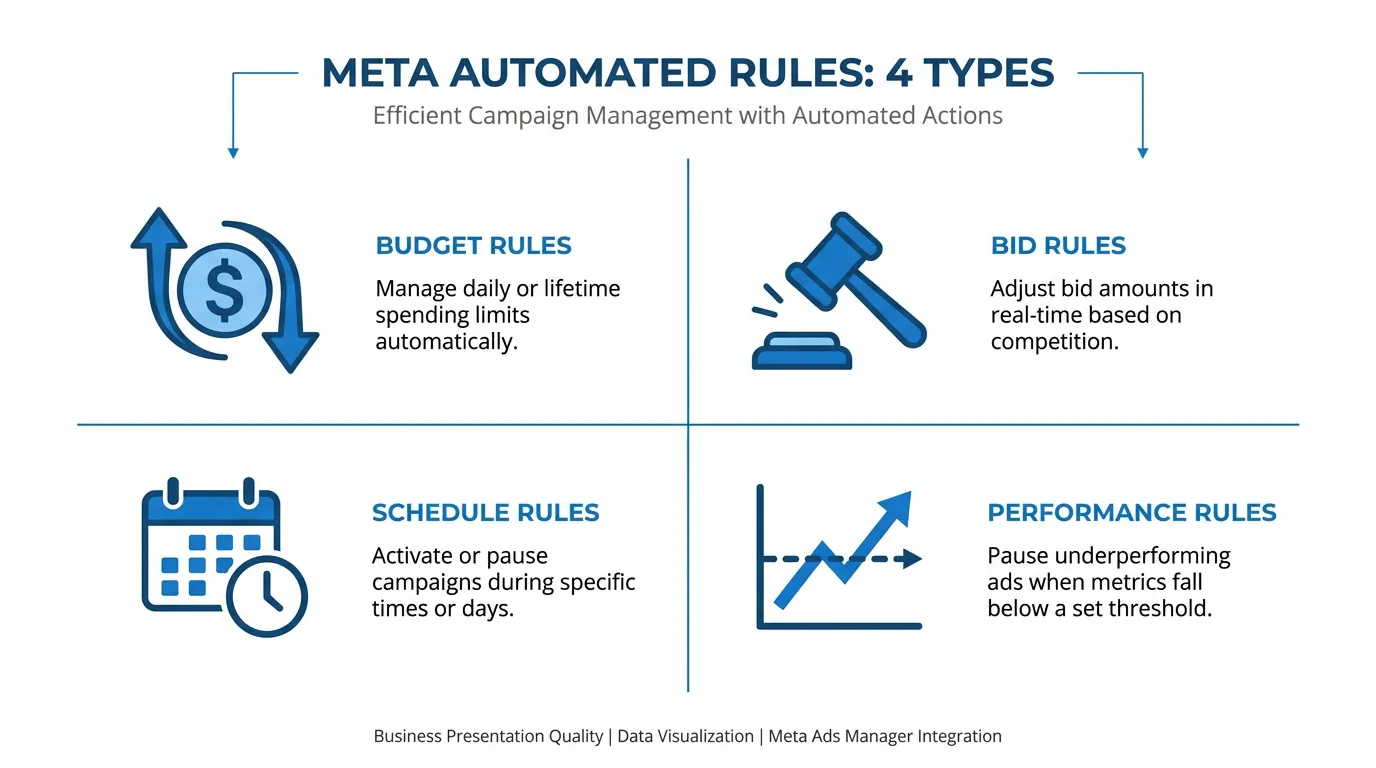
1. Kill Rules (Stop Losses)
These protect your budget from underperformers:
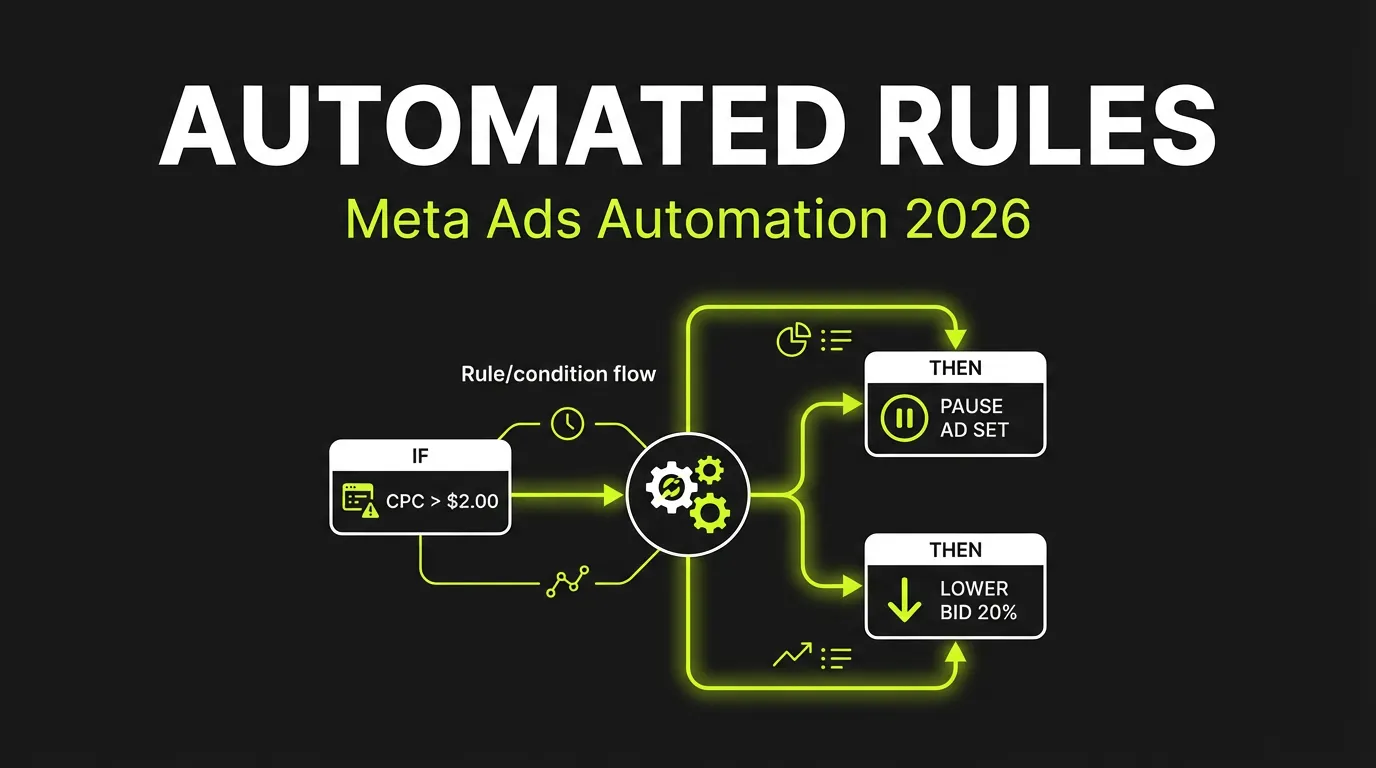
:::warning Critical Rule Pause ad sets that spend 2x your target CPA without conversions. This prevents runaway spend on losers. :::
Example Setup:
- Condition: Cost per Purchase > $100 (if your target is $50)
- Timeframe: Last 3 days
- Action: Pause ad set
- Frequency: Every 30 minutes
2. Scale Rules (Budget Increases)
When something works, pour fuel on it:
- Condition: ROAS > 3.0 AND Spend > $100
- Timeframe: Last 7 days
- Action: Increase daily budget by 15%
- Frequency: Once per day
- Cap: Maximum budget $500/day
:::tip Scaling Best Practice Never increase budgets by more than 20% at once. Larger jumps disrupt the algorithm and trigger re-learning. :::
3. Alert Rules (Notifications)
Not every situation requires automatic action:
- CPA spiking? Get notified before pausing.
- Spend pacing ahead of schedule? Know early.
- Creative hitting frequency cap? Time to rotate.
The Testing Logic That Works
Phase 1: Creative Testing
When testing new creatives, you need clear success criteria:
Testing Rule Set:
Rule 1 - Kill Low Performers Early:
- Condition: CTR < 0.8% AND Impressions > 1,000
- Action: Pause ad
- Reason: Low CTR = poor creative-audience fit
Rule 2 - Graduate Winners:
- Condition: CPA < $40 AND Conversions > 3
- Action: Move to scaling campaign (or increase budget 30%)
- Reason: Statistical significance reached
Rule 3 - Give Potential Time:
- Condition: CTR > 1.5% AND Conversions = 0 AND Spend < $100
- Action: Continue running (no action)
- Reason: Good engagement but needs more data
"Test inside one campaign. Focus your budget where data can compound. Don't split testing and scaling until you're spending at least $10K per week."
Phase 2: Scaling Logic
Once you have winners, scaling rules kick in:
Vertical Scaling Rules:
- Start: ROAS > 2.5x for 3 consecutive days
- Action: Increase budget 15%
- Monitor: If ROAS drops below 2.0x, reduce budget 20%
- Repeat: Every 24-48 hours
Horizontal Scaling Triggers:
- Winner sustained for 2 weeks? Duplicate to new audiences
- Frequency > 2.5? Duplicate with fresh targeting
- Geographic expansion viable? Test new regions
Common Rule Conflicts (and How to Avoid Them)
:::danger The #1 Automation Mistake Rule conflicts: One rule scales an ad while another pauses it for a temporary dip. Your rules end up fighting each other. :::
Conflict Example:
Rule A: Pause if CPA > $50 (last 24 hours) Rule B: Scale if ROAS > 2.5x (last 7 days)
On Day 4, ad set has ROAS of 3.0x over 7 days but spent $60 per conversion yesterday. What happens?
Both rules trigger. Chaos ensues.
The Solution: Rule Hierarchy
Priority 1 (Highest): Budget protection rules
- Pause if daily spend > $X without conversions
Priority 2: Performance kill rules
- Pause if 7-day CPA > 2x target
Priority 3: Alert rules
- Notify if metrics trending negative
Priority 4: Scaling rules
- Only trigger if no higher-priority rules active
Timeframe Alignment
Use consistent timeframes across related rules:
- All testing rules: 3-day windows
- All scaling rules: 7-day windows
- All protection rules: 24-hour windows
This prevents short-term fluctuations from conflicting with long-term trends.
Rule Templates for Common Scenarios
E-commerce (ROAS-focused)
Kill Rule:
- ROAS < 1.5x over 7 days AND Spend > $200 → Pause
Scale Rule:
- ROAS > 3.0x over 7 days AND Spend > $150 → Increase budget 20%
Alert Rule:
- ROAS between 1.5x-2.0x over 3 days → Notify (watch closely)
Lead Generation (CPA-focused)
Kill Rule:
- Cost per Lead > $30 over 5 days AND Leads > 10 → Pause
Scale Rule:
- Cost per Lead < $15 over 7 days AND Leads > 20 → Increase budget 15%
Learning Protection:
- Spend < $50 AND Days active < 3 → Do nothing (let it learn)
App Install (Volume-focused)
Kill Rule:
- Cost per Install > $5 over 3 days AND Installs > 50 → Pause
Scale Rule:
- Cost per Install < $2 over 7 days AND Installs > 100 → Increase budget 25%
Frequency Cap:
- Frequency > 3.0 → Pause and notify
Advanced: Rule Timing and Frequency
How Often Should Rules Run?
- Every 30 minutes: Budget protection, spend caps
- Every hour: Performance kills
- Every 6 hours: Alert notifications
- Once daily: Scaling decisions
:::info Why This Matters Facebook checks rule conditions multiple times per hour, but actions don't happen instantly. Running scale rules too frequently causes budget volatility. :::
Day Parting Considerations
Some rules should only run during specific times:
- Weekend scaling rules (different behavior)
- End-of-day budget checks
- Post-holiday performance assessment
What Rules Can't Do
Automation handles the mechanical decisions. But it can't:
- Create winning creative
- Define your target CPA
- Know when a temporary dip is seasonal
- Understand market context
"Human strategy remains essential for creative development and major decisions. Automation executes — humans strategize."
The Human-Automation Balance
Automate:
- Budget adjustments (within limits)
- Pausing clear losers
- Scaling clear winners
- Alert notifications
Keep Manual:
- Creative decisions
- Audience strategy changes
- Budget allocation across campaigns
- New market expansion
Monitoring Your Rules
Weekly Rule Audit
- Which rules triggered most often?
- Did rule actions improve or hurt performance?
- Any unexpected rule conflicts?
- Are thresholds still appropriate for current CPAs?
Monthly Rule Review
- Compare automated performance vs. previous manual period
- Adjust thresholds based on new benchmarks
- Add rules for new scenarios that emerged
- Remove rules that never trigger
The Bottom Line
Automated rules are your always-on media buyer. They won't outthink your strategy, but they'll execute it consistently at scale — even at 3 AM when a creative starts bleeding budget.
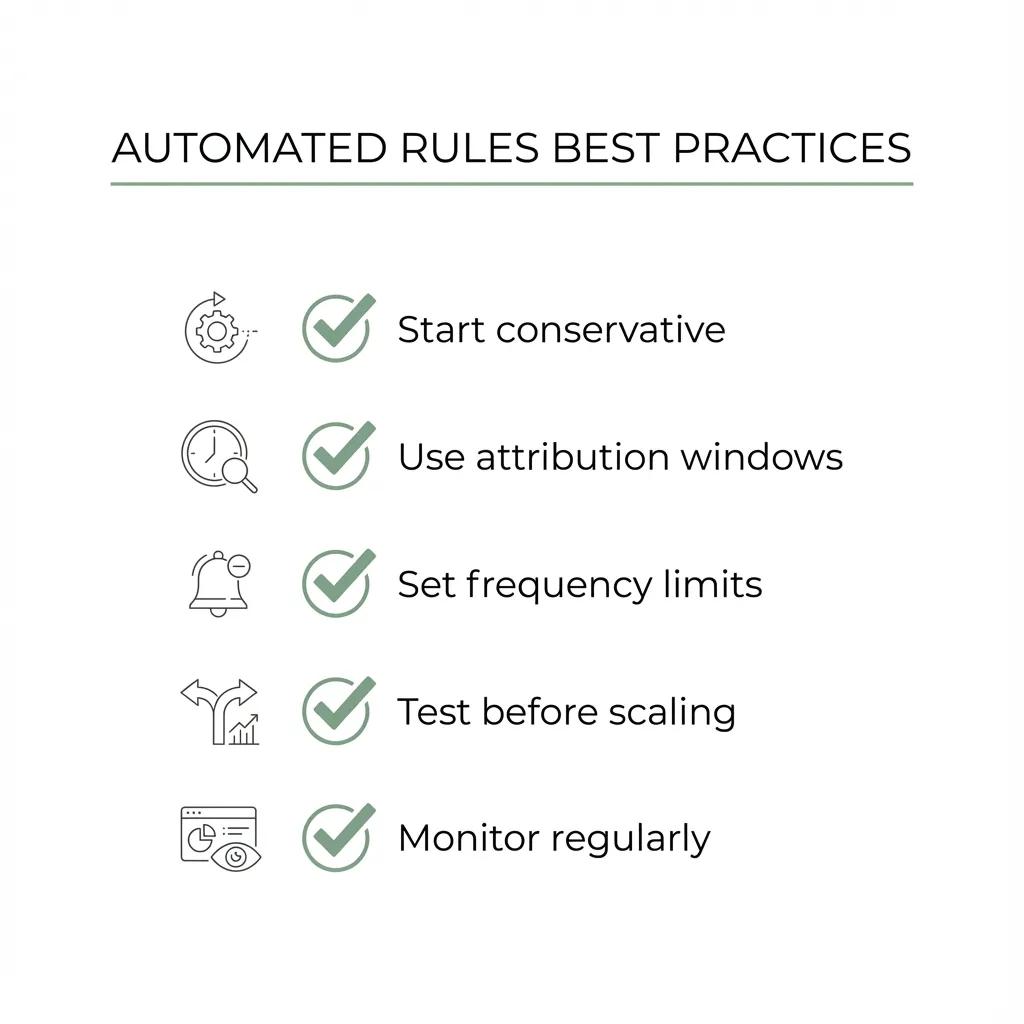
Start simple: one kill rule, one scale rule, one alert rule. Prove they work for your account. Then expand.
:::tip Start Here Begin with a basic kill rule: Pause any ad set spending 3x your target CPA without conversions. This single rule will save you money while you learn the system. :::
The advertisers winning in 2026 aren't working harder — they're automating smarter.
Ready to automate your Meta campaigns? AdBid provides advanced automation rules with conflict detection and performance tracking. Start your free trial.
Related reading: Top 10 Meta Ads Automation