
Ad Library Guide: How to Use Meta, TikTok & Google Ad Libraries for Competitive Intelligence in 2026
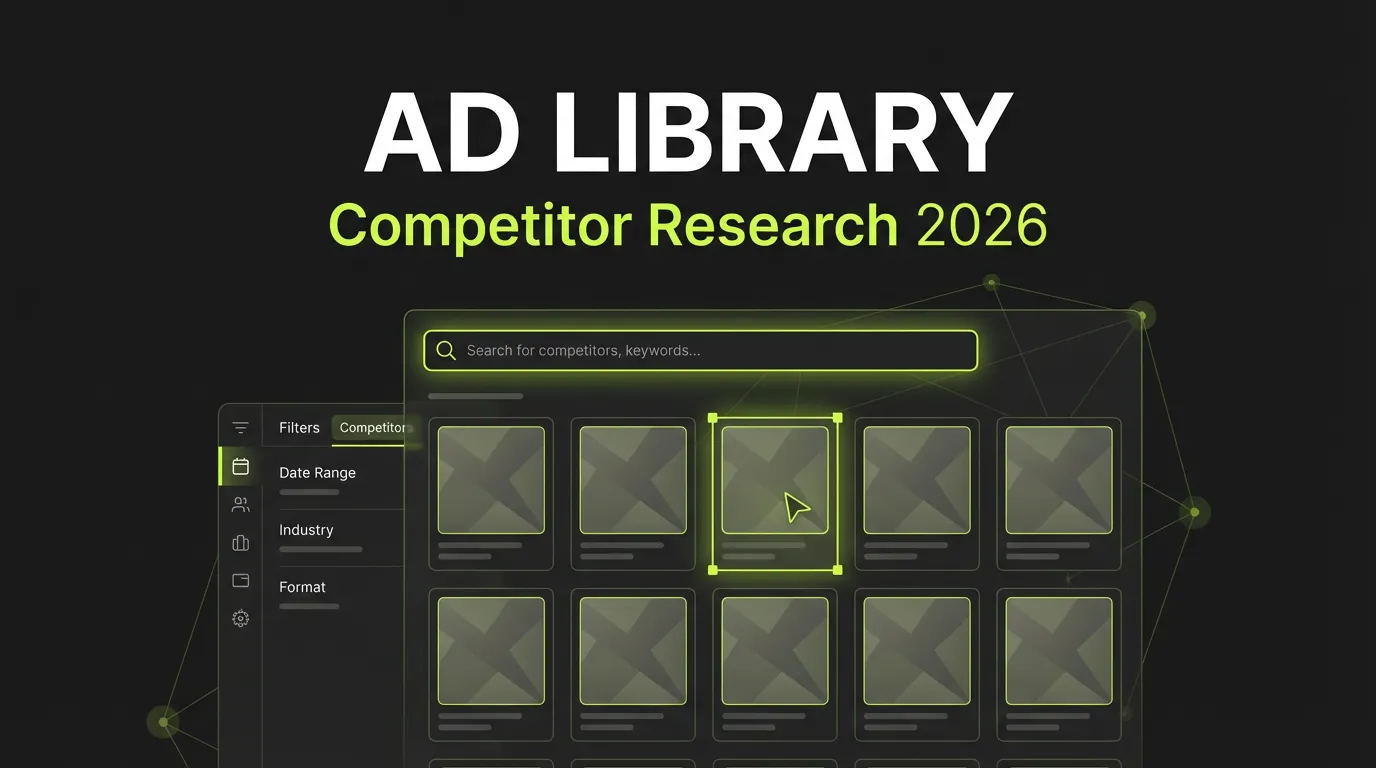
An ad library is a public transparency database that shows every ad an advertiser is currently running on a platform, including the creative, the copy, the start date, and often the placements and regions. Meta, TikTok, Google, and LinkedIn each maintain one, and all of them are free to browse without an advertiser account. For marketers, an ad library is the cheapest competitive research tool available: you see live creative, messaging, offers, and how long each ad has been funded, which is the clearest public signal of what is working. The tools were built for political and consumer transparency, but they double as a swipe file, a testing log, and an early-warning system for competitor launches. This guide walks through each platform, explains how to read the data, and shows how to turn scattered observations into a repeatable weekly research system.
What Is an Ad Library and Why Does It Matter?
An ad library is a searchable public archive of ads running on a platform. Meta, TikTok, Google, and LinkedIn launched these tools largely in response to regulatory pressure around political and electoral advertising transparency. Marketers quickly adopted them for a different purpose: studying what competitors actually ship.
The value is straightforward. You can see a competitor's live creative, how long each ad has been running, which placements they target, and what offers they push. There is no estimation involved for the basic data, because you are looking at the real ads. That makes ad libraries a useful first step before paying for any third-party intelligence platform.
Worth asking yourself before you start: what decision are you trying to inform? Creative direction, pricing, launch timing, and messaging all leave fingerprints in an ad library, but you read them differently. For a broader view of the research category, see our guide to ad spy tools.
How Do You Use the Meta Ad Library?
The Meta Ad Library covers all active ads across Facebook, Instagram, Messenger, and Audience Network. It is publicly accessible at facebook.com/ads/library, and Meta confirms it indexes ads from every active advertiser on the platform, not a sample. For political and social-issue ads, Meta additionally discloses spend ranges, impressions, and audience demographics.
What You Can Find
- Every active ad a Page is running, with images, video, and ad copy
- The date each ad started running
- All placements the ad targets across Meta's apps
- Multiple creative variations within a single campaign
- Spend, impressions, and demographics for political and issue ads only
How to Search
Start by selecting a country and an ad category. Then search three ways: by advertiser name, by keyword in the ad text, or by Page name. Once results load, sort what you see into active versus inactive ads, note the creative formats, and click through to the landing pages.
Reading the Results
The most useful signal here is longevity. An ad that has run for weeks is almost always working, because nobody keeps funding a loser. Note which formats a competitor leans on, how their messaging shifts over time, and which offers reappear. If your own Meta campaigns are underperforming, our breakdown of why Facebook ads stop converting pairs well with library research.
How Do You Use the TikTok Creative Center?
TikTok's transparency tool is the Creative Center, hosted at ads.tiktok.com/business/creativecenter. Unlike Meta's library, it leans toward inspiration and benchmarking rather than a raw archive of every advertiser. TikTok organizes it into a Top Ads dashboard, Trend Discovery, and a set of creative tools, all filterable by region, industry, objective, and time period.
Key Sections
- Top Ads: the highest-performing ads ranked by region and industry, which is the closest thing to a proven-creative feed
- Trend Discovery: trending hashtags, sounds, and topics rising on the platform
- Creative Tools: templates and a basic video editor
What to Study
Focus on Top Ads first, since these are already validated by performance. Pay attention to hook technique in the opening seconds, because that is where TikTok ads win or lose attention. Track which sounds and effects keep appearing across winners. Short-form video rewards a fast, native style far more than polished commercial production, so study format before you study message.
How Do You Use the Google Ads Transparency Center?
The Google Ads Transparency Center sits at adstransparency.google.com and shows ads from verified advertisers across Search, Display, and Video. Google limits the view to ads shown in the recent past rather than a full historical archive, and it surfaces the topics an advertiser has run ads about alongside the regions targeted.
Search by advertiser name to pull up recent ads, the formats in use, the regions covered, and a time range. The standout use case is keyword inference: Search ad copy often reveals the terms a competitor bids on, which is hard to see anywhere else for free.
Tips for Google Research
- Read Search ad text closely, since it hints at targeted keywords and intent
- Watch for seasonal swings in ad volume to map a competitor's calendar
- Spot new product launches when fresh messaging suddenly appears
- Compare formats to understand where a brand puts its budget
How Do Paid Ad Spy Tools Compare to Free Libraries?
Free libraries are the right starting point, but they have real limits: weak filtering, shallow history, and no cross-platform view. Paid tools layer searchable databases, performance signals, and historical tracking on top of the public data. The trade-off is cost versus depth, and for most teams the free tools answer the first round of questions.
Free Tools
| Tool | Coverage | Best For |
|---|---|---|
| Meta Ad Library | Facebook / Instagram | Social ads |
| TikTok Creative Center | TikTok | Video ads |
| Google Transparency Center | Search / Display | |
| LinkedIn Ad Library | B2B ads |
Paid Tools
Paid platforms such as AdSpy, BigSpy, PowerAdSpy, Minea, and Dropispy each carve out a niche, from large general databases to ecommerce and dropshipping specialties. Pricing and coverage vary widely, so match the tool to the platform you actually advertise on rather than buying the largest database by default. Our full ad spy tools guide compares the options in detail.
How Do You Analyze a Competitor's Ads?
Effective analysis breaks into four lenses, and running every ad through the same checklist keeps your conclusions comparable. Skipping a structured pass is the most common mistake, because a single eye-catching ad tells you almost nothing without the pattern around it.
Creative Analysis
Ask what format they use, what the visual style signals, what the opening hook is, and what call to action closes the ad. UGC-style video, bright minimal stills, and carousels each serve different intents.
Messaging Analysis
Note the core value proposition, the pain points addressed, the benefits highlighted, the social proof shown, and any urgency or scarcity tactics. Messaging shifts over weeks reveal what a competitor is testing.
Offer and Longevity Analysis
Track discounts, free shipping, bundles, limited-time deals, and guarantees, then cross-reference how long each ad has run. An offer attached to a 30-day-old ad is one the competitor trusts. To turn these observations into your own production system, see our creative strategy framework.
How Do You Build a Repeatable Research System?
A one-time audit fades fast; a weekly rhythm compounds. Pick 5 to 10 competitors, check their libraries on a fixed day, capture every new ad to a swipe file, and log messaging or offer changes. Over a few cycles you will see launch patterns and seasonal moves that single snapshots always miss.
Weekly Process
- Monitor 5 to 10 key competitors on a set schedule
- Screenshot every new ad into a swipe file
- Record messaging and offer changes
- Flag new products or launches
- Look for trends that appear across multiple competitors
Swipe File Organization
Categorize saved ads by platform, by format, by funnel stage (TOFU, MOFU, BOFU), and by theme such as social proof or problem-solution. A tagged file turns into a fast reference when you brief your own creative, instead of a folder of forgotten screenshots.
Running this loop by hand is doable but tedious. AdBid's AI Ads Manager can watch competitor activity and your own campaign signals together, so the monitoring step runs continuously instead of once a week.
Best Practices and Common Mistakes
The line between research and plagiarism matters here, both legally and strategically. Adapting a proven angle to your brand is smart; lifting a competitor's creative wholesale invites legal risk and rarely fits your audience anyway.
Do research on a regular cadence, look beyond direct competitors, study adjacent industries, and save everything to an organized swipe file. Don't copy ads outright, assume another brand's winner will win for you, ignore audience context, or skip testing your own versions. What works for a competitor reflects their audience, offer, and timing, none of which transfer automatically.
Frequently Asked Questions
Are ad libraries free to use?
Yes. The Meta Ad Library, TikTok Creative Center, Google Ads Transparency Center, and LinkedIn Ad Library are all public and free, with no advertiser account required to browse. Paid spy tools add filtering, history, and cross-platform tracking on top of the same underlying public ad data.
How long should an ad run before I treat it as a winner?
A common rule of thumb is 30 or more days. Advertisers rarely keep funding an unprofitable ad that long, so sustained runtime is a strong indicator of performance. Use it as a signal, not proof, and combine longevity with offer and messaging consistency before drawing conclusions.
Can I copy a competitor's ad I find in an ad library?
No. Copying creative directly raises copyright and trademark risk and usually underperforms because it ignores your own audience and offer. Use libraries to identify proven angles, hooks, and formats, then build original versions adapted to your brand and tested against your own data.
Which ad library is best for keyword research?
The Google Ads Transparency Center is the strongest free option for keyword insight. Search ad copy frequently reveals the terms a competitor bids on, which is difficult to infer from social libraries. Pair it with Meta and TikTok libraries to cover the full creative and targeting picture across channels.
Conclusion
Ad libraries put competitive intelligence within reach of any marketer, with no budget required to start. The platforms hand you live creative, real runtime data, and visible offers; the value comes from how consistently you read them. Combine regular monitoring, a structured swipe file, and thoughtful adaptation, and you build a durable edge over teams that only glance at competitors occasionally.
Ready to make competitor monitoring automatic instead of manual? Explore AdBid's AI Ads Manager →